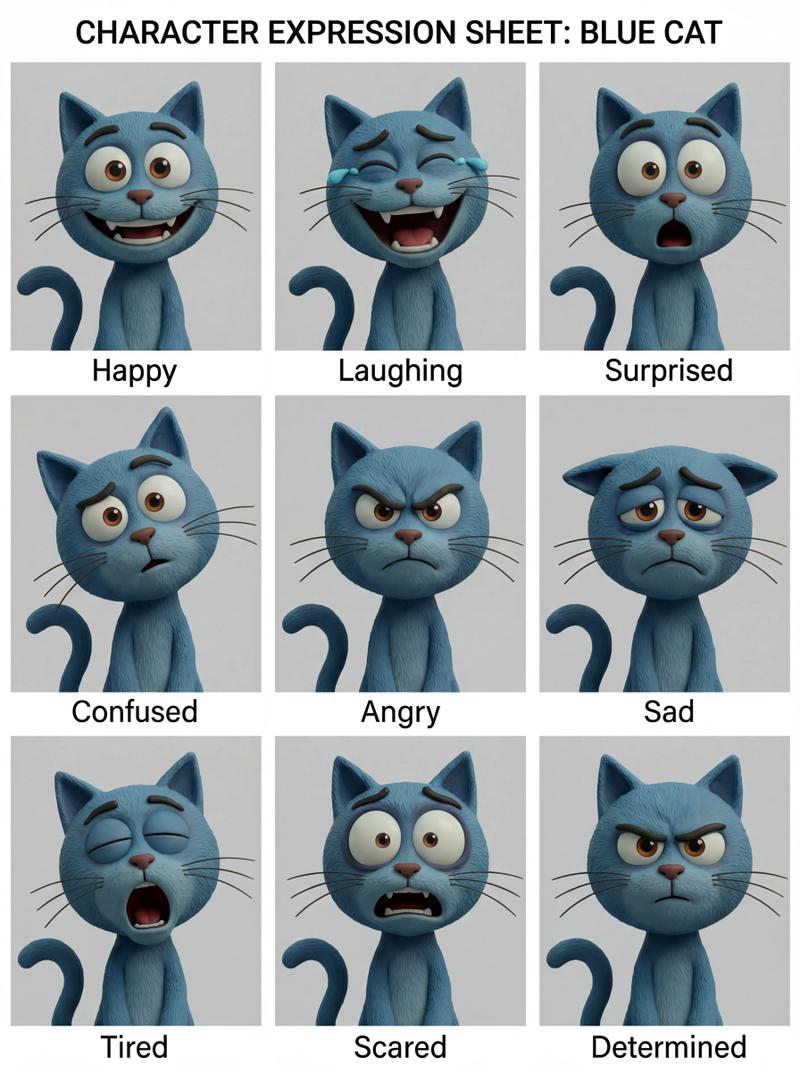
FACS 面部表情 3x3 网格
Prompt
{ "objective": "Create a 3x3 portrait collage inspired by expressive fashion photography, using FACS (Facial Action Coding System) to define each facial expression. The subject is an extremely beautiful [redhead woman with green eyes], captured in candid smartphone-style colored photography", "aspect_ratio": "1:1", "composition": { "layout": "3x3 grid (9 equal portraits)", "framing": "tight head-and-shoulders portraits", "style": "clean grid with minimal spacing, similar framing across all panels", "consistency": "same subject, same lighting, slight variation in pose and angle" }, "subject": { "person": "adult woman", "appearance": { "hair": "natural red hair, slightly wet or textured", "eyes": "green eyes, highly expressive", "beauty": "extreme beauty, sharp yet soft features", "skin": "natural texture, not over-smoothed" }, "outfit": { "top": "low-cut cream tank top", "style": "minimal, clean" } }, "facs_expressions": [ { "panel": 1, "action_units": ["AU4 (brow lowerer)", "AU9 (nose wrinkler)", "AU10 (upper lip raiser)"], "description": "slight snarl expression" }, { "panel": 2, "action_units": ["AU25 (lips part)", "AU26 (jaw drop)", "AU19 (tongue show)"], "description": "playful tongue out" }, { "panel": 3, "action_units": ["AU1 (inner brow raiser)", "AU2 (outer brow raiser)", "AU24 (lip pressor)"], "description": "soft serious look with hands together" }, { "panel": 4, "action_units": ["AU5 (upper lid raiser)", "AU25 (lips part)"], "description": "relaxed upward gaze with hands in hair" }, { "panel": 5, "action_units": ["AU12 (lip corner puller)", "AU6 (cheek raiser)"], "description": "subtle natural smile" }, { "panel": 6, "action_units": ["AU4 (brow lowerer)", "AU10 (upper lip raiser)", "AU25 (lips part)"], "description": "intense biting lip expression" }, { "panel": 7, "action_units": ["AU18 (lip pucker)", "AU22 (lip funneler)"], "description": "playful fish face" }, { "panel": 8, "action_units": ["AU25 (lips part)", "AU26 (jaw drop)", "AU5 (upper lid raiser)"], "description": "surprised open-mouth expression" }, { "panel": 9, "action_units": ["AU1 (inner brow raiser)", "AU15 (lip corner depressor)"], "description": "soft melancholic or tired expression with hand on face" } ], "visual_style": { "genre": "editorial portrait photography", "color": "full color (not black and white)", "quality": "smartphone candid", "texture": [ "visible grain", "natural skin imperfections", "slight noise" ], "color_tone": "neutral to slightly warm tones" }, "lighting": { "style": "direct flash or simple frontal lighting", "effect": "slight harsh shadows, natural highlights, candid feel" }, "camera": { "device": "smartphone", "lens": "standard phone lens", "distance": "close portrait distance", "feel": "handheld, slightly imperfect framing" }, "quality_targets": { "look": "authentic, expressive portrait collage", "focus": "facial expressions driven by FACS accuracy", "consistency": "same subject and lighting across all panels" }, "negative_constraints": [ "no black and white", "no studio perfection", "no over-retouched skin", "no inconsistent face", "no heavy makeup", "no cinematic lighting" ] } *[redhead woman with green eyes] = Replace with the character you wanna- Category
- Charts & Infographics
- Model
- GPT Image 2
- Creator
- #𝐂𝐎𝐋𝐎𝐒𝐒𝐀𝐋𝐌𝐄𝐈𝐑𝐀𝐒🐽
- Source ID
- 20471
- Published
- May 15, 2026
Views12