17

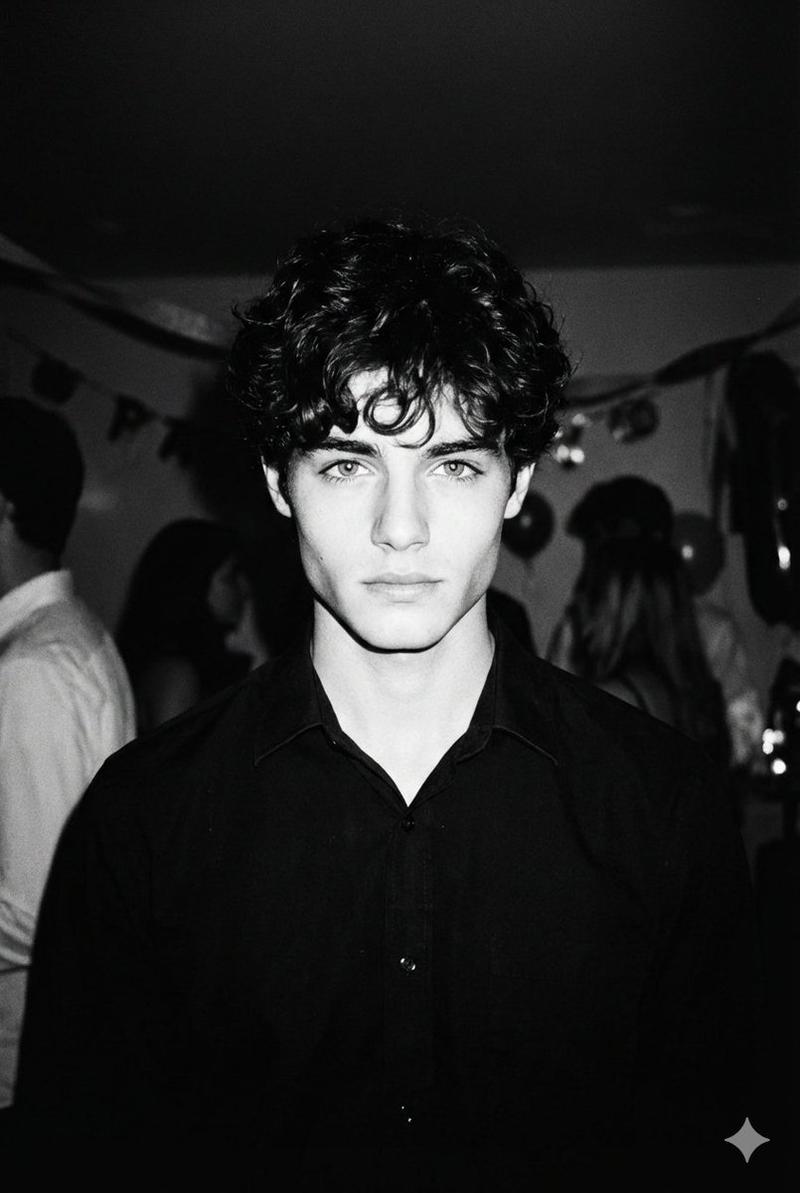
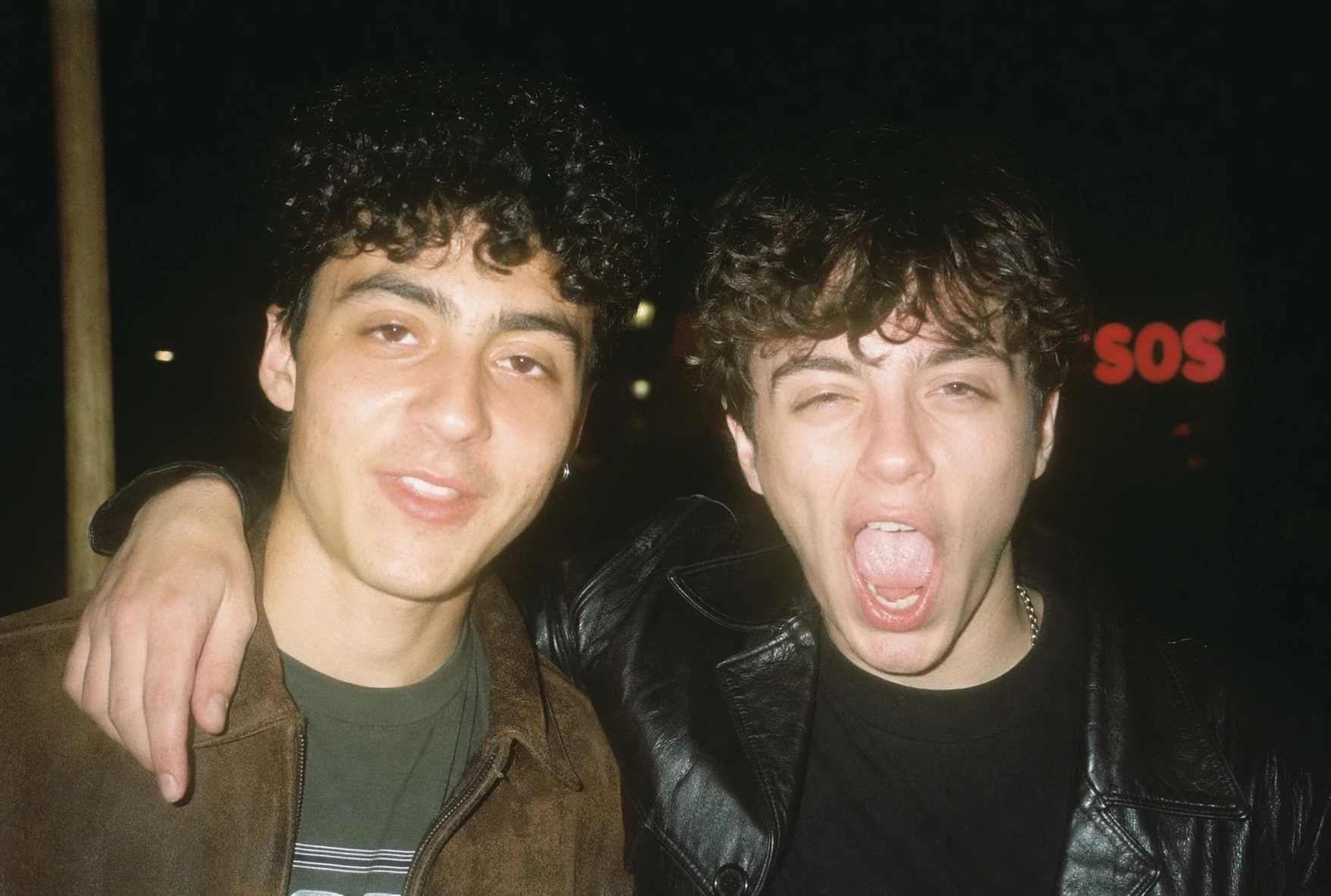
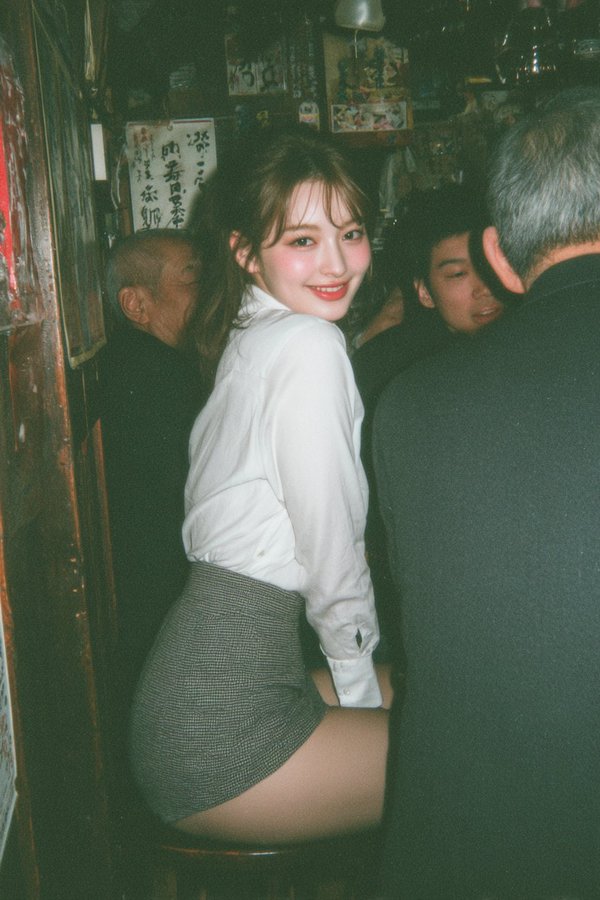
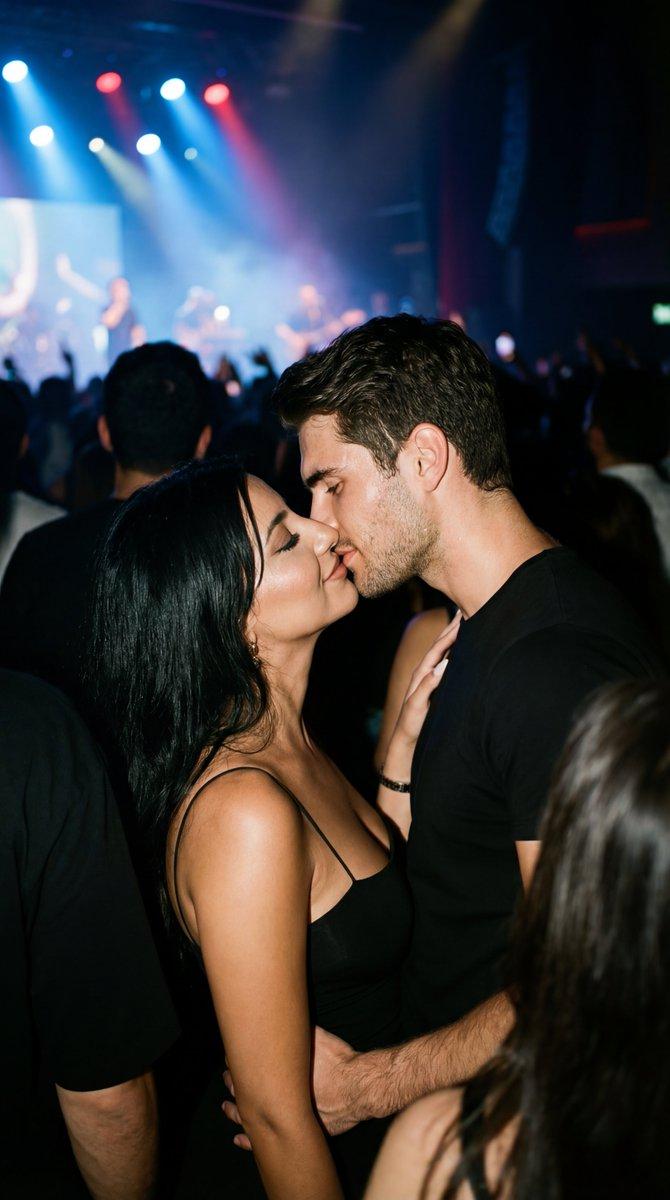
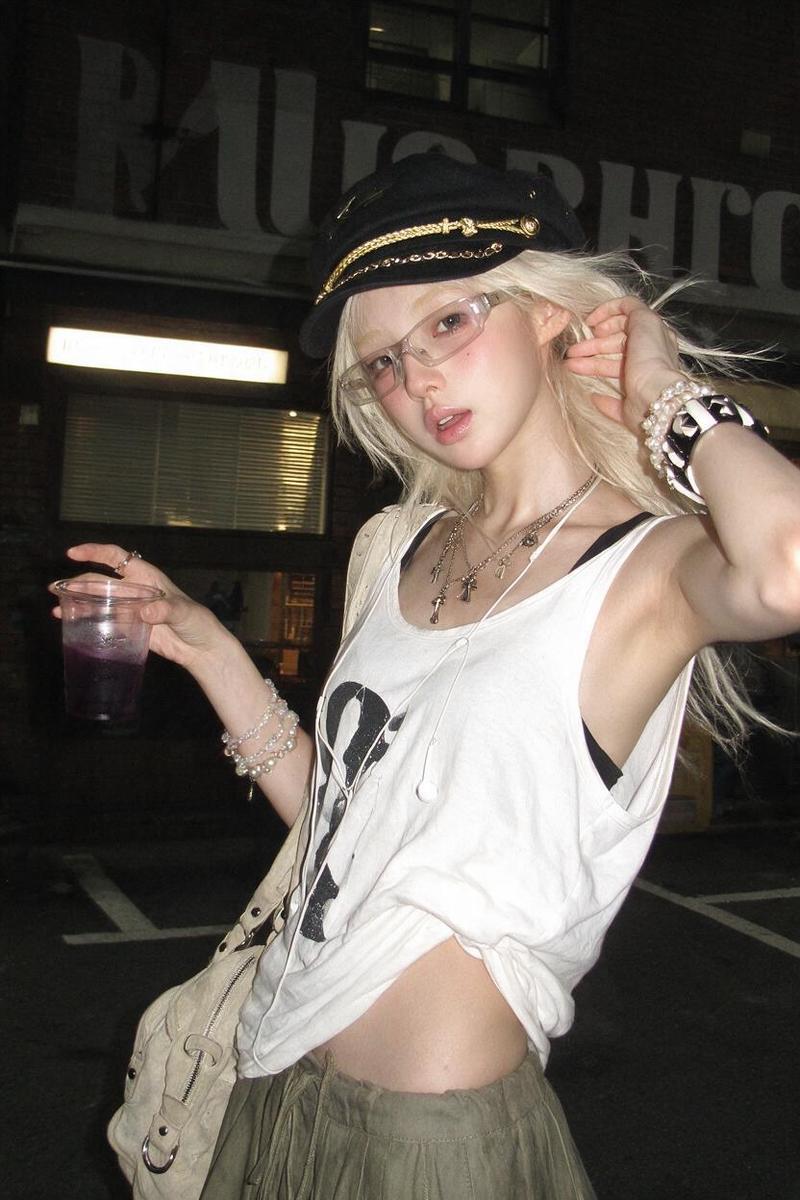
一次性胶片相机夜间抓拍
Enlarge

一次性胶片相机夜间抓拍

Prompt
Using REFERENCE_0 as the subject source, transform the photo into a raw nighttime disposable-camera snapshot while preserving the person's identity, turquoise shirt, and censored/blurred face area. Change the setting from the conference stage to a dark candid outdoor/nightlife scene with tilted framing, harsh direct flash, blown highlights, deep shadows, visible film grain, imperfect focus, slight motion blur, and unpredictable exposure. Recompose the subject off-center on the right, closer and cropped casually, and add a partially visible overexposed blonde-haired person entering from the left foreground. Include a dark background with a small glowing blue square sign resembling the shirt logo and a few blurred colored street or party lights. Make the image feel spontaneous, unposed, raw, and real, like a disposable film camera photo taken at night.
Category
Charts & Infographics
Model
GPT Image 2
Views3
Source ID
20622
Published
May 16, 2026

Guide

About "一次性胶片相机夜间抓拍"

What is this prompt for?

"一次性胶片相机夜间抓拍" AI image prompt for GPT Image 2 (Charts & Infographics). 将参考人像转换为具有原始派对或街拍美感的夜间闪光灯一次性胶片照片。 Copy it on Picva and recreate the look in one click.

The full copyable prompt and example visuals above are ready for AI image generation or one-click recreate in Picva.

How to use this prompt

  1. Step 1

    Open the prompt detail

    Review the example visuals, category, and full prompt text for "一次性胶片相机夜间抓拍".

  2. Step 2

    Copy the prompt

    Copy the prompt body from this page, or load it directly in Studio.

  3. Step 3

    Pick a model (GPT Image 2)

    Prefer GPT Image 2. If you switch models, keep subject and composition and tweak style terms.

  4. Step 4

    Generate and export

    Recreate the look in Picva, or export into your workflow for editing and publishing.

FAQ

What is the "一次性胶片相机夜间抓拍" prompt?
It is an AI image-generation prompt for GPT Image 2 in the Charts & Infographics category. This page includes the full prompt text, example visuals, and a one-click recreate path in Picva.
How do I use this prompt to generate an image?
Copy the prompt from this page, or use Generate / Studio. Paste it into a compatible image model, or recreate the look in Picva with optional reference images.
Which model is this prompt for?
This page lists GPT Image 2. Most descriptive prompts also transfer to nearby image models such as GPT Image, Flux, or Midjourney with light style tweaks.
Can I use the result commercially?
You can usually copy the prompt for creation, but commercial use of the final image depends on the model terms, reference-image rights, and the generated content. Follow the source author and platform rules.