19

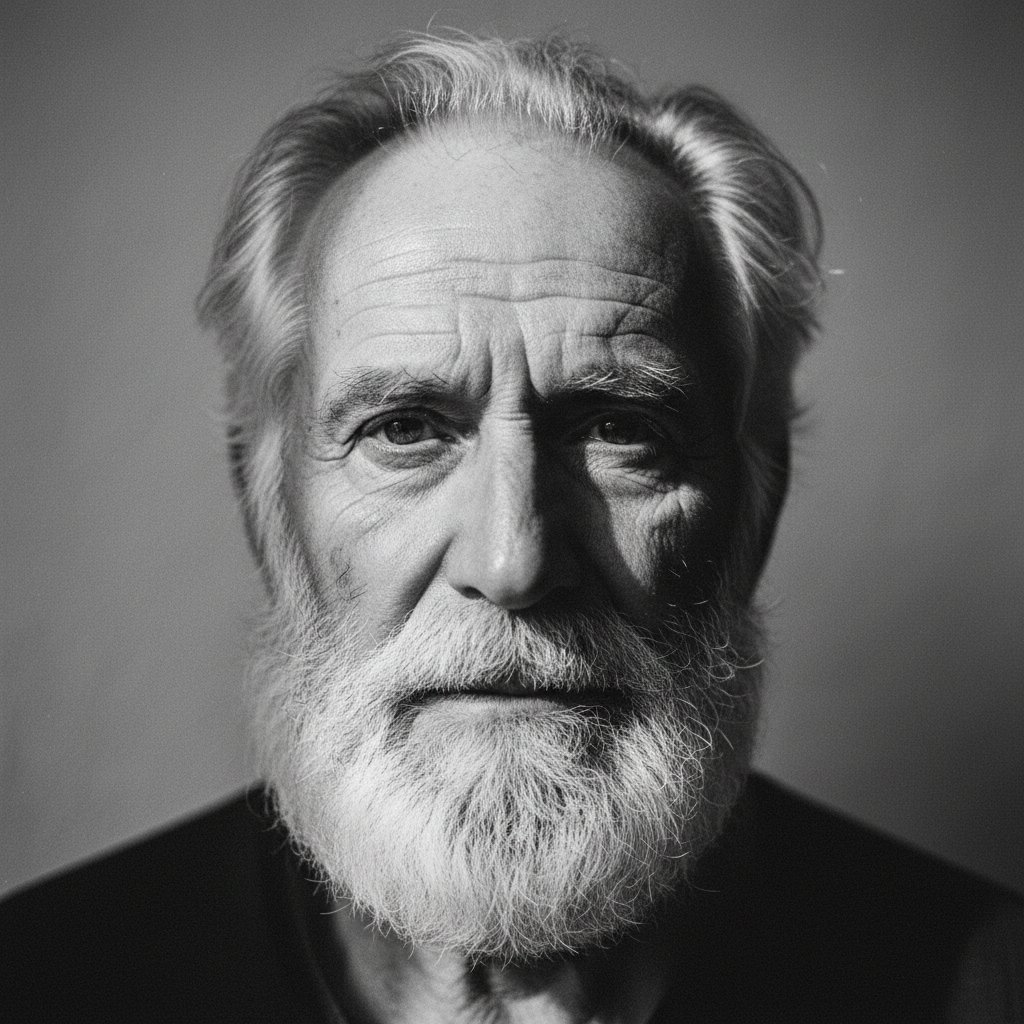
忧郁且被遮挡的老人肖像
Enlarge

忧郁且被遮挡的老人肖像

Prompt
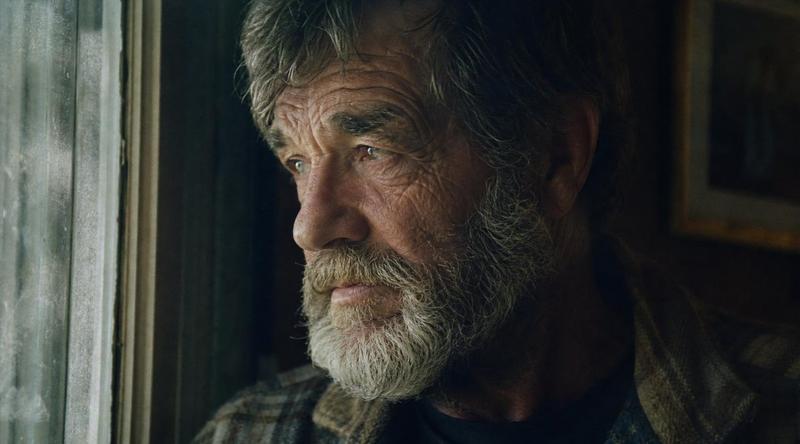
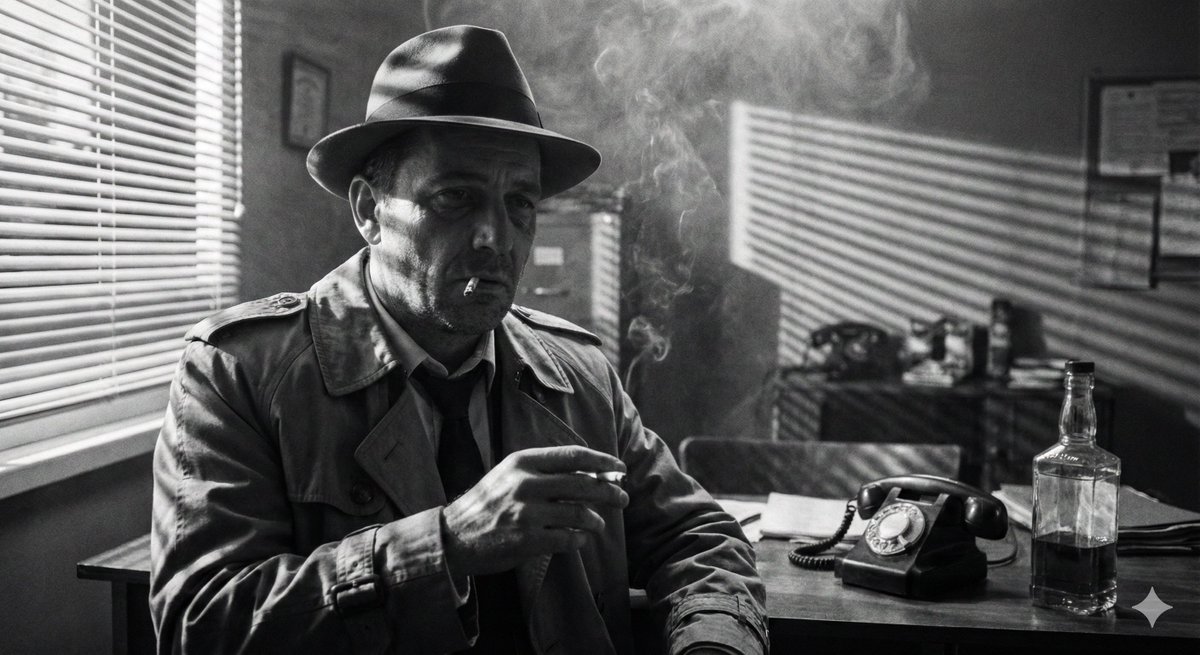
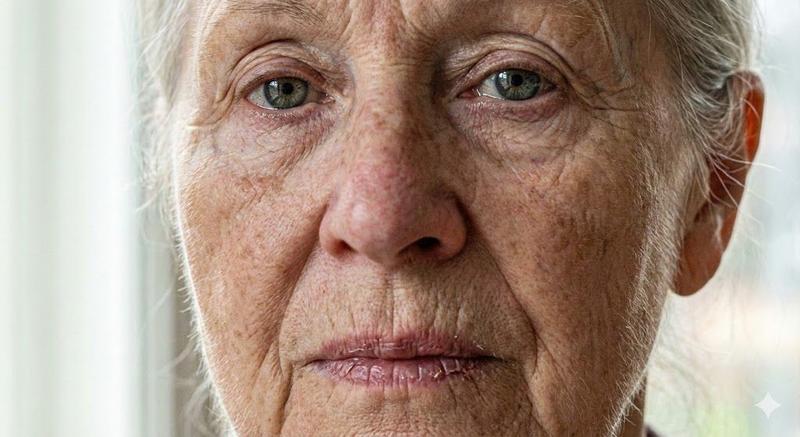
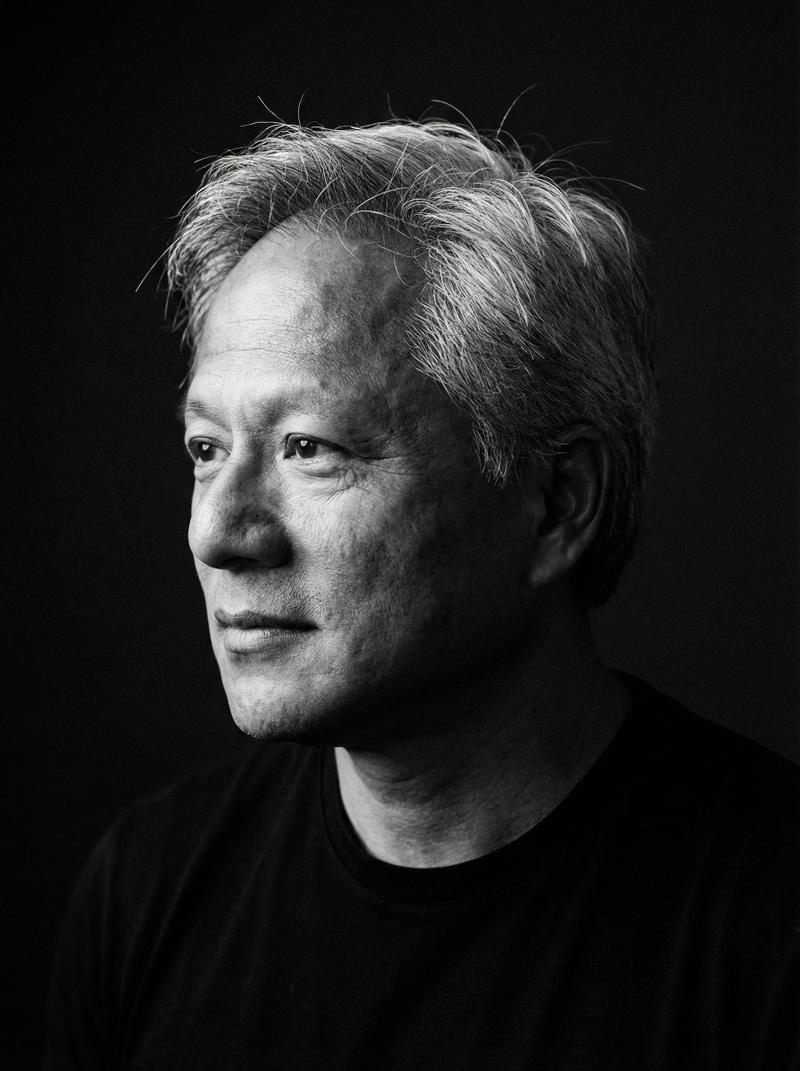
Create a cinematic black-and-white documentary photograph of {argument name="subject" default="an elderly man"} sitting indoors beside a window, shown in a tight side-profile composition from the chest up. He wears a dark wide-brim hat, a heavy dark coat or jacket over a plaid shirt, with long gray hair visible around his ear and deeply wrinkled hands clasped near his mouth in a contemplative pose. The lighting is low-key and moody, with strong shadow on the left side and soft daylight entering from the right through a textured mesh window screen. Include exactly 4 main visible elements: 1 elderly seated man, 1 wide-brim hat, 1 mesh-covered window, and 1 large opaque dark gray rectangular censor block covering the central face and upper torso area. The rectangle should be positioned slightly right of center, spanning much of the man's head and chest, with clean straight edges and no text. Use high contrast monochrome film grain, gritty texture, shallow depth of field, and an intimate quiet atmosphere, as if captured on vintage 35mm film. No captions, no watermark, no color.
Category
Charts & Infographics
Model
GPT Image 2
Creator
Marco
Views5
Source ID
20639
Published
May 16, 2026

Guide

About "忧郁且被遮挡的老人肖像"

What is this prompt for?

"忧郁且被遮挡的老人肖像" AI image prompt for GPT Image 2 (Charts & Infographics). 这是一个黑白电影质感的肖像提示词,用于创作一位坐在窗边沉思的老人,并有意在面部添加深色遮挡块。 Copy it on Picva and recreate the look i…

The full copyable prompt and example visuals above are ready for AI image generation or one-click recreate in Picva.

How to use this prompt

  1. Step 1

    Open the prompt detail

    Review the example visuals, category, and full prompt text for "忧郁且被遮挡的老人肖像".

  2. Step 2

    Copy the prompt

    Copy the prompt body from this page, or load it directly in Studio.

  3. Step 3

    Pick a model (GPT Image 2)

    Prefer GPT Image 2. If you switch models, keep subject and composition and tweak style terms.

  4. Step 4

    Generate and export

    Recreate the look in Picva, or export into your workflow for editing and publishing.

FAQ

What is the "忧郁且被遮挡的老人肖像" prompt?
It is an AI image-generation prompt for GPT Image 2 in the Charts & Infographics category. This page includes the full prompt text, example visuals, and a one-click recreate path in Picva.
How do I use this prompt to generate an image?
Copy the prompt from this page, or use Generate / Studio. Paste it into a compatible image model, or recreate the look in Picva with optional reference images.
Which model is this prompt for?
This page lists GPT Image 2. Most descriptive prompts also transfer to nearby image models such as GPT Image, Flux, or Midjourney with light style tweaks.
Can I use the result commercially?
You can usually copy the prompt for creation, but commercial use of the final image depends on the model terms, reference-image rights, and the generated content. Follow the source author and platform rules.