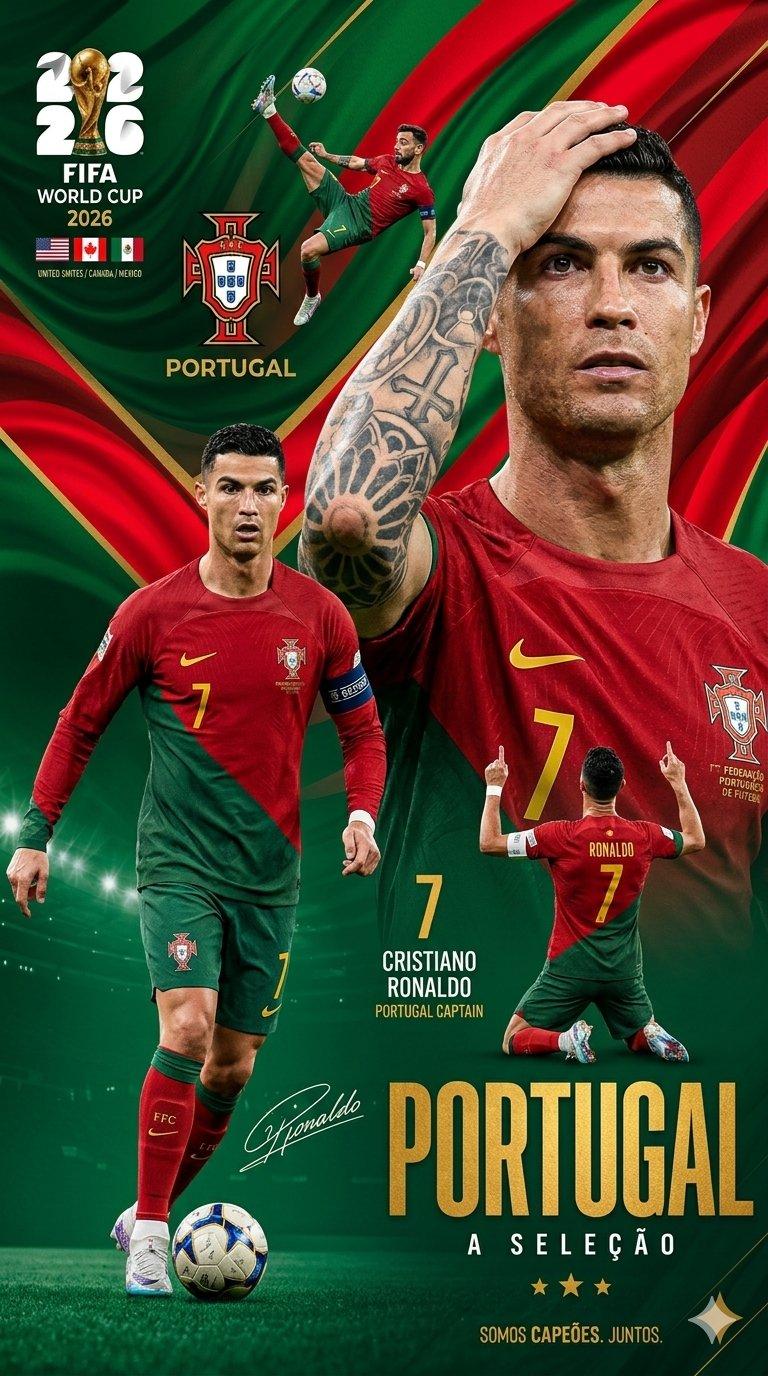
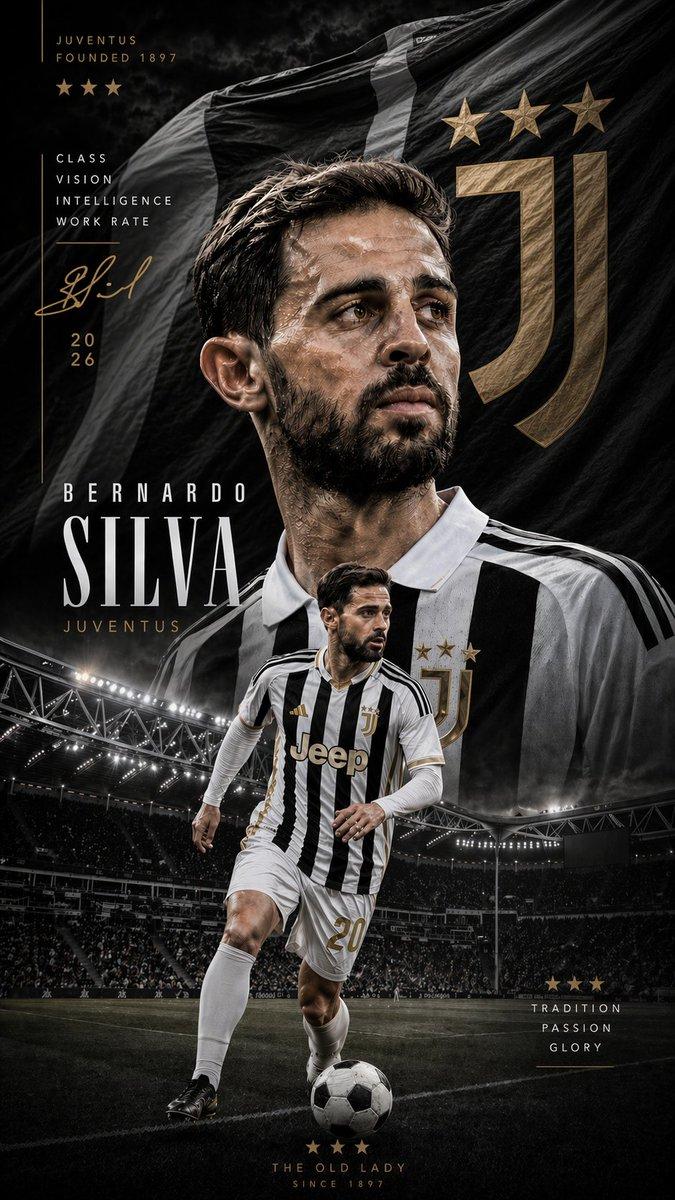
阿根廷 2026 荣耀海报
Prompt
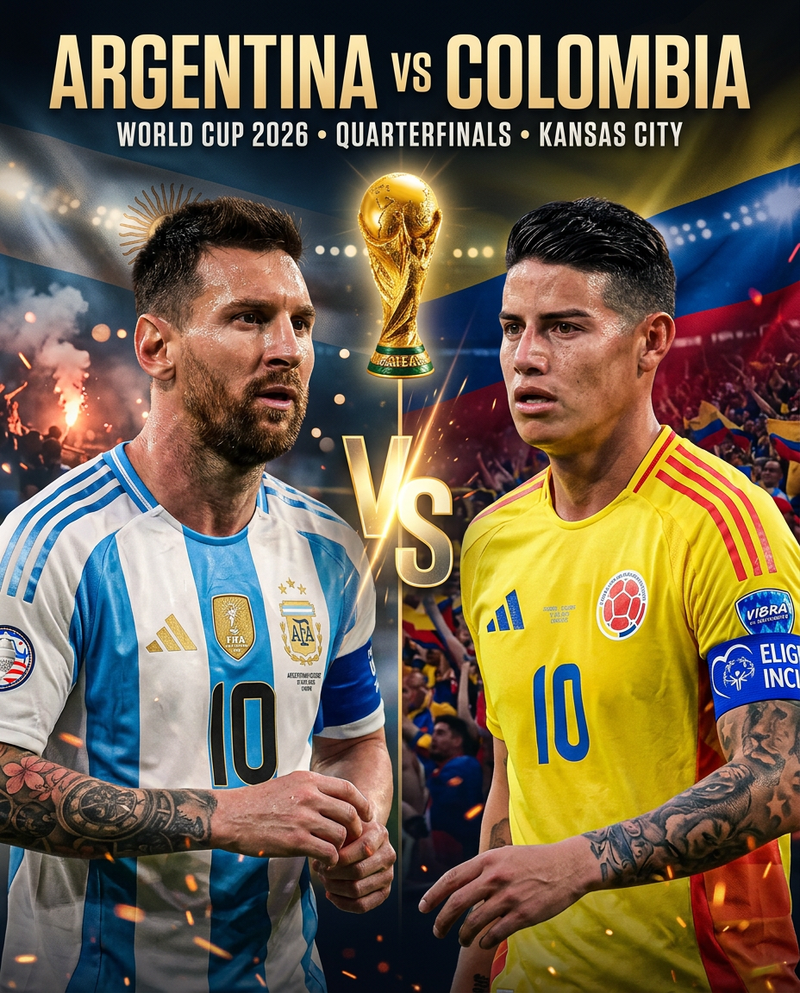
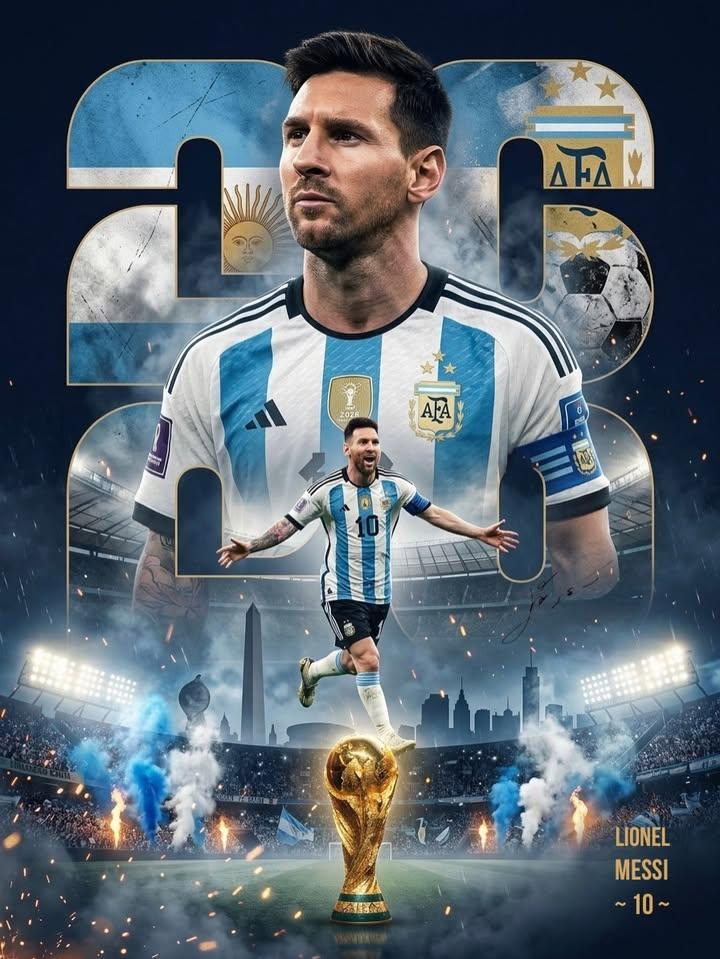
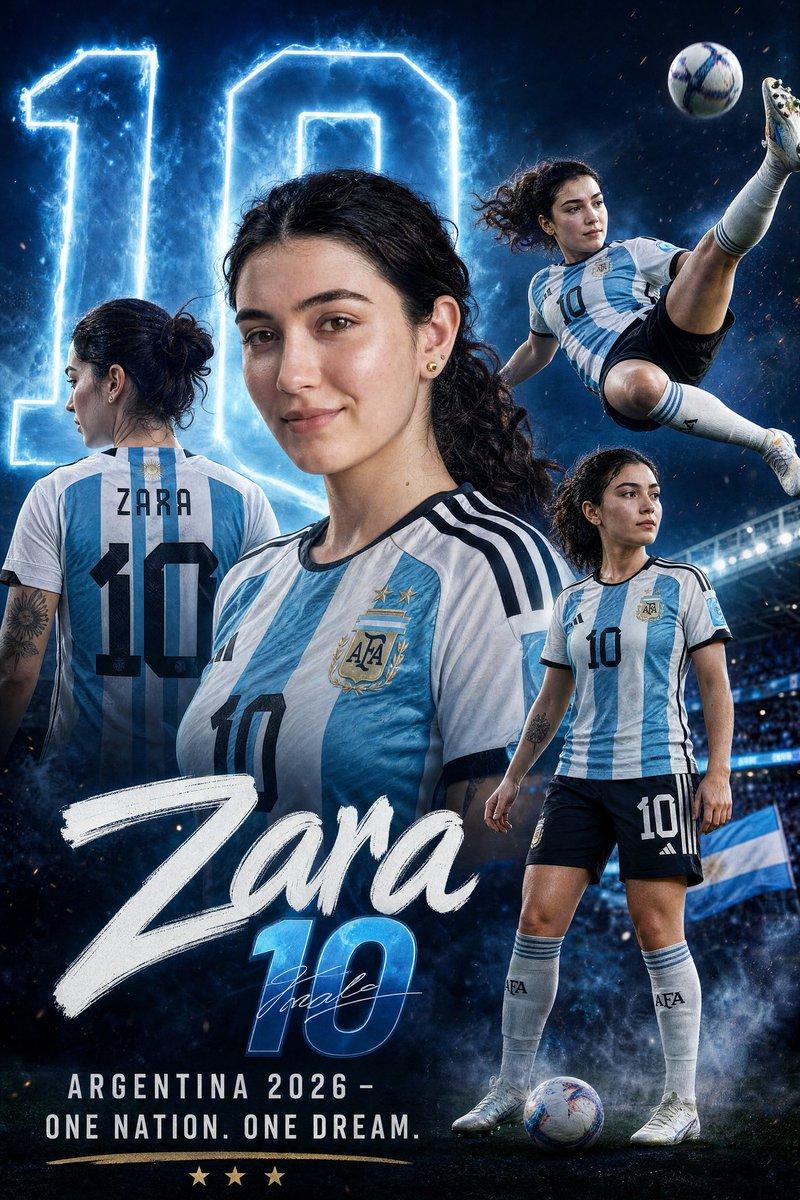
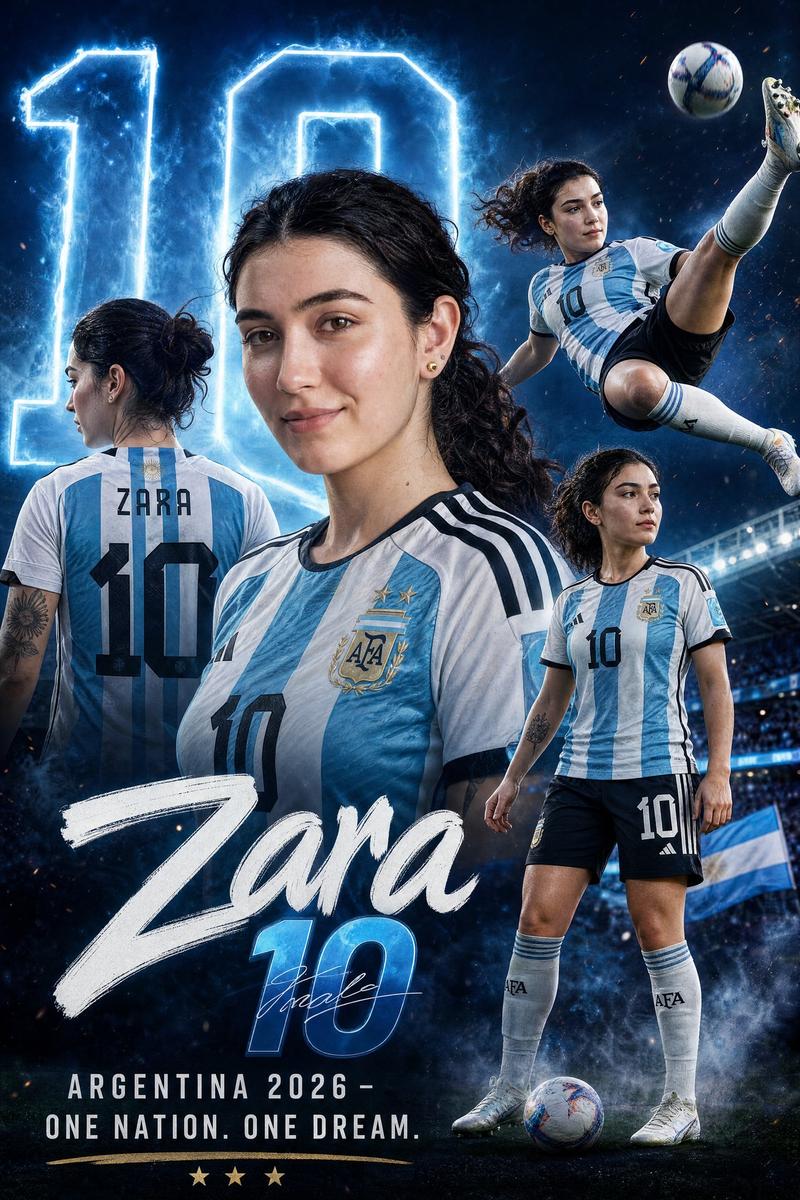
Goal: Create a dramatic vertical sports movie-poster style image for {argument name="team name" default="Argentina"} at the {argument name="tournament text" default="FIFA World Cup 2026"}, showing the national squad as defending champions.

Canvas: Vertical 2:3 poster, cinematic ultra-realistic composite, high contrast, stadium atmosphere, dark blue and gold color grading, smoky haze, sparks, confetti, and bright stadium floodlights around the lower sides.

Layout: Use a heroic pyramid team formation in front of a huge waving Argentina flag that fills the entire background. Place exactly 10 football players in the poster: 1 tall captain centered at the top/back, 4 players across the middle row, and 5 players across the front row. The front center player is the goalkeeper in a black kit holding a football with both gloved hands. All other players wear Argentina's white and sky-blue striped home shirt with black trim, gold champion patches, AFA crest, and visible jersey numbers. Keep all faces intentionally covered by soft rectangular blur masks, as if anonymized.

Subject details: The top central captain wears jersey number 10 with the name Messi and a captain armband. The 4 middle-row players are numbered 11 Di Maria, 20 Mac Allister, 8 E. Fernandez, and 7 De Paul. The 5 front-row players are numbered 3 Tagliafico, 13 Romero, 23 Martinez in the black goalkeeper kit holding the ball, 19 Otamendi, and 26 Molina. Use athletic adult male bodies, serious heroic posture, arms down except the goalkeeper holding the ball.

Logos and symbols: Add a gold AFA crest with three stars in the upper left. Add the gold FIFA World Cup trophy icon in the upper right with stacked text reading "FIFA WORLD CUP 2026". Add small AFA and Adidas marks near the bottom center separated by a thin vertical line.

Text content: At the bottom, create a huge distressed condensed block headline in off-white reading {argument name="headline text" default="THE WEIGHT OF GLORY."}. Beneath it, add a spaced subtitle reading {argument name="subtitle text" default="DEFENDING THE CROWN IN 2026"}, with blue and gold letter coloring. Below that, add small uppercase host text reading {argument name="host countries" default="UNITED STATES · CANADA · MEXICO"}. At the very bottom, add the tagline "THREE STARS. ONE DESTINY." in tiny spaced letters.

Visual style: Premium sports poster, photorealistic players, glossy fabric texture, cinematic lighting, monumental scale, dramatic backlight behind the top captain's head, subtle lens flare, gritty smoke at the bottom, realistic flag folds, sharp typography, no cartoon style.

Constraints: Include exactly 10 players and the exact visible jersey numbers and names listed above. Do not add extra players, extra trophies, extra text blocks, watermarks, or borders. Maintain the anonymized blurred-face effect on every player.- Category
- Charts & Infographics
- Model
- GPT Image 2
- Creator
- ᴍᴜʀᴘʜʏ
- Source ID
- 20643
- Published
- May 15, 2026
Views8