8

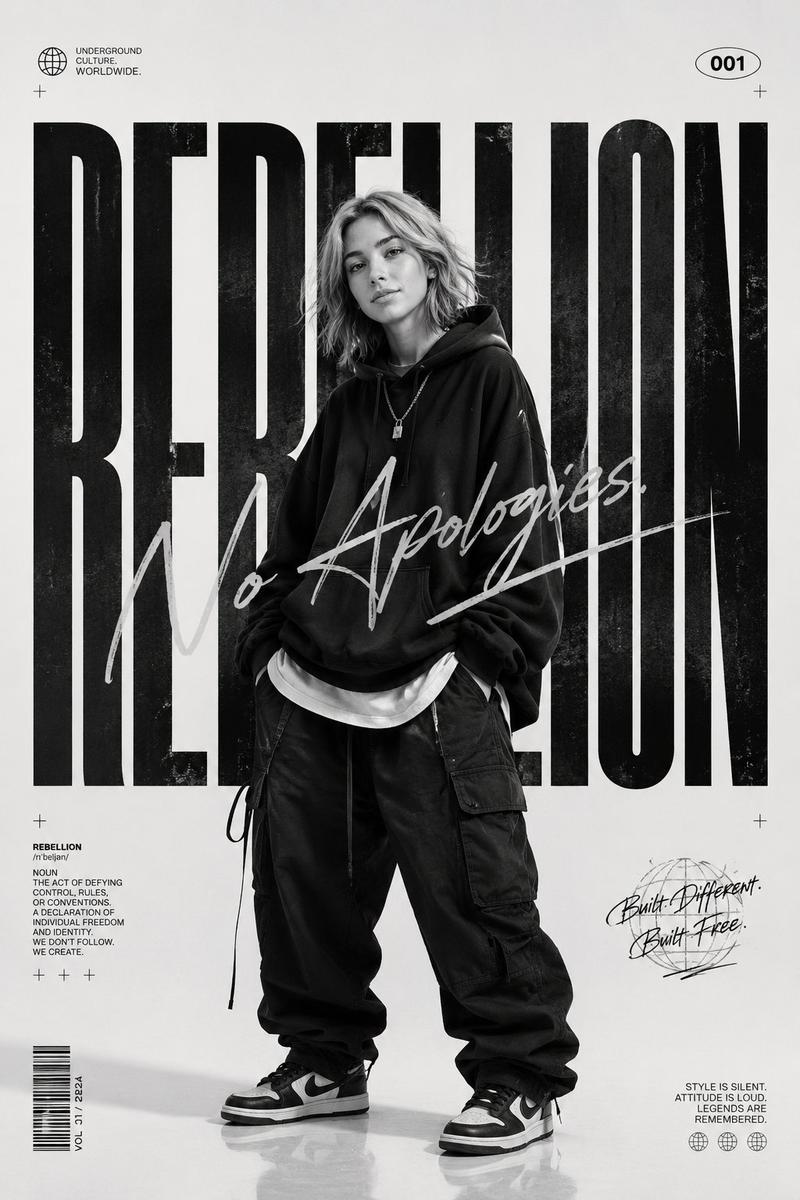
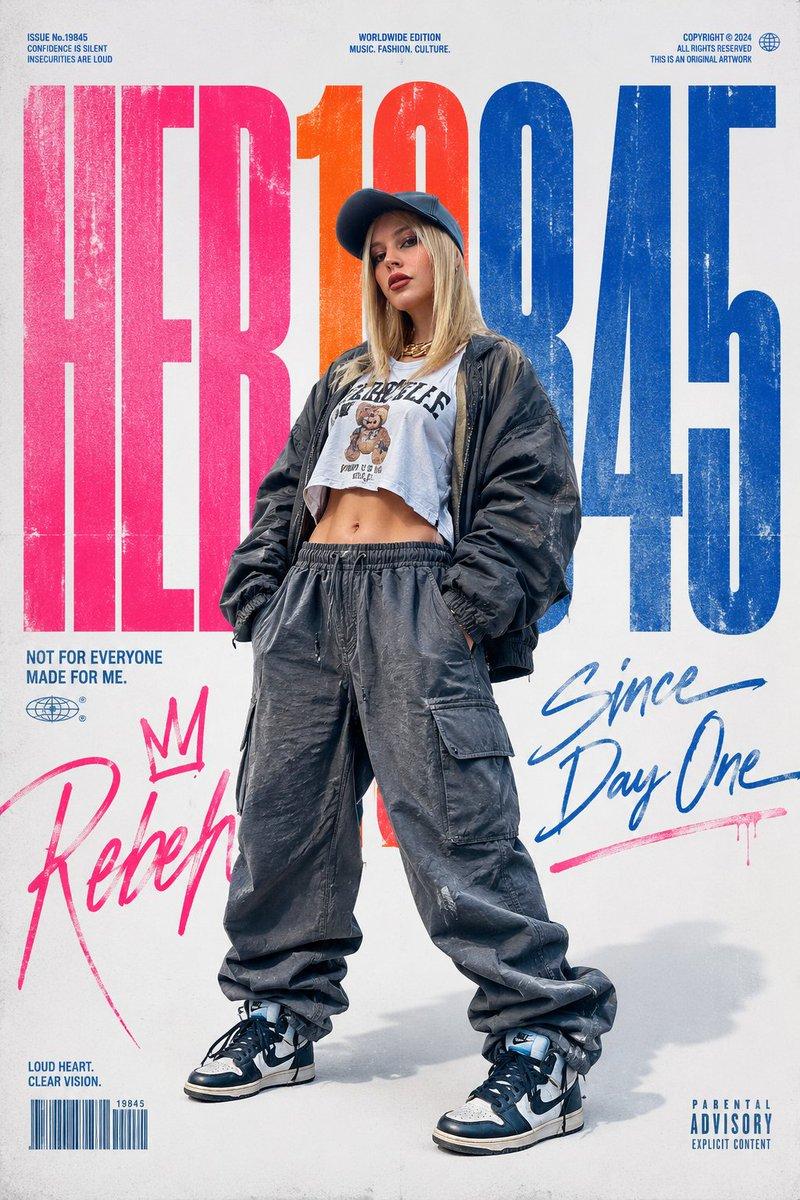
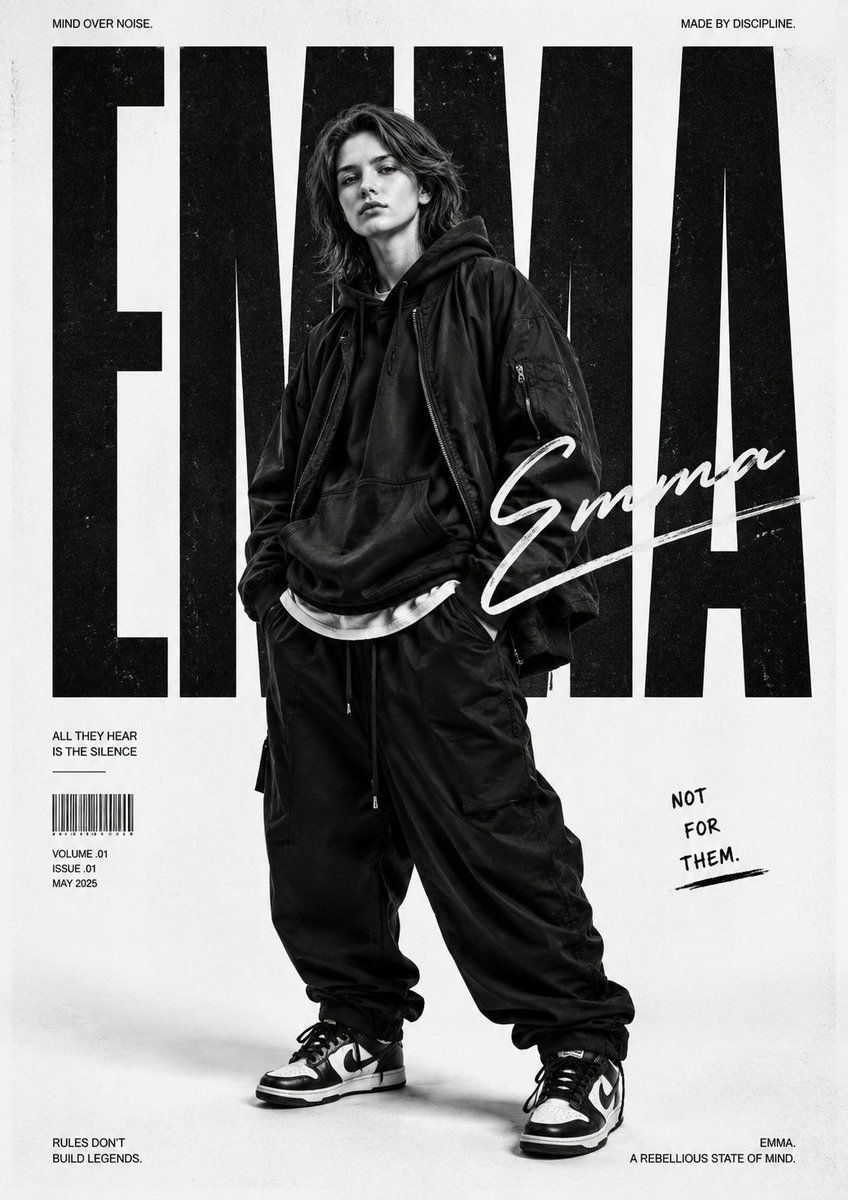
黑白街头潮流时尚海报
Enlarge

黑白街头潮流时尚海报

Prompt
Use my uploaded image as the face reference.

Create a bold monochrome streetwear editorial poster featuring the uploaded person in oversized urban fashion, relaxed stance, hands in pockets, layered baggy clothing, sneakers, and confident rebellious attitude. Main theme keyword: "{argument name="theme" default="URBAN"}".

Use giant condensed typography behind the subject, handwritten signature-style script overlay, minimalist white studio background, gritty texture details, cinematic shadows, and luxury music-magazine aesthetics inspired by modern fashion campaigns.

Black-and-white high-contrast photography style, full-body composition, eye-level angle, 85mm lens, ultra-sharp detail, soft studio lighting with subtle grain, premium viral poster design optimized for fashion and music culture content.
Category
Charts & Infographics
Model
GPT Image 2
Creator
Harboris
Views5
Source ID
20823
Published
May 16, 2026

Guide

About "黑白街头潮流时尚海报"

What is this prompt for?

"黑白街头潮流时尚海报" AI image prompt for GPT Image 2 (Charts & Infographics). 基于参考人脸生成一张大胆的黑白时尚海报,展现超大码都市服装与粗粝质感。 Copy it on Picva and recreate the look in one click.

The full copyable prompt and example visuals above are ready for AI image generation or one-click recreate in Picva.

How to use this prompt

  1. Step 1

    Open the prompt detail

    Review the example visuals, category, and full prompt text for "黑白街头潮流时尚海报".

  2. Step 2

    Copy the prompt

    Copy the prompt body from this page, or load it directly in Studio.

  3. Step 3

    Pick a model (GPT Image 2)

    Prefer GPT Image 2. If you switch models, keep subject and composition and tweak style terms.

  4. Step 4

    Generate and export

    Recreate the look in Picva, or export into your workflow for editing and publishing.

FAQ

What is the "黑白街头潮流时尚海报" prompt?
It is an AI image-generation prompt for GPT Image 2 in the Charts & Infographics category. This page includes the full prompt text, example visuals, and a one-click recreate path in Picva.
How do I use this prompt to generate an image?
Copy the prompt from this page, or use Generate / Studio. Paste it into a compatible image model, or recreate the look in Picva with optional reference images.
Which model is this prompt for?
This page lists GPT Image 2. Most descriptive prompts also transfer to nearby image models such as GPT Image, Flux, or Midjourney with light style tweaks.
Can I use the result commercially?
You can usually copy the prompt for creation, but commercial use of the final image depends on the model terms, reference-image rights, and the generated content. Follow the source author and platform rules.