17

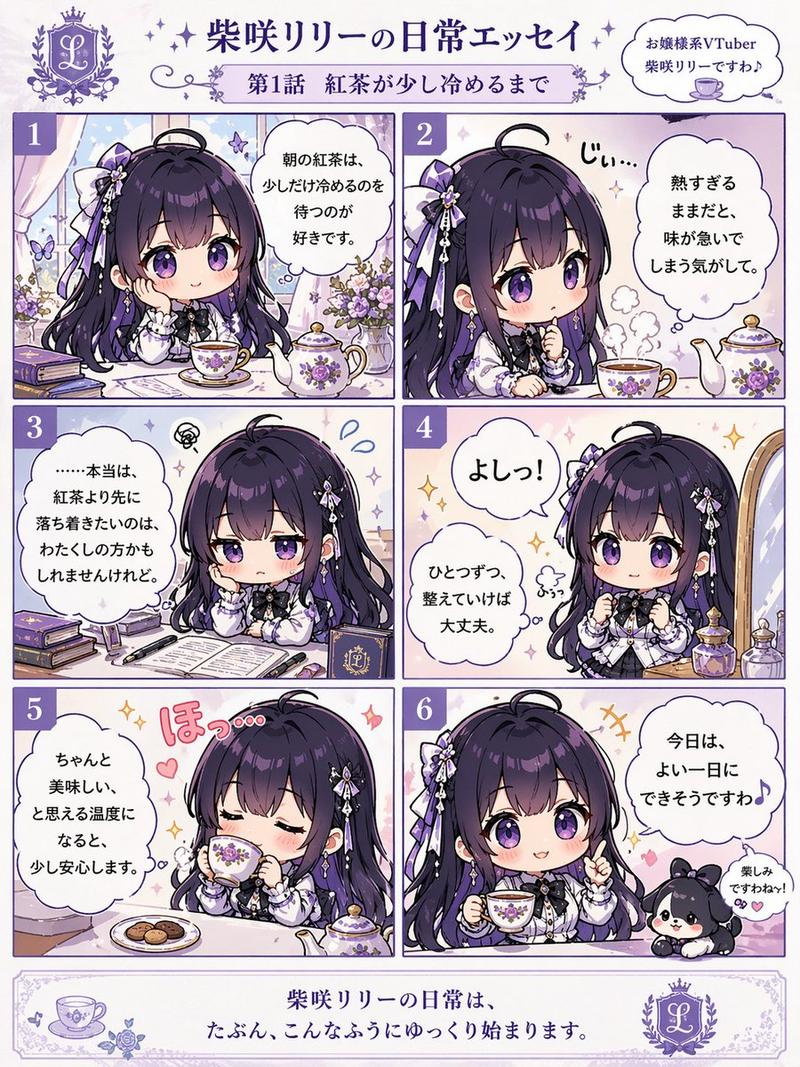
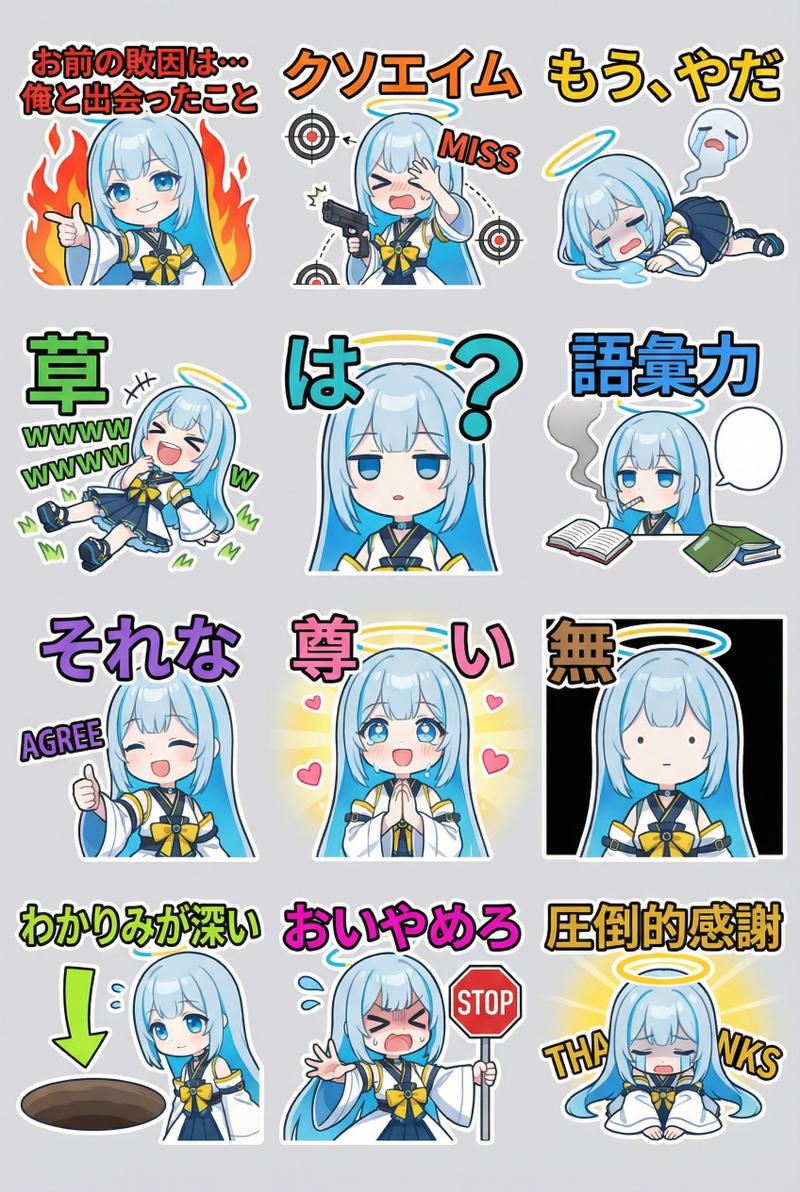
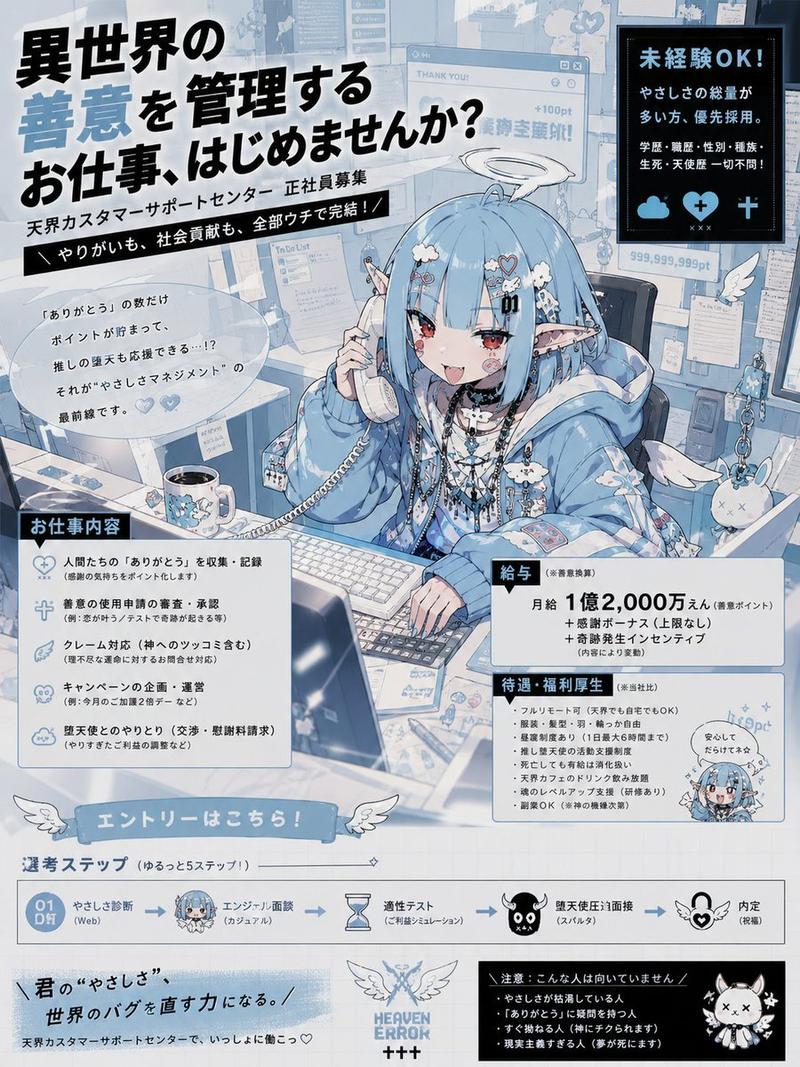
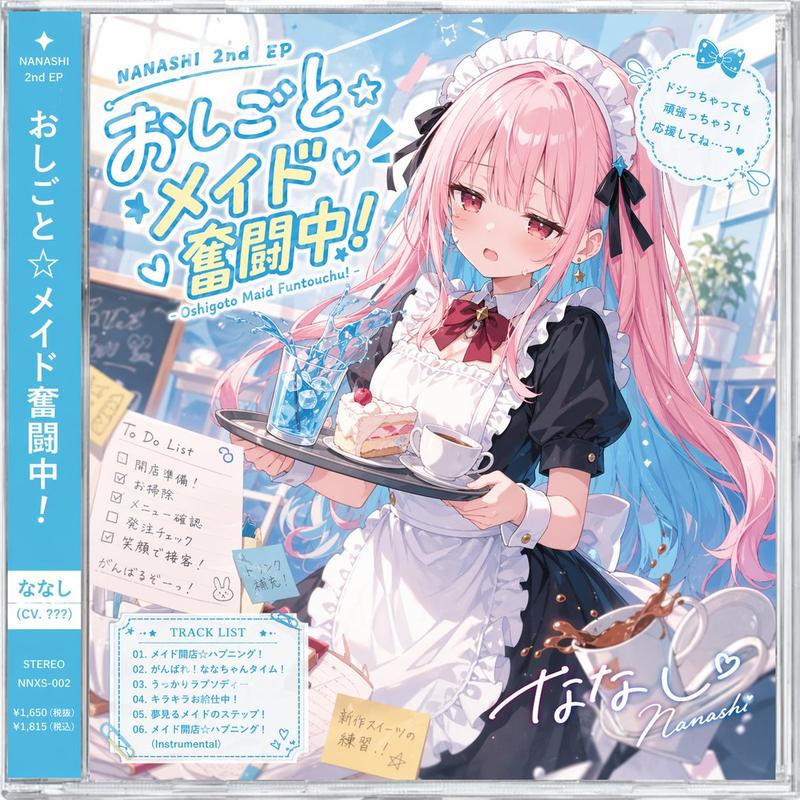
漫画风食谱插画生成器
Enlarge

漫画风食谱插画生成器

Prompt
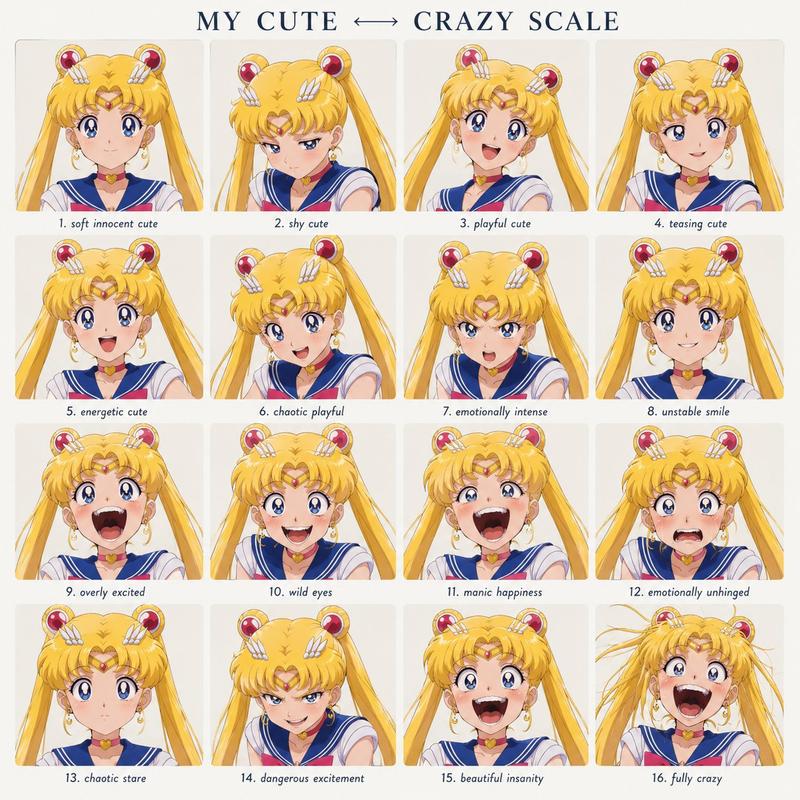
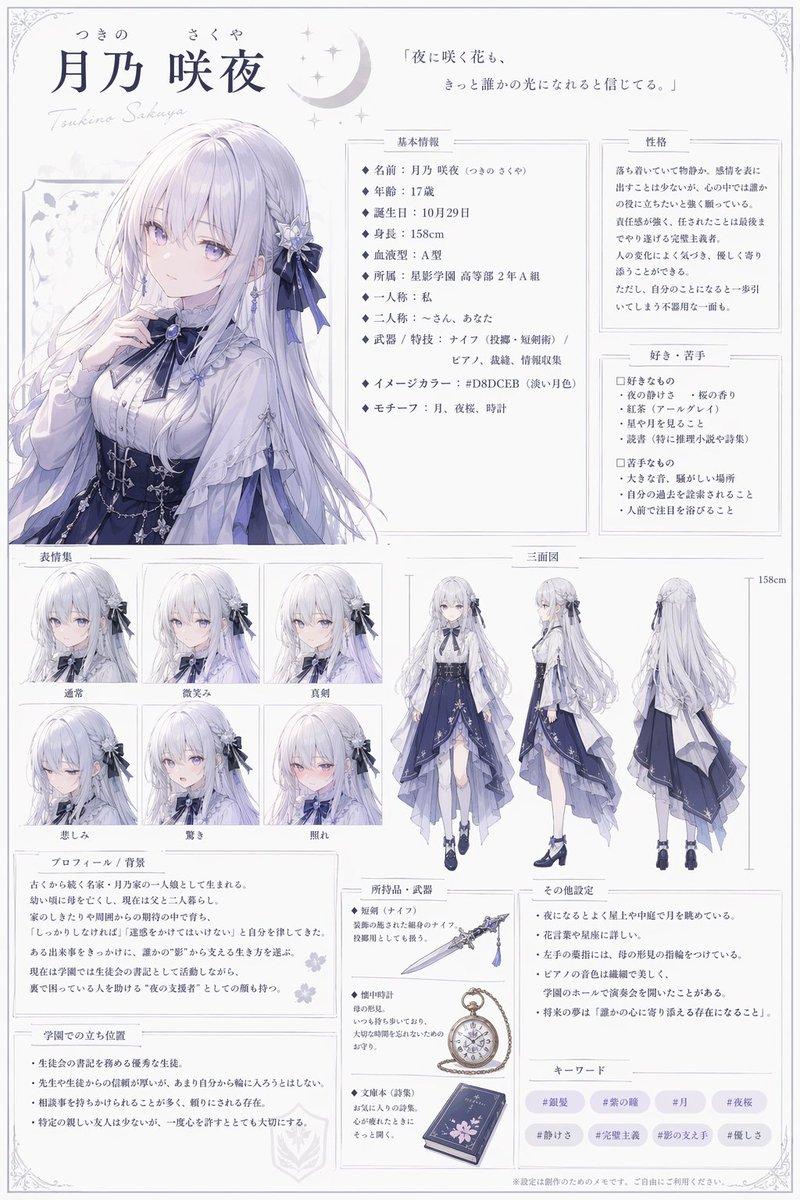
请使用参考图片中的角色,创作一张“{argument name="recipe type" default="简易食谱介绍插画页"}”,营造出幽默且轻松的氛围。

仅将提供的图片用作角色参考。请勿复用原图的构图、姿势、背景、拍摄角度或布局。

AI 应自由构思食谱内容。

烹饪类型应为现实生活中简单的菜肴,例如 {argument name="cooking genre" default="懒人餐、简单零食、宵夜、省钱餐、垃圾食品风小吃、剩菜料理、便利店改造美食或快手小菜"}。

整体画面应呈现出日本网络食谱文章、杂志附录页、休闲个人博客、社交媒体梗图或轻松漫画的氛围。

结构要求:- 包含多个分步小格 - 在每个步骤中加入角色的 SD/Q 版形象 - 加入烹饪过程中的反应或小笑话 - 加入慌乱表情、得意表情、手忙脚乱的感觉、小事故、莫名其妙的干劲等 - 加入手绘风格的箭头、笔记、补充说明和粗略的警告 - 布局略显杂乱 - 确保信息密度高,但保持易读且有序。

即使呈现方式偏向搞笑,也要让食物看起来足够诱人,让人产生“或许我也试试做这个”的想法。

在图片底部,放置一张展示成品菜肴的大幅主图。

加入一个角色亲自品尝菜肴的场景,并配上表达感想的气泡框。

感想应出人意料地具有说服力、傻气、充满奇怪的活力,但让人看了想吃。

重要提示:- 不要让食物看起来倒胃口 - 不要往高端料理或正式餐厅的方向设计 - 不要使用过于整洁的极简设计 - 不要制作成毫无生气的图表 - 强调漫画风格的反应和日常生活感 - 平衡轻松的氛围与实用性 - 保持角色的面部特征和身份一致。
Category
Products & E-commerce
Model
GPT Image 2
Views5
Source ID
20833
Published
May 16, 2026

Guide

About "漫画风食谱插画生成器"

What is this prompt for?

"漫画风食谱插画生成器" AI image prompt for GPT Image 2 (Products & E-commerce). 一个图生图提示词,用于创作风格轻松幽默、角色一致且氛围活泼的漫画风食谱页面。 Copy it on Picva and recreate the look in one clic…

The full copyable prompt and example visuals above are ready for AI image generation or one-click recreate in Picva.

How to use this prompt

  1. Step 1

    Open the prompt detail

    Review the example visuals, category, and full prompt text for "漫画风食谱插画生成器".

  2. Step 2

    Copy the prompt

    Copy the prompt body from this page, or load it directly in Studio.

  3. Step 3

    Pick a model (GPT Image 2)

    Prefer GPT Image 2. If you switch models, keep subject and composition and tweak style terms.

  4. Step 4

    Generate and export

    Recreate the look in Picva, or export into your workflow for editing and publishing.

FAQ

What is the "漫画风食谱插画生成器" prompt?
It is an AI image-generation prompt for GPT Image 2 in the Products & E-commerce category. This page includes the full prompt text, example visuals, and a one-click recreate path in Picva.
How do I use this prompt to generate an image?
Copy the prompt from this page, or use Generate / Studio. Paste it into a compatible image model, or recreate the look in Picva with optional reference images.
Which model is this prompt for?
This page lists GPT Image 2. Most descriptive prompts also transfer to nearby image models such as GPT Image, Flux, or Midjourney with light style tweaks.
Can I use the result commercially?
You can usually copy the prompt for creation, but commercial use of the final image depends on the model terms, reference-image rights, and the generated content. Follow the source author and platform rules.