16

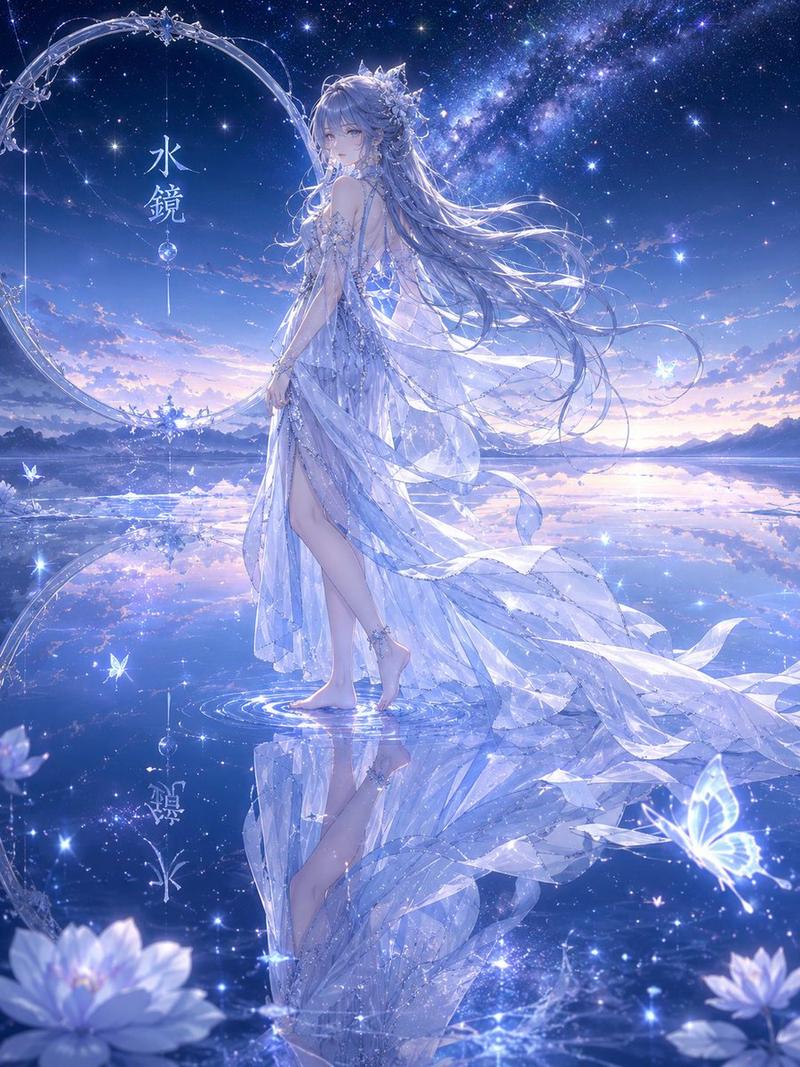
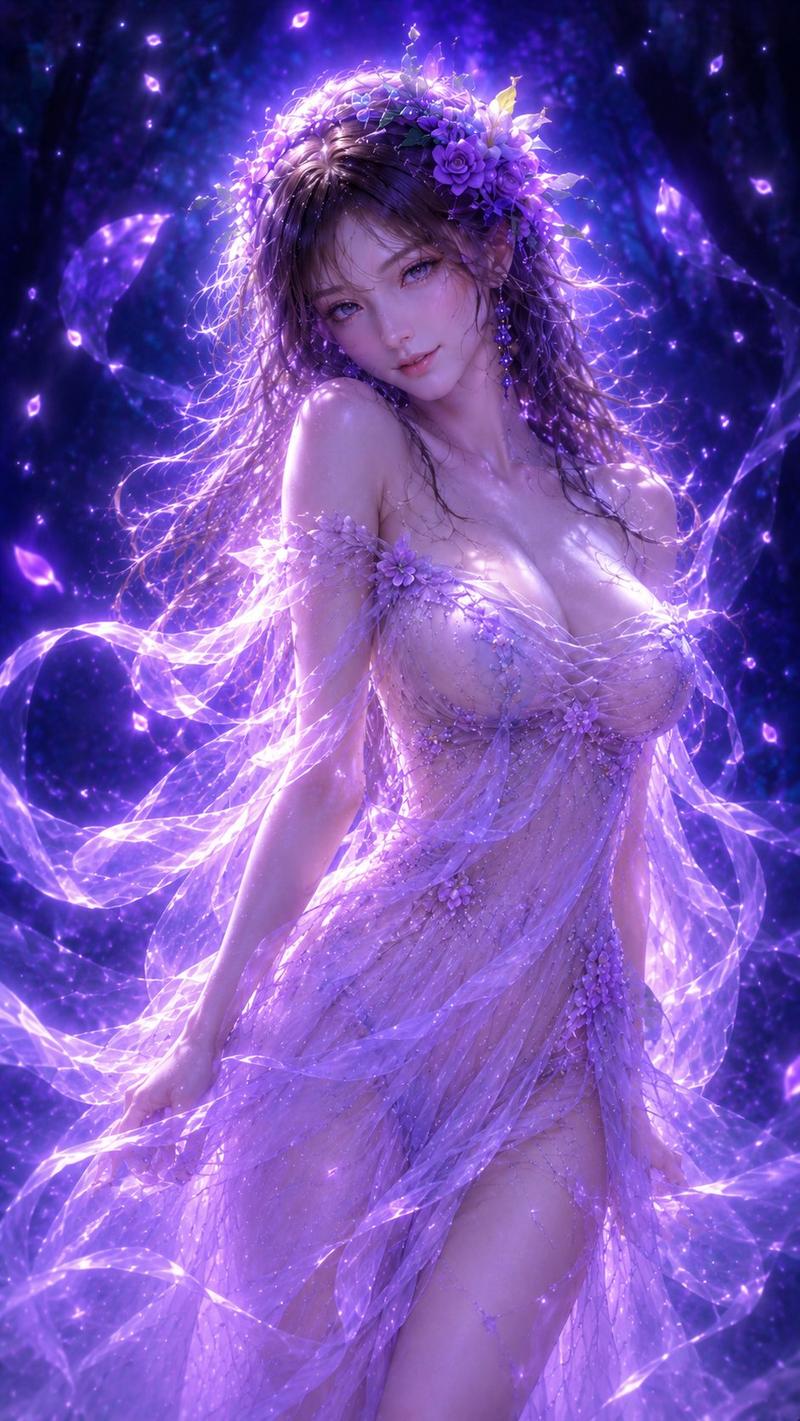
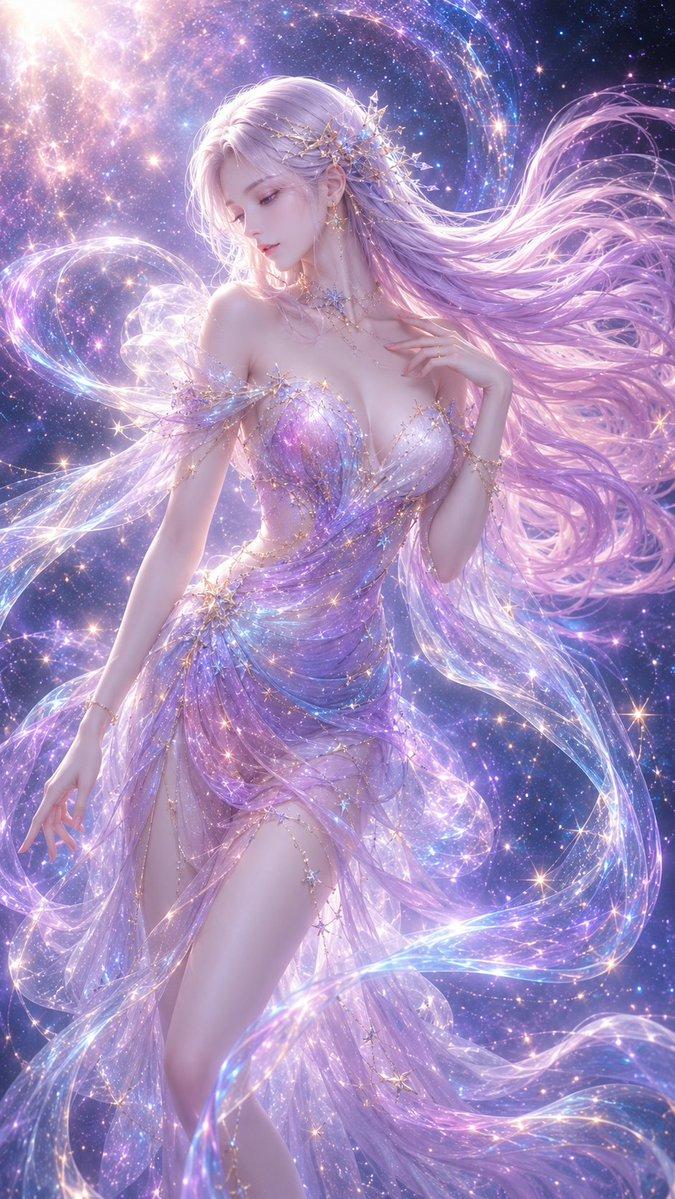
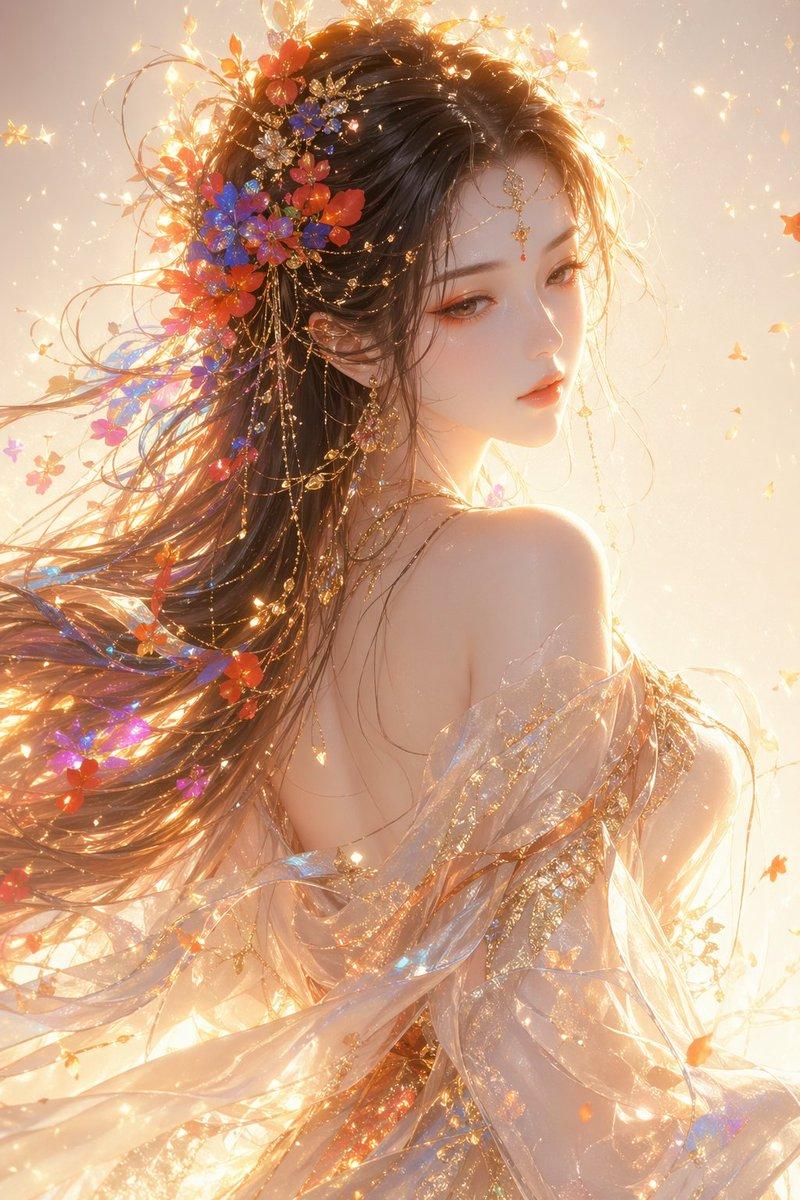
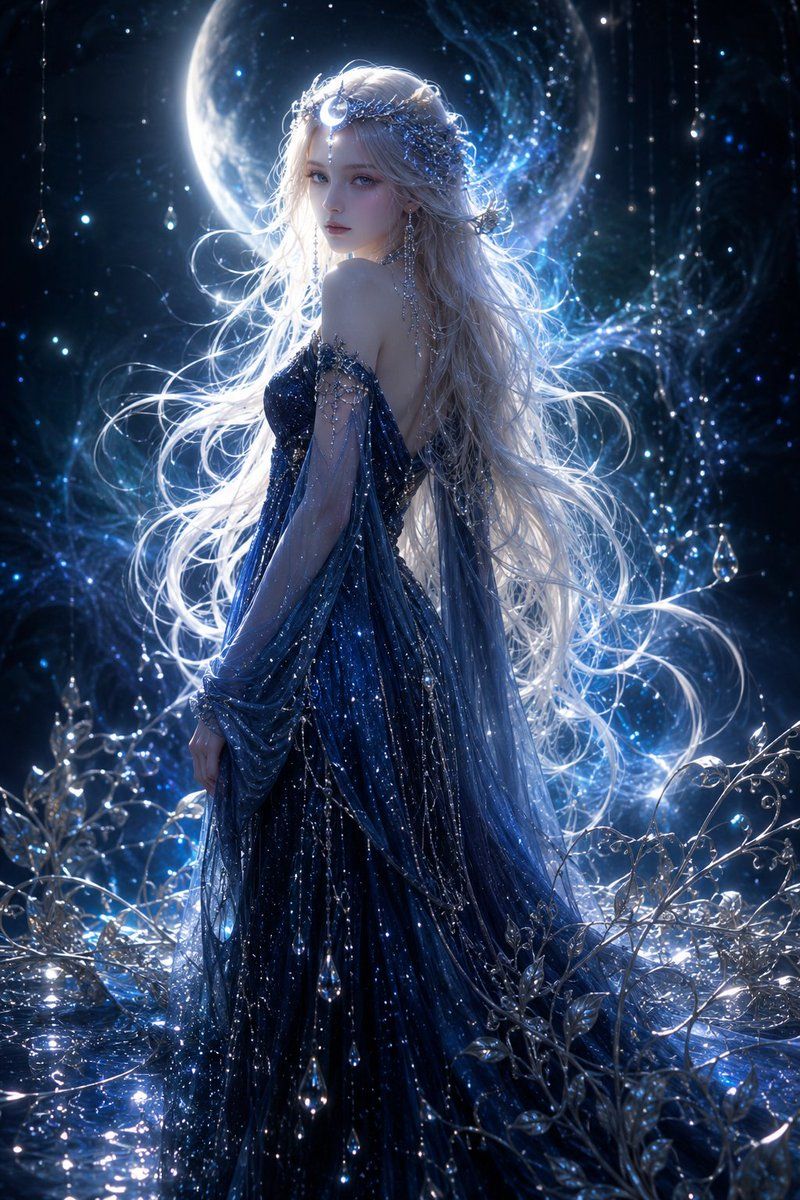
月光女神肖像
Enlarge

月光女神肖像

Prompt
Create a vertical 2:3 cinematic fantasy portrait of one ethereal moon goddess standing in a dark enchanted night garden. She is shown from behind in a graceful three-quarter pose, head turned slightly left, with her face intentionally covered by one centered soft-edged pale gray square censor block. She has extremely long flowing {argument name="hair color" default="silvery white"} hair streaming outward in luminous strands, backlit so the hair glows blue-white. She wears one deep {argument name="dress color" default="midnight navy blue"} off-shoulder, backless, floor-length gown made of sheer layered chiffon, glittering with star-like specks, silver embroidery, bead chains, and dangling crystal droplets. Add one ornate celestial hair crown with moonlike silver branches and tiny blue gems. The background contains one huge glowing crescent-like full moon behind her head and shoulders, a deep black-blue starfield, swirling blue nebula mist, and magical particles. Include exactly 3 prominent suspended teardrop crystals hanging from thin vertical chains: one near the upper left edge, one near the upper right edge, and one at mid-right. The foreground is filled with reflective water, silver vines, crystal leaves, sparkling frost, and blue-white highlights. Use dramatic rim lighting, high contrast, glossy reflections, volumetric glow, ultra-detailed fantasy couture, romantic dark fairytale atmosphere, photorealistic digital art, sharp focus on the dress and hair, no text, no watermark.
Category
Charts & Infographics
Model
GPT Image 2
Views9
Source ID
20888
Published
May 16, 2026

Guide

About "月光女神肖像"

What is this prompt for?

"月光女神肖像" AI image prompt for GPT Image 2 (Charts & Infographics). 一个电影级奇幻肖像提示词,用于创作一位置身于璀璨星光花园中的空灵月亮女神,拥有银色长发、水晶细节,并带有戏剧性的面部遮挡方块。 Copy it on Picva and recreate…

The full copyable prompt and example visuals above are ready for AI image generation or one-click recreate in Picva.

How to use this prompt

  1. Step 1

    Open the prompt detail

    Review the example visuals, category, and full prompt text for "月光女神肖像".

  2. Step 2

    Copy the prompt

    Copy the prompt body from this page, or load it directly in Studio.

  3. Step 3

    Pick a model (GPT Image 2)

    Prefer GPT Image 2. If you switch models, keep subject and composition and tweak style terms.

  4. Step 4

    Generate and export

    Recreate the look in Picva, or export into your workflow for editing and publishing.

FAQ

What is the "月光女神肖像" prompt?
It is an AI image-generation prompt for GPT Image 2 in the Charts & Infographics category. This page includes the full prompt text, example visuals, and a one-click recreate path in Picva.
How do I use this prompt to generate an image?
Copy the prompt from this page, or use Generate / Studio. Paste it into a compatible image model, or recreate the look in Picva with optional reference images.
Which model is this prompt for?
This page lists GPT Image 2. Most descriptive prompts also transfer to nearby image models such as GPT Image, Flux, or Midjourney with light style tweaks.
Can I use the result commercially?
You can usually copy the prompt for creation, but commercial use of the final image depends on the model terms, reference-image rights, and the generated content. Follow the source author and platform rules.