20

居中秋季肖像重绘
Enlarge

居中秋季肖像重绘

Prompt
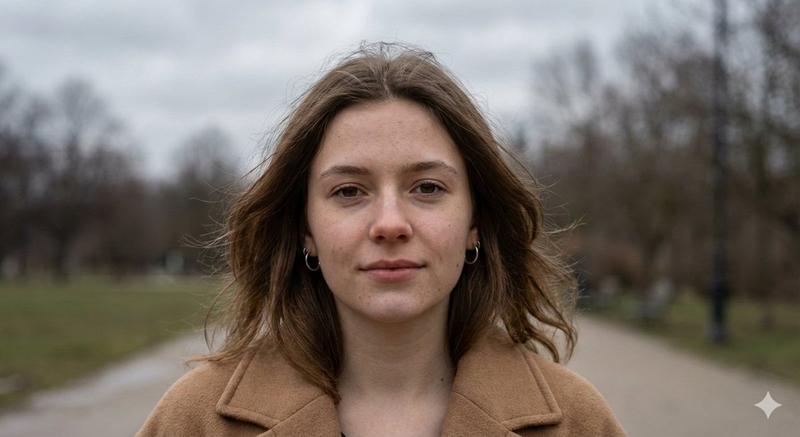
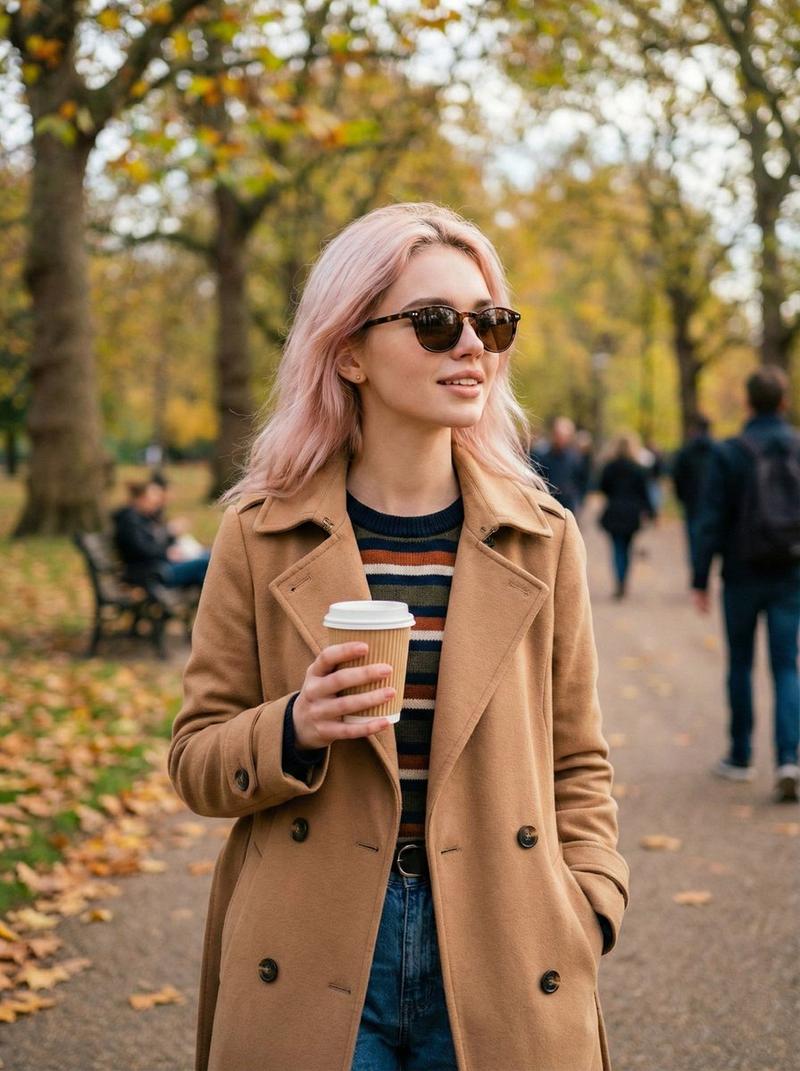
Using the provided reference image, regenerate the same portrait as a more polished, photorealistic close-up while preserving the subject’s pose, clothing, hat, glasses, autumn park setting, and the large opaque privacy block covering the face. Change the framing to a tighter landscape crop with the subject more centered and larger in frame, keep the face-obscuring square in the same central position over the face, and make the background sharper and richer with golden-orange fall foliage, tree-lined path depth, warm late-afternoon sunlight, and natural bokeh. Maintain realistic lighting, camera depth of field, and no added text or watermark.
Category
Posters & Typography
Model
GPT Image 2
Views5
Source ID
20898
Published
May 16, 2026

Guide

About "居中秋季肖像重绘"

What is this prompt for?

"居中秋季肖像重绘" AI image prompt for GPT Image 2 (Posters & Typography). 将参考肖像转换为更紧凑、更温暖的写实风格秋季特写,同时保留匿名遮挡块。 Copy it on Picva and recreate the look in one click.

The full copyable prompt and example visuals above are ready for AI image generation or one-click recreate in Picva.

How to use this prompt

  1. Step 1

    Open the prompt detail

    Review the example visuals, category, and full prompt text for "居中秋季肖像重绘".

  2. Step 2

    Copy the prompt

    Copy the prompt body from this page, or load it directly in Studio.

  3. Step 3

    Pick a model (GPT Image 2)

    Prefer GPT Image 2. If you switch models, keep subject and composition and tweak style terms.

  4. Step 4

    Generate and export

    Recreate the look in Picva, or export into your workflow for editing and publishing.

FAQ

What is the "居中秋季肖像重绘" prompt?
It is an AI image-generation prompt for GPT Image 2 in the Posters & Typography category. This page includes the full prompt text, example visuals, and a one-click recreate path in Picva.
How do I use this prompt to generate an image?
Copy the prompt from this page, or use Generate / Studio. Paste it into a compatible image model, or recreate the look in Picva with optional reference images.
Which model is this prompt for?
This page lists GPT Image 2. Most descriptive prompts also transfer to nearby image models such as GPT Image, Flux, or Midjourney with light style tweaks.
Can I use the result commercially?
You can usually copy the prompt for creation, but commercial use of the final image depends on the model terms, reference-image rights, and the generated content. Follow the source author and platform rules.