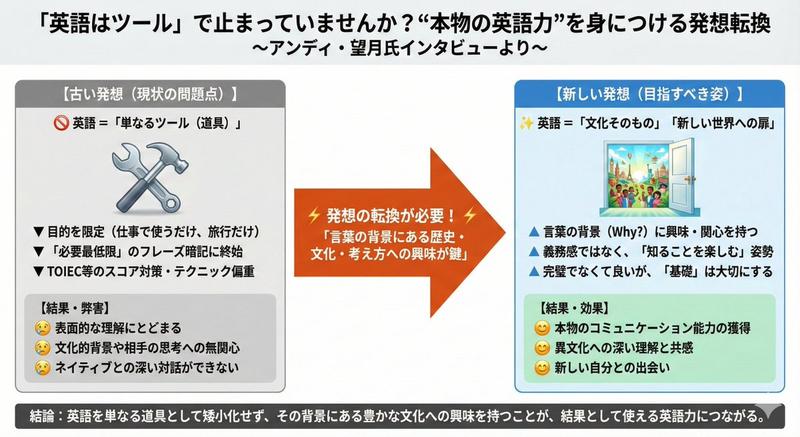
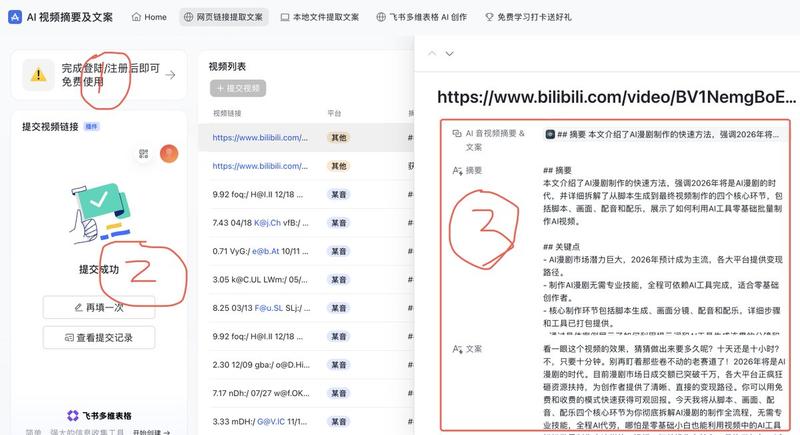
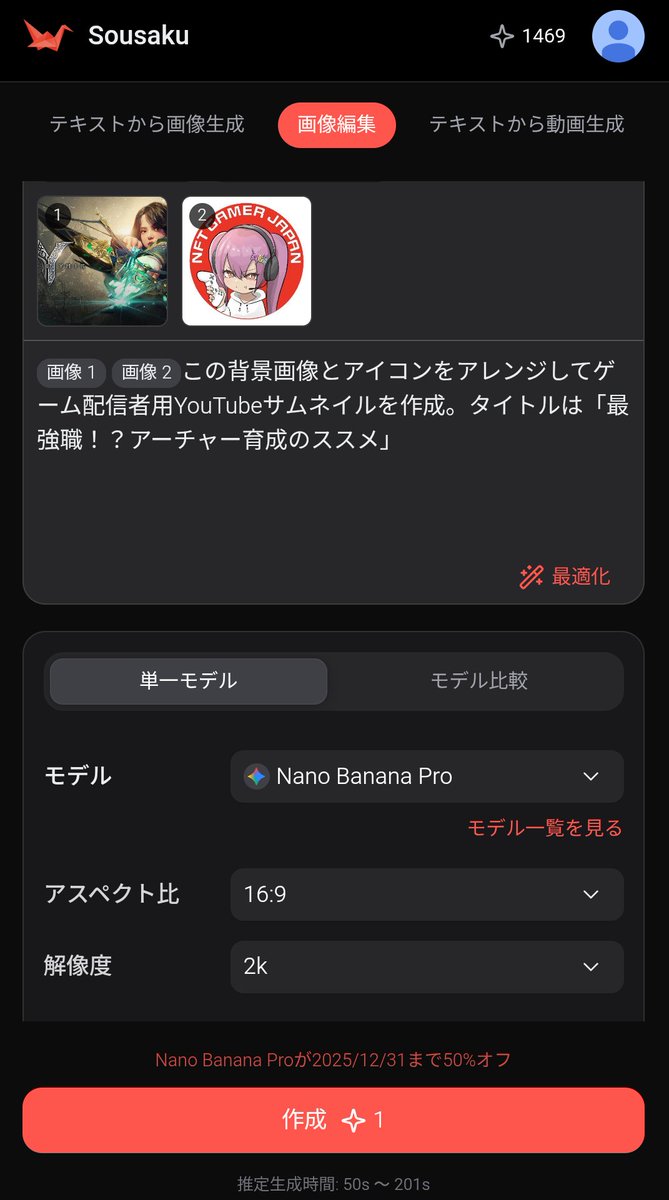
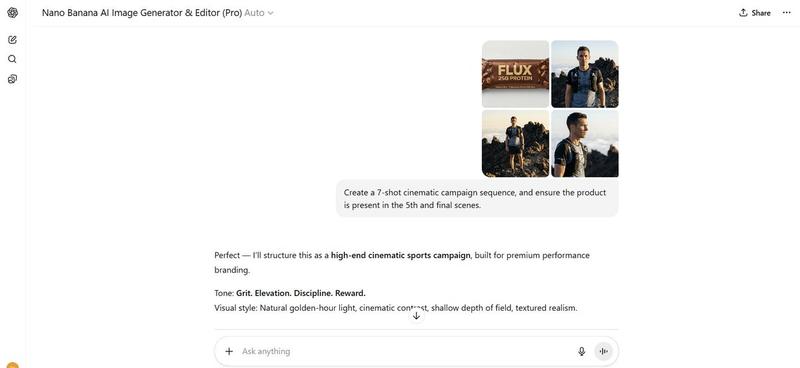
ChatGPT 游戏资产生成截图
Prompt
Goal: Create a realistic screenshot of a ChatGPT-style web conversation showing an image-generation result for game assets, with Japanese UI text and four generated asset thumbnails.

Canvas: Landscape browser/app screenshot, approximately 797×750 px, white background, clean minimal interface, cropped so only the assistant response area and the bottom row of images are visible.

Layout: At the top center, place one rounded light-gray user message bubble containing {argument name="user request text" default="image genでゲームで使えそうなアセットの画像を4枚を個別で生成して それぞれを3D化してみて!"}. Below it, left aligned, show a small gray status line reading 「25m 50s作業しました 〉」 followed by a thin horizontal divider. Under that, create an assistant response in Japanese with file lists and blue clickable file links.

Text content: Include the assistant paragraph 「できました。4枚のゲーム向けアセット画像を生成して、それぞれPixal3DでGLB化まで通しました。」 Then the label 「画像:」 followed by exactly 4 bullet links with small image/file icons: 1) mana_crystal_alpha.png, 2) treasure_chest_alpha.png, 3) energy_turret_alpha.png, 4) mushroom_house_alpha.png. Then the label 「3D化したGLB:」 followed by exactly 4 bullet links with document icons: 1) mana_crystal.glb, 2) treasure_chest.glb, 3) energy_turret.glb, 4) mushroom_house.glb. Then add the closing Japanese sentence 「生成したのは、魔法クリスタル、宝箱、SFエネルギータレット、きのこ家です。背景はクロマキーから透明化して、3D化に渡しています。」

Bottom image strip: Show exactly 4 rounded-square thumbnail cards in one horizontal row, each about 178×178 px with small gaps. Thumbnail 1 has a vivid green chroma-key background and a stylized fantasy {argument name="asset one" default="blue mana crystal obelisk on a dark stone base"}. Thumbnail 2 has a vivid green chroma-key background and a {argument name="asset two" default="wooden treasure chest with dark metal bands, gold lock, and red jewel"}. Thumbnail 3 has a vivid green chroma-key background and a {argument name="asset three" default="gray sci-fi energy turret with blue glowing core and cannon barrel"}. Thumbnail 4 has a bright magenta chroma-key background and a {argument name="asset four" default="cute mushroom house with red spotted cap roof, wooden door, and warm windows"}. All four assets are polished 3D game-art icons with transparent-cutout style lighting, centered and isolated.

Visual style: Modern ChatGPT interface screenshot, Japanese typography, black body text, blue link text, small monochrome icons, generous margins, subtle divider lines. The asset thumbnails should look like high-quality mobile game props rendered in colorful semi-realistic 3D.

Constraints: Include exactly 8 file links total, exactly 4 PNG links and exactly 4 GLB links, and exactly 4 asset thumbnail images. Do not add extra panels, watermarks, browser chrome, avatars, or unrelated UI controls.- Category
- Charts & Infographics
- Model
- GPT Image 2
- Creator
- Maki@Sunwood AI Labs.
- Source ID
- 20929
- Published
- May 16, 2026
Views1