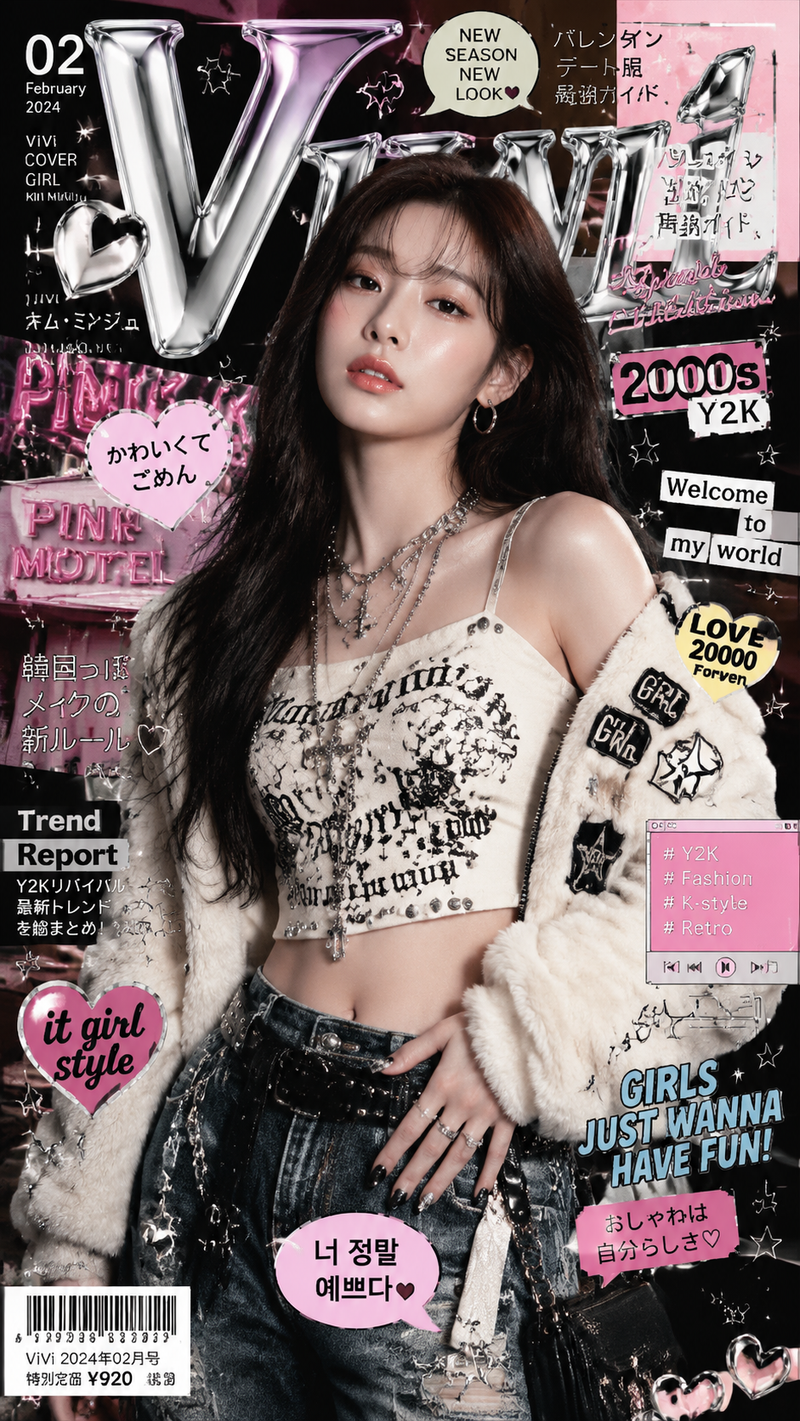
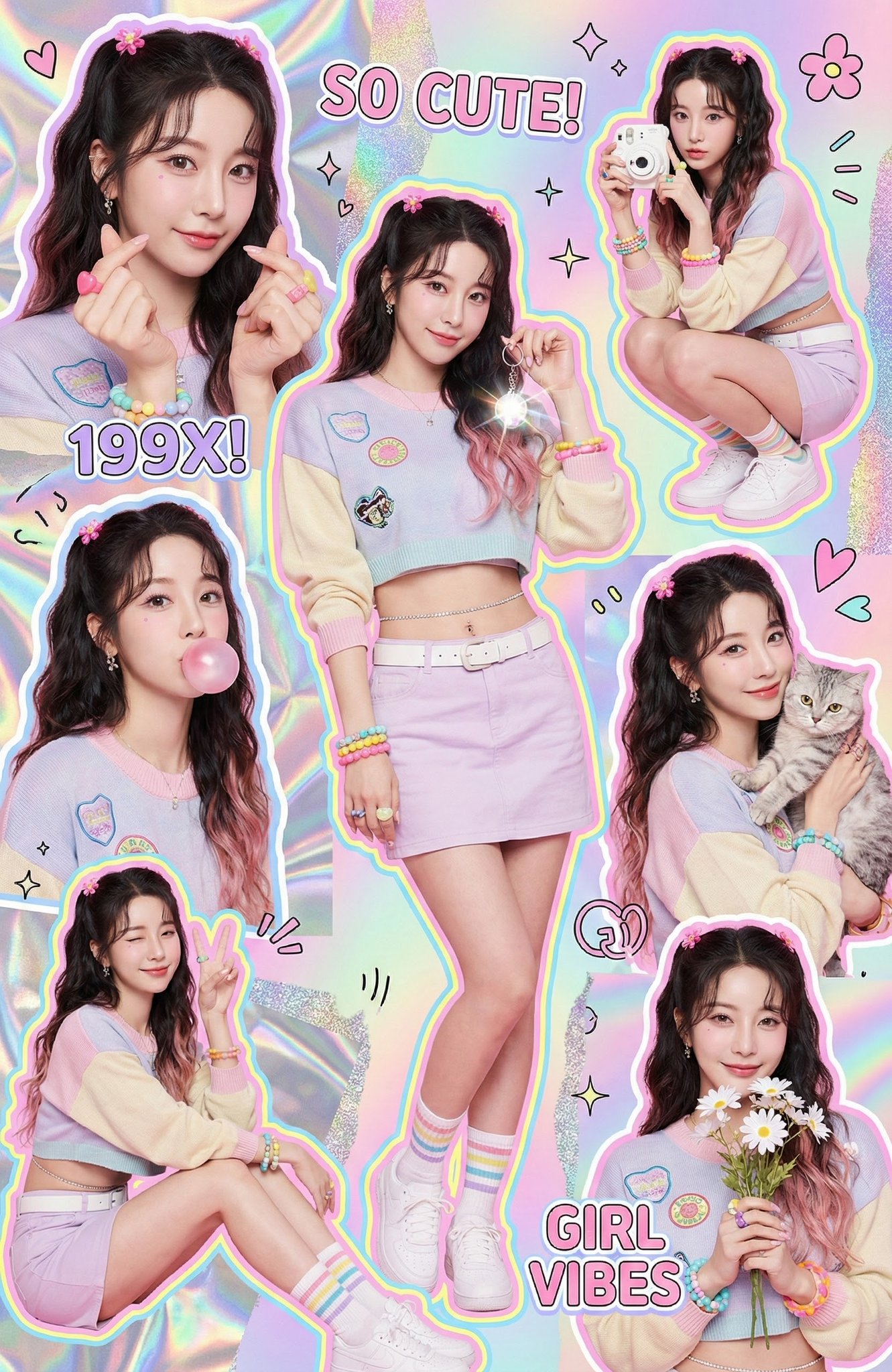
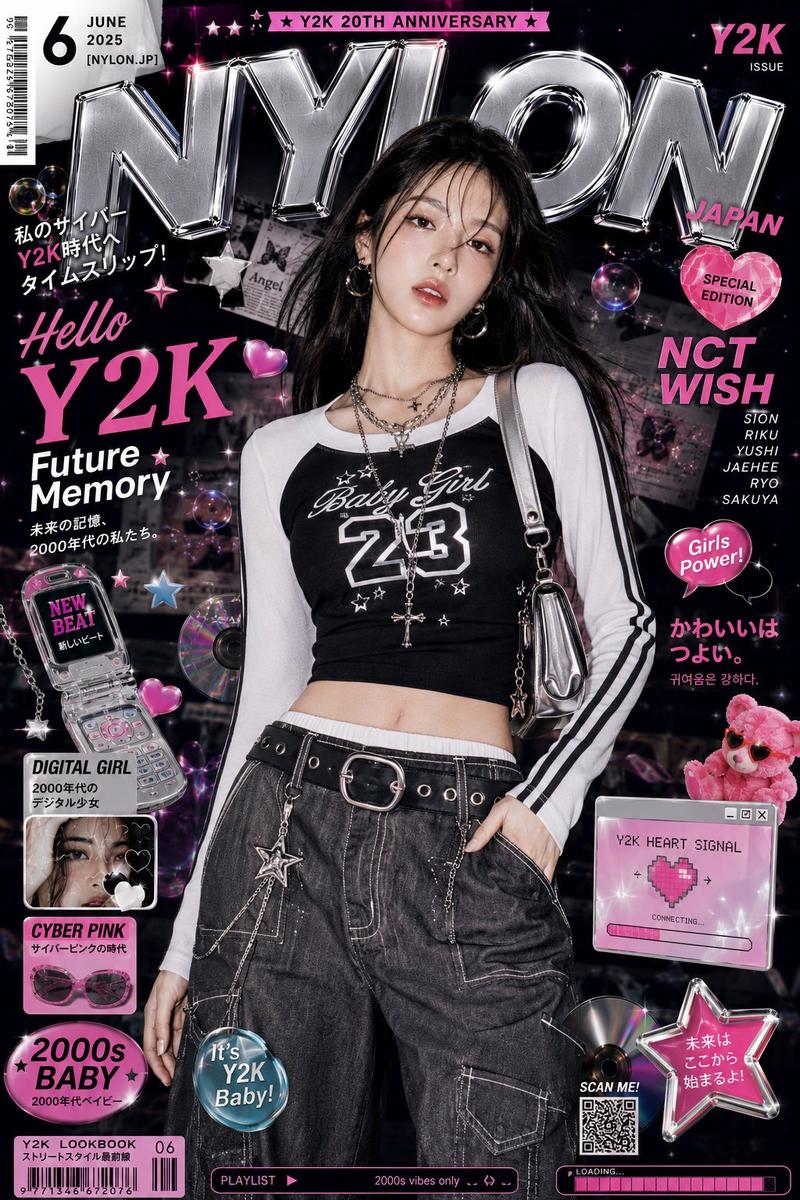
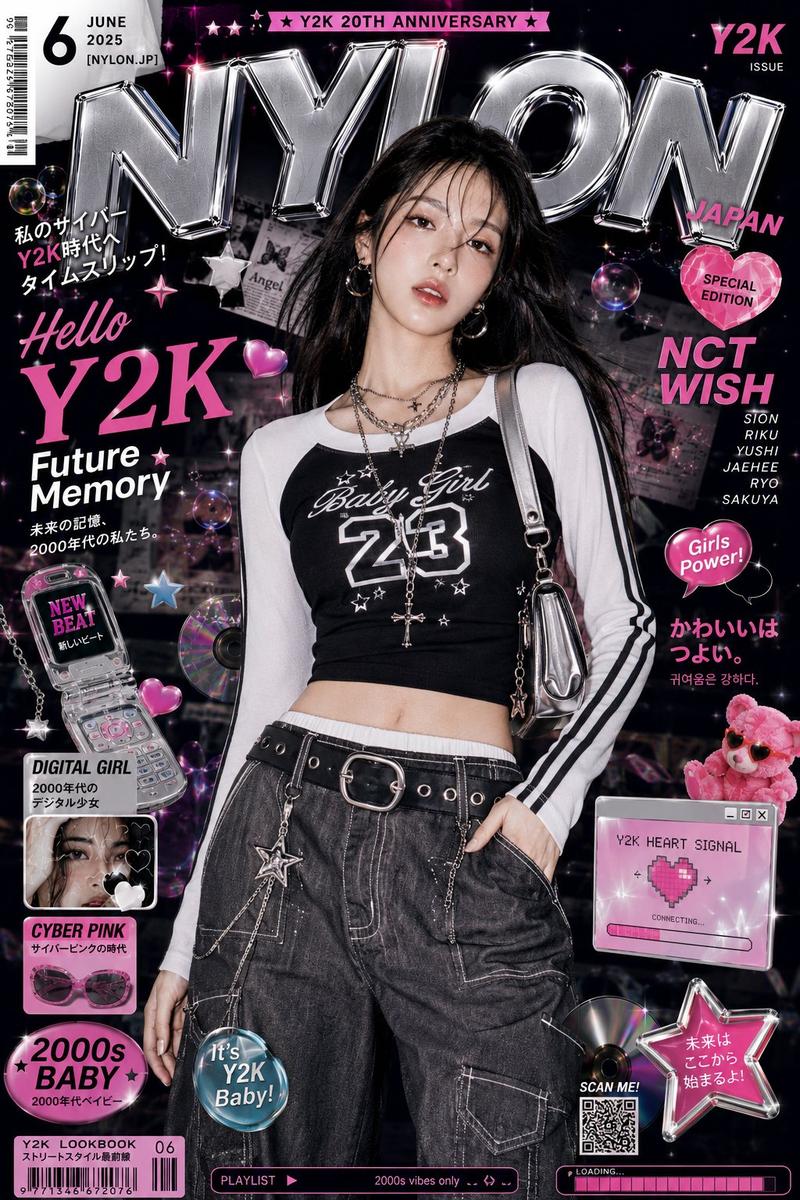
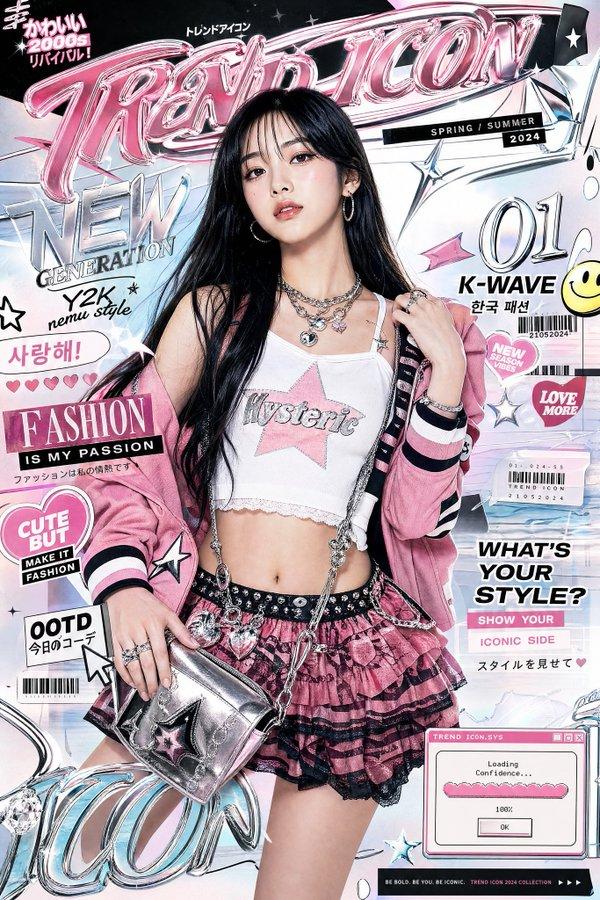
霓虹街头流行时尚拼贴画
Prompt
Goal: Create a vertical street-pop fashion collage poster featuring {argument name="character name" default="a young woman"} in five separate cutout portrait poses, styled as an urban neon girl-power magazine edit.

Canvas: Tall vertical 9:16 poster, high-resolution, with a black and hot-pink neon border rounded at the corners. Use a dense graffiti alley background with brick walls, spray paint, torn-paper textures, white scribble outlines, pink light streaks, and sticker-like graphic elements.

Subject details: The same young woman appears in all five images, with light-to-medium skin, long dark brown hair in two braids, hoop earrings, a white knit beanie with a black graffiti tag logo, silver over-ear headphones, and edgy streetwear. Outfit: black cropped tank top with a distressed pink graffiti graphic, loose dark gray cargo pants, black grommet belt with a metal buckle, silver chain accessories, and black-and-white sneakers. Overall mood is confident, youthful, urban, and pop-punk.

Layout: Use exactly 5 discrete appearances of the woman:
1. Large close-up portrait on the upper left, cropped at the chest, wearing the white beanie and silver headphones around her neck.
2. Full-body standing pose on the upper right, leaning casually with hands in pockets, headphones around her neck, cargo pants fully visible.
3. Central mid-shot cutout, holding white sunglasses near her face, outlined with an irregular white torn-paper border.
4. Lower-left seated or crouched pose, one hand touching the beanie, headphones around her neck.
5. Lower-right waist-up pose, both hands lifting or adjusting the headphones near her ears.

Graphic text content: Include exactly 4 main neon typography phrases in hand-lettered graffiti style: “NEON VIBE” large on the left in pink, white, and purple; “STREET POP” near the upper center-right in glowing pink; “URBAN MOOD” on the right-middle in glowing pink; and “GIRL POWER” near the bottom center in pink and white with paint splatter and a small crown doodle.

Visual style: Bright cyberpunk pink neon lighting, glossy magazine collage, high-contrast black shadows, magenta highlights, white sketch arrows, star doodles, smiley doodles, hearts, paint splatters, torn photo edges, and layered sticker aesthetics. The final image should feel like a Y2K streetwear poster, energetic and polished, with all five cutouts clearly separated but visually connected by neon scribbles.

Constraints: Keep the same identity and outfit consistent across all five appearances. Do not add extra people. Do not add additional large text beyond the four listed phrases. Make the face natural and realistic, not anime or cartoon. Avoid watermarks, logos from real brands, or readable text other than the intended graffiti-style phrases.- Category
- Charts & Infographics
- Model
- GPT Image 2
- Creator
- Shinning
- Source ID
- 20965
- Published
- May 16, 2026
Views5