17

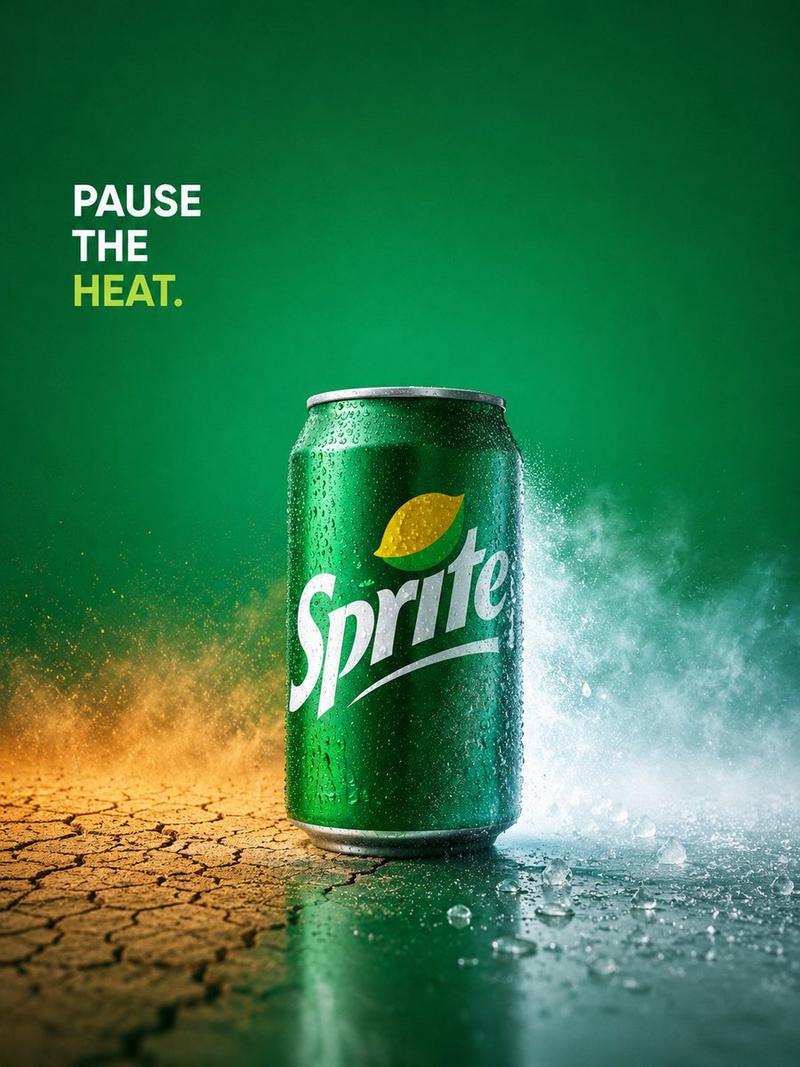
Sprite “PAUSE THE HEAT” 广告
Enlarge

Sprite “PAUSE THE HEAT” 广告

Prompt
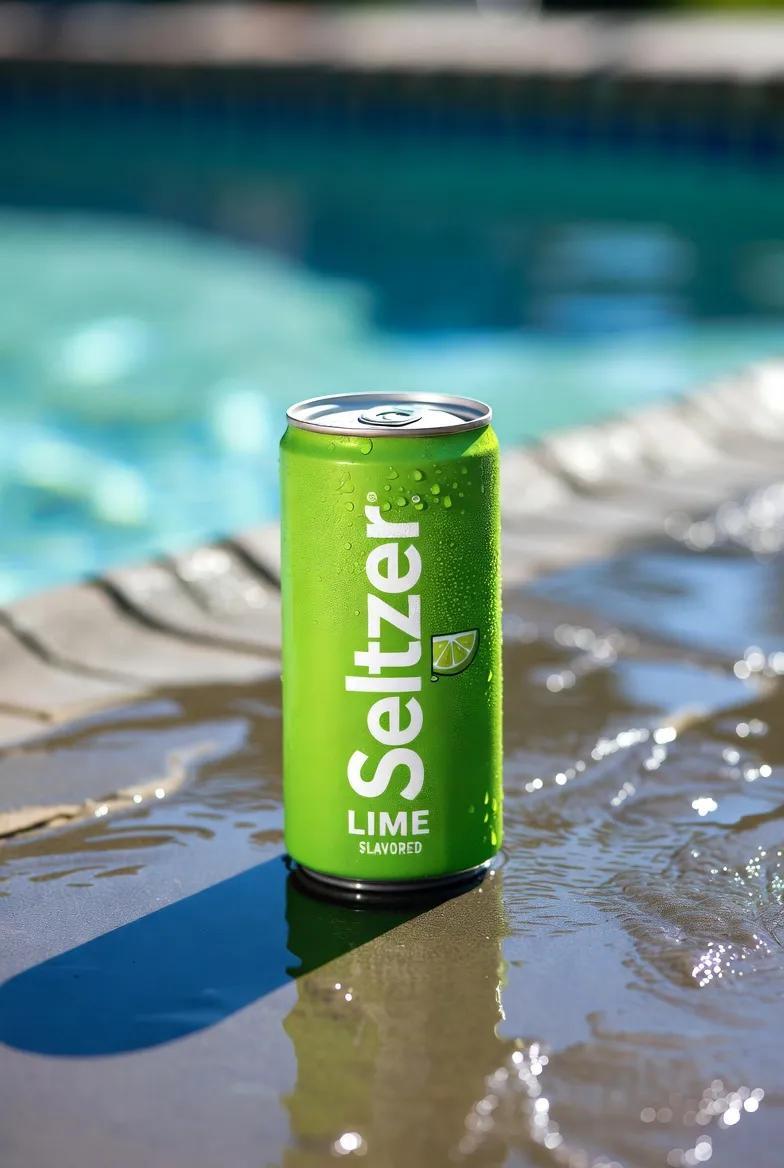
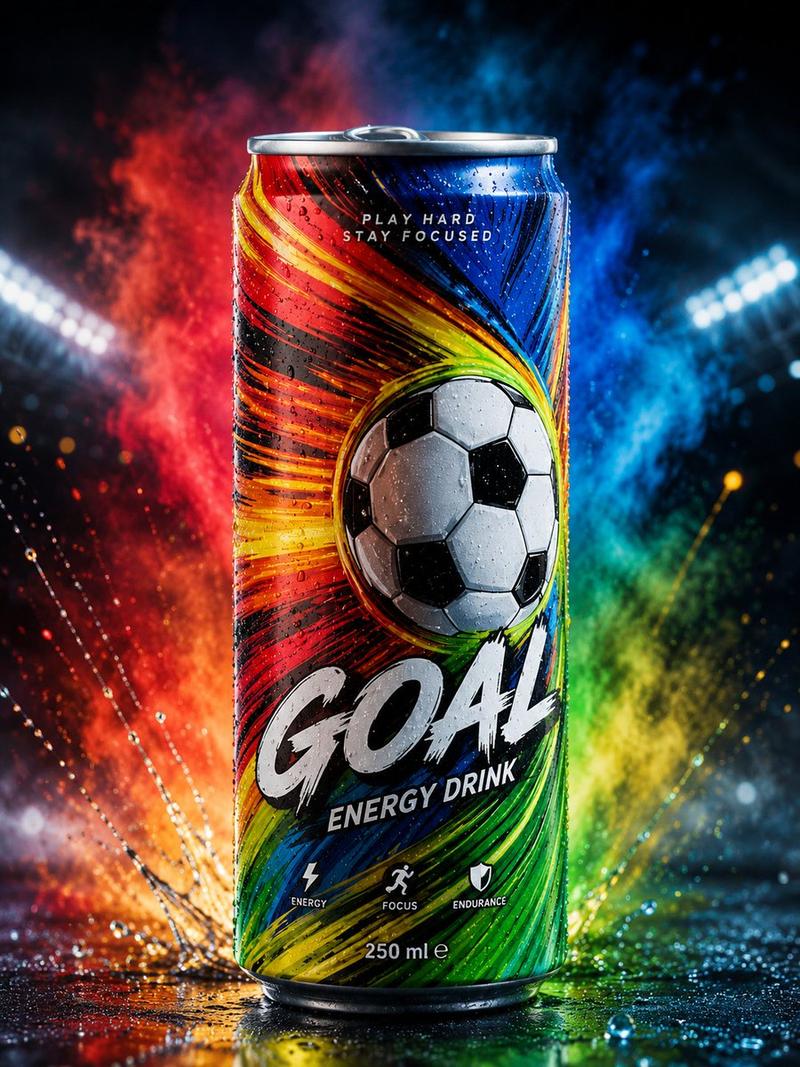
Create a high-end conceptual beverage advertisement for {argument name="brand name" default="Sprite"} with a single cold green soda can as the hero product, centered slightly below mid-frame on a vertical 3:4 canvas. The can is glossy emerald green aluminum with realistic condensation droplets, a silver rim and base, and the white {argument name="brand logo text" default="Sprite"} logo large across the front with a small yellow-green lemon-lime icon above it. The scene contrasts heat versus refreshment: the left half of the ground is dry, cracked desert earth in warm ochre and burnt orange tones with golden dust particles rising, while the right half is wet, icy, and teal-blue with splashing water mist, crushed ice pieces, and a cool vapor cloud exploding behind the can. Use a rich green gradient background, darker at the edges and brighter behind the product, with cinematic studio lighting, crisp commercial photography realism, high contrast, and shallow depth of field. Add exactly one text block in the upper left corner reading {argument name="headline text" default="PAUSE\nTHE\nHEAT."}; set it in bold uppercase sans-serif, left aligned, with “PAUSE” and “THE” in white and “HEAT.” in yellow-green. Keep the composition minimalist and premium, Apple-level advertising art direction, no extra objects, no people, no watermark, no additional text, ultra-detailed droplets and ice, sharp product focus, dramatic refreshing energy.
Category
Charts & Infographics
Model
GPT Image 2
Views4
Source ID
20968
Published
May 16, 2026

Guide

About "Sprite “PAUSE THE HEAT” 广告"

What is this prompt for?

"Sprite “PAUSE THE HEAT” 广告" AI image prompt for GPT Image 2 (Charts & Infographics). 一个精致的饮料概念广告提示词,展示了一罐冰镇汽水将炎热干裂的沙漠与清凉沁爽的冰雪场景一分为二。 Copy it on Picva and recr…

The full copyable prompt and example visuals above are ready for AI image generation or one-click recreate in Picva.

How to use this prompt

  1. Step 1

    Open the prompt detail

    Review the example visuals, category, and full prompt text for "Sprite “PAUSE THE HEAT” 广告".

  2. Step 2

    Copy the prompt

    Copy the prompt body from this page, or load it directly in Studio.

  3. Step 3

    Pick a model (GPT Image 2)

    Prefer GPT Image 2. If you switch models, keep subject and composition and tweak style terms.

  4. Step 4

    Generate and export

    Recreate the look in Picva, or export into your workflow for editing and publishing.

FAQ

What is the "Sprite “PAUSE THE HEAT” 广告" prompt?
It is an AI image-generation prompt for GPT Image 2 in the Charts & Infographics category. This page includes the full prompt text, example visuals, and a one-click recreate path in Picva.
How do I use this prompt to generate an image?
Copy the prompt from this page, or use Generate / Studio. Paste it into a compatible image model, or recreate the look in Picva with optional reference images.
Which model is this prompt for?
This page lists GPT Image 2. Most descriptive prompts also transfer to nearby image models such as GPT Image, Flux, or Midjourney with light style tweaks.
Can I use the result commercially?
You can usually copy the prompt for creation, but commercial use of the final image depends on the model terms, reference-image rights, and the generated content. Follow the source author and platform rules.