18

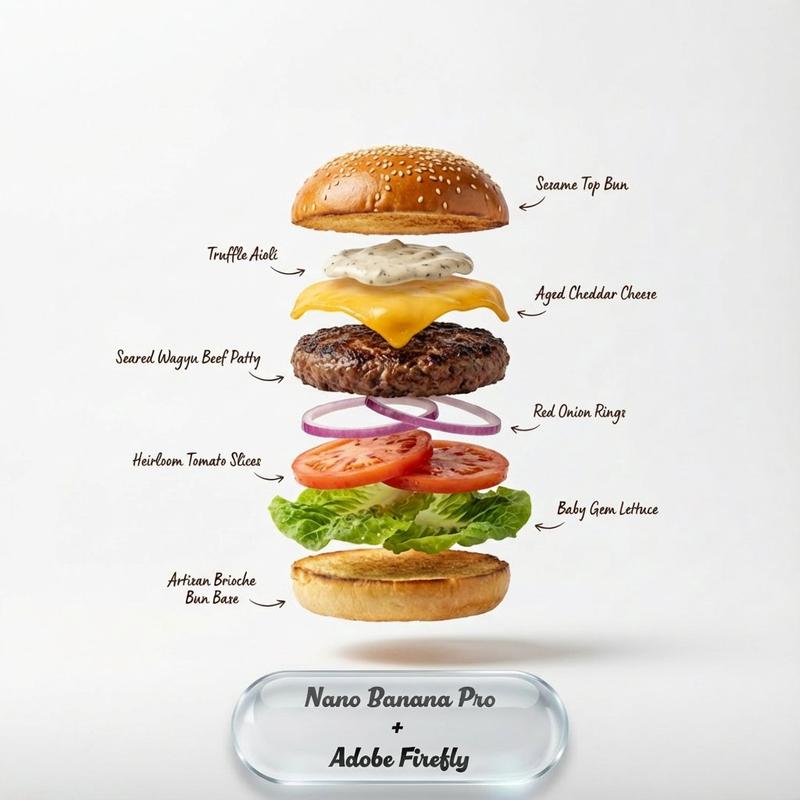
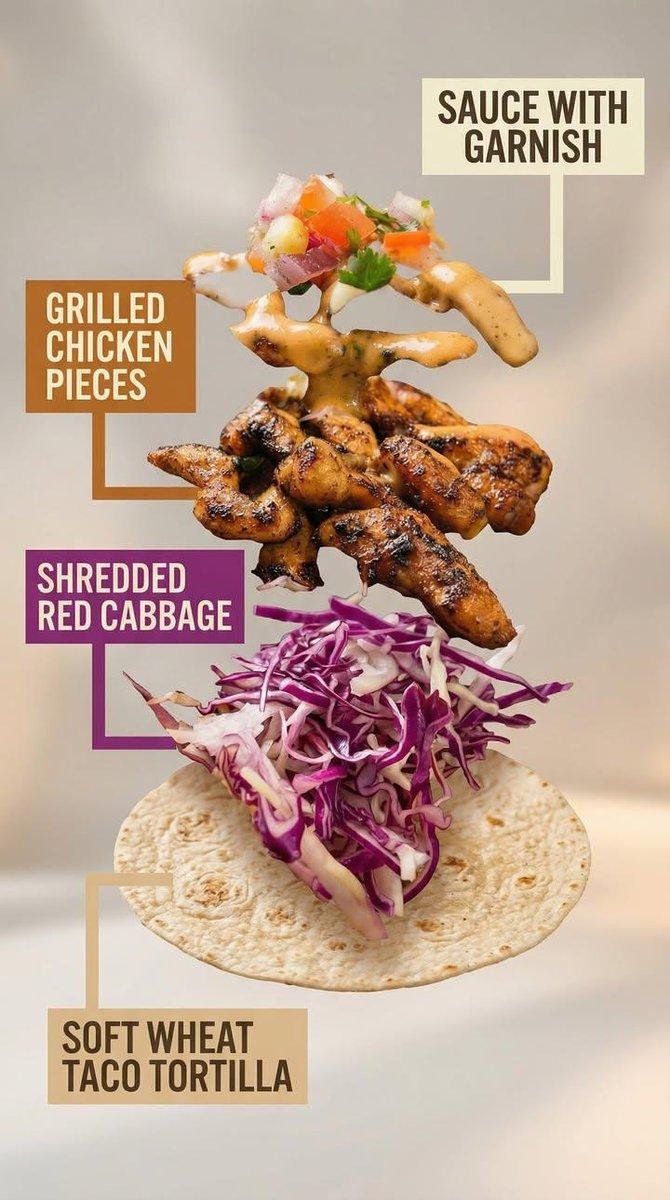
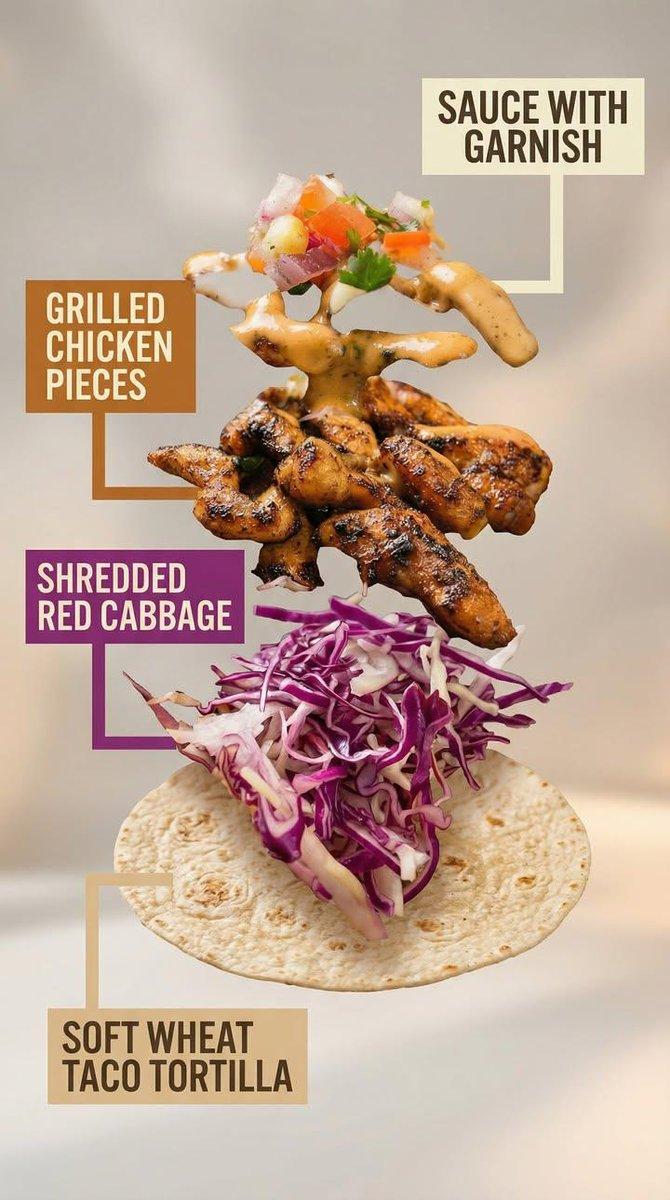
爆炸式食物信息图构图
Enlarge

爆炸式食物信息图构图

Prompt
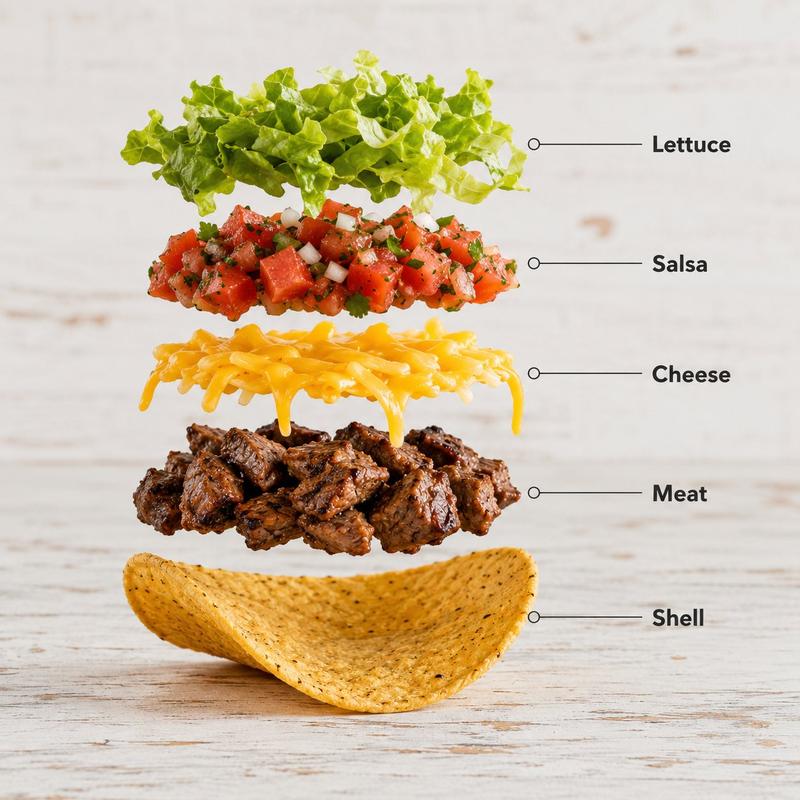
Create a hyper-realistic exploded vertical infographic composition of {argument name="food item" default="tacos"}.

Top → Bottom structure:
Fresh Lettuce (crisp green texture with natural folds)
→ Tomato & Salsa Layer (juicy diced tomatoes and salsa mix)
→ Melted Cheese (smooth cheddar texture)
→ Grilled Meat Filling (juicy seasoned meat detail)
→ Taco Shell Base (crispy golden shell texture)
Perfect vertical alignment, rustic background, soft studio lighting, realistic shadows beneath each floating element.

Add clean infographic text labels with thin pointer lines using these exact labels:
“Lettuce”
“Salsa”
“Cheese”
“Meat”
“Shell”
Ultra-detailed food textures, premium commercial aesthetic, 8K.
Category
Charts & Infographics
Model
GPT Image 2
Creator
𝐌
Views4
Source ID
21043
Published
May 17, 2026

Guide

About "爆炸式食物信息图构图"

What is this prompt for?

"爆炸式食物信息图构图" AI image prompt for GPT Image 2 (Charts & Infographics). 一个垂直信息图提示词,旨在以超写实的爆炸视图展示食物配料,并配有清晰的标签和指示线。 Copy it on Picva and recreate the look in one…

The full copyable prompt and example visuals above are ready for AI image generation or one-click recreate in Picva.

How to use this prompt

  1. Step 1

    Open the prompt detail

    Review the example visuals, category, and full prompt text for "爆炸式食物信息图构图".

  2. Step 2

    Copy the prompt

    Copy the prompt body from this page, or load it directly in Studio.

  3. Step 3

    Pick a model (GPT Image 2)

    Prefer GPT Image 2. If you switch models, keep subject and composition and tweak style terms.

  4. Step 4

    Generate and export

    Recreate the look in Picva, or export into your workflow for editing and publishing.

FAQ

What is the "爆炸式食物信息图构图" prompt?
It is an AI image-generation prompt for GPT Image 2 in the Charts & Infographics category. This page includes the full prompt text, example visuals, and a one-click recreate path in Picva.
How do I use this prompt to generate an image?
Copy the prompt from this page, or use Generate / Studio. Paste it into a compatible image model, or recreate the look in Picva with optional reference images.
Which model is this prompt for?
This page lists GPT Image 2. Most descriptive prompts also transfer to nearby image models such as GPT Image, Flux, or Midjourney with light style tweaks.
Can I use the result commercially?
You can usually copy the prompt for creation, but commercial use of the final image depends on the model terms, reference-image rights, and the generated content. Follow the source author and platform rules.