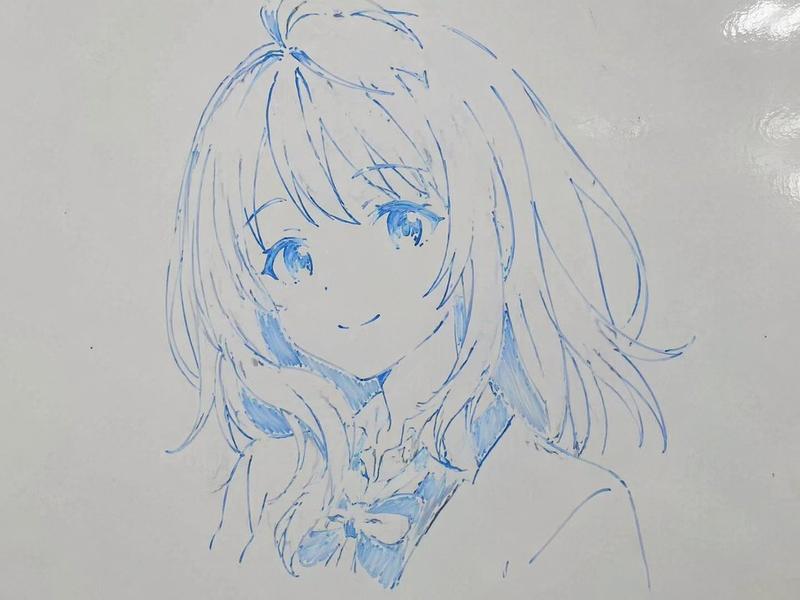
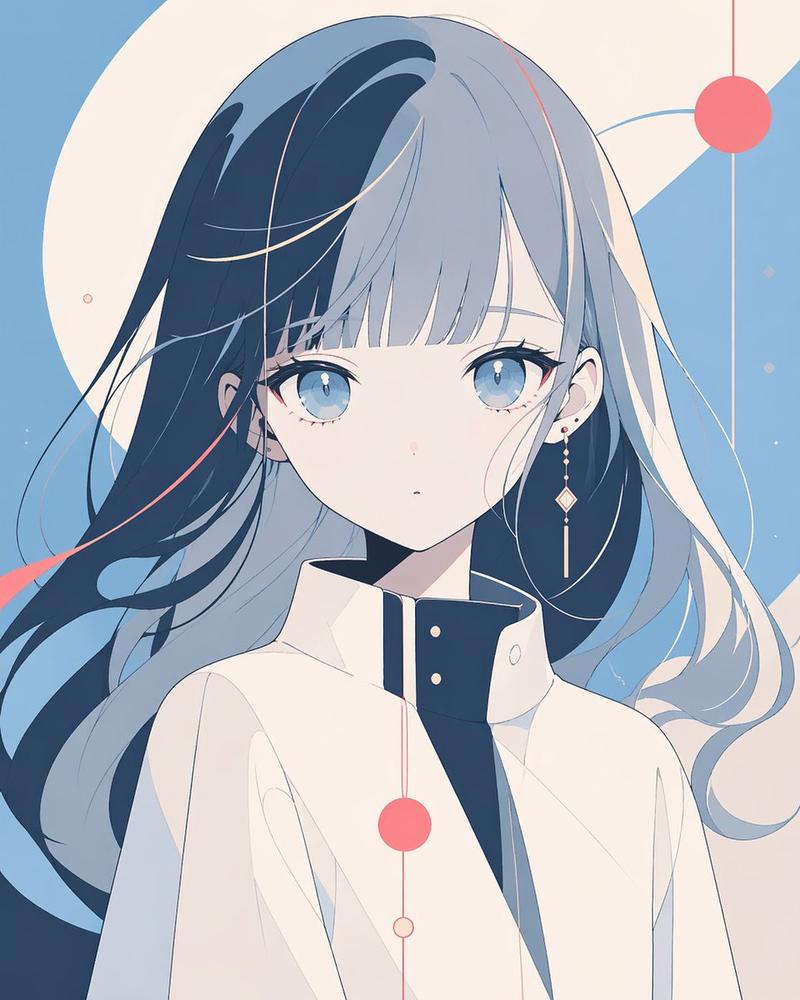
动漫面部遮罩肖像模板
Prompt
Create a clean anime-style character bust portrait for a face-part generation template: a centered young female character with {argument name="hair color" default="white hair fading to pale sky blue at the ends"}, shoulder-length slightly messy layered hair with fine wispy strands, visible ears, and a futuristic white high-collar zip-up jacket with subtle light-blue accents and a small triangular detail on the collar zipper. The face area must be deliberately covered by one large vertical rounded rectangle mask, centered over the head from the upper forehead down past the mouth and chin, with a soft vertical gradient from warm pale peach at the top to cool pale blue-gray at the bottom, completely hiding the eyes, nose, and mouth while leaving hair, ears, neck, collar, and shoulders visible. Use a delicate Japanese anime illustration style with thin pale linework, soft watercolor-like shading, very light pastel colors, and a calm sterile sci-fi feel. The background is a plain light gray studio backdrop. Frame as a close-up bust from the top of the head to the upper chest, symmetrical front-facing pose, with the character occupying most of the image. Add a dark screenshot-like border around the artwork and a minimal dark bottom UI strip with faint thumbnail blocks, including tiny text at the lower left reading {argument name="lower left label" default="idle_half_u"} and a small button at the lower right reading {argument name="button label" default="close (esc)"}. Avoid any visible facial features, avoid extra characters, avoid text inside the portrait area, and keep the masked face rectangle perfectly clean and opaque.- Category
- UI & Interfaces
- Model
- GPT Image 2
- Creator
- まはー👑
- Source ID
- 21143
- Published
- May 17, 2026
Views6