15

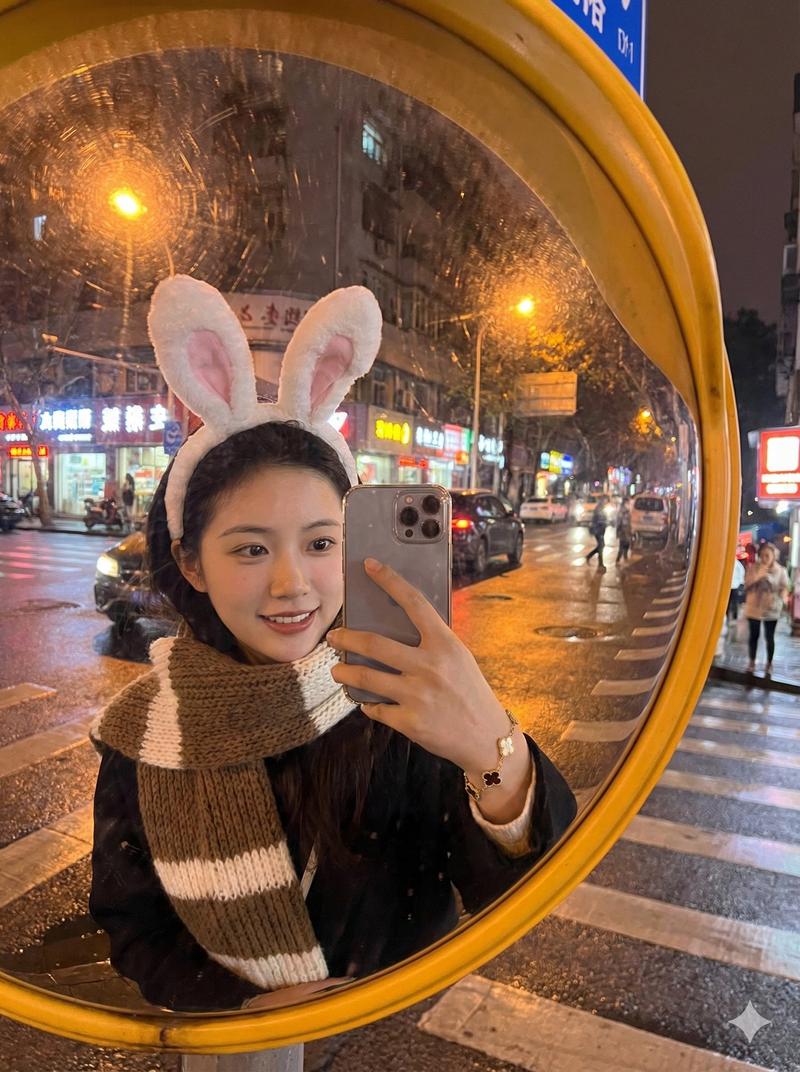
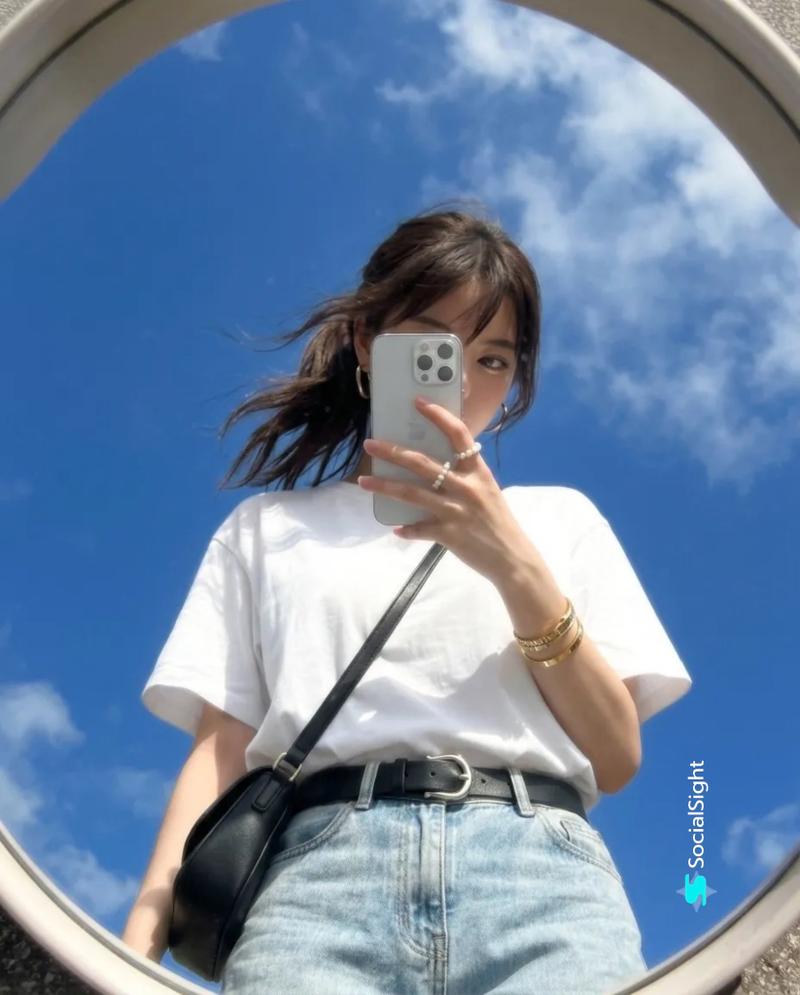
超写实交通凸面镜自拍
Enlarge

超写实交通凸面镜自拍

Prompt
Upload one portrait as the identity reference. Use it only for the subject’s facial identity, face shape, hairstyle, hair color, skin tone, and natural body proportions. Do not copy the original portrait’s clothes, background, pose, lighting, or image quality.

Create a hyper-realistic outdoor convex traffic mirror selfie, 9:16 vertical composition. The subject stands in front of a large round roadside safety mirror with a red rim, taking a flash selfie with a decorated phone case, phone partially covering the face. Use the uploaded portrait only for identity and hairstyle. Keep a casual youthful outfit: dark oversized zip hoodie, cropped white graphic tee, loose jeans, white sneakers. Rainy dusk street intersection background, wet asphalt, zebra crossing, trees, soft blue-gray sky, faint streetlights, one blurred passing scooter, dirty mirror surface with dust and water spots, strong camera flash glare, realistic fisheye distortion, candid smartphone snapshot, natural skin texture, real-life street photography, no watermark.

Negative Prompt:
anime, cartoon, CGI, 3D render, doll face, plastic skin, over-smoothed skin, fake eyes, bad anatomy, distorted hands, extra fingers, broken phone, duplicate person, messy face, unreadable facial features, overexposed face, low resolution, heavy beauty filter, studio lighting, clean perfect mirror, text, logo, watermark, UI elements, poster design, artificial background
Category
Charts & Infographics
Model
GPT Image 2
Creator
Shinning
Views8
Source ID
21283
Published
May 18, 2026

Guide

About "超写实交通凸面镜自拍"

What is this prompt for?

"超写实交通凸面镜自拍" AI image prompt for GPT Image 2 (Charts & Infographics). 一份用于在雨夜路边凸面镜中生成鱼眼风格智能手机自拍的详细提示词。 Copy it on Picva and recreate the look in one click.

The full copyable prompt and example visuals above are ready for AI image generation or one-click recreate in Picva.

How to use this prompt

  1. Step 1

    Open the prompt detail

    Review the example visuals, category, and full prompt text for "超写实交通凸面镜自拍".

  2. Step 2

    Copy the prompt

    Copy the prompt body from this page, or load it directly in Studio.

  3. Step 3

    Pick a model (GPT Image 2)

    Prefer GPT Image 2. If you switch models, keep subject and composition and tweak style terms.

  4. Step 4

    Generate and export

    Recreate the look in Picva, or export into your workflow for editing and publishing.

FAQ

What is the "超写实交通凸面镜自拍" prompt?
It is an AI image-generation prompt for GPT Image 2 in the Charts & Infographics category. This page includes the full prompt text, example visuals, and a one-click recreate path in Picva.
How do I use this prompt to generate an image?
Copy the prompt from this page, or use Generate / Studio. Paste it into a compatible image model, or recreate the look in Picva with optional reference images.
Which model is this prompt for?
This page lists GPT Image 2. Most descriptive prompts also transfer to nearby image models such as GPT Image, Flux, or Midjourney with light style tweaks.
Can I use the result commercially?
You can usually copy the prompt for creation, but commercial use of the final image depends on the model terms, reference-image rights, and the generated content. Follow the source author and platform rules.