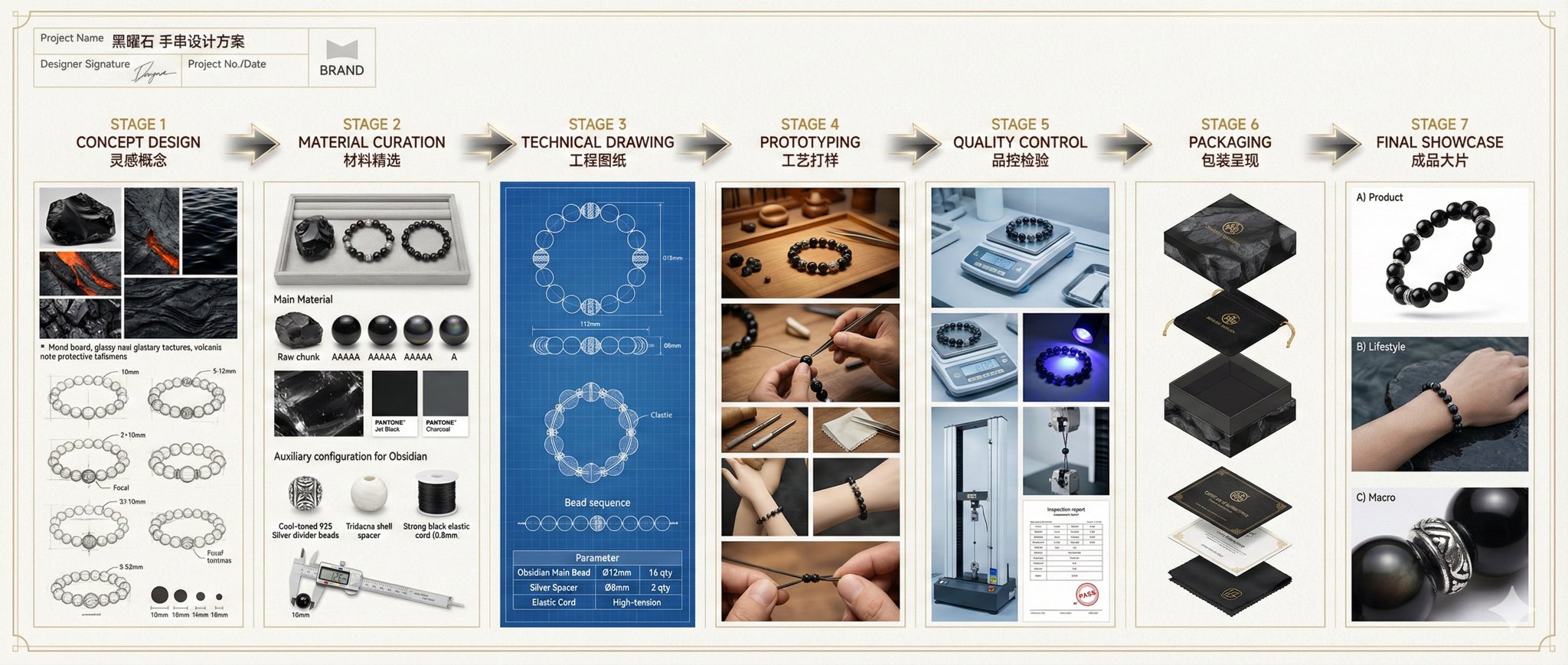
专业实体产品设计项目
Prompt
{
 "prompt": {
"title": "High-End Physical Product Design Board",     "trigger": "Upload a simple sketch or outline of a product. Use it to build a full, professional product design poster—the kind that wins over investors and gets featured on top design websites.",          "prime_directive": {
"rule": "Every shape, material, screen, and accessory must come directly from the lines and style of the uploaded sketch.",
"enforcement": "Do not use standard templates. Look closely at the shape. Build a complete physical and digital world from its basic design."
 },

"format": {
"orientation": "Horizontal",
"aspect_ratio": "16:9",
"layout": "Clean technical grid",
"composition": "Neat, spacious, and purposeful—balancing big, beautiful images with clear technical details"
},
"sections": {
"01_product_header": {
"label": "The Main Shot",
"elements": [
"{argument name="product name" default="Product name"} in strong, clean text",
"Short product goal—5 words max, sharp and clear",
"Three main feeling words (e.g., {argument name="style keywords" default="Smooth / Tough / Smart"})"
]
},
"02_materials_system": {
"label": "Colors, Materials, and Finishes",
"palettes": {
"primary_body": "Main materials (e.g., {argument name="primary materials" default="dark metal, smooth plastic"})",
"secondary_parts": "Materials for buttons, ports, or edges",
"touch_areas": "Materials you feel (e.g., soft rubber, textured fabric)"
},
"per_material_display": [
"Close-up picture of the material",
"Material name",
"Finish type (matte, shiny, or rough)"
]
},

"03_exploded_view": {
"label": "Inside the Product",
"components": [
"Outer shell floating above the inside parts",
"Visible battery, main circuit board, or switches",
"Connecting wires and cooling parts"
],
"requirement": "Must look like it can actually be built in real life, with clear guide lines."
},
"04_digital_screen": {
"label": "The App or Screen",
"define": [
"The main device screen or a mobile app that controls it",
"The screen design must match the physical product's shape"
],
"visual_tiles": {
"count": "2–3 key screens",
"style": "Dark mode with high contrast and simple buttons"
}
},
"05_unboxing_experience": {
"label": "The Packaging",
"rule": "The box must look premium, sturdy, and environmentally friendly.",
"mockups": [
{
"type": "Outer Box",
"detail": "Clean logo pressed into thick, high-quality cardboard"
},
{
"type": "Inside Tray",
"detail": "Perfectly cut spaces to hold the product and wires safely"
}
]
},
"06_real_world_use": {
"label": "Human Interaction",
"scenarios": [
"Product sitting naturally on a desk or outdoors",
"A person's hand pressing the main button or holding the handle",
"Realistic lighting and shadows that match the background"
],
"requirement": "Must look like a real photograph to show the actual size of the item."
},
"07_text_and_specs": {
"label": "Technical Details",
"tiers": {
"model_number": "Clear, typewriter-style text for small numbers"
}
}
}
}- Category
- Charts & Infographics
- Model
- GPT Image 2
- Creator
- Sanskriti Naruka
- Source ID
- 21297
- Published
- May 18, 2026
Views3