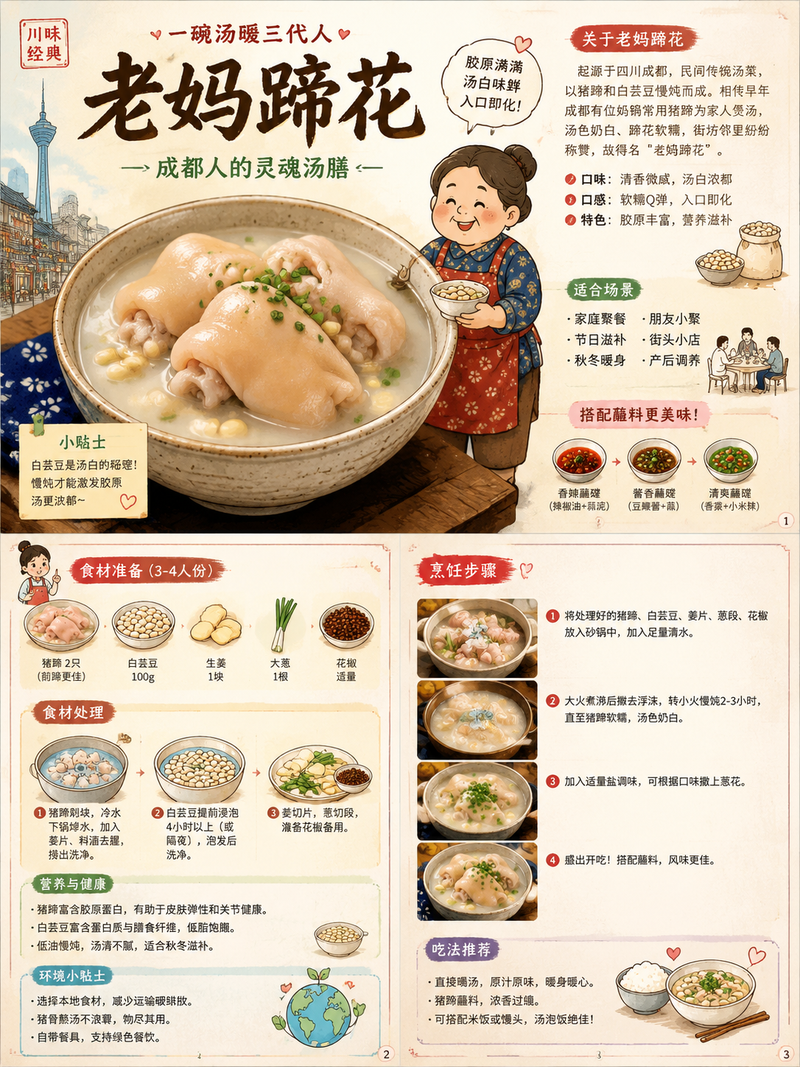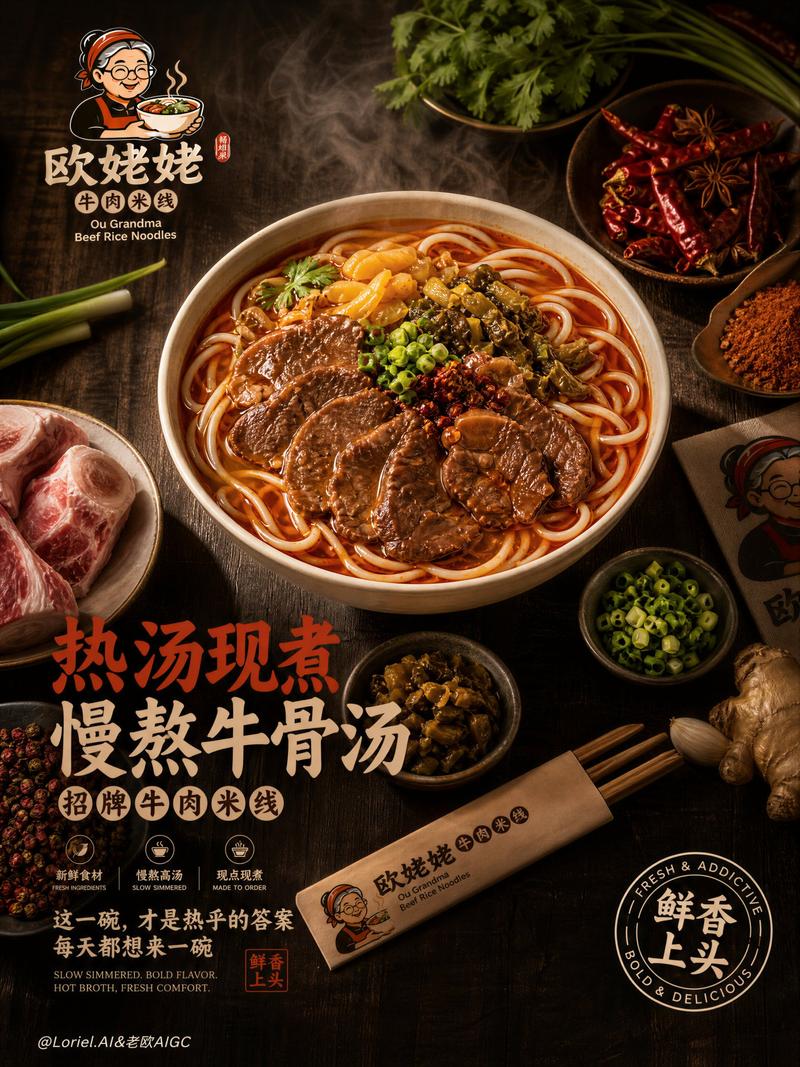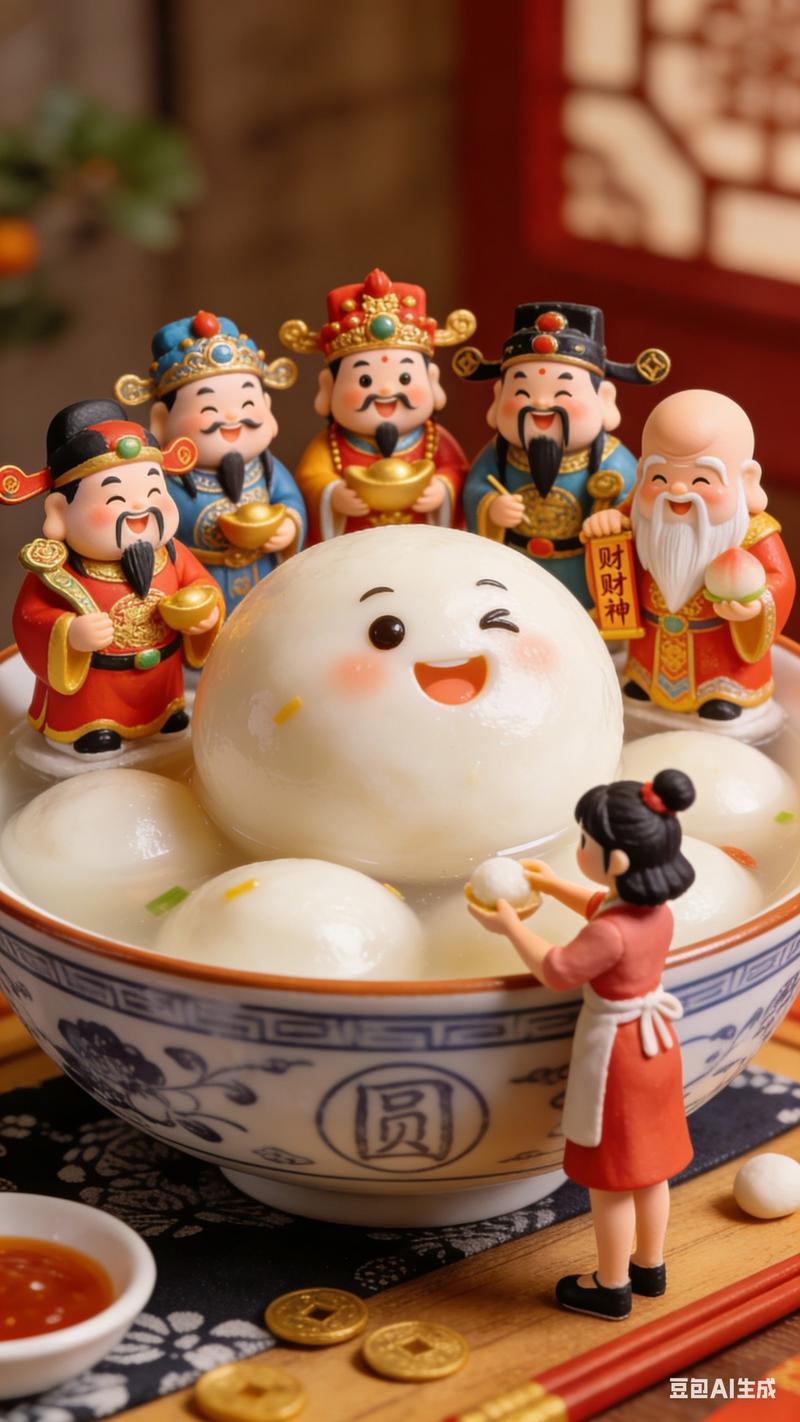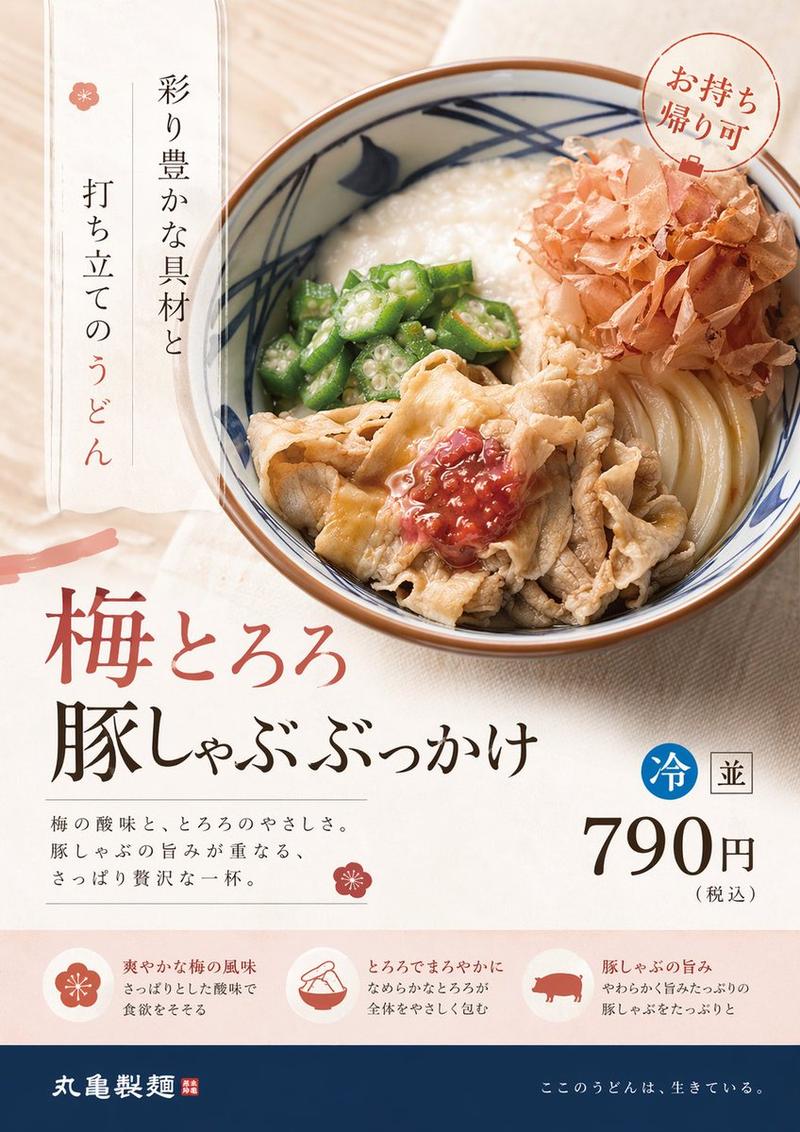
中式酸菜鱼餐厅海报
Prompt
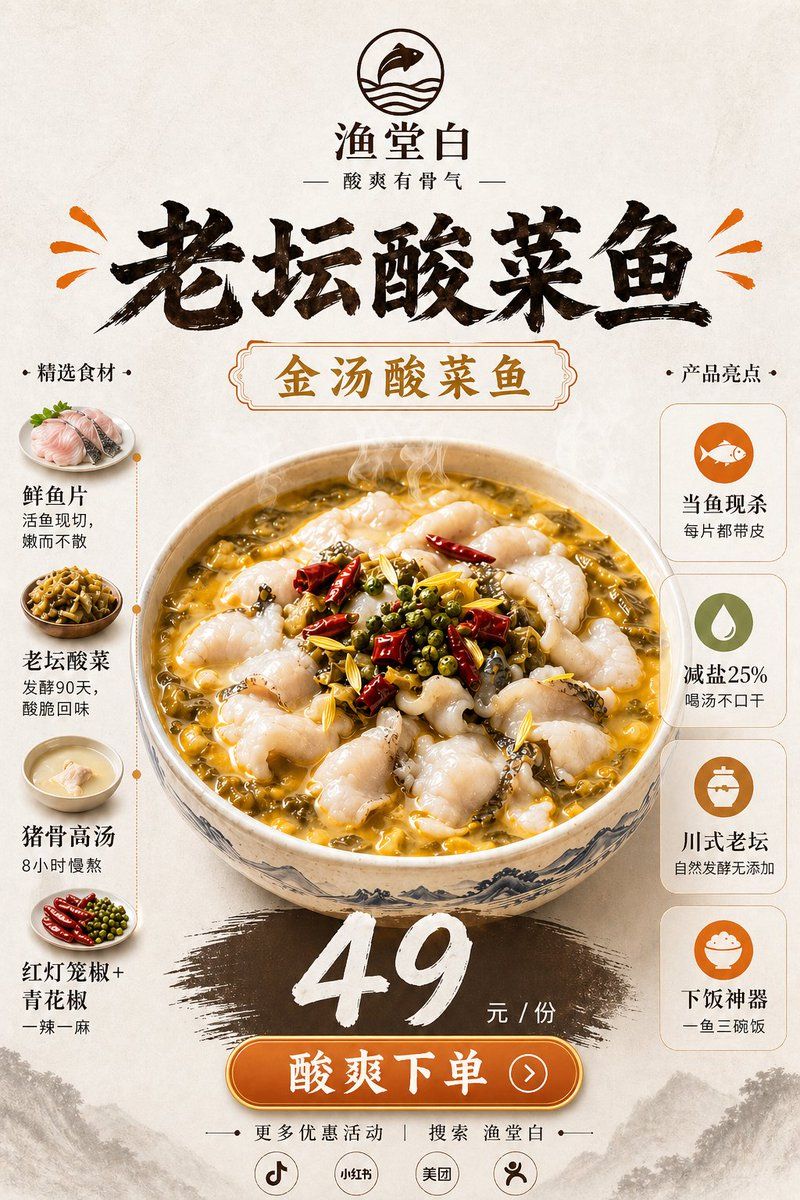
Goal: Create a vertical Chinese restaurant new-product poster for {argument name="dish name" default="老坛酸菜鱼"}, emphasizing appetite appeal, real food texture, ingredients, selling points, and a clear price/order call-to-action.

Canvas: Vertical 2:3 poster, warm off-white rice-paper background with subtle fibers, faint ink-wash mountains along the bottom edge, premium Chinese dining advertisement style.

Top branding: Centered circular logo showing a simple fish over wave lines. Under it place the brand name {argument name="brand name" default="渔堂白"} and the tagline 「酸爽有骨气」. Add a huge black brush-calligraphy headline 「老坛酸菜鱼」 across the upper third, with small orange splash marks on both sides.

Main visual: In the center, show one large steaming ceramic bowl of golden sour pickled-cabbage fish soup. The bowl has blue-gray Chinese landscape patterning. The soup is glossy yellow-gold with visible chopped pickled greens, tender white fish slices, red dried chilies, green Sichuan peppercorns, yellow ginger strips, sesame-like spices, and rising steam. Keep the food photorealistic and highly appetizing while the poster graphics remain elegant and clean.

Central label: Above the bowl, place an ornate rounded rectangular label with gold text 「金汤酸菜鱼」 and a thin decorative border.

Left ingredient column: Title 「精选食材」. Show exactly 4 ingredient items stacked vertically, each with a small circular food photo and text: 1) 「鲜鱼片」 with subtext 「活鱼现切,嫩而不散」, 2) 「老坛酸菜」 with subtext 「发酵90天,酸脆回味」, 3) 「猪骨高汤」 with subtext 「8小时慢熬」, 4) 「红灯笼椒+青花椒」 with subtext 「一辣一麻」. Connect the 4 items with a thin dotted vertical orange line.

Right selling-point column: Title 「产品亮点」. Show exactly 4 rounded white cards stacked vertically, each with one simple orange/green icon and text: 1) fish icon, 「当鱼现杀」 and 「每片都带皮」, 2) droplet icon, 「减盐25%」 and 「喝汤不口干」, 3) jar icon, 「川式老坛」 and 「自然发酵无添加」, 4) rice bowl icon, 「下饭神器」 and 「一鱼三碗饭」.

Price and CTA: Below the bowl, paint a wide dark brown brush-stroke swash. Over it place a large white hand-painted price {argument name="price" default="49"}, followed by 「元 / 份」. Beneath, add a glossy orange rounded button with white text {argument name="call to action" default="酸爽下单"} and a small right-arrow circle.

Footer: Add small text 「更多优惠活动 | 搜索 渔堂白」. Under it, place exactly 4 small circular platform icons/labels: Douyin-style music note, 「小红书」, 「美团」, and a simple person/share icon.

Visual style: High-end Chinese food poster, realistic steaming dish photography blended with brush-calligraphy typography, warm cream/gold/orange/brown palette, clean symmetrical layout, strong depth and shine on the soup, no clutter, no extra dishes or extra text beyond the specified elements.- Category
- Charts & Infographics
- Model
- GPT Image 2
- Creator
- Larus Canus
- Source ID
- 21424
- Published
- Apr 30, 2026
Views11