15

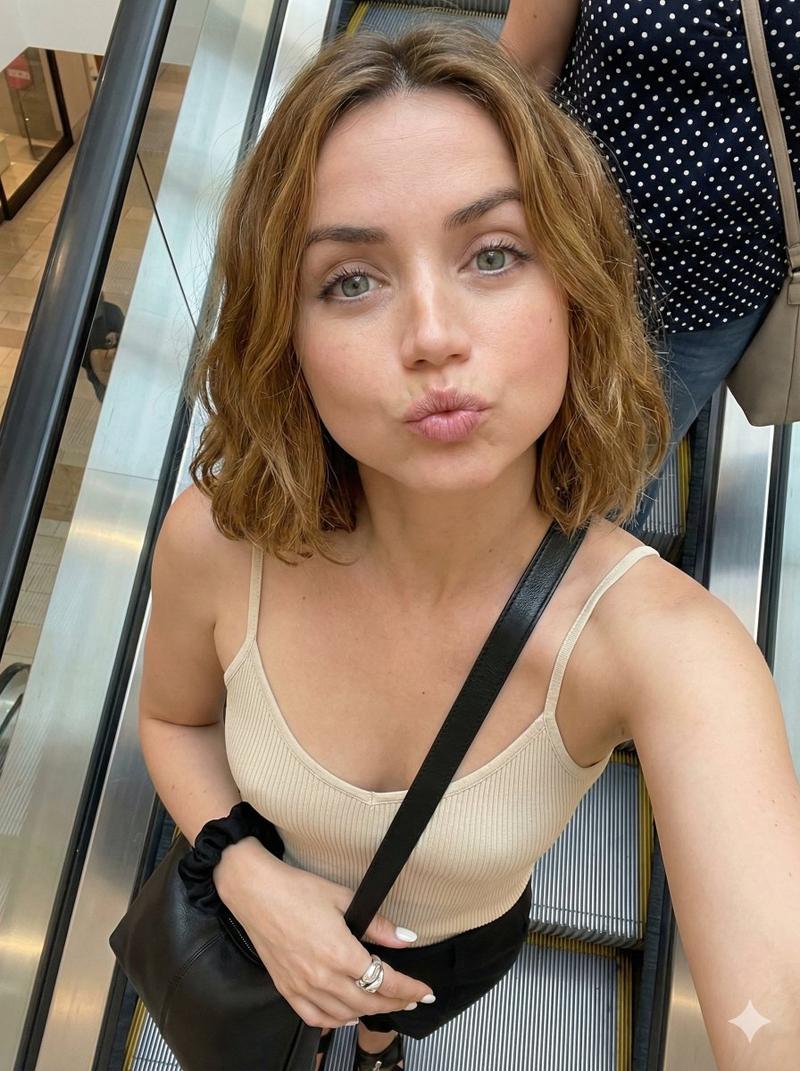
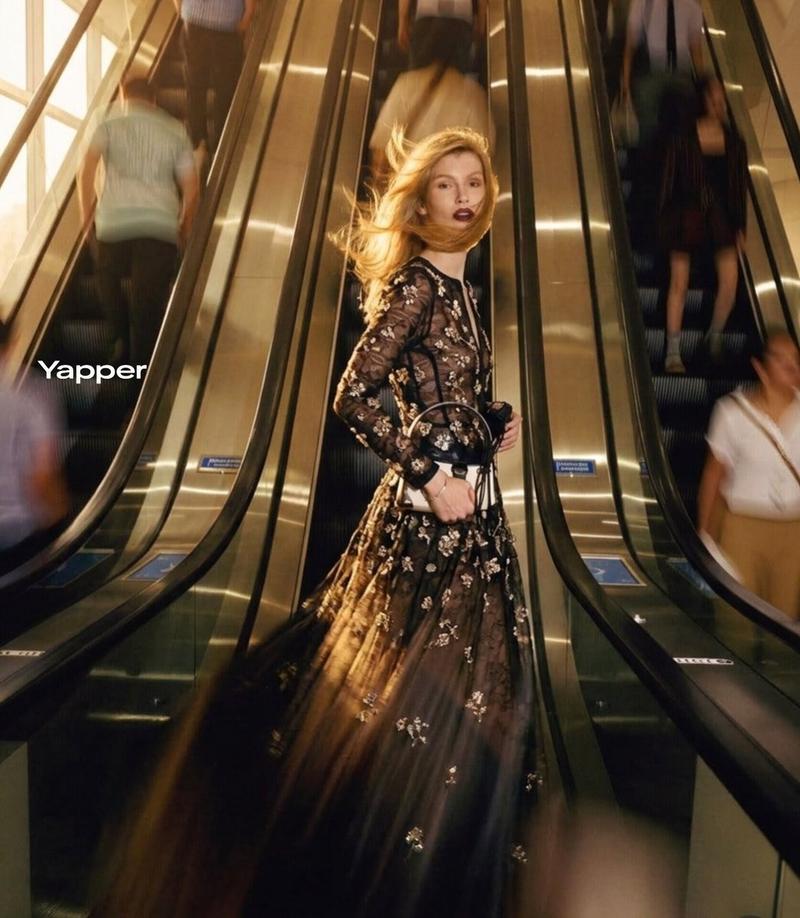
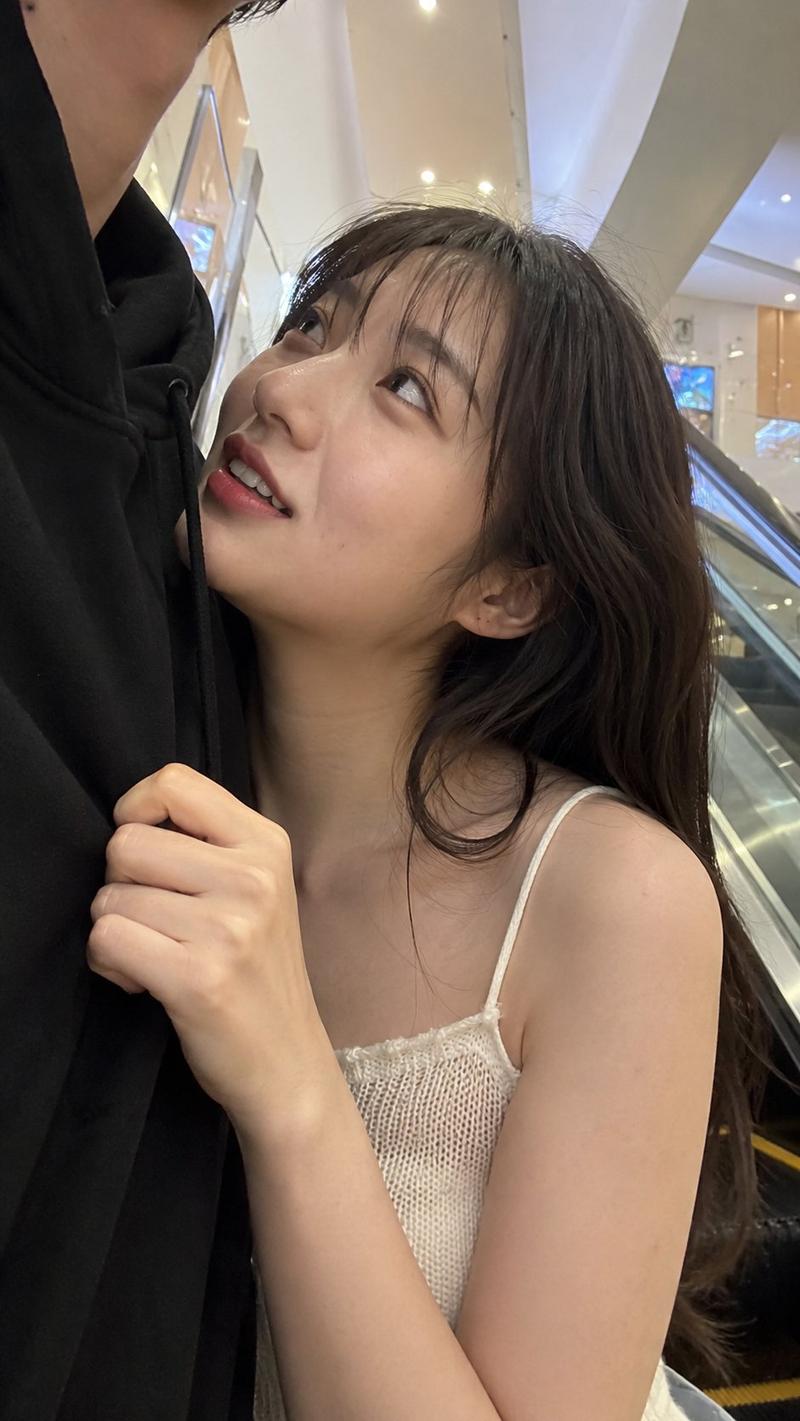
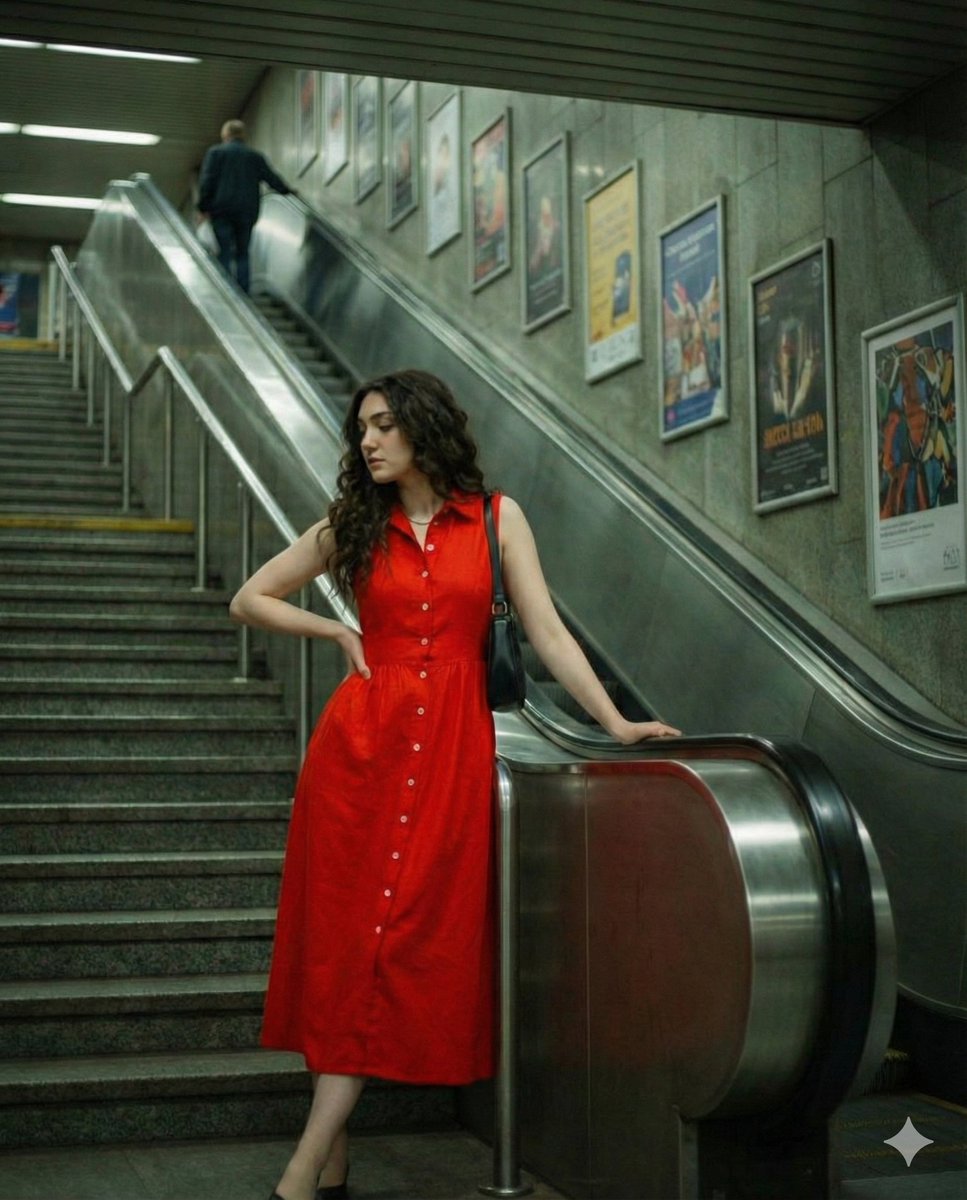
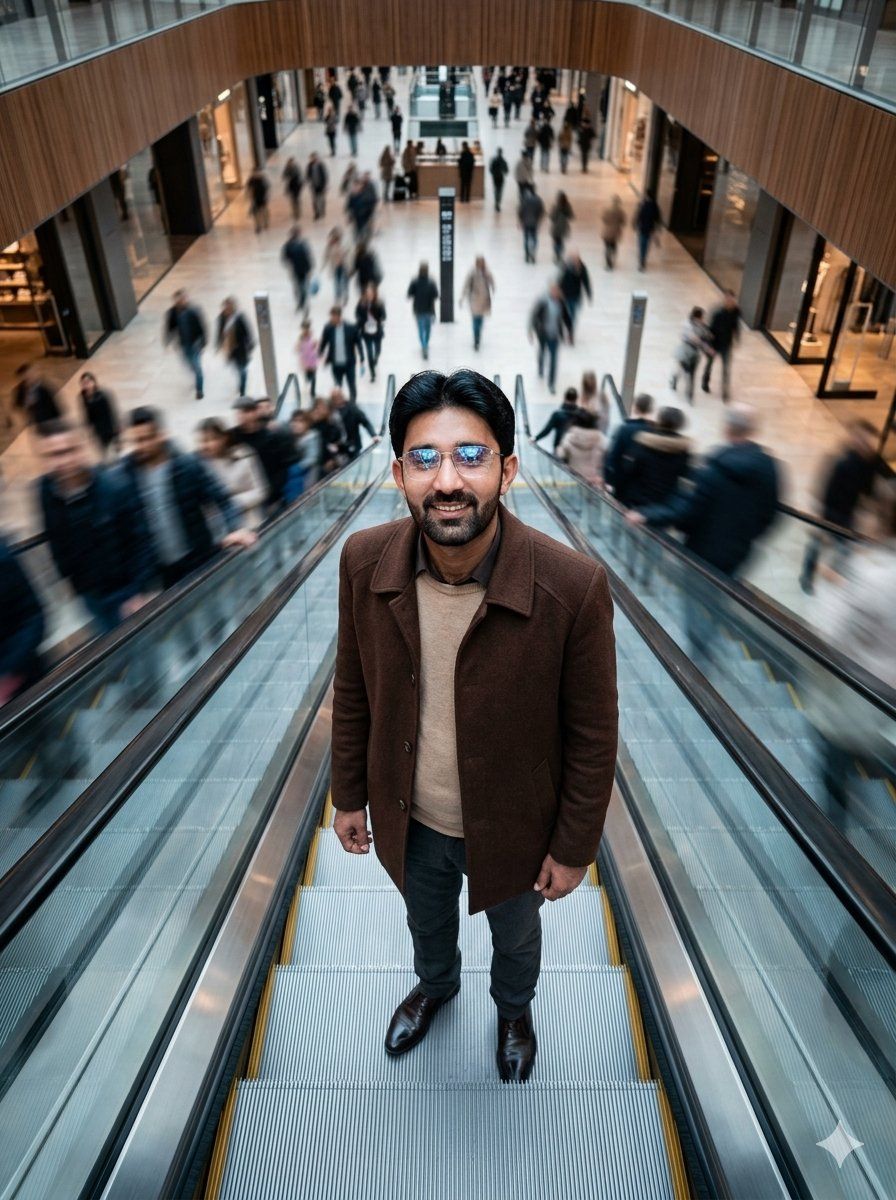
商场自动扶梯俯视肖像
Enlarge

商场自动扶梯俯视肖像

Prompt
Create a hyper-realistic cinematic 35mm portrait photograph from an extreme overhead, drone-like viewpoint looking down the center of a wide moving escalator inside a futuristic luxury shopping mall. A single {argument name="subject" default="adult man"} stands completely still on the escalator, centered in the frame and facing upward toward the camera, with calm, motionless body language. He has short dark hair and wears a {argument name="coat color" default="dark brown"} wool overcoat over a beige sweater, dark trousers, and polished dark leather shoes. The escalator steps form strong symmetrical leading lines, with glass side rails and metallic grooves, descending into a bright open mall atrium. Around him, show hundreds of shoppers on adjacent escalators and the mall floor rendered with heavy motion blur, creating a dramatic contrast between the sharp still subject and the rushing crowd. The mall should feel upscale and futuristic, with pale stone floors, glass storefronts, warm wood balcony curves, glossy black shop entrances, soft retail lighting, and a spacious multi-level interior. Use shallow depth of field focused on the subject, cinematic color grading, realistic lens perspective, subtle wide-angle distortion from above, natural indoor lighting, high detail, documentary fashion editorial mood, no readable text, no logos, no watermark.
Category
Charts & Infographics
Model
GPT Image 2
Views1
Source ID
21427
Published
May 18, 2026

Guide

About "商场自动扶梯俯视肖像"

What is this prompt for?

"商场自动扶梯俯视肖像" AI image prompt for GPT Image 2 (Charts & Infographics). 一张电影级超写实俯视肖像,展示了一位在豪华商场自动扶梯上静止不动的人物,周围环绕着动态模糊的人群。 Copy it on Picva and recreate the look…

The full copyable prompt and example visuals above are ready for AI image generation or one-click recreate in Picva.

How to use this prompt

  1. Step 1

    Open the prompt detail

    Review the example visuals, category, and full prompt text for "商场自动扶梯俯视肖像".

  2. Step 2

    Copy the prompt

    Copy the prompt body from this page, or load it directly in Studio.

  3. Step 3

    Pick a model (GPT Image 2)

    Prefer GPT Image 2. If you switch models, keep subject and composition and tweak style terms.

  4. Step 4

    Generate and export

    Recreate the look in Picva, or export into your workflow for editing and publishing.

FAQ

What is the "商场自动扶梯俯视肖像" prompt?
It is an AI image-generation prompt for GPT Image 2 in the Charts & Infographics category. This page includes the full prompt text, example visuals, and a one-click recreate path in Picva.
How do I use this prompt to generate an image?
Copy the prompt from this page, or use Generate / Studio. Paste it into a compatible image model, or recreate the look in Picva with optional reference images.
Which model is this prompt for?
This page lists GPT Image 2. Most descriptive prompts also transfer to nearby image models such as GPT Image, Flux, or Midjourney with light style tweaks.
Can I use the result commercially?
You can usually copy the prompt for creation, but commercial use of the final image depends on the model terms, reference-image rights, and the generated content. Follow the source author and platform rules.