15

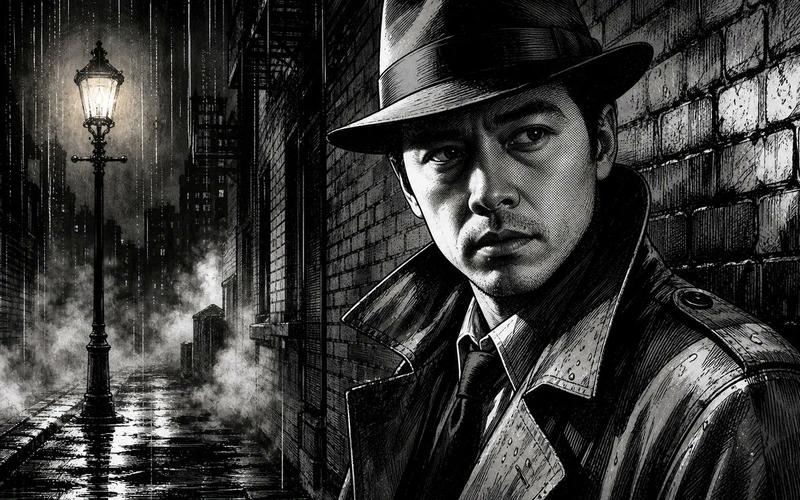
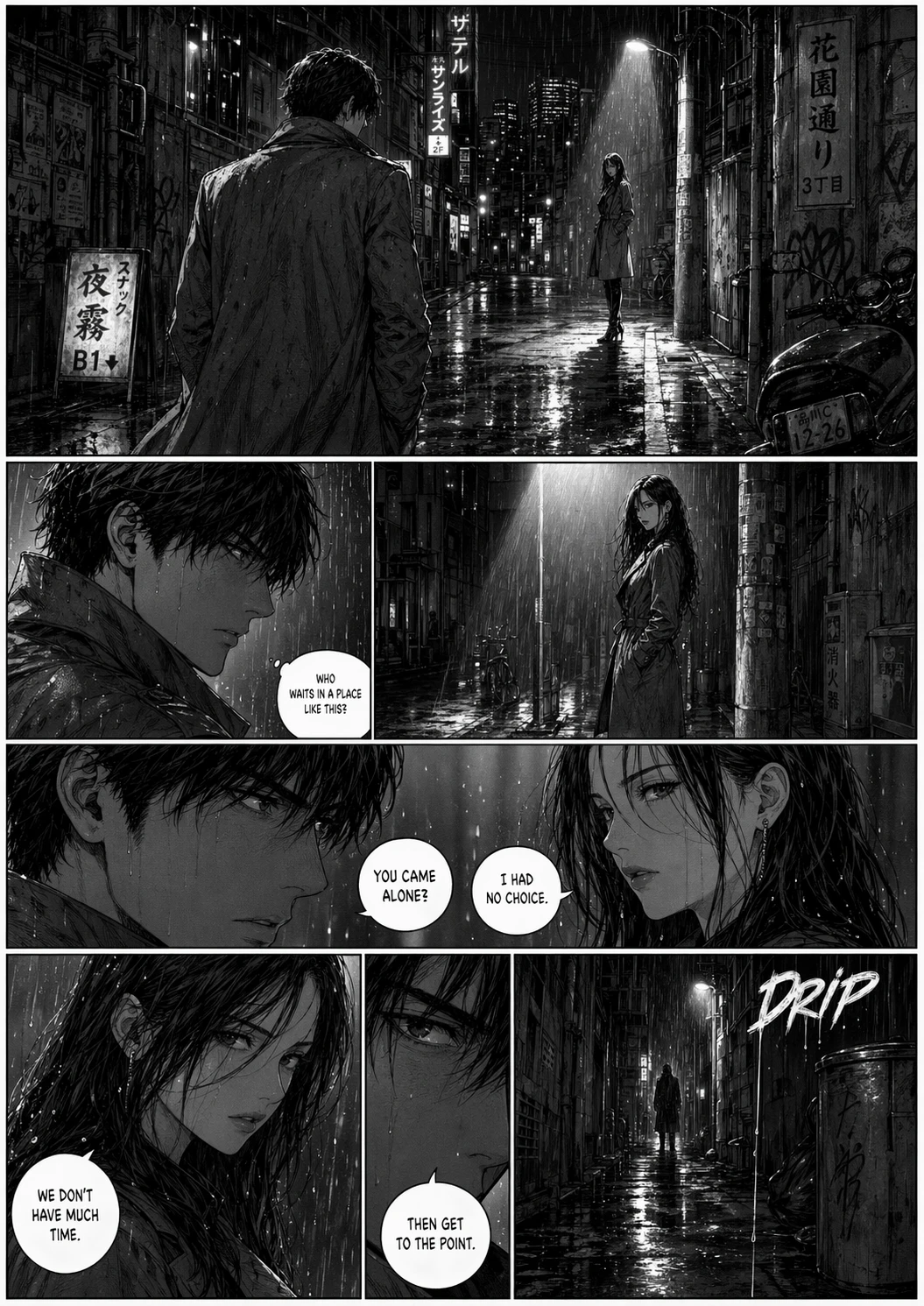
黑色电影侦探雨巷肖像
Enlarge

黑色电影侦探雨巷肖像

Prompt
Create a dramatic black-and-white noir manga illustration of {argument name="character type" default="a mysterious detective"} standing close to the camera in a rain-soaked city alley at night. The figure occupies the right half of the wide horizontal frame, wearing a dark fedora, high-collared trench coat, shirt, and tie, with sharp inked highlights and heavy cross-hatching; leave a large plain dark gray rectangular placeholder over the face area for a future uploaded portrait, centered from the hat brim down to the upper chest. The left half shows a tall glowing Victorian streetlamp, wet reflective cobblestones, dense fog or steam drifting along the ground, distant skyscrapers and fire escapes, and vertical rain streaks. Use a gritty monochrome graphic-novel style with high contrast, scratchy pen-and-ink texture, dramatic rim lighting, deep shadows, detailed brick wall perspective behind the detective, raindrops on the coat, and a cinematic 16:9 composition. No readable text, no watermark, no color except grayscale.
Category
Charts & Infographics
Model
GPT Image 2
Views1
Source ID
21435
Published
May 18, 2026

Guide

About "黑色电影侦探雨巷肖像"

What is this prompt for?

"黑色电影侦探雨巷肖像" AI image prompt for GPT Image 2 (Charts & Infographics). 生成一张具有电影质感的黑白黑色电影风格侦探场景,并预留面部占位符,以便插入肖像或进行风格化头像处理。 Copy it on Picva and recreate the look…

The full copyable prompt and example visuals above are ready for AI image generation or one-click recreate in Picva.

How to use this prompt

  1. Step 1

    Open the prompt detail

    Review the example visuals, category, and full prompt text for "黑色电影侦探雨巷肖像".

  2. Step 2

    Copy the prompt

    Copy the prompt body from this page, or load it directly in Studio.

  3. Step 3

    Pick a model (GPT Image 2)

    Prefer GPT Image 2. If you switch models, keep subject and composition and tweak style terms.

  4. Step 4

    Generate and export

    Recreate the look in Picva, or export into your workflow for editing and publishing.

FAQ

What is the "黑色电影侦探雨巷肖像" prompt?
It is an AI image-generation prompt for GPT Image 2 in the Charts & Infographics category. This page includes the full prompt text, example visuals, and a one-click recreate path in Picva.
How do I use this prompt to generate an image?
Copy the prompt from this page, or use Generate / Studio. Paste it into a compatible image model, or recreate the look in Picva with optional reference images.
Which model is this prompt for?
This page lists GPT Image 2. Most descriptive prompts also transfer to nearby image models such as GPT Image, Flux, or Midjourney with light style tweaks.
Can I use the result commercially?
You can usually copy the prompt for creation, but commercial use of the final image depends on the model terms, reference-image rights, and the generated content. Follow the source author and platform rules.