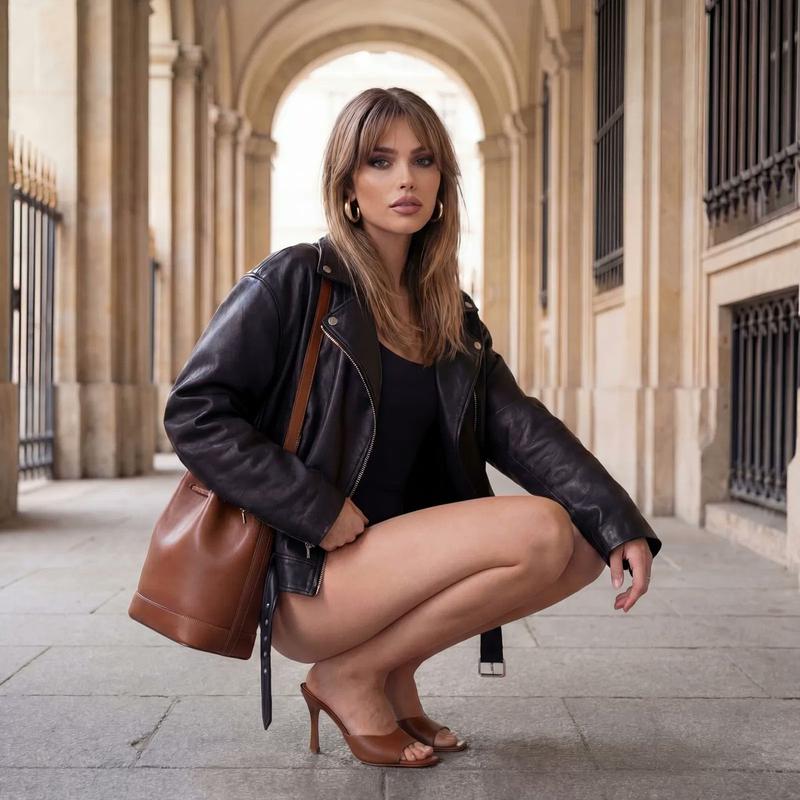
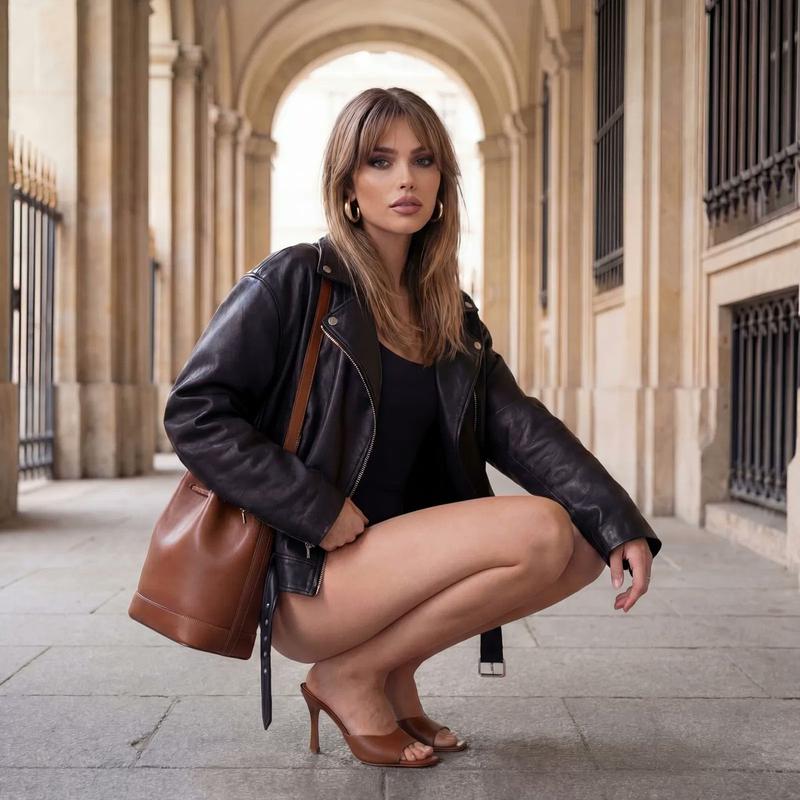
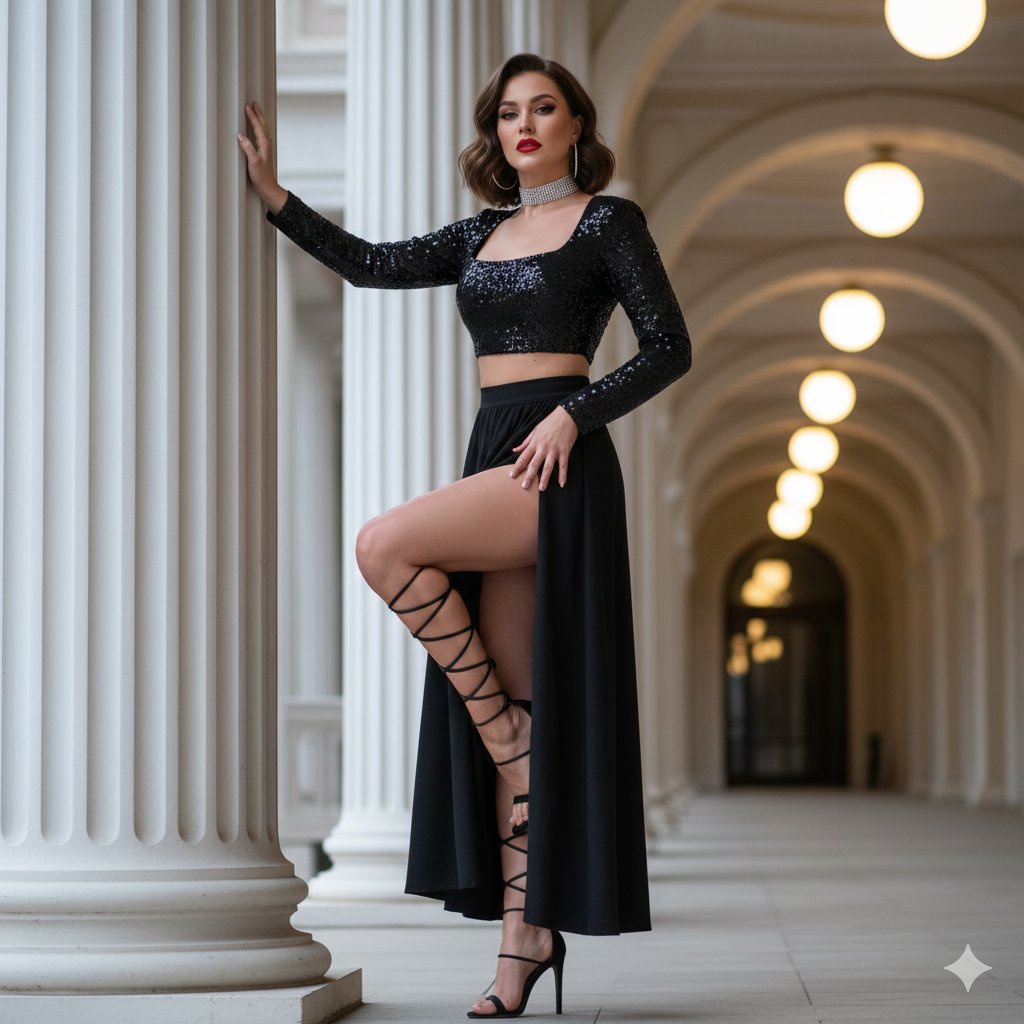
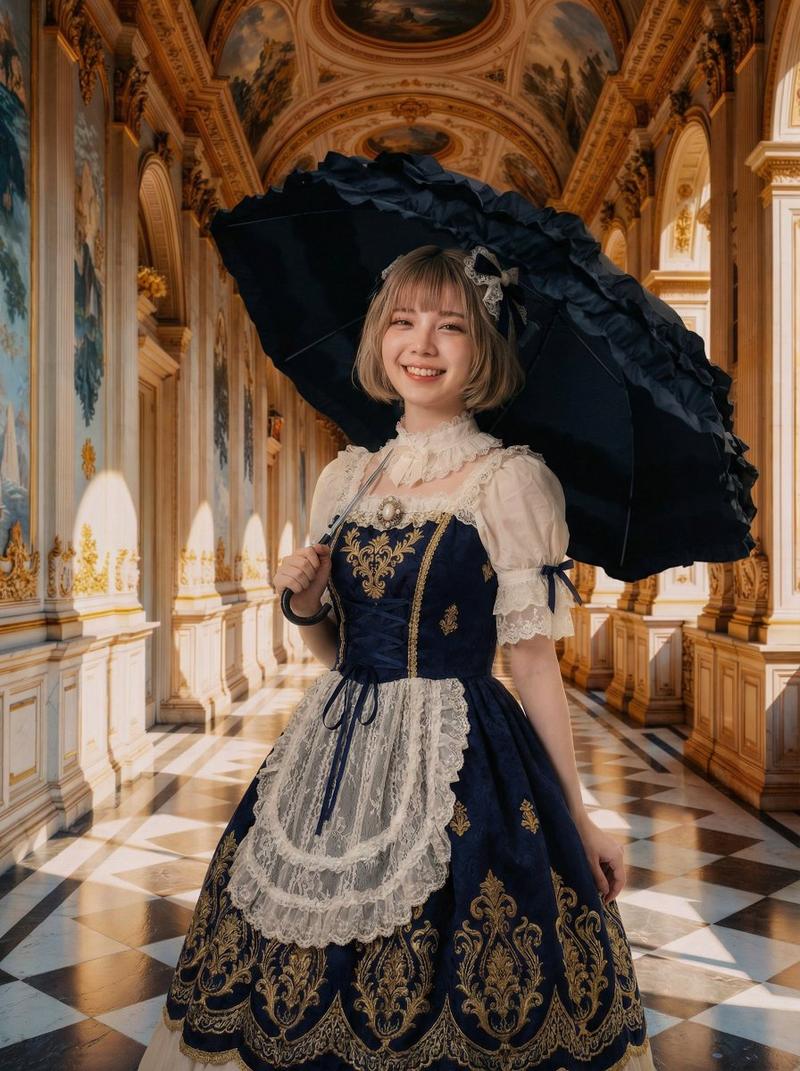
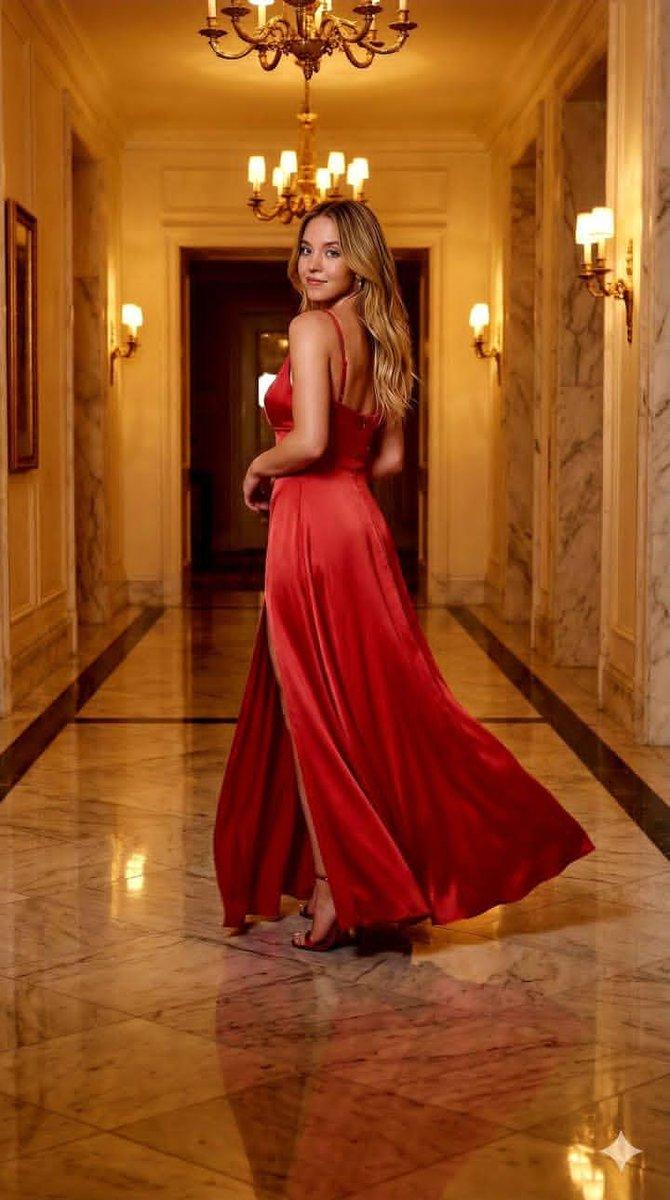
移轴宫殿长廊对比
Prompt
Goal: Create a dark editorial benchmark comparison card for {argument name="headline text" default="Tilt-shift palace corridor — avant-garde"}, comparing two generated fashion images in a palace corridor.

Canvas: Square 1024×1024 social media graphic with a nearly black warm-brown background, thin divider lines, and a refined fashion/tech review aesthetic.

Layout: Use exactly 2 stacked image panels centered horizontally, each with a palace corridor fashion render. The top panel is larger and begins near the upper third; the bottom panel sits directly below with a thin horizontal separator between them. Add a small header at the very top left reading “FASHION EDITORIAL · TECHNICAL LIGHTING”. Add a bottom caption band with the headline, a score-delta pill, a short note, and subtle branding.

Panel 1: A high-quality fashion editorial render labeled near the top left “GPT IMAGE · HIGH” and marked with a coral rounded “WINNER” badge near the top right. Show a full-body avant-garde model standing centered in a grand arched palace corridor with perfect one-point perspective, tall columns, classical statues, bright window light, and strong tilt-shift depth blur toward the distance. The model wears a geometric black, cream, and gray structured dress with sharp diagonal stripes, symmetrical shoulder panels, a cinched waist, a wide skirt with black diamond shapes, and a small architectural circular handbag held at the right side. The face should be intentionally blurred/obscured. Add a large white score “{argument name="top score" default="3.7"}” at the lower right of the panel.

Panel 2: A lower-quality competing render labeled near the top left “NANO BANANA PRO”. Show the same concept but less accurate: a centered model in the same sunlit vaulted palace corridor, warmer golden lighting, strong blur, less perfect geometry, and a flatter/less faithful outfit. The model holds an architectural circular object across the chest, with the face also blurred/obscured. Add a large translucent gray score “{argument name="bottom score" default="2.8"}” at the lower right of this panel.

Bottom text content: In the lower band, display the headline “{argument name="headline text" default="Tilt-shift palace corridor — avant-garde"}” in bold white. Beneath it place one coral pill reading “{argument name="score delta" default="GPT +0.9"}”, followed by the note “Perfect one-point perspective, geometric outfit fidelity”. Put a small orange V-shaped logo and the word “vibedex” at bottom left, and a faint “@vibedex” at bottom right.

Visual style: Premium dark UI, muted cream and black palette, coral accents, clean sans-serif typography, crisp alignment, cinematic shadows, shallow depth of field, editorial fashion lighting, and subtle grain.

Constraints: Include exactly 2 image panels, exactly 2 score numbers, exactly 2 model figures, exactly 1 winner badge, exactly 1 headline, exactly 1 score-delta pill, and exactly 2 brand marks. Preserve the split-screen benchmark layout and avoid adding extra charts, buttons, or decorative icons.- Category
- Charts & Infographics
- Model
- GPT Image 2
- Creator
- Vibedex
- Source ID
- 21439
- Published
- May 18, 2026
Views4