15

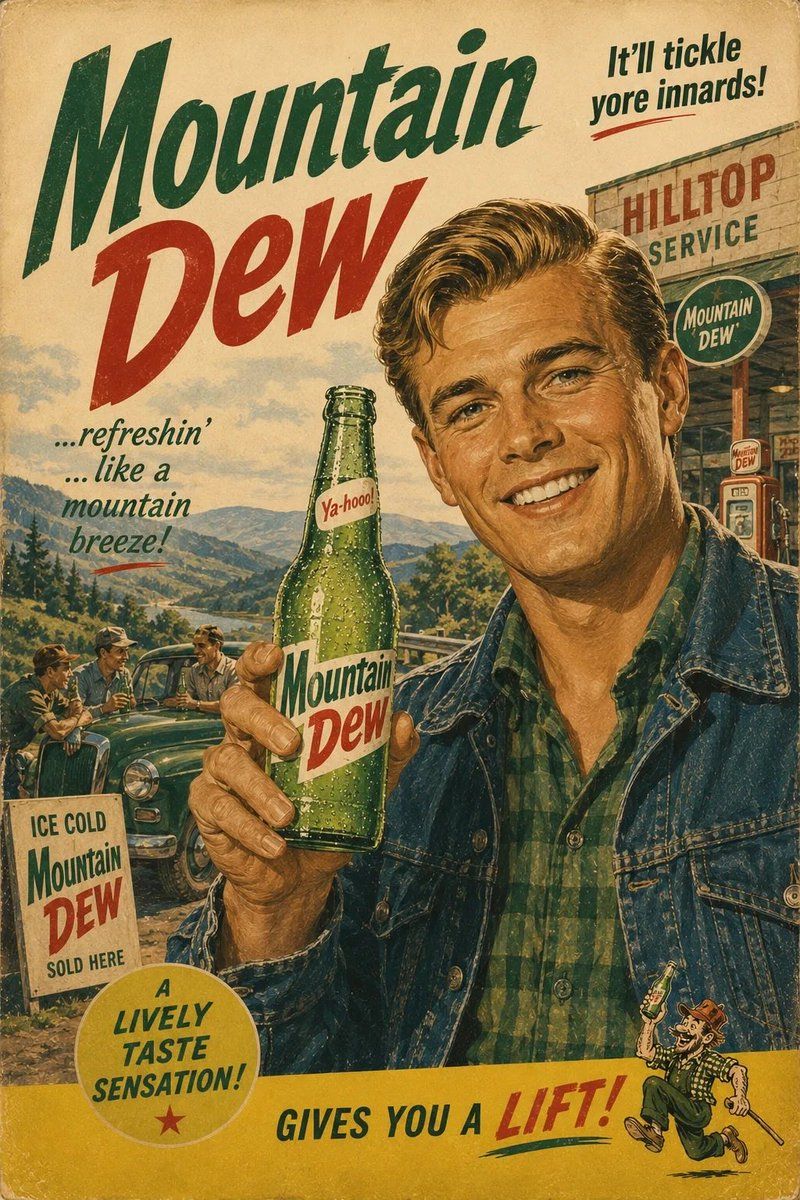
20 世纪 60 年代复古广告海报
Enlarge

Example images

20 世纪 60 年代复古广告海报

Prompt
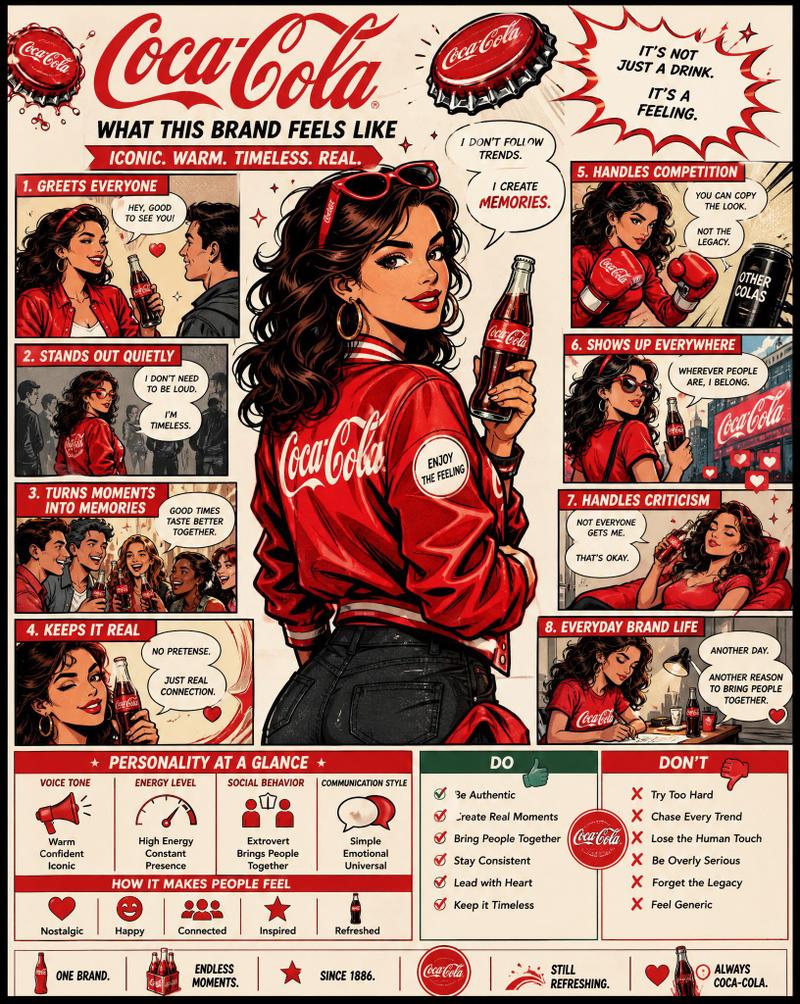
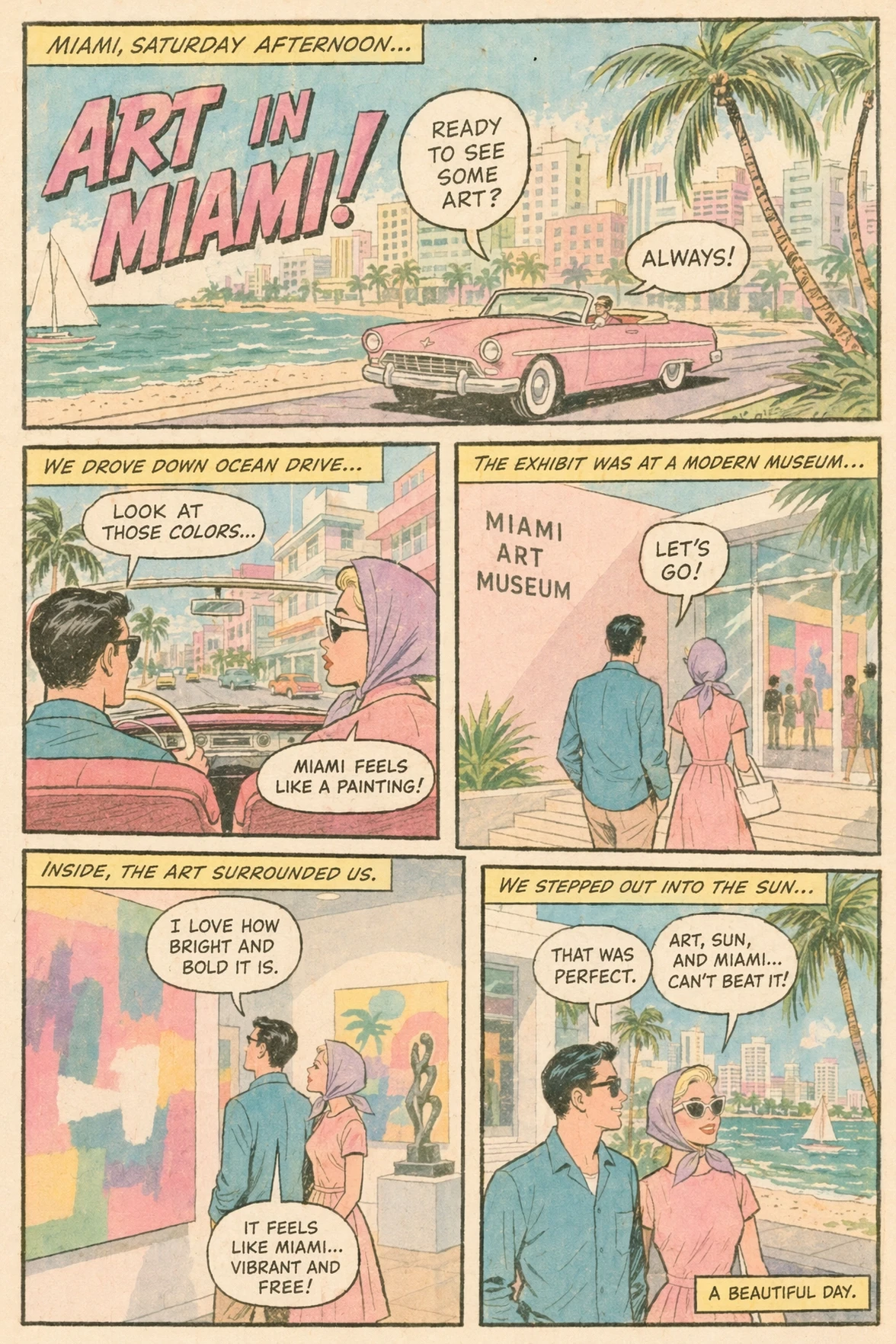
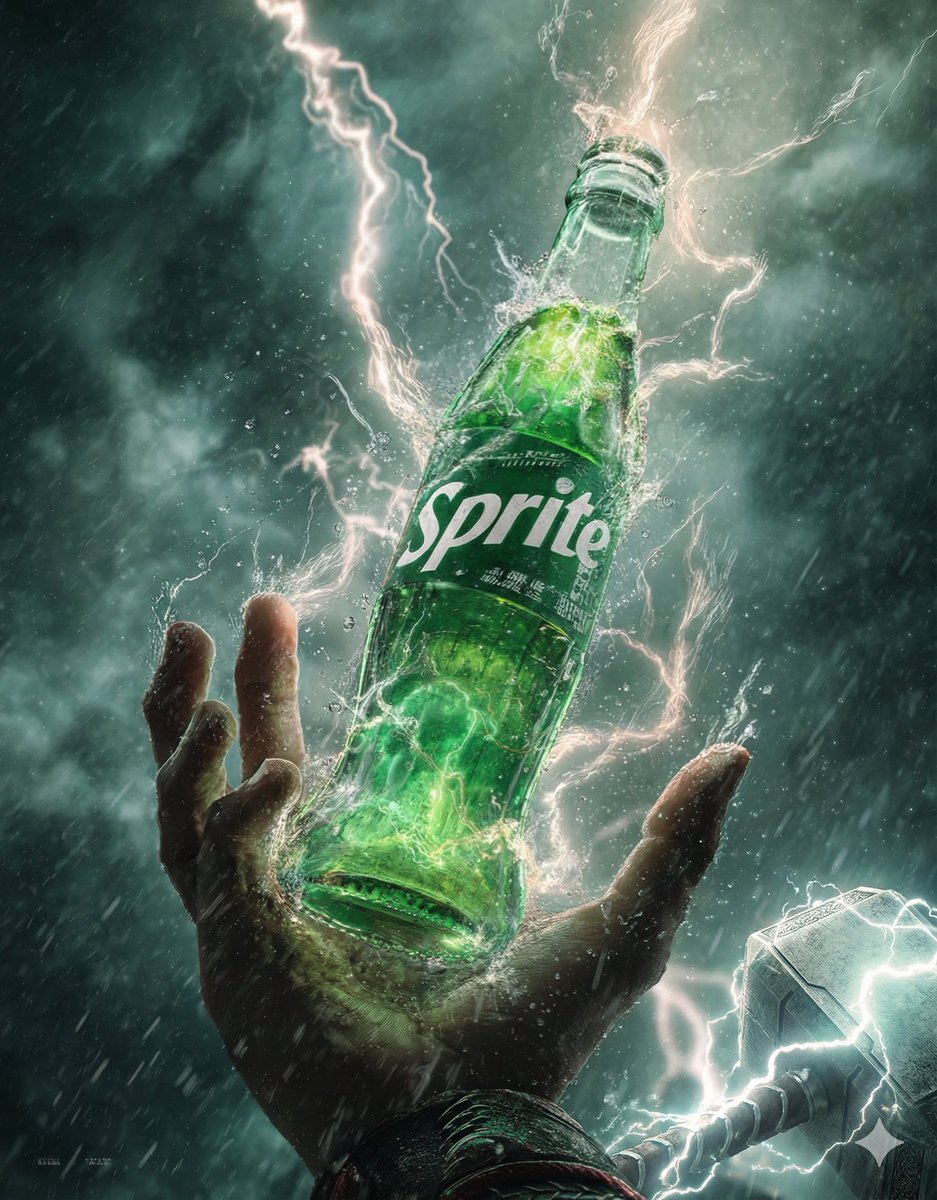
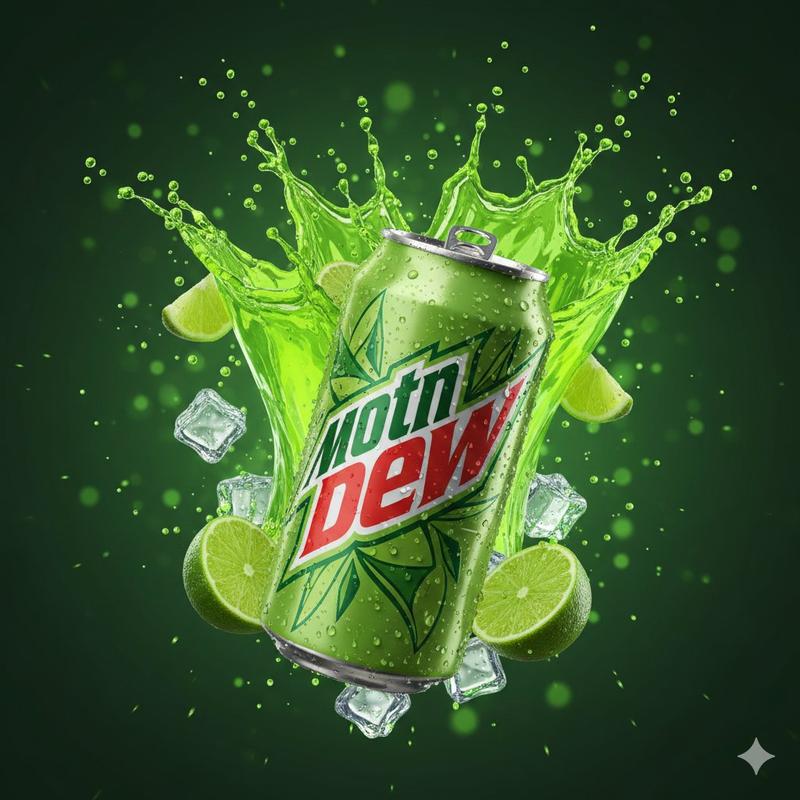
Authentic 1960s American advertising poster for {argument name="brand" default="[BREW]"}, vintage mid-century commercial illustration, {argument name="character description" default="[PERSON DESCRIPTION]"} holding a frosty glass bottle of {argument name="product" default="[BREW]"}, bright optimistic lifestyle scene, nostalgic Americana atmosphere, bold {argument name="color scheme" default="[COLOR 1] and [COLOR 2]"} color palette, elegant retro typography, the text “{argument name="brand" default="[BREW]"}” prominently integrated into the poster design, authentic screen print texture, subtle paper grain, hand-painted illustration style, vintage Madison Avenue advertising aesthetic, clean composition, highly detailed, warm cinematic lighting, premium poster design, authentic 1960s print imperfections, painterly realism, soft brushwork, vertical composition 4:5
Category
Charts & Infographics
Model
GPT Image 2
Views1
Source ID
21473
Published
May 19, 2026

Guide

About "20 世纪 60 年代复古广告海报"

What is this prompt for?

"20 世纪 60 年代复古广告海报" AI image prompt for GPT Image 2 (Charts & Infographics). 一款怀旧的中世纪插画提示词,用于创作具有地道 20 世纪 60 年代风格的广告海报,并融合了复古排版与质感。 Copy it on Picva and recrea…

The full copyable prompt and example visuals above are ready for AI image generation or one-click recreate in Picva.

How to use this prompt

  1. Step 1

    Open the prompt detail

    Review the example visuals, category, and full prompt text for "20 世纪 60 年代复古广告海报".

  2. Step 2

    Copy the prompt

    Copy the prompt body from this page, or load it directly in Studio.

  3. Step 3

    Pick a model (GPT Image 2)

    Prefer GPT Image 2. If you switch models, keep subject and composition and tweak style terms.

  4. Step 4

    Generate and export

    Recreate the look in Picva, or export into your workflow for editing and publishing.

FAQ

What is the "20 世纪 60 年代复古广告海报" prompt?
It is an AI image-generation prompt for GPT Image 2 in the Charts & Infographics category. This page includes the full prompt text, example visuals, and a one-click recreate path in Picva.
How do I use this prompt to generate an image?
Copy the prompt from this page, or use Generate / Studio. Paste it into a compatible image model, or recreate the look in Picva with optional reference images.
Which model is this prompt for?
This page lists GPT Image 2. Most descriptive prompts also transfer to nearby image models such as GPT Image, Flux, or Midjourney with light style tweaks.
Can I use the result commercially?
You can usually copy the prompt for creation, but commercial use of the final image depends on the model terms, reference-image rights, and the generated content. Follow the source author and platform rules.