17

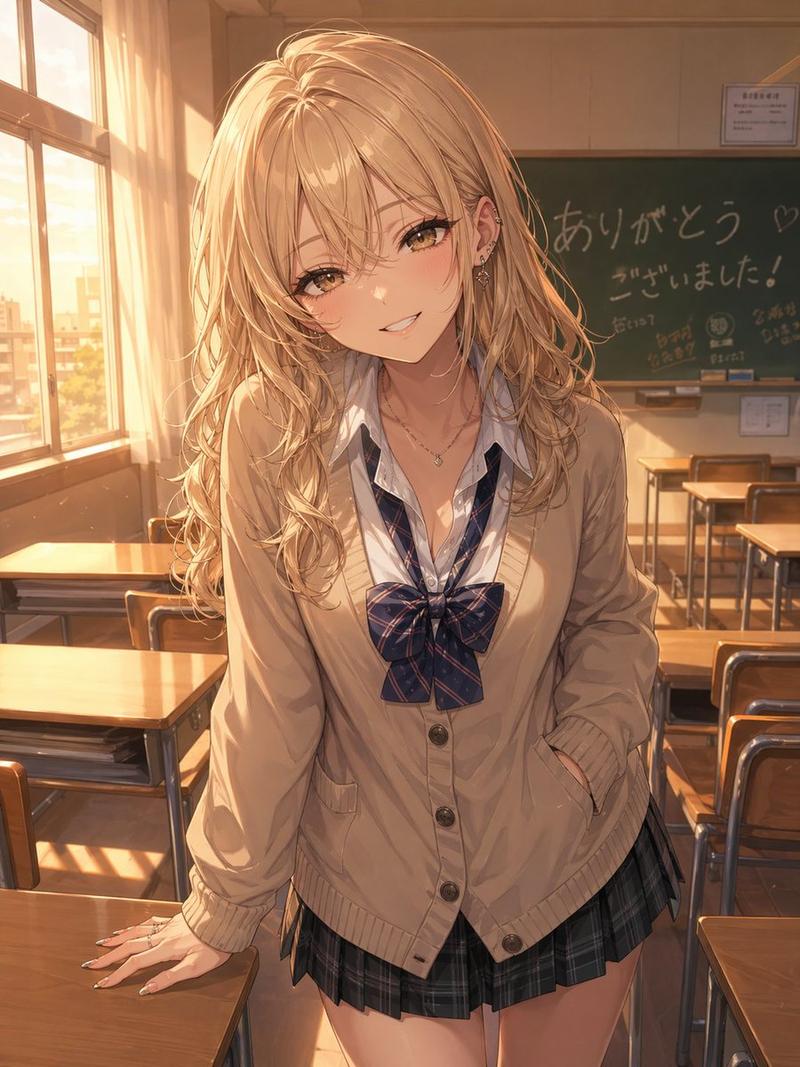
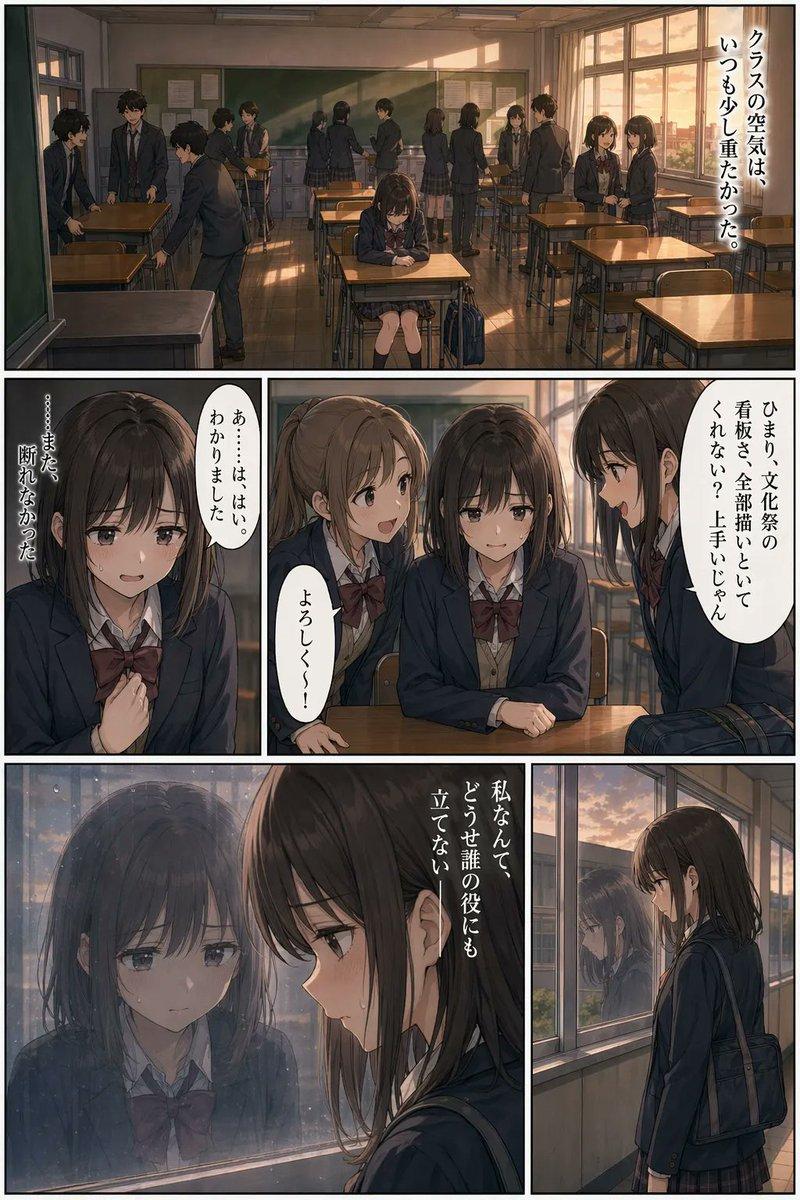
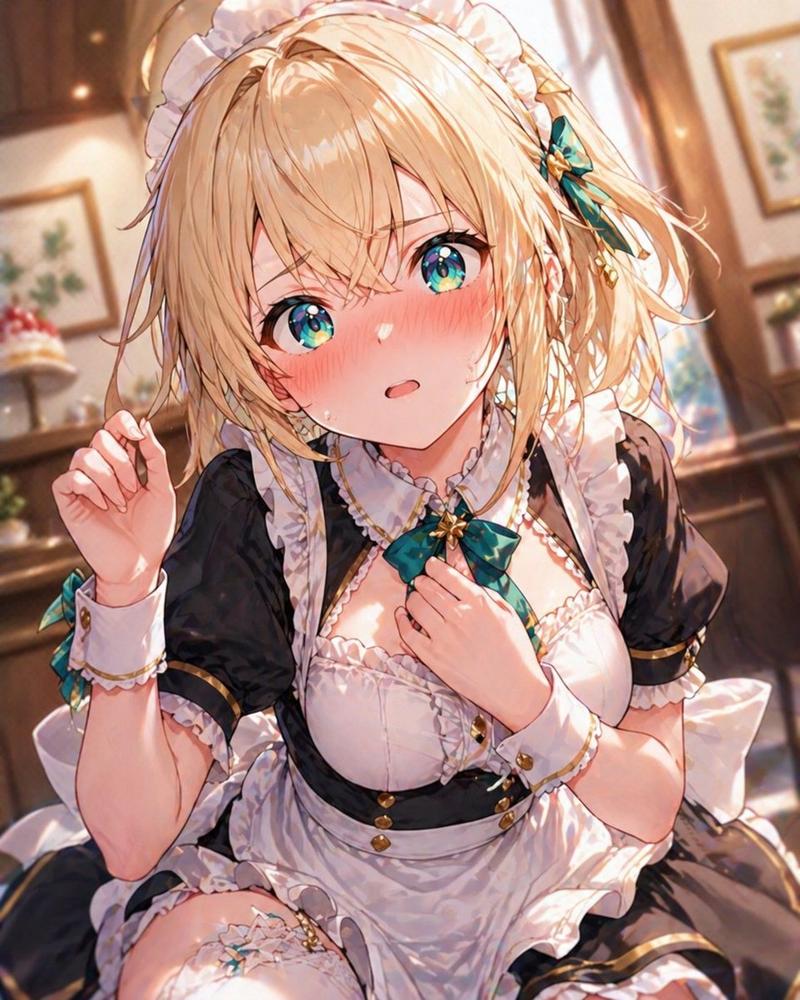
电影级动漫截图提示词
Enlarge

电影级动漫截图提示词

Prompt
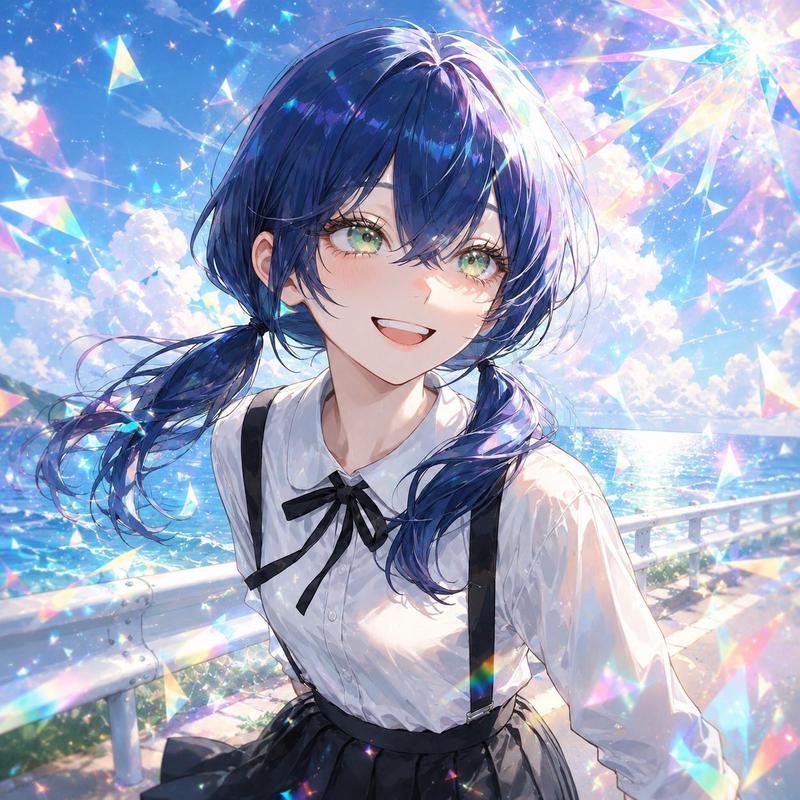
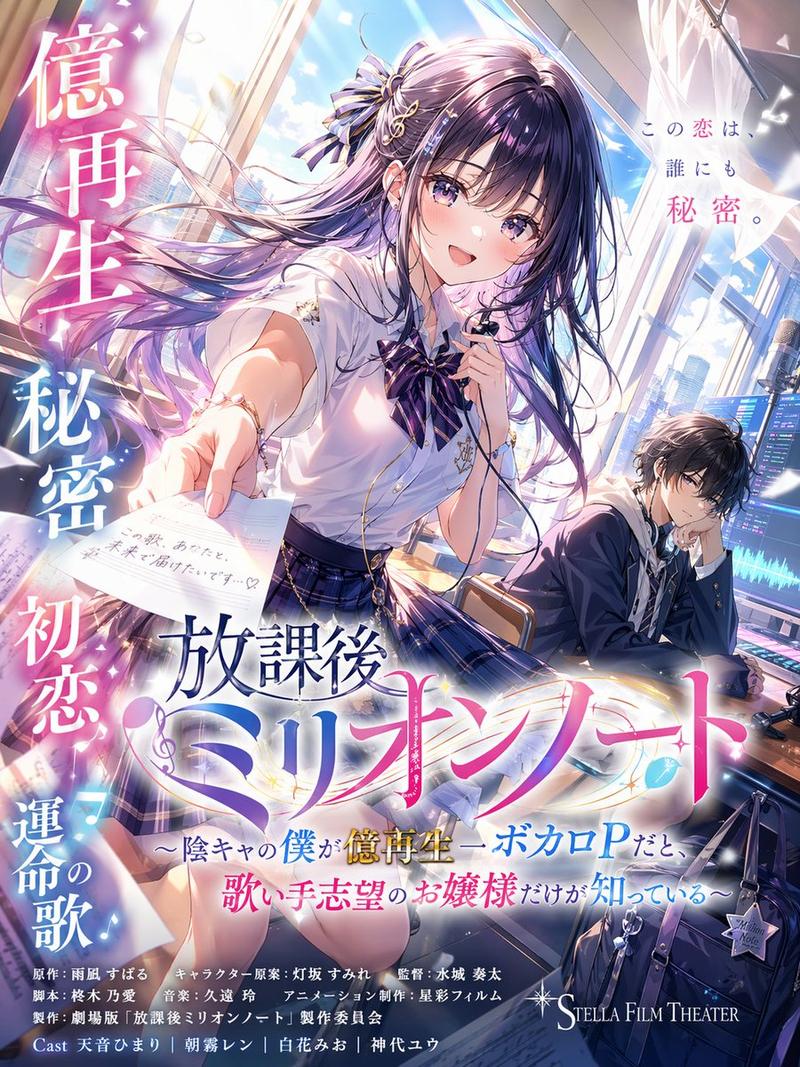
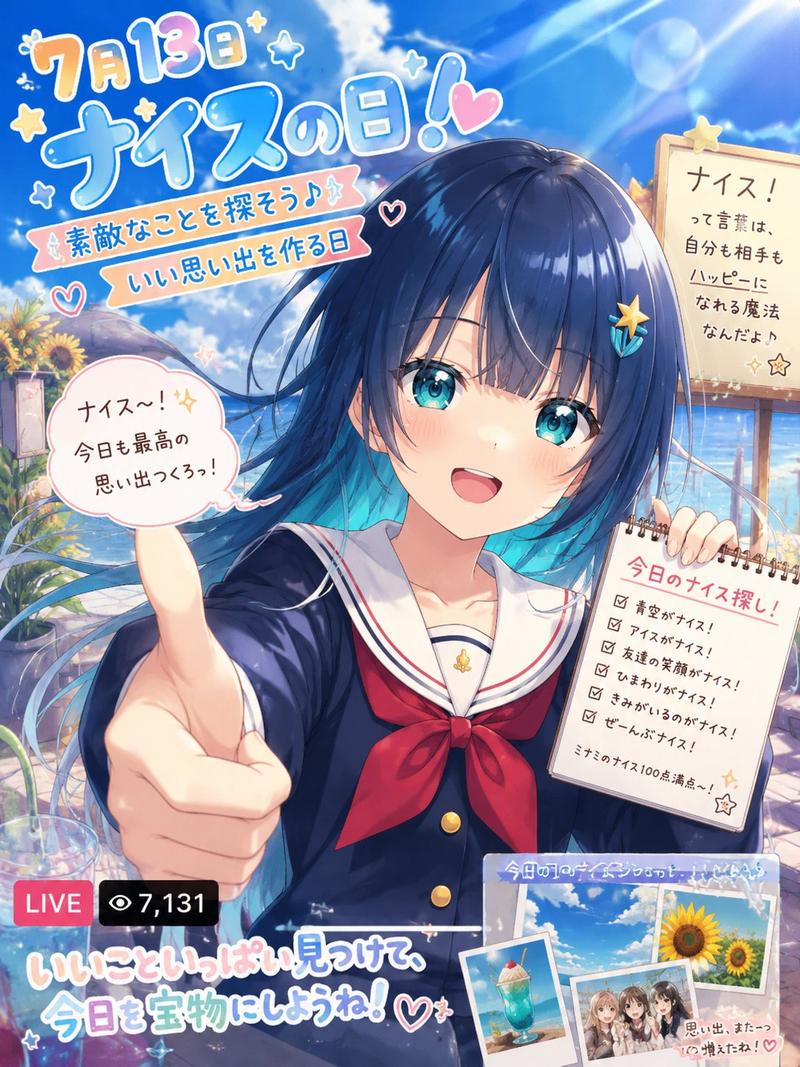
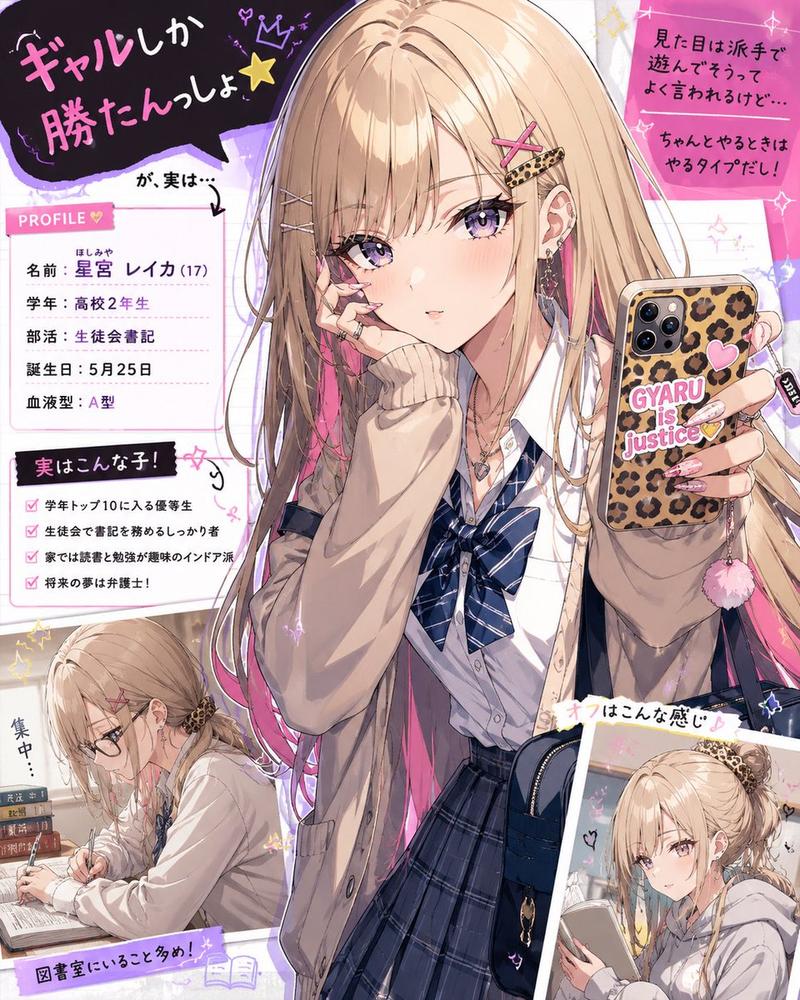
为了生成图像,请仅将以下指令传递给 GPT image2。{argument name="aspect ratio" default="3:4 竖构图"}。将其绘制为电影级动漫中的一个场景。请勿沿用参考图像的构图、姿势或屏幕布局;仅参考角色设计、服装、面部、色彩和世界观。描绘一个极其动态且令人印象深刻的瞬间,以契合参考角色的性格、情绪、职业、战斗风格和世界观。创作出一种看起来像是捕捉到的动作、情绪或运动瞬间的画面,而非简单的摆拍。运用强烈的透视、广角镜头式构图、景深、前景遮挡、风吹动头发和衣服的效果、焦点变换、焦外成像、空气透视以及电影级光影。强调水平视觉引导和宽广的空间营造。使其看起来像是一部“视频作品中的单帧画面”,并包含背景。背景信息密度应高且井然有序,同时抑制视觉噪点。禁止出现碎片。除主角外,其他角色应保持在最少限度。禁止使用静态姿势、左右对称、天空背景、海报式构图以及社交游戏风格的角色美术。{argument name="anime style" default="日本电视动画风格"}, 动漫截图, 2020 年代动漫系列, 清晰的赛璐珞阴影, 平面动漫配色, 精致的动漫线条, 无绘画感渲染, 干净的数字动漫成品, 高辨识度的剪影, 电影级动漫景深。
Category
Photography & Realism
Model
GPT Image 2
Views12
Source ID
21530
Published
May 19, 2026

Guide

About "电影级动漫截图提示词"

What is this prompt for?

"电影级动漫截图提示词" AI image prompt for GPT Image 2 (Photography & Realism). 一款专业级提示词,旨在将参考图像转化为具有高端光影和运镜效果的动态电影级动漫画面。 Copy it on Picva and recreate the look in one c…

The full copyable prompt and example visuals above are ready for AI image generation or one-click recreate in Picva.

How to use this prompt

  1. Step 1

    Open the prompt detail

    Review the example visuals, category, and full prompt text for "电影级动漫截图提示词".

  2. Step 2

    Copy the prompt

    Copy the prompt body from this page, or load it directly in Studio.

  3. Step 3

    Pick a model (GPT Image 2)

    Prefer GPT Image 2. If you switch models, keep subject and composition and tweak style terms.

  4. Step 4

    Generate and export

    Recreate the look in Picva, or export into your workflow for editing and publishing.

FAQ

What is the "电影级动漫截图提示词" prompt?
It is an AI image-generation prompt for GPT Image 2 in the Photography & Realism category. This page includes the full prompt text, example visuals, and a one-click recreate path in Picva.
How do I use this prompt to generate an image?
Copy the prompt from this page, or use Generate / Studio. Paste it into a compatible image model, or recreate the look in Picva with optional reference images.
Which model is this prompt for?
This page lists GPT Image 2. Most descriptive prompts also transfer to nearby image models such as GPT Image, Flux, or Midjourney with light style tweaks.
Can I use the result commercially?
You can usually copy the prompt for creation, but commercial use of the final image depends on the model terms, reference-image rights, and the generated content. Follow the source author and platform rules.