19

动漫风格男公关肖像(面部遮挡)
Enlarge

动漫风格男公关肖像(面部遮挡)

Prompt
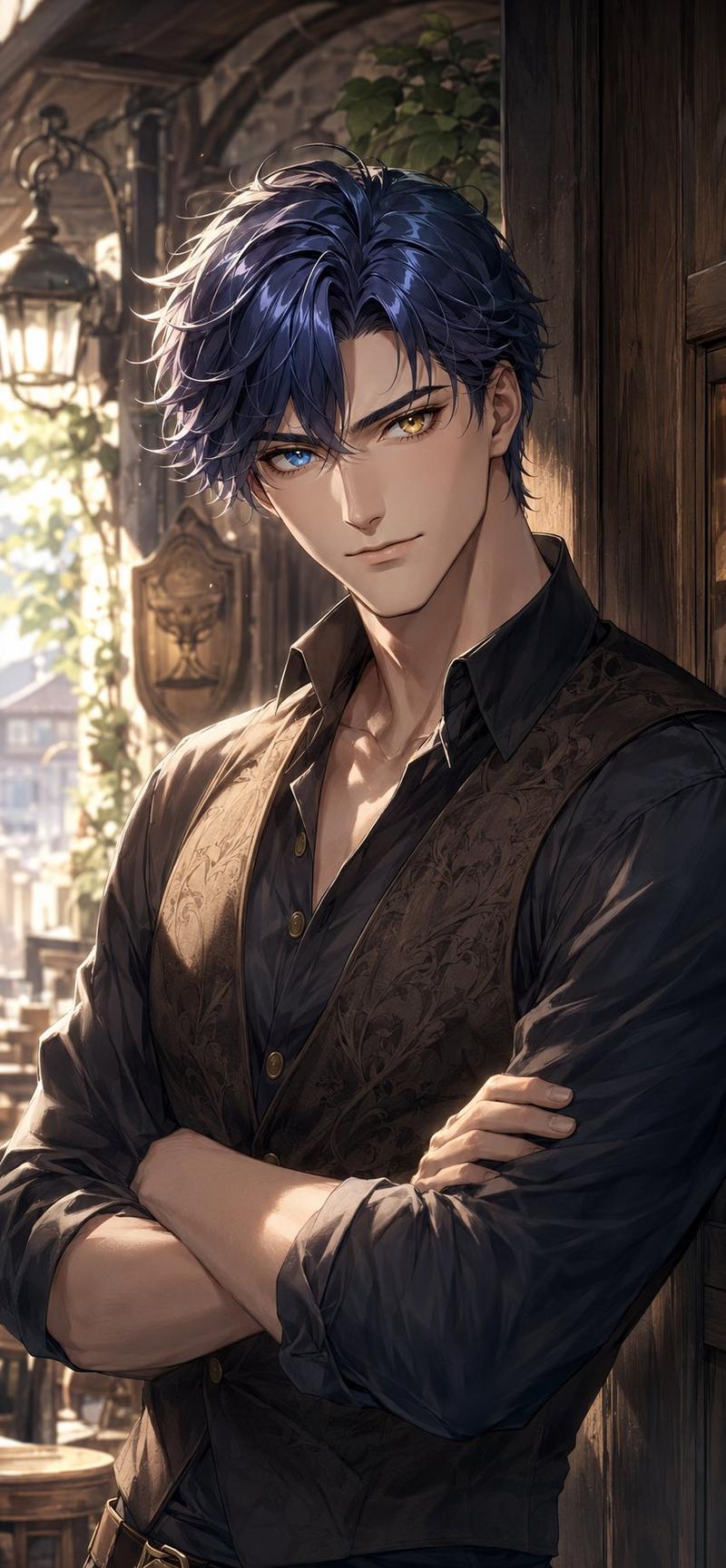
Create a polished anime-style half-body portrait of an extremely handsome adult man standing in an upscale high-rise bar at night, with a dramatic city skyline visible through tall windows behind him. He has {argument name="hair color" default="platinum blond"} layered tousled medium-length hair with long side bangs and sharp luminous highlights, an elegant neck and broad shoulders, and a confident fashionable presence. His face should be mostly obscured by a centered square privacy censor block in a warm beige-to-dark-gray vertical gradient, covering the eyes, nose, and mouth while leaving hair, ears, jawline edges, neck, and upper torso visible. Dress him in a cream-white tailored blazer over an unbuttoned black dress shirt with exactly 3 visible gold buttons, open low enough to reveal a toned chest and collarbones. The background should show exactly 2 main environment zones: on the left, a nighttime skyscraper cityscape with many blue-white window lights and red antenna dots; on the right, a warm luxury bar shelf area with dark wood, golden lighting, bottles, and a glowing rectangular wall sconce. Use cinematic warm indoor lighting mixed with cool blue city light, crisp clean line art, soft cel shading, glossy highlights, a slightly romantic host-club atmosphere, vertical portrait composition cropped at mid-torso, no text, no watermark, no extra characters.
Category
Posters & Typography
Model
GPT Image 2
Views17
Source ID
21587
Published
May 19, 2026

Guide

About "动漫风格男公关肖像(面部遮挡)"

What is this prompt for?

"动漫风格男公关肖像(面部遮挡)" AI image prompt for GPT Image 2 (Posters & Typography). 生成一张时尚的动漫风格肖像,描绘了一位身着西装的金发男子在豪华夜店中,面部带有隐私遮挡块。 Copy it on Picva and recreate the look…

The full copyable prompt and example visuals above are ready for AI image generation or one-click recreate in Picva.

How to use this prompt

  1. Step 1

    Open the prompt detail

    Review the example visuals, category, and full prompt text for "动漫风格男公关肖像(面部遮挡)".

  2. Step 2

    Copy the prompt

    Copy the prompt body from this page, or load it directly in Studio.

  3. Step 3

    Pick a model (GPT Image 2)

    Prefer GPT Image 2. If you switch models, keep subject and composition and tweak style terms.

  4. Step 4

    Generate and export

    Recreate the look in Picva, or export into your workflow for editing and publishing.

FAQ

What is the "动漫风格男公关肖像(面部遮挡)" prompt?
It is an AI image-generation prompt for GPT Image 2 in the Posters & Typography category. This page includes the full prompt text, example visuals, and a one-click recreate path in Picva.
How do I use this prompt to generate an image?
Copy the prompt from this page, or use Generate / Studio. Paste it into a compatible image model, or recreate the look in Picva with optional reference images.
Which model is this prompt for?
This page lists GPT Image 2. Most descriptive prompts also transfer to nearby image models such as GPT Image, Flux, or Midjourney with light style tweaks.
Can I use the result commercially?
You can usually copy the prompt for creation, but commercial use of the final image depends on the model terms, reference-image rights, and the generated content. Follow the source author and platform rules.