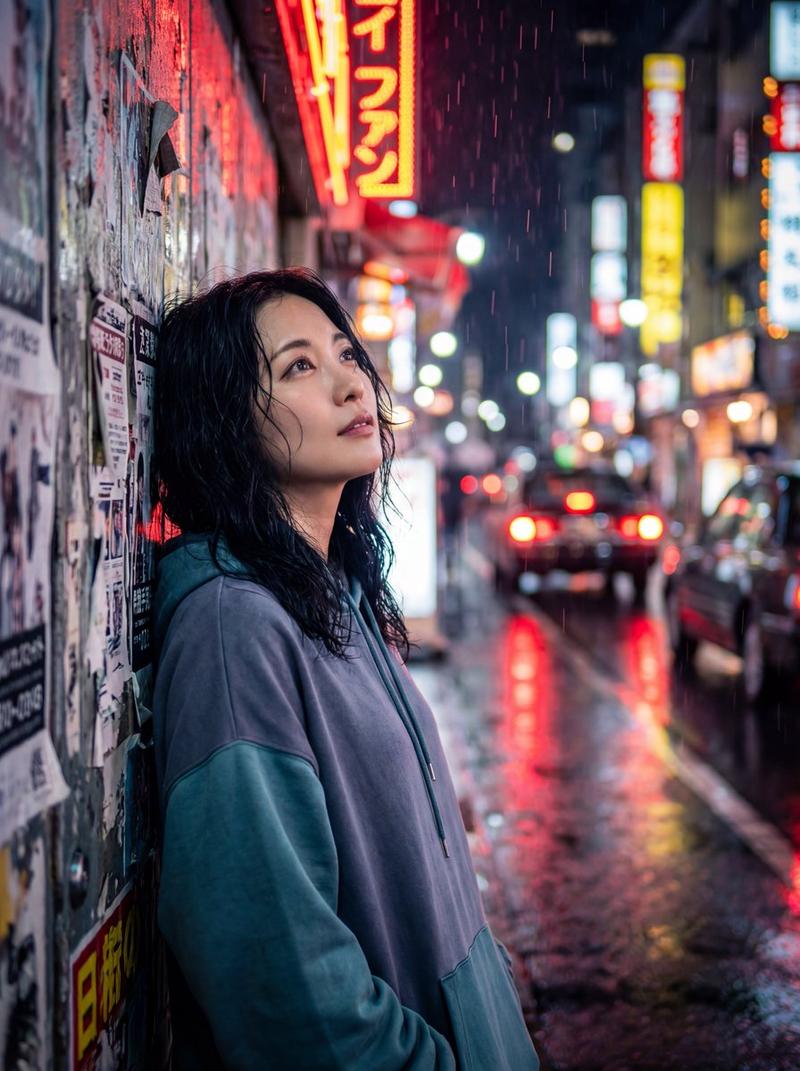
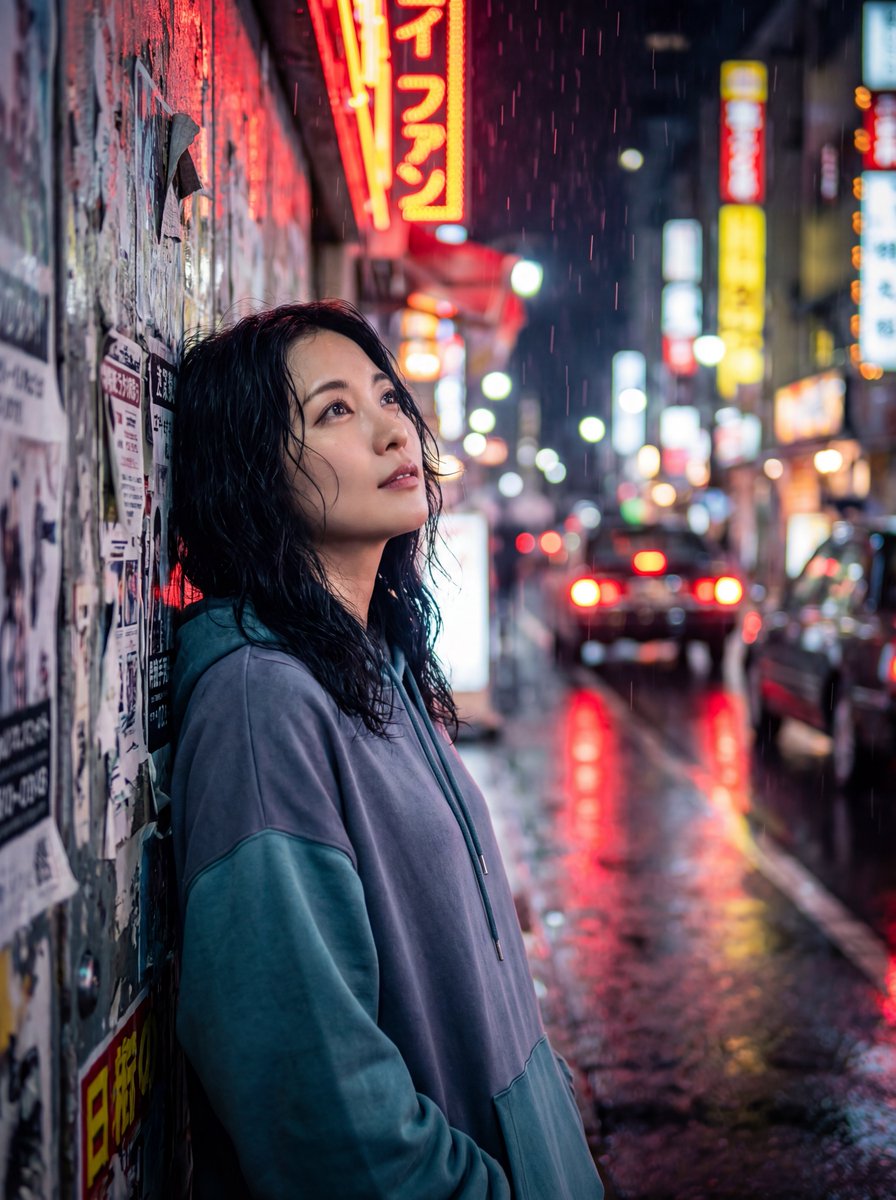
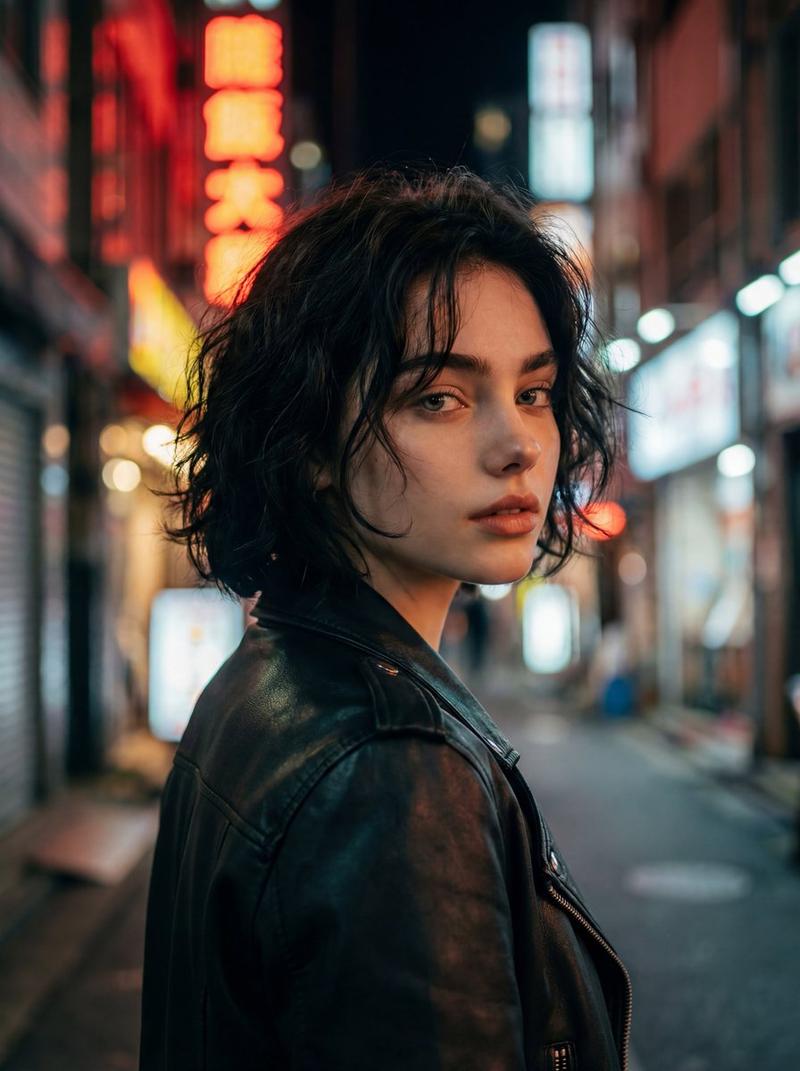
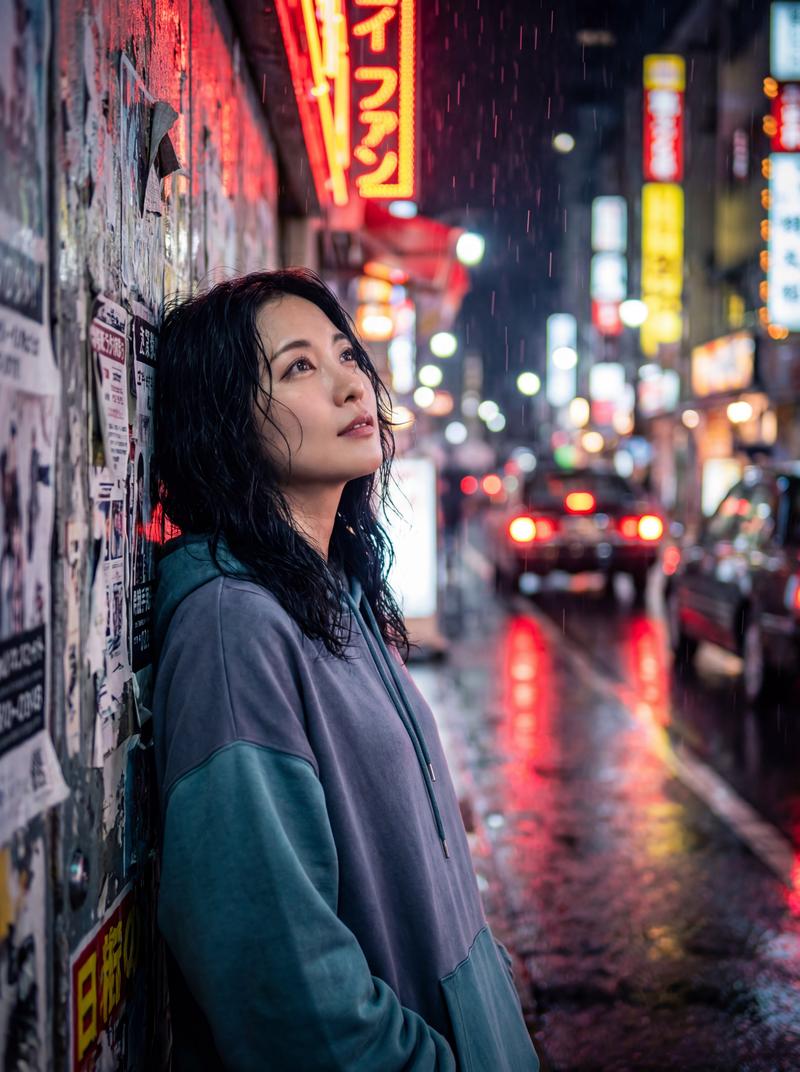
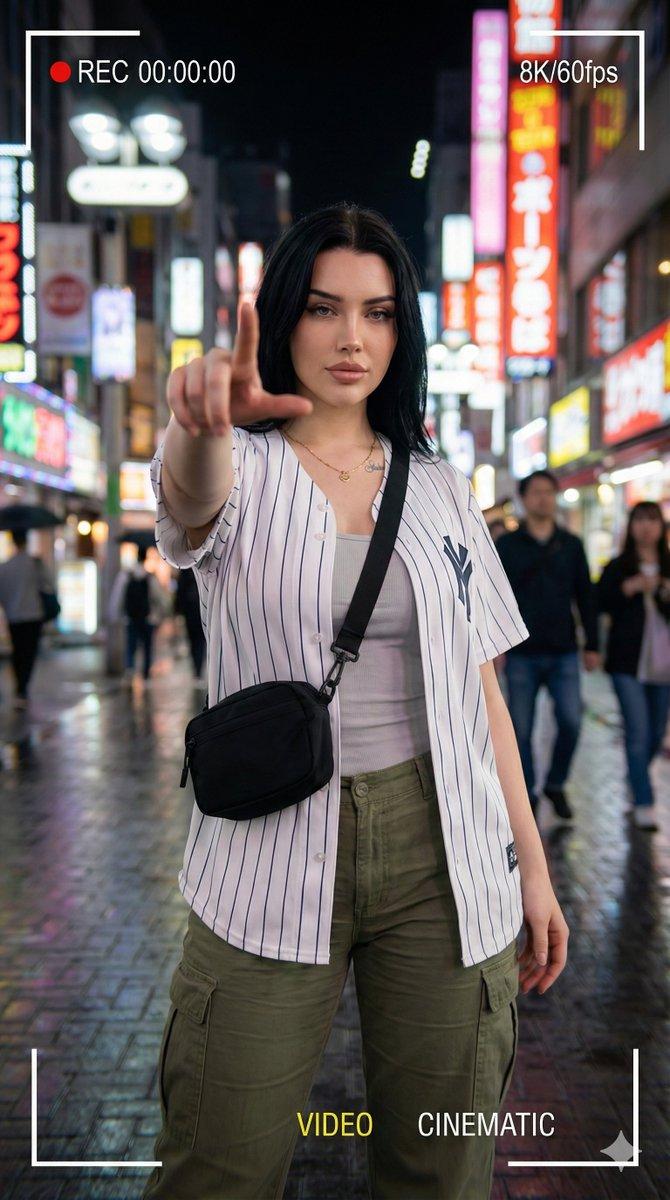
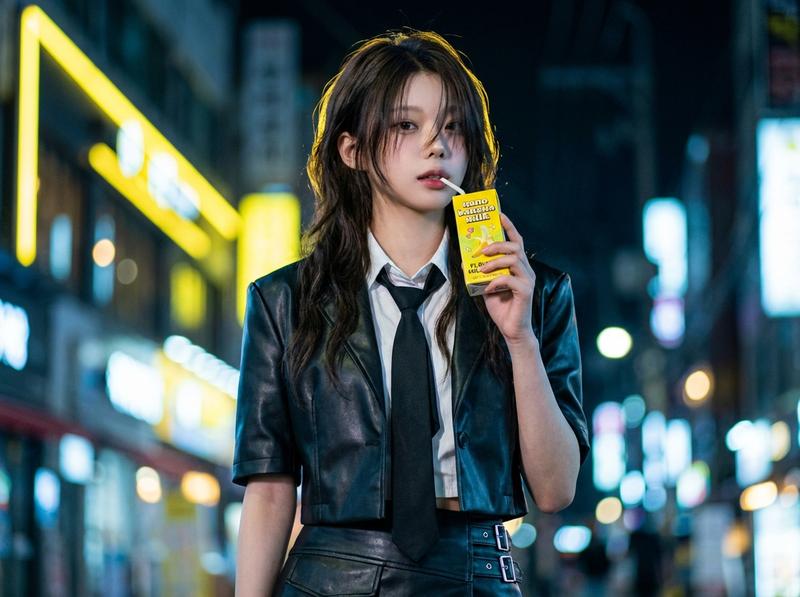
赛博朋克霓虹夜生活时尚大片拍摄
Prompt
{
    "subject": {
      "reference_image": "uploaded image",
      "identity_preservation": true,
      "gender": "young woman",
      "pose": "confident standing pose, low-angle perspective, one hand holding a transparent drink cup near chest level, the other hand extending a professional mirrorless camera toward the viewer",
      "expression": "calm, confident, slightly detached expression",
      "eye_direction": "looking directly at camera",
      "hair": {
        "style": "long dark brown hair with soft natural volume",
        "texture": "slightly tousled silky texture"
      },
      "accessories": [
        "small oval dark sunglasses",
        "long pearl drop earrings"
      ],
      "outfit": {
        "outerwear": "luxury glossy red satin oversized blazer",
        "top": "cream silk button-up blouse partially unbuttoned",
        "bottom": "high-waisted red satin trousers",
        "style": "high-fashion editorial streetwear"
      }
    },
    "scene": {
      "location": "busy neon-lit Asian city street at night",
      "environment": "urban nightlife atmosphere with glowing Chinese and Japanese storefront signs, convenience stores, illuminated vending displays, blurred pedestrians in distance",
      "street_details": [
        "wet asphalt reflecting neon lights",
        "narrow cinematic street composition",
        "dense illuminated signboards",
        "soft haze from city humidity"
      ]
    },
    "composition": {
      "camera_angle": "dramatic low-angle shot",
      "framing": "medium full-body portrait",
      "lens": "24mm cinematic wide-angle lens",
      "depth_of_field": "shallow depth of field with strong background bokeh",
      "focus": "sharp focus on subject face and satin textures",
      "perspective": "dynamic editorial perspective with camera extended toward viewer"
    },
    "lighting": {
      "primary": "bright neon signage lighting",
      "secondary": "soft cinematic ambient city glow",
      "colors": [
        "red neon",
        "cyan highlights",
        "warm storefront lighting"
      ],
      "mood": "stylish cyberpunk-inspired luxury nightlife"
    },
    "style": {
      "aesthetic": "ultra-realistic cinematic fashion photography",
      "quality": "high-detail luxury editorial",
      "skin_texture": "natural realistic skin texture",
      "rendering": "photorealistic",
      "color_grading": "rich contrast with vibrant neon reflections",
      "inspiration": [
        "Vogue street fashion editorial",
        "Hong Kong nightlife cinema",
        "luxury fashion campaign"
      ]
    },
    "technical": {
      "aspect_ratio": "4:5",
      "resolution": "high resolution",
      "sharpness": "extremely detailed",
      "dynamic_range": "high dynamic range",
      "grain": "subtle cinematic film grain"
}- Category
- Charts & Infographics
- Model
- GPT Image 2
- Creator
- Mehkaah
- Source ID
- 21658
- Published
- May 20, 2026
Views11