16

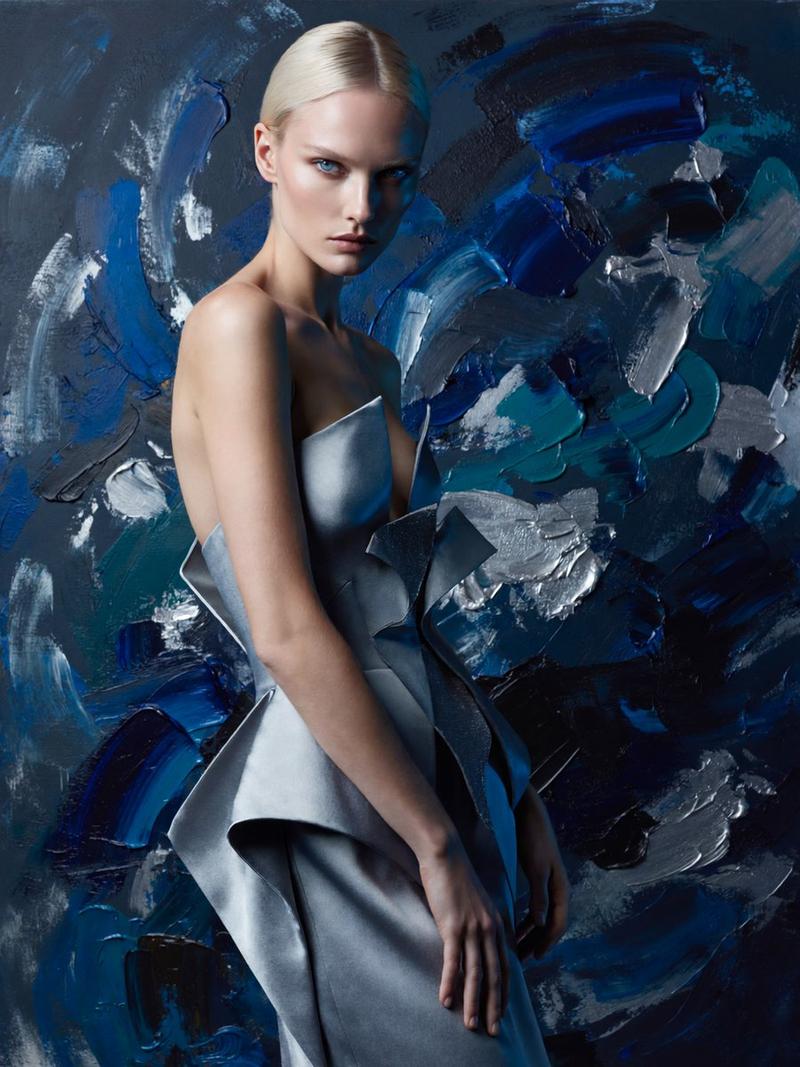
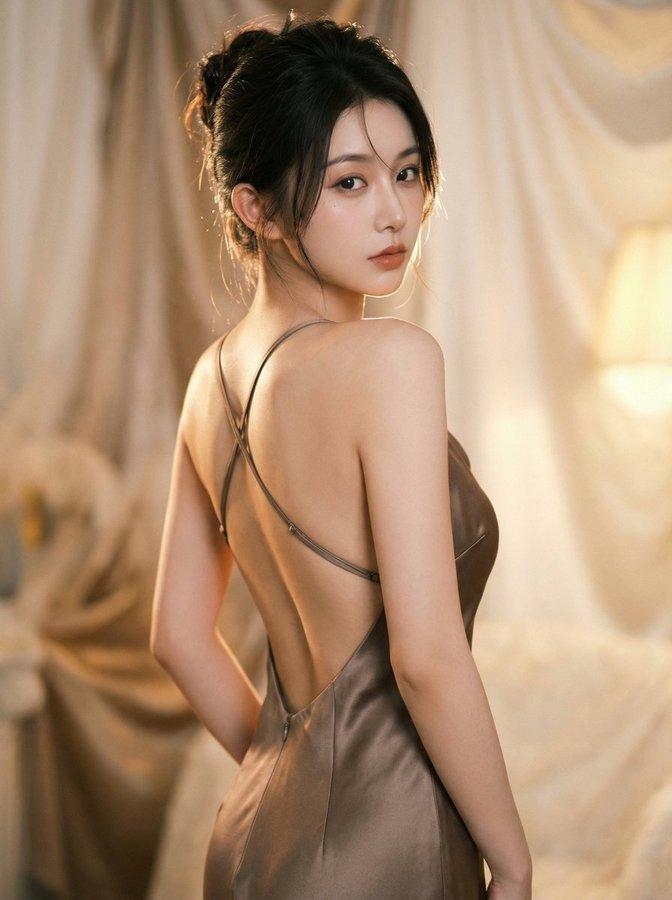
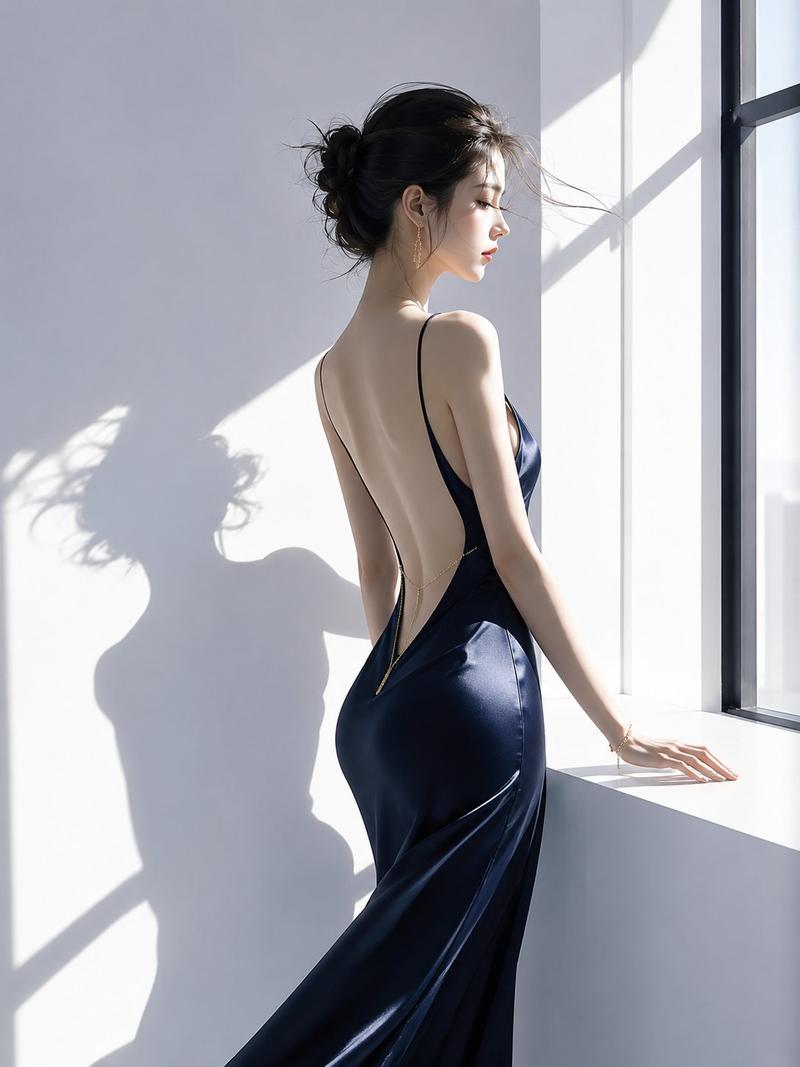
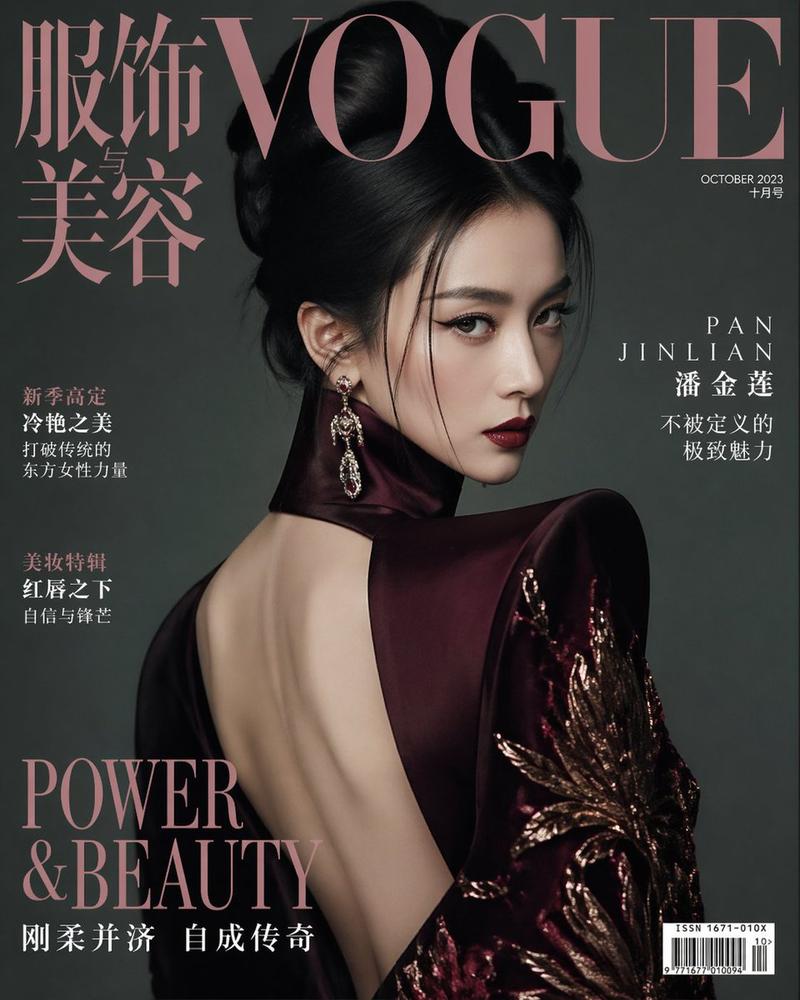
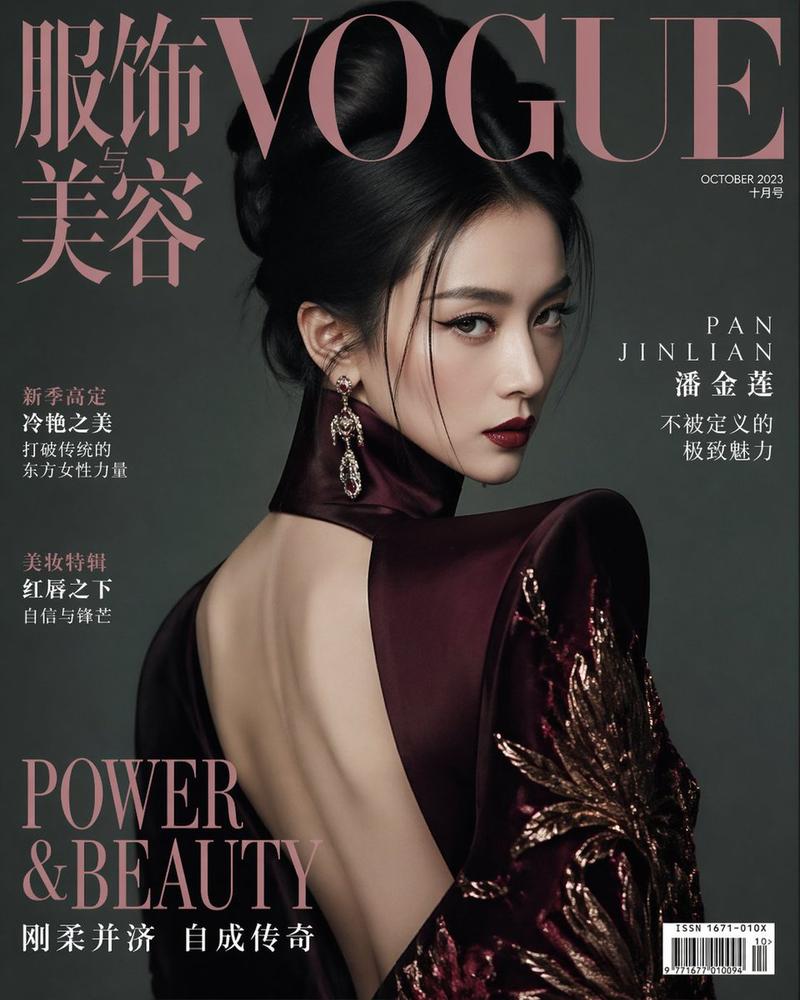
迷人露背礼服肖像
Enlarge

迷人露背礼服肖像

Prompt
Create a vertical high-fashion editorial portrait of a glamorous woman with {argument name="hair color" default="long auburn hair"} standing in a three-quarter back pose, looking over her shoulder, with her face intentionally covered by a flat opaque square censor block in a warm brown skin-tone color. She wears a dramatic {argument name="dress color" default="black"} evening gown with an open back, halter-style neckline, gathered draping at the waist and hip, and metallic {argument name="metallic accent color" default="gold"} fabric accents wrapping across the bodice and waist. Her hair flows to the left as if moved by a light breeze, and she has elegant jewelry including one dangling earring and one ring. Place her in front of a large abstract textured painting background with thick impasto brush strokes, palette-knife relief, and warm autumnal colors: ochre, bronze, gold, rust red, burnt orange, cream, taupe, and smoky brown. Use warm directional studio lighting from the upper left, soft shadows, realistic skin texture, glossy fabric highlights, and a luxurious gallery atmosphere. Frame from mid-thigh upward, centered slightly right, with the open back and silhouette emphasized. Photorealistic fashion photography, 4:5 vertical aspect ratio, rich contrast, painterly background, no visible text, no watermark.
Category
Charts & Infographics
Model
GPT Image 2
Creator
NoPuppet
Views9
Source ID
21719
Published
May 20, 2026

Guide

About "迷人露背礼服肖像"

What is this prompt for?

"迷人露背礼服肖像" AI image prompt for GPT Image 2 (Charts & Infographics). 一张照片级逼真的时尚编辑肖像,展现了一位身着黑金露背礼服的女性,背景为温暖的抽象厚涂油画。 Copy it on Picva and recreate the look in one…

The full copyable prompt and example visuals above are ready for AI image generation or one-click recreate in Picva.

How to use this prompt

  1. Step 1

    Open the prompt detail

    Review the example visuals, category, and full prompt text for "迷人露背礼服肖像".

  2. Step 2

    Copy the prompt

    Copy the prompt body from this page, or load it directly in Studio.

  3. Step 3

    Pick a model (GPT Image 2)

    Prefer GPT Image 2. If you switch models, keep subject and composition and tweak style terms.

  4. Step 4

    Generate and export

    Recreate the look in Picva, or export into your workflow for editing and publishing.

FAQ

What is the "迷人露背礼服肖像" prompt?
It is an AI image-generation prompt for GPT Image 2 in the Charts & Infographics category. This page includes the full prompt text, example visuals, and a one-click recreate path in Picva.
How do I use this prompt to generate an image?
Copy the prompt from this page, or use Generate / Studio. Paste it into a compatible image model, or recreate the look in Picva with optional reference images.
Which model is this prompt for?
This page lists GPT Image 2. Most descriptive prompts also transfer to nearby image models such as GPT Image, Flux, or Midjourney with light style tweaks.
Can I use the result commercially?
You can usually copy the prompt for creation, but commercial use of the final image depends on the model terms, reference-image rights, and the generated content. Follow the source author and platform rules.