19

匿名化奇幻 Cosplay 自拍
Enlarge

匿名化奇幻 Cosplay 自拍

Prompt
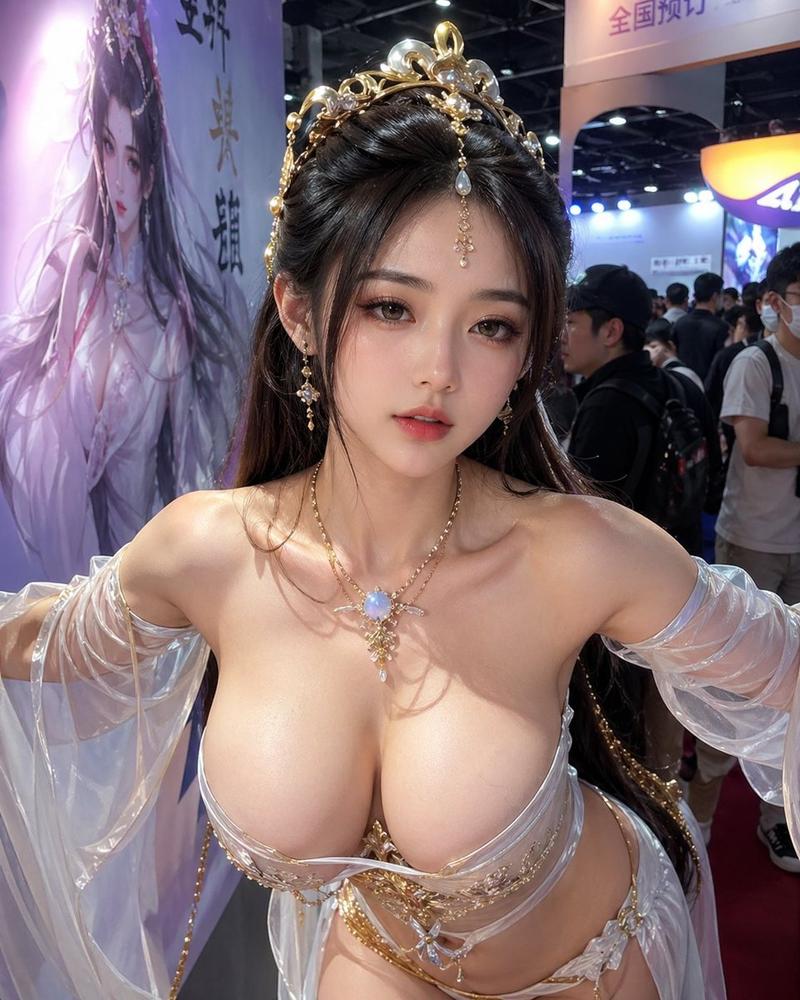
Create a highly realistic vertical 3:4 smartphone selfie photo of an adult female cosplayer at a crowded game/anime convention booth, shot from slightly above chest height with both arms extended toward the camera. She wears an ornate ethereal fantasy costume in {argument name="costume colors" default="pale icy blue, white, silver, and gold"}: a low-cut sculptural bodice with metallic gold trim, translucent flowing gauze sleeves, layered sheer fabric, and a central blue flower ornament. Include exactly 6 prominent costume/accessory elements: 1 floral-and-gold hairpiece with pale blue ribbons on the left side of her dark hair, 1 pair of dangling pearl-like earrings, 1 delicate necklace with a long crystal pendant, 1 ornate structured bodice, 2 translucent sleeve drapes, and 1 central flower-and-gold chest ornament. Her face is deliberately anonymized by a large opaque square censor block in {argument name="censor block color" default="warm gray-brown"}, covering the entire face from forehead to chin while leaving the hair and accessories visible. The background is a busy indoor expo hall with harsh overhead lighting, ceiling trusses, many attendees in casual clothing, and exactly 3 visible large fantasy character displays/posters behind her: one tall illustrated banner on the upper left, one bright central fantasy banner, and one smaller dark blue screen/poster on the upper right. Use natural smartphone flash/ambient lighting, realistic skin texture, shallow depth of field, candid convention atmosphere, no text overlay, no watermark.
Category
Charts & Infographics
Model
GPT Image 2
Creator
soda ho
Views12
Source ID
21772
Published
May 20, 2026

Guide

About "匿名化奇幻 Cosplay 自拍"

What is this prompt for?

"匿名化奇幻 Cosplay 自拍" AI image prompt for GPT Image 2 (Charts & Infographics). 一张写实的漫展自拍,主角是一位穿着华丽淡蓝色奇幻服装的成年 Cosplayer,面部已进行隐私遮挡处理。 Copy it on Picva and recreate…

The full copyable prompt and example visuals above are ready for AI image generation or one-click recreate in Picva.

How to use this prompt

  1. Step 1

    Open the prompt detail

    Review the example visuals, category, and full prompt text for "匿名化奇幻 Cosplay 自拍".

  2. Step 2

    Copy the prompt

    Copy the prompt body from this page, or load it directly in Studio.

  3. Step 3

    Pick a model (GPT Image 2)

    Prefer GPT Image 2. If you switch models, keep subject and composition and tweak style terms.

  4. Step 4

    Generate and export

    Recreate the look in Picva, or export into your workflow for editing and publishing.

FAQ

What is the "匿名化奇幻 Cosplay 自拍" prompt?
It is an AI image-generation prompt for GPT Image 2 in the Charts & Infographics category. This page includes the full prompt text, example visuals, and a one-click recreate path in Picva.
How do I use this prompt to generate an image?
Copy the prompt from this page, or use Generate / Studio. Paste it into a compatible image model, or recreate the look in Picva with optional reference images.
Which model is this prompt for?
This page lists GPT Image 2. Most descriptive prompts also transfer to nearby image models such as GPT Image, Flux, or Midjourney with light style tweaks.
Can I use the result commercially?
You can usually copy the prompt for creation, but commercial use of the final image depends on the model terms, reference-image rights, and the generated content. Follow the source author and platform rules.