18

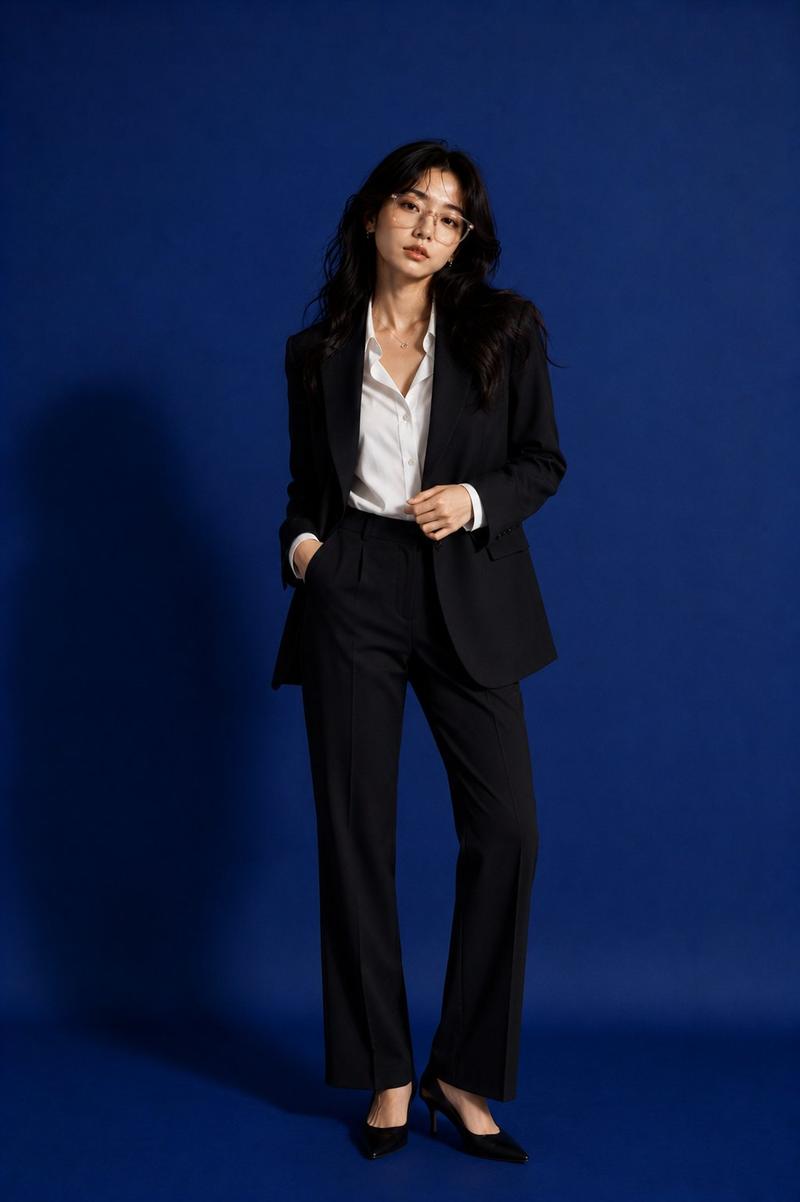
街头潮流动态克隆大片
Enlarge

街头潮流动态克隆大片

Prompt
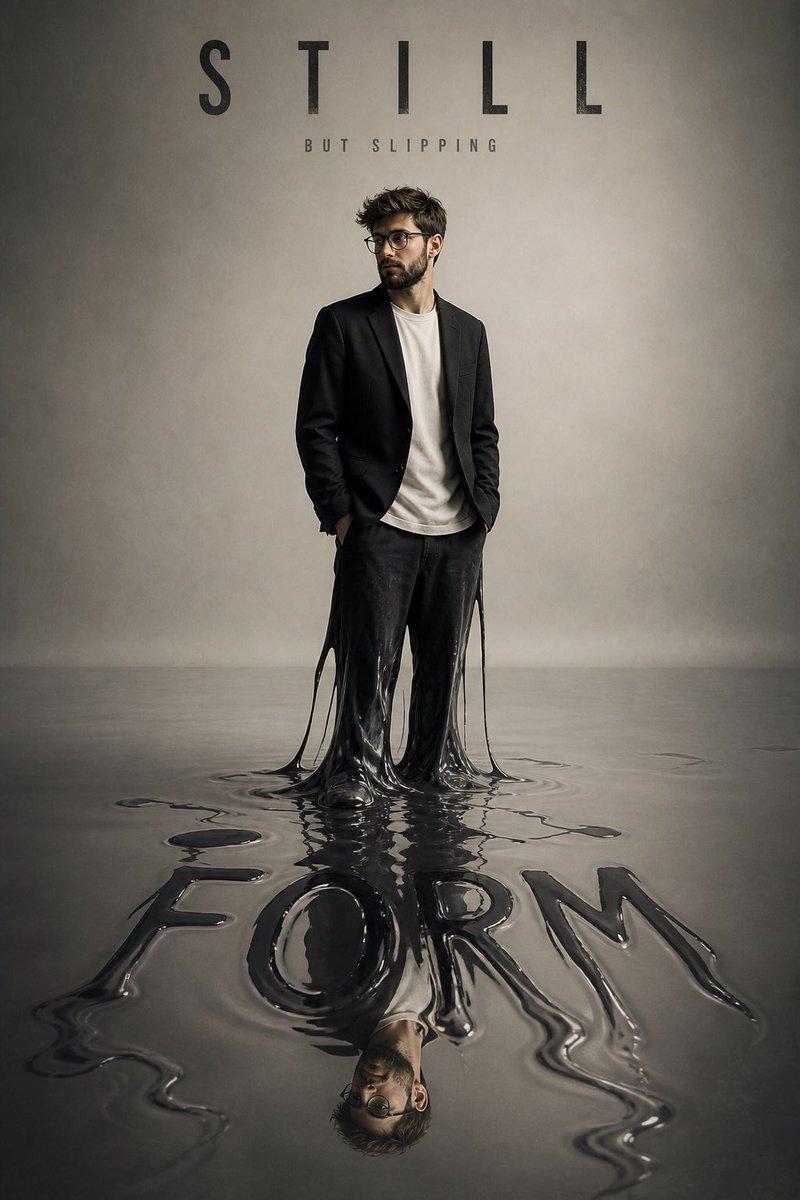
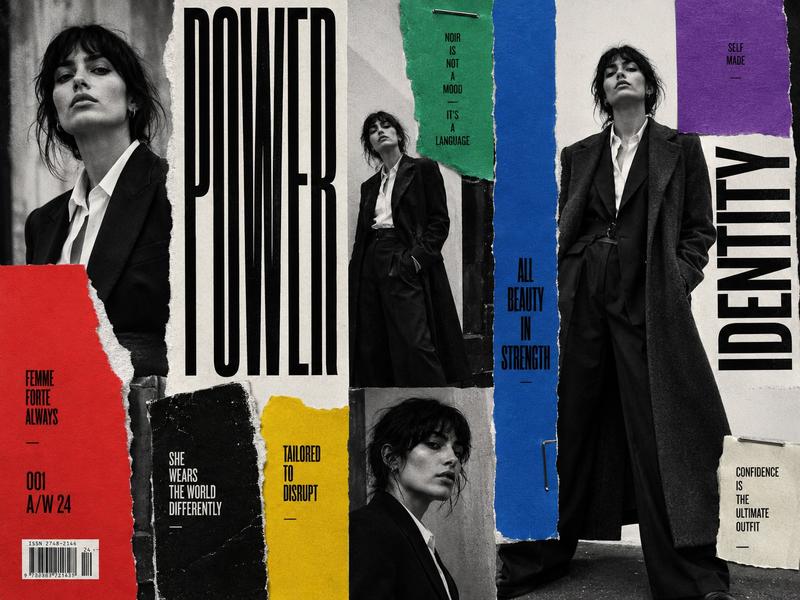
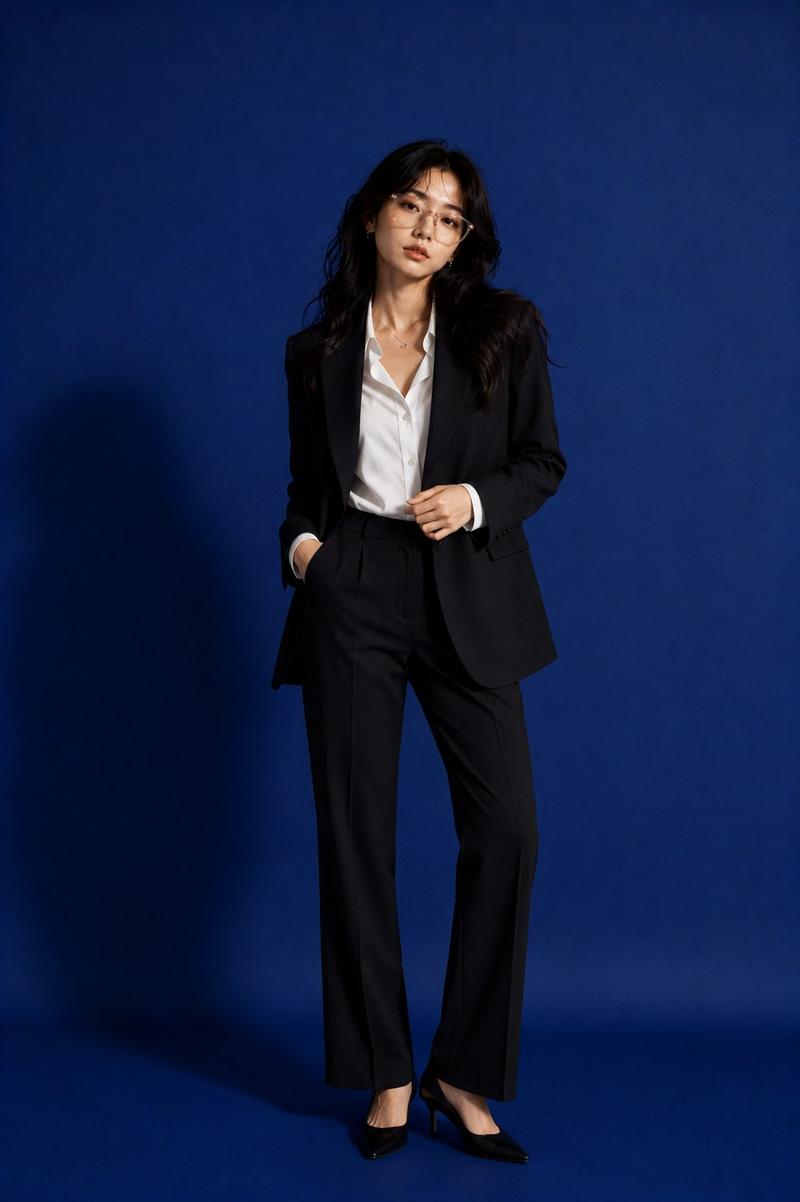
Turn {argument name="source" default="my photo"} into a luxury cinematic streetwear editorial poster. Preserve my face, body, pose, outfit and original background so I'm still clearly recognizable, then upgrade the whole frame into a {argument name="style" default="high-end fashion campaign look"}. Across the composition place {argument name="count" default="4"} realistic duplicate versions of me arranged like motion-captured steps of a walk sequence. Keep the central/front version the biggest, sharpest and most detailed, while the side clones are softly faded or motion blurred. Light it with dramatic top-down lighting, a subtle glow, deep shadows, long floor shadows, a cool-toned cinematic color grade, strong contrast, glossy highlights and a touch of fine film grain. Render outfit textures crisp and premium. In the top corner add bold oversized magazine-style typography with one powerful word tied to movement or style (e.g. MOTION, STATIC, RUSH, ECHO), plus smaller minimal text like a collection year, slogan, barcode or campaign details.
Category
Charts & Infographics
Model
GPT Image 2
Creator
PromptLab
Views4
Source ID
21881
Published
May 21, 2026

Guide

About "街头潮流动态克隆大片"

What is this prompt for?

"街头潮流动态克隆大片" AI image prompt for GPT Image 2 (Charts & Infographics). 一个极具创意的时尚提示词,可将个人照片转化为带有动态捕捉克隆效果的高端街头潮流大片。 Copy it on Picva and recreate the look in one…

The full copyable prompt and example visuals above are ready for AI image generation or one-click recreate in Picva.

How to use this prompt

  1. Step 1

    Open the prompt detail

    Review the example visuals, category, and full prompt text for "街头潮流动态克隆大片".

  2. Step 2

    Copy the prompt

    Copy the prompt body from this page, or load it directly in Studio.

  3. Step 3

    Pick a model (GPT Image 2)

    Prefer GPT Image 2. If you switch models, keep subject and composition and tweak style terms.

  4. Step 4

    Generate and export

    Recreate the look in Picva, or export into your workflow for editing and publishing.

FAQ

What is the "街头潮流动态克隆大片" prompt?
It is an AI image-generation prompt for GPT Image 2 in the Charts & Infographics category. This page includes the full prompt text, example visuals, and a one-click recreate path in Picva.
How do I use this prompt to generate an image?
Copy the prompt from this page, or use Generate / Studio. Paste it into a compatible image model, or recreate the look in Picva with optional reference images.
Which model is this prompt for?
This page lists GPT Image 2. Most descriptive prompts also transfer to nearby image models such as GPT Image, Flux, or Midjourney with light style tweaks.
Can I use the result commercially?
You can usually copy the prompt for creation, but commercial use of the final image depends on the model terms, reference-image rights, and the generated content. Follow the source author and platform rules.