19

黑胶唱片店错觉人像
Enlarge

黑胶唱片店错觉人像

Prompt
主题:{argument name="theme" default="五月唱片日"}

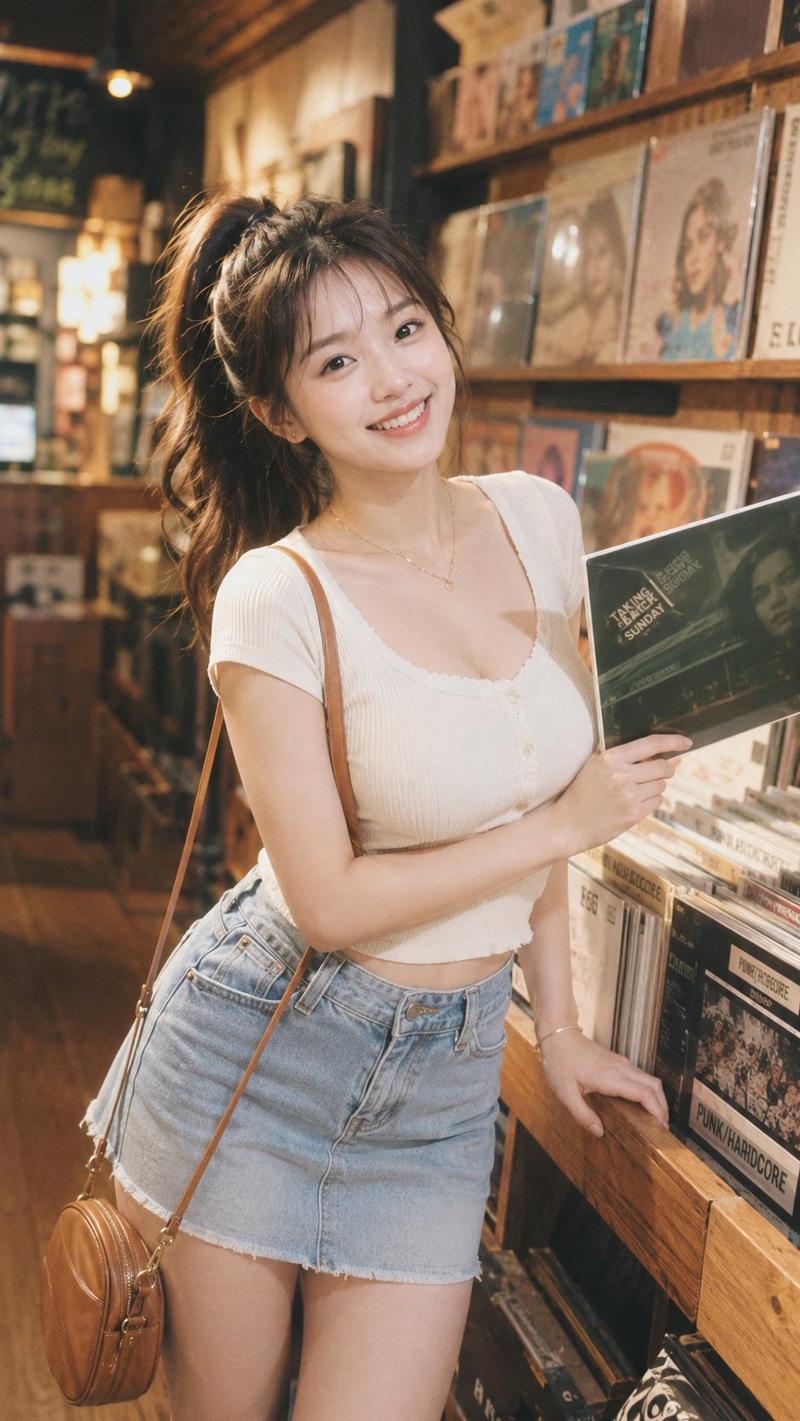
人物/表情:20 岁出头的日本女性,深棕色中长发,薄刘海,半透明肤质,自然的日系妆容,氛围温柔宁静。面部几乎完全被 {argument name="prop" default="一张 12 英寸唱片封套"} 遮挡,使得封套上的女性肖像自然地呈现为人物本人的面孔。

服装/姿势:适合五月的暖色调日系穿搭,浅桃米色透视开衫,柔软的象牙白衬衫或连衣裙,春季轻薄材质。女性双手将唱片封套举在脸前,使手的摆放位置和手臂的角度与封套上人物的肩膀、手臂及姿势自然衔接。服装的颜色、质感和轮廓应与封套上的人物保持高度统一。

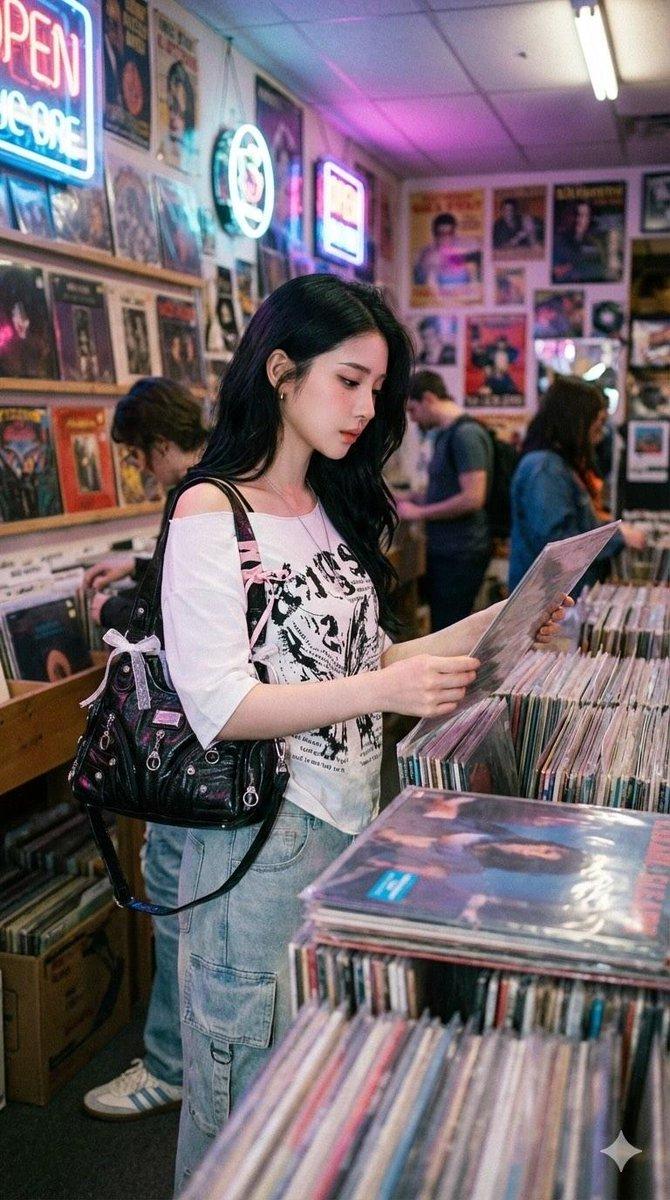
背景/光影:木质感温馨的唱片店内,两侧陈列着唱片架的过道,空间具有纵深感。柔和的暖色调室内光与自然环境光,柔和的阴影,营造出略带怀旧的氛围。

构图/镜头:竖构图,以半身像为中心,唱片封套置于画面中央并占据较大比例。构图效果如同封套上的人物进入了现实空间。并非仅仅拼接半张脸,而是将封套上完整的人物形象与真实的手部、身体和服装自然融合。使用 50mm 至 85mm 人像镜头,浅景深,具有适当背景虚化的写实快照风格。

质感/风格:高清,照片级真实感,8K 画质,自然的皮肤纹理,写实的手部质感,唱片封套的纸张质感及收缩膜带来的细微反光,柔和的胶片质感。唱片封套采用以浅粉米色为基调的复古设计,配有优雅的英文标题和虚构的艺人名称,并根据需要融入日系元素。一张人物、服装、姿势、手部与封套和谐统一、毫无违和感的精致唱片店快照。

负面提示词:低质量,不自然的面部断层,半张脸,不自然的衔接,服装不匹配,姿势不匹配,双重面孔,看起来像两个头部的构图,多余的手指,手指缺失,手部畸形,多余的手臂,黑色黑胶唱片,真实艺人名称,真实专辑复刻,Logo,水印,乱码,难以辨认的文字,廉价的合成感。
Category
Products & E-commerce
Model
GPT Image 2
Views6
Source ID
21894
Published
May 21, 2026

Guide

About "黑胶唱片店错觉人像"

What is this prompt for?

"黑胶唱片店错觉人像" AI image prompt for GPT Image 2 (Products & E-commerce). 一个创意提示词,旨在生成一张将人物面部与唱片封套肖像无缝融合的图像,背景设定在怀旧的唱片店中。 Copy it on Picva and recreate the look in…

The full copyable prompt and example visuals above are ready for AI image generation or one-click recreate in Picva.

How to use this prompt

  1. Step 1

    Open the prompt detail

    Review the example visuals, category, and full prompt text for "黑胶唱片店错觉人像".

  2. Step 2

    Copy the prompt

    Copy the prompt body from this page, or load it directly in Studio.

  3. Step 3

    Pick a model (GPT Image 2)

    Prefer GPT Image 2. If you switch models, keep subject and composition and tweak style terms.

  4. Step 4

    Generate and export

    Recreate the look in Picva, or export into your workflow for editing and publishing.

FAQ

What is the "黑胶唱片店错觉人像" prompt?
It is an AI image-generation prompt for GPT Image 2 in the Products & E-commerce category. This page includes the full prompt text, example visuals, and a one-click recreate path in Picva.
How do I use this prompt to generate an image?
Copy the prompt from this page, or use Generate / Studio. Paste it into a compatible image model, or recreate the look in Picva with optional reference images.
Which model is this prompt for?
This page lists GPT Image 2. Most descriptive prompts also transfer to nearby image models such as GPT Image, Flux, or Midjourney with light style tweaks.
Can I use the result commercially?
You can usually copy the prompt for creation, but commercial use of the final image depends on the model terms, reference-image rights, and the generated content. Follow the source author and platform rules.