17

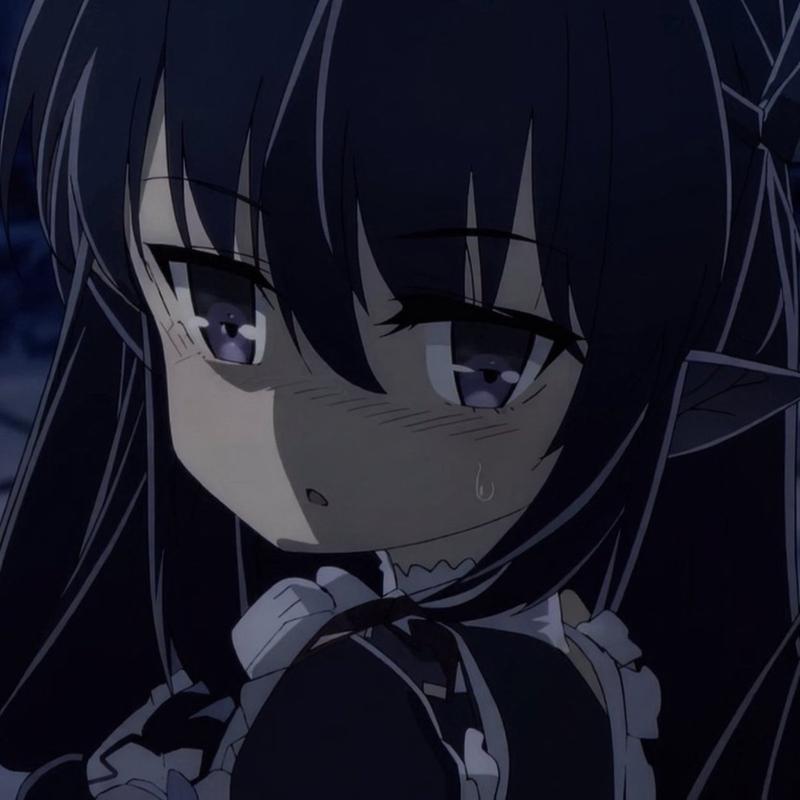
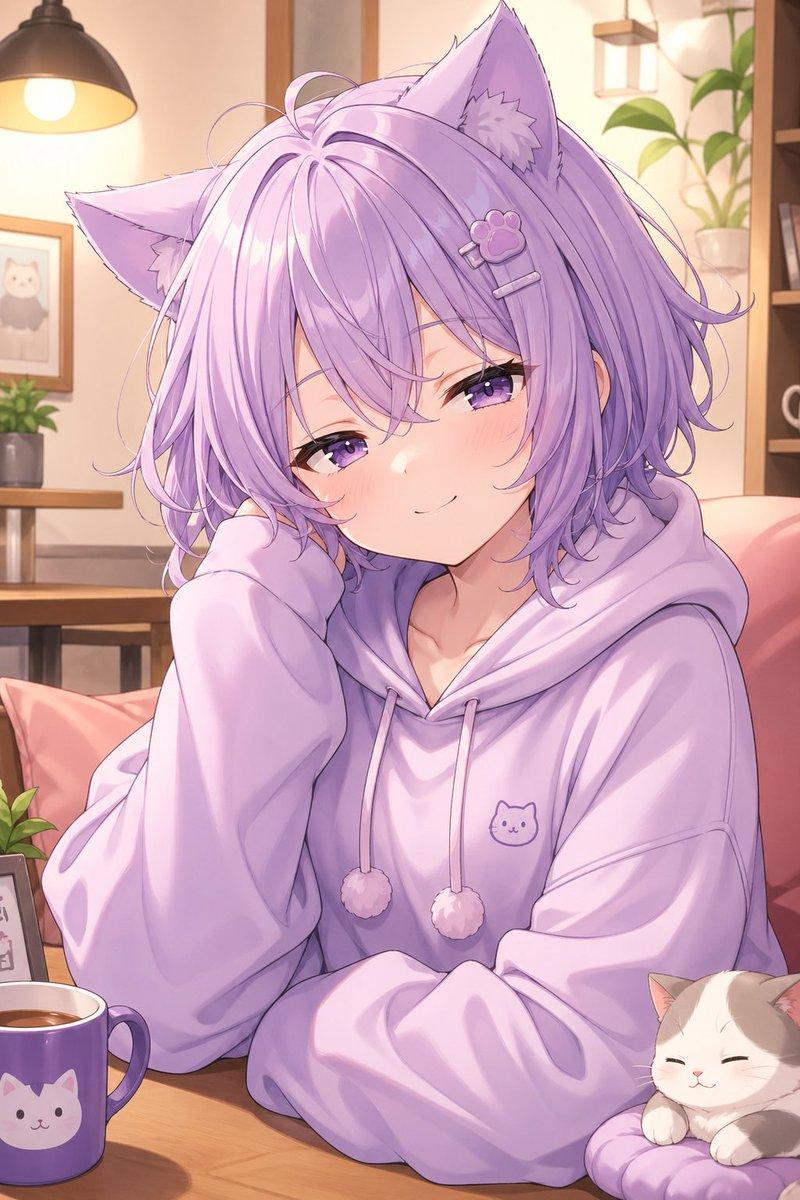
电影感动漫少女特写
Enlarge

电影感动漫少女特写

Prompt
Create a cinematic close-up anime illustration of {argument name="character name" default="a shy schoolgirl"} leaning very close toward the viewer as if peering over the edge of a bed, shot with an extreme wide-angle perspective and shallow depth of field. She has long straight {argument name="hair color" default="black hair"} with messy bangs falling across her face, very large glossy {argument name="eye color" default="golden brown eyes"}, a small surprised open mouth, soft blush, and a curious innocent expression. Her outfit is a Japanese school uniform: white short-sleeve blouse, pale yellow sweater vest with thin red trim, green pleated skirt partly visible, and one large teal bow at the collar. The camera is low and intimate, with her face dominating the right half of the frame, hair strands crossing the lens, and her shoulders and torso foreshortened. Background: a cozy teenage bedroom at {argument name="time of day" default="dusk"}, warm dim interior light, dark wooden ceiling and walls, one window on the left with purple curtains and a twilight sky outside, one bed in the foreground with blurred bedding, one cat-shaped plush pillow on the bed at left, one desk area on the right with books, one pink desk chair, and one small wall poster. Use polished modern anime film rendering, detailed eyes with bright white highlights, clean line art, soft painterly shading, warm shadows, slight vignette, cinematic 16:9 composition, high detail, no text, no watermark.
Category
Posters & Typography
Model
GPT Image 2
Views6
Source ID
21951
Published
May 21, 2026

Guide

About "电影感动漫少女特写"

What is this prompt for?

"电影感动漫少女特写" AI image prompt for GPT Image 2 (Posters & Typography). 生成一个广角动漫卧室场景,一位害羞的女学生向观众靠近,呈现电影感的角色艺术。 Copy it on Picva and recreate the look in one click.

The full copyable prompt and example visuals above are ready for AI image generation or one-click recreate in Picva.

How to use this prompt

  1. Step 1

    Open the prompt detail

    Review the example visuals, category, and full prompt text for "电影感动漫少女特写".

  2. Step 2

    Copy the prompt

    Copy the prompt body from this page, or load it directly in Studio.

  3. Step 3

    Pick a model (GPT Image 2)

    Prefer GPT Image 2. If you switch models, keep subject and composition and tweak style terms.

  4. Step 4

    Generate and export

    Recreate the look in Picva, or export into your workflow for editing and publishing.

FAQ

What is the "电影感动漫少女特写" prompt?
It is an AI image-generation prompt for GPT Image 2 in the Posters & Typography category. This page includes the full prompt text, example visuals, and a one-click recreate path in Picva.
How do I use this prompt to generate an image?
Copy the prompt from this page, or use Generate / Studio. Paste it into a compatible image model, or recreate the look in Picva with optional reference images.
Which model is this prompt for?
This page lists GPT Image 2. Most descriptive prompts also transfer to nearby image models such as GPT Image, Flux, or Midjourney with light style tweaks.
Can I use the result commercially?
You can usually copy the prompt for creation, but commercial use of the final image depends on the model terms, reference-image rights, and the generated content. Follow the source author and platform rules.