17

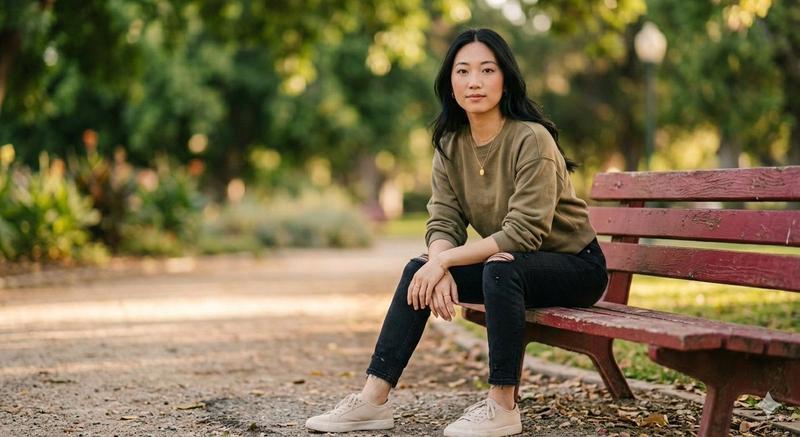
黄金时刻公园人像
Enlarge

黄金时刻公园人像

Prompt
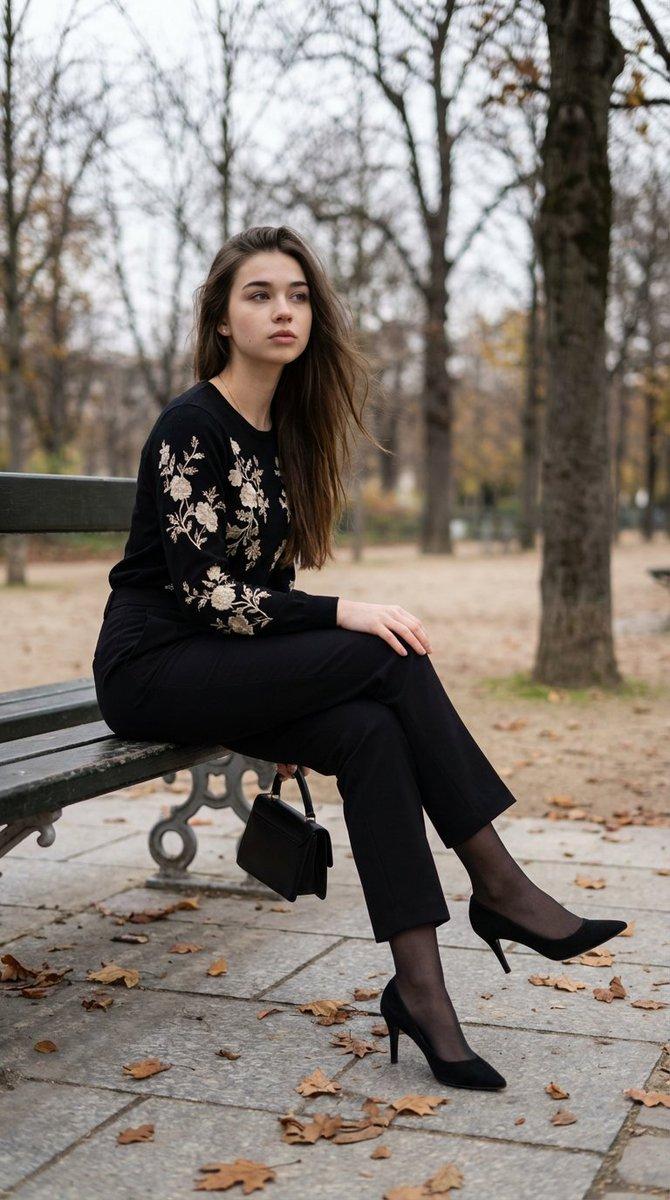
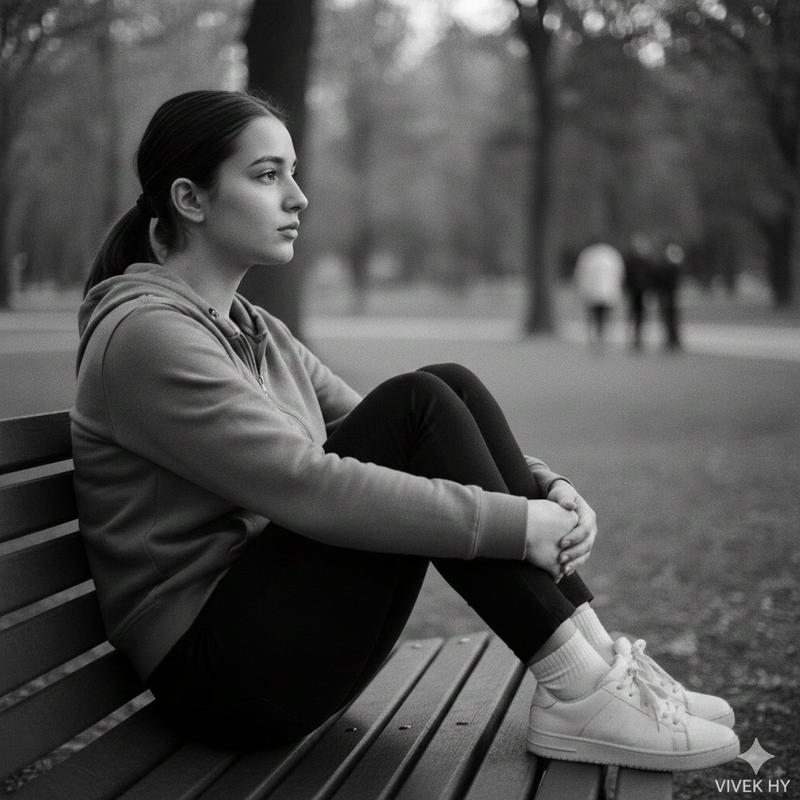
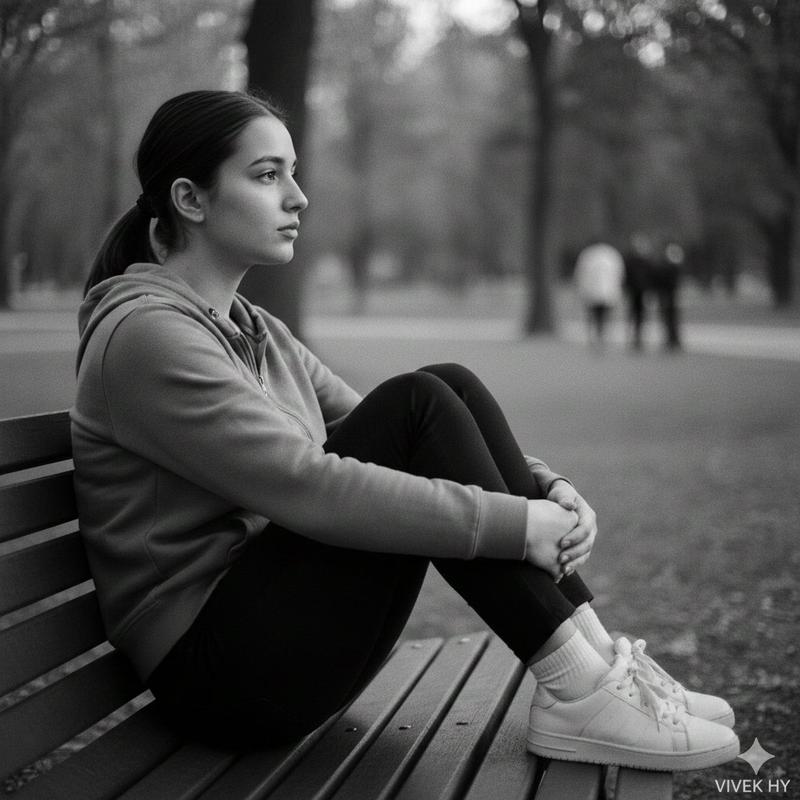
Photorealistic full-body portrait of a {argument name="subject" default="young woman"} sitting on a {argument name="seating" default="wooden park bench"} in soft golden-hour light, long wavy dark brown hair cascading over her shoulders, wearing a {argument name="outfit" default="simple black sweatshirt and black jogger pants with white chunky sneakers"}, delicate drop earrings and a minimalist black wristwatch. Calm, elegant, approachable expression with a soft direct gaze, natural makeup, smooth skin texture, slightly rosy lips. Shallow depth of field with creamy bokeh trees and grass in the background, gentle backlight rim highlighting hair, warm color grading, cinematic tones. Composition centered with legs crossed, one hand resting on the knee and the other on the bench, relaxed posture, three-quarter angle. Shot like a 50mm portrait at f/1.8 for subject isolation, crisp eyes, soft skin retouching, subtle film grain, balanced contrast, natural shadows and highlights. High-resolution, editorial quality, suitable for fashion-lifestyle imagery.
Category
Charts & Infographics
Model
GPT Image 2
Views5
Source ID
22099
Published
May 23, 2026

Guide

About "黄金时刻公园人像"

What is this prompt for?

"黄金时刻公园人像" AI image prompt for GPT Image 2 (Charts & Infographics). 一个专业的人像提示词,捕捉公园长椅上一位身着休闲装的年轻女性,呈现奶油般虚化的背景与温暖的灯光。 Copy it on Picva and recreate the look in…

The full copyable prompt and example visuals above are ready for AI image generation or one-click recreate in Picva.

How to use this prompt

  1. Step 1

    Open the prompt detail

    Review the example visuals, category, and full prompt text for "黄金时刻公园人像".

  2. Step 2

    Copy the prompt

    Copy the prompt body from this page, or load it directly in Studio.

  3. Step 3

    Pick a model (GPT Image 2)

    Prefer GPT Image 2. If you switch models, keep subject and composition and tweak style terms.

  4. Step 4

    Generate and export

    Recreate the look in Picva, or export into your workflow for editing and publishing.

FAQ

What is the "黄金时刻公园人像" prompt?
It is an AI image-generation prompt for GPT Image 2 in the Charts & Infographics category. This page includes the full prompt text, example visuals, and a one-click recreate path in Picva.
How do I use this prompt to generate an image?
Copy the prompt from this page, or use Generate / Studio. Paste it into a compatible image model, or recreate the look in Picva with optional reference images.
Which model is this prompt for?
This page lists GPT Image 2. Most descriptive prompts also transfer to nearby image models such as GPT Image, Flux, or Midjourney with light style tweaks.
Can I use the result commercially?
You can usually copy the prompt for creation, but commercial use of the final image depends on the model terms, reference-image rights, and the generated content. Follow the source author and platform rules.