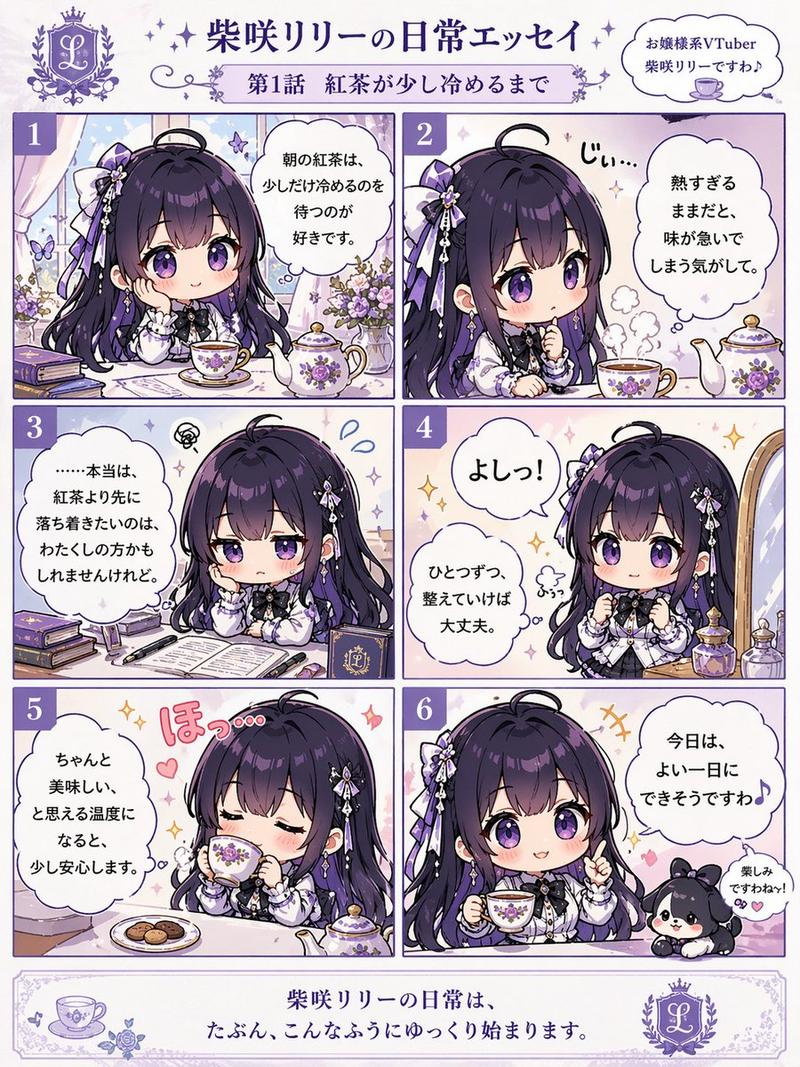
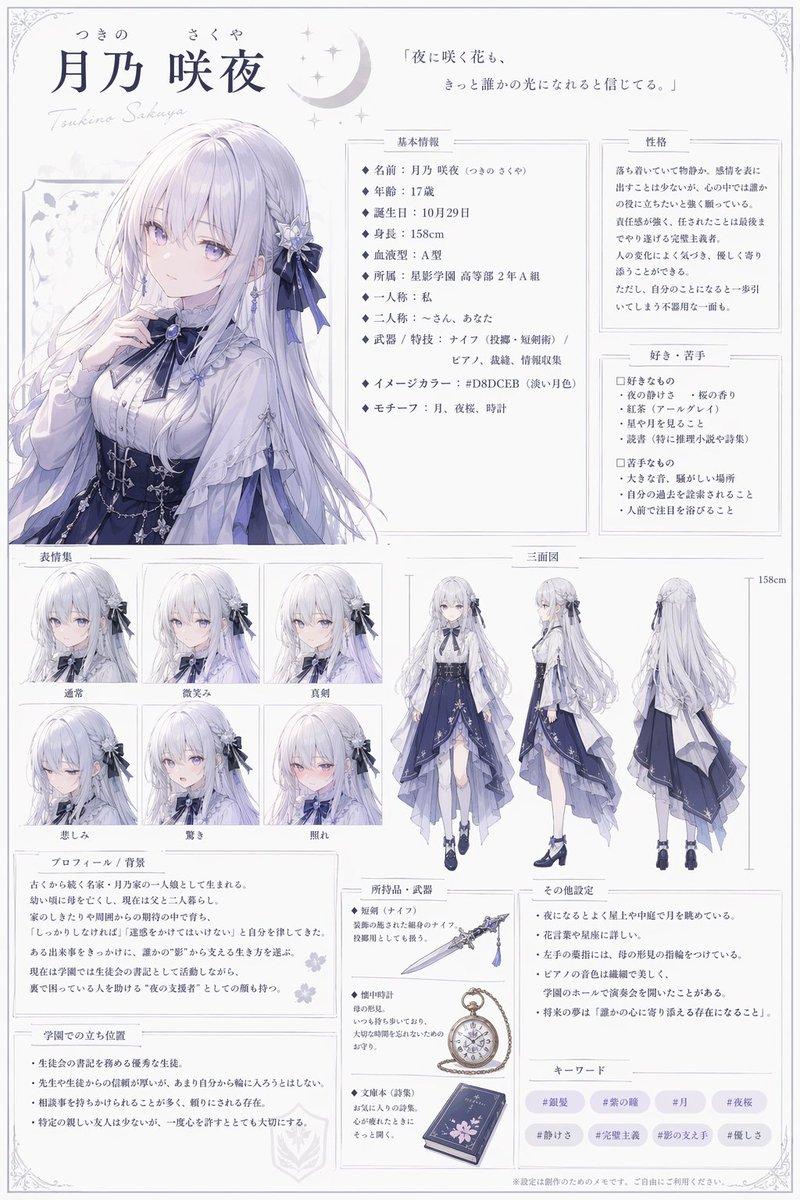
怀旧姐妹剪贴簿页面
Prompt
Goal: Create a nostalgic anime-style scrapbook album page about {argument name="theme" default="sisters ten years ago"}, showing three pasted childhood memory photos on an open vintage photo album page.

Canvas: Vertical 3:4 image, warm cream paper background with visible book spine and page edges, soft sepia lighting, delicate old-photo texture, cozy sentimental mood.

Layout: One open album page filled with exactly 3 Polaroid-like illustrations, dried flowers, tape, handwritten notes, and a ribbon. At the top left, place an ornate label frame with the Japanese title {argument name="album title" default="思い出の1ページ"}. Use soft beige ink and small floral decorations around it.

Photo count and contents: Include exactly 3 pasted photos:
1. Upper-left photo: two young anime sisters sitting in a sunny garden preparing for a picnic or outdoor play. The older-looking girl has pink twin-tail hair and wears a brown classic lolita dress over a white blouse; the other girl has pale lavender hair and wears a black gothic lolita dress. They hold toys and dolls, with flowers, teddy bears, a jump rope, and a vintage handheld game-like object around them. Add Japanese handwritten caption below the photo: {argument name="left photo caption" default="お庭でいっしょにおひるねの準備♪\nねこちゃんもうれしそう。"}
2. Upper-right photo: the same two sisters sitting in a dreamy pink-purple bedroom near a window, reading a picture book together. Add toy blocks, a small castle, pencils, plush toys, a bunny plush, warm sunlight through curtains, and a lavender tape strip at the top corner. Add Japanese handwritten caption below: {argument name="right photo caption" default="お気に入りの絵本を読んだ日。\nお部屋いっぱいの夢をみたよ......"}
3. Bottom-center photo: the two sisters sitting together on a wooden swing under a large tree in an elegant mansion garden. Pink-haired sister in brown dress on the right, lavender-haired sister in black dress on the left, both wearing Mary Jane shoes and stockings, surrounded by rose beds and a distant European-style house. Add a diagonal tape strip at the top of this photo.

Character details: The sisters should look like cute young girls in ornate vintage lolita fashion, with large ribbon bows in their hair. Their faces should be softly obscured by simple pale rectangular blur patches, preserving the nostalgic album look while hiding facial features.

Decorations: Add exactly 5 notable scrapbook embellishments: 1 beige masking tape strip on the upper-left photo, 1 lavender tape strip on the upper-right photo, 1 beige tape strip on the bottom photo, 1 pressed flower arrangement on the lower-left margin with a daisy, tiny white flowers and a pink rosebud, and 1 purple satin bow with ribbon tails at the bottom-right corner. Also add a small pressed purple flower near the upper-right photo.

Text content: On the right side near the bottom photo, add a small handwritten Japanese note: {argument name="side note" default="10年前、花寮家の庭園にて\n一結衣と友麻\n\nいつもとなりで\n笑ってくれた大切な友だち。"}. Keep all Japanese handwriting natural, small, and slightly imperfect, like personal album annotations.

Visual style: Highly detailed pastel anime illustration, warm sunlight, soft watercolor and colored-pencil texture, delicate floral motifs, vintage scrapbook composition, cream paper, slightly curled photo edges, realistic paper shadows, gentle depth, refined shoujo atmosphere.

Constraints: Use exactly three main photos and the listed embellishments, keep the image as a single album page, avoid modern UI elements, avoid watermarks, avoid extra captions beyond the specified handwritten notes.- Category
- Charts & Infographics
- Model
- GPT Image 2
- Creator
- 桃ノ木ネネコ@更新報告用
- Source ID
- 22186
- Published
- May 23, 2026
Views6