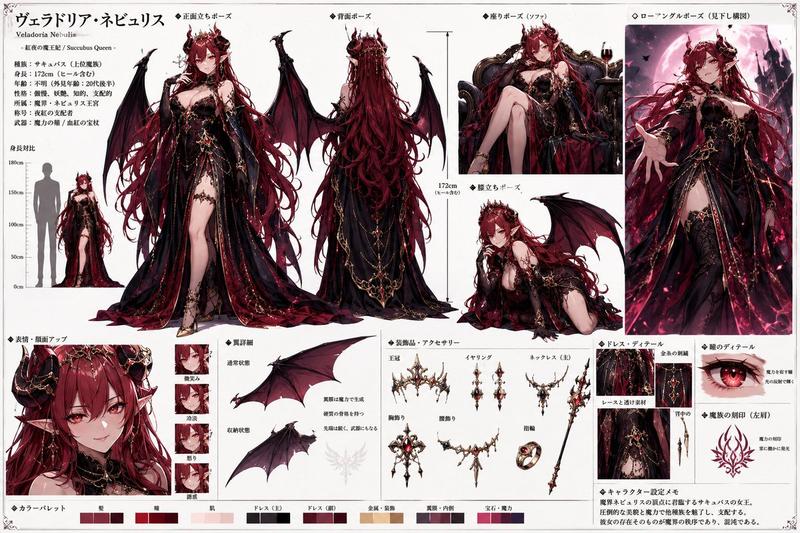
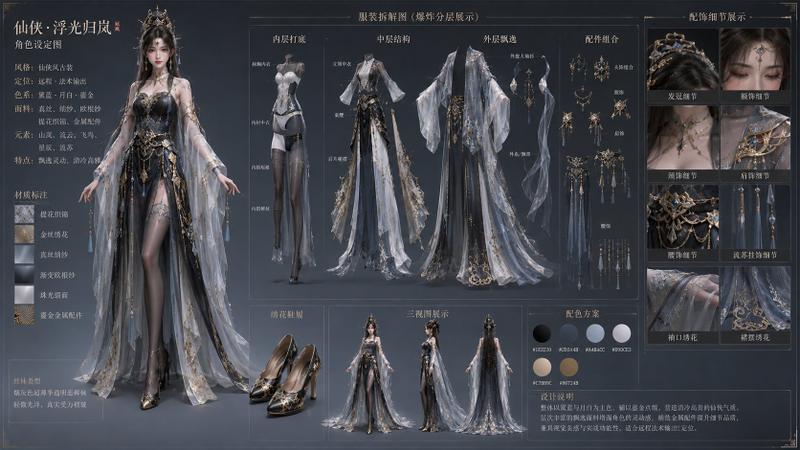
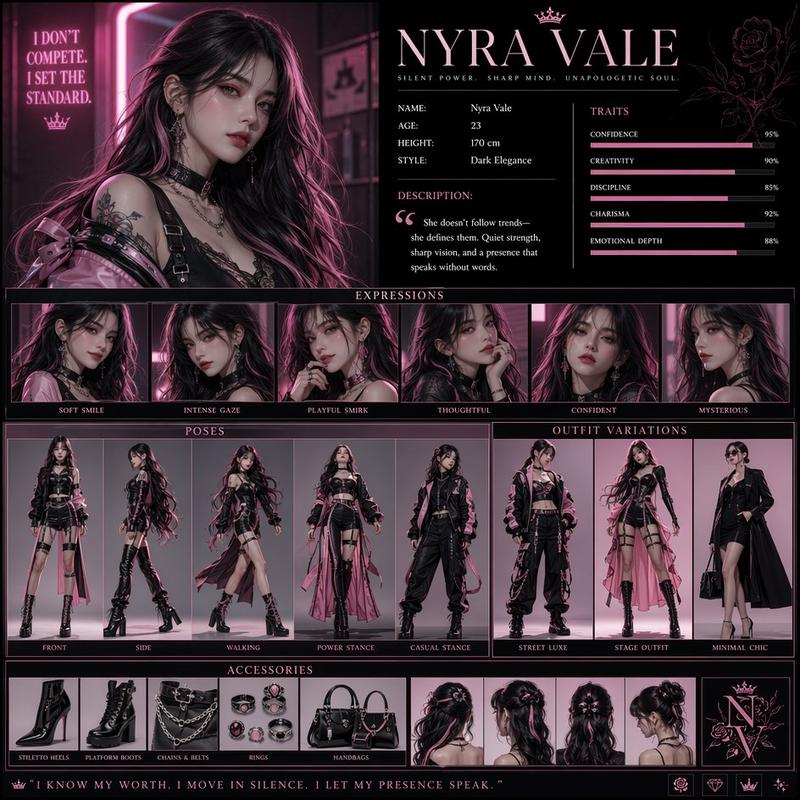
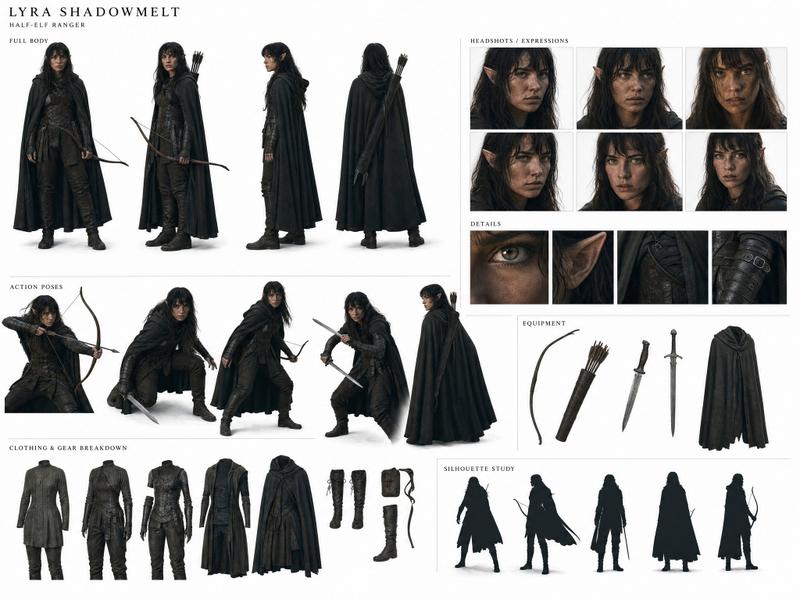
奇幻潮汐祭司角色设计图
Prompt
Goal: Create a single-page fantasy character sheet for {argument name="character name" default="Sera Vayne"}, a tide-priestess warrior with a ceremonial war glaive, elegant coastal mysticism, and high-detail concept art presentation.

Canvas: Wide landscape character design board, approximately 16:9, warm off-white parchment background with thin grey panel borders, painterly ink-and-watercolor fantasy concept art, refined but slightly weathered. Use a mostly neutral cream, deep blue-black, pale ivory, seafoam teal, warm tan, and bright bioluminescent blue palette.

Main hero pose: On the left third, show a full-body heroic standing pose of a barefoot adult woman with tanned skin, athletic slender build, long wild black wavy hair tied loosely back, layered necklaces, shell and bead ornaments, dangling earrings, and a calm ritual-warrior presence. She wears a pale translucent salt-white halter wrap dress with a high slit, a seafoam waist sash, wrapped forearm bandages, anklets, and a flowing tattered deep blue-black cloak that looks like wet tide fabric. She holds a tall ornate ceremonial glaive upright beside her; the blade is jagged, elegant, dark metal with glowing blue edges and carved wave-like ornament. Add subtle water-splash stains and ink textures around her hem.

Left title column: Add four large vertical Chinese characters down the far left with small English translations beside them: tide, silence, blade, body, return. Include a small red seal stamp beneath. At the bottom left, write the large brush-lettered name {argument name="character name" default="Sera Vayne"}, subtitle {argument name="subtitle" default="The Rite Before the Tide"}, and three small lore lines: ROLE: War Priestess · Tide Reader · Last of the Coastal Order; CORE THEME: The sea does not rage — it arrives. She moves the same way. Patient, total, final.; WEAPON: Tidecaller — ceremonial war glaive. The blade glows because the tide chose her.

Orthographic views: In the upper middle column, include exactly 3 labeled views: 1 FRONT full-body view with the glaive standing beside her, 2 BACK full-body view showing the cloak and hair from behind, 3 PROFILE side view showing her carrying the weapon. Use small star-like label markers and uppercase labels FRONT, BACK, PROFILE.

Expression sheet: In the upper right, create a boxed section titled EXPRESSIONS containing exactly 6 head-and-shoulder portraits in a 3-by-2 grid. Labels must be: 1 Ceremonial neutral, 2 Focused pre-strike, 3 Profile left, 4 Post-release, 5 Looking down, 6 3/4 right. Keep facial features consistent, hair loose and wet-textured, jewelry visible, and the same costume neckline.

Costume detail insets: In the center-right, create a boxed DETAILS section with exactly 4 vertical close-up panels labeled: 1 Waist & hip, 2 Neckline & collarbone, 3 Leg & hem, 4 Forearm & hand. Show fabric layering, shells, beads, sash knots, translucent cloth, tattered cloak edges, barefoot ankle jewelry, and wrapped forearm details.

Signature prop breakdown: On the right side, create a SIGNATURE PROP section showing the glaive diagonally from lower left to upper right, with callout arrows and labels for exactly 6 parts: blade, glow edge, engraving, grip wrap, shaft, butt cap. Add a small zoom-in box of the blade tip emphasizing carved metal and blue luminous edge.

Silhouette study row: Along the bottom center, include exactly 6 black silhouette thumbnails labeled: 1 Neutral standing, 2 Low sweep prep, 3 Overhead raise, 4 Aerial extension, 5 Kneeling finish, 6 Horizon facing. Make the silhouettes readable, dynamic, and varied, always including the long glaive and flowing cloak.

Color palette: On the lower right, include a COLOR PALETTE box with exactly 6 circular swatches and labels: 1 Deep Ocean Blue-Black — Ocean blue-black: ritual authority, depth, command; 2 Pale Salt White — Salt white: endurance, tide foam, worn grace; 3 Seafoam Teal with Gold — Seafoam teal: water connection, ceremonial rank; 4 Warm Tan — Warm Tan: grounded physicality, natural strength; 5 Bioluminescent Blue — Bioluminescent blue: the tide’s mark, living power; 6 muted shell-gold accent for ornaments and ceremonial details.

Style constraints: Make it look like a professional AAA fantasy character design sheet, painterly semi-realistic illustration, crisp section labels, thin panel lines, no extra characters, no modern objects, no UI mockup elements, no photorealistic studio lighting, no clutter beyond the specified sections.- Category
- Charts & Infographics
- Model
- GPT Image 2
- Creator
- Coder Junkie
- Source ID
- 22213
- Published
- May 23, 2026
Views5