17

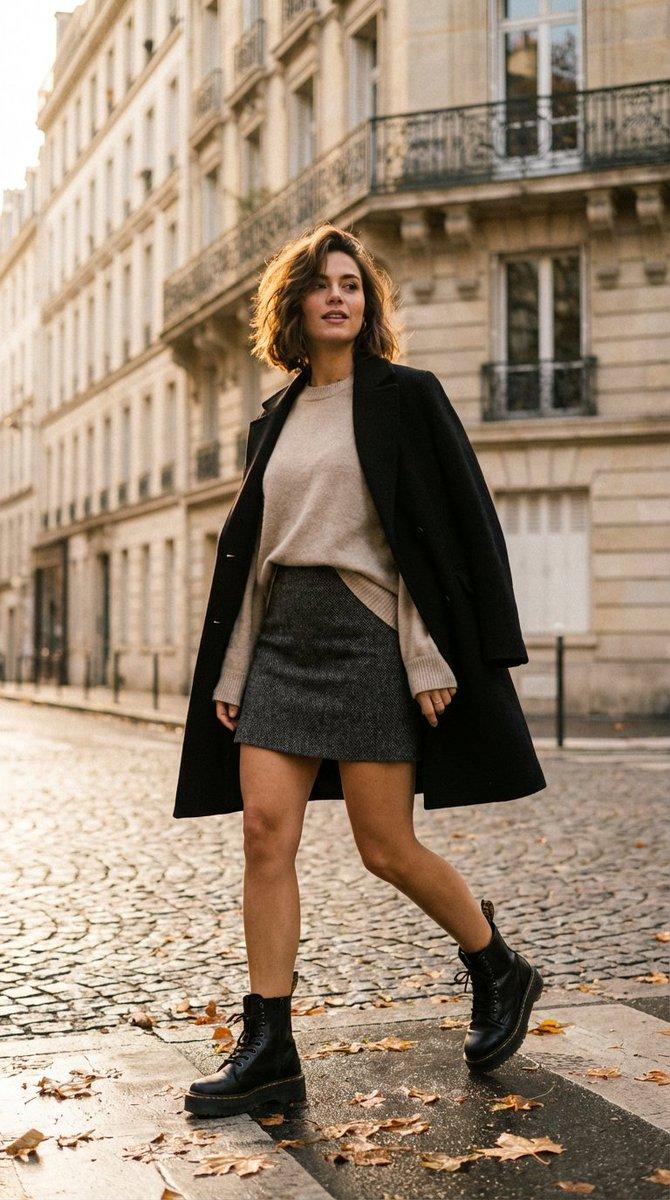
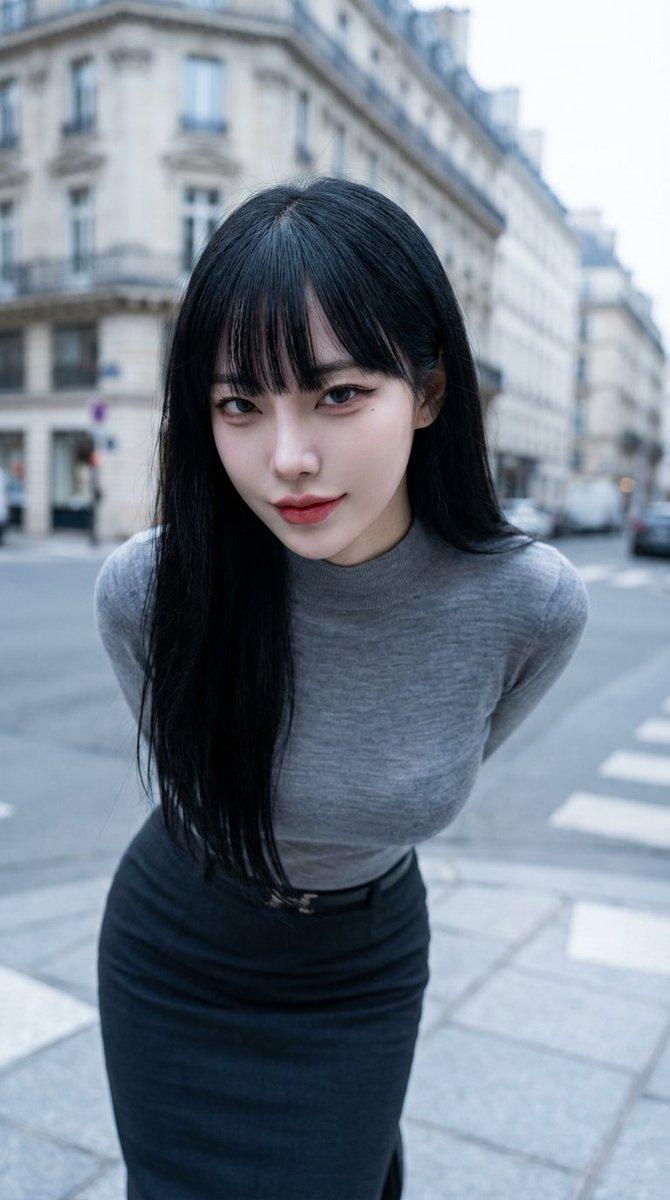
巴黎人行横道街拍风格
Enlarge

巴黎人行横道街拍风格

Prompt
Create a full-body lifestyle fashion photograph of a stylish young woman confidently walking across a modern European city crosswalk, centered in frame, shot at street level with a natural candid editorial feel. She wears a fitted short {argument name="dress color and style" default="black sleeveless bodycon mini dress"} layered under an oversized open {argument name="shirt color and style" default="white button-down shirt"} with rolled sleeves and fabric flowing naturally as she walks. Add clean white chunky sneakers, a delicate gold necklace, subtle earrings, and a small structured {argument name="handbag" default="black leather top-handle handbag with a gold logo"} held in one hand. Her long dark wavy hair is swept back by movement, posture relaxed and confident, one leg stepping forward. Set the scene in {argument name="city setting" default="Paris-style stone building street with a cafe awning reading SAINT SEVERIN CAFE"}, with zebra crossing stripes in the foreground, classic beige architecture, black iron balconies, cafe chairs, a chalkboard menu, traffic lights, and softly blurred pedestrians in the background. Use warm late-afternoon natural light, realistic shadows, shallow depth of field, high-end street style photography, sharp clothing detail, realistic skin tones, vertical 2:3 composition, no watermark, no extra text besides the cafe sign.
Category
Charts & Infographics
Model
GPT Image 2
Creator
Hania Ai
Views2
Source ID
22217
Published
May 23, 2026

Guide

About "巴黎人行横道街拍风格"

What is this prompt for?

"巴黎人行横道街拍风格" AI image prompt for GPT Image 2 (Charts & Infographics). 一个写实的全景时尚摄影提示词,用于创作女性走在巴黎人行横道上的都市街拍场景。 Copy it on Picva and recreate the look in one clic…

The full copyable prompt and example visuals above are ready for AI image generation or one-click recreate in Picva.

How to use this prompt

  1. Step 1

    Open the prompt detail

    Review the example visuals, category, and full prompt text for "巴黎人行横道街拍风格".

  2. Step 2

    Copy the prompt

    Copy the prompt body from this page, or load it directly in Studio.

  3. Step 3

    Pick a model (GPT Image 2)

    Prefer GPT Image 2. If you switch models, keep subject and composition and tweak style terms.

  4. Step 4

    Generate and export

    Recreate the look in Picva, or export into your workflow for editing and publishing.

FAQ

What is the "巴黎人行横道街拍风格" prompt?
It is an AI image-generation prompt for GPT Image 2 in the Charts & Infographics category. This page includes the full prompt text, example visuals, and a one-click recreate path in Picva.
How do I use this prompt to generate an image?
Copy the prompt from this page, or use Generate / Studio. Paste it into a compatible image model, or recreate the look in Picva with optional reference images.
Which model is this prompt for?
This page lists GPT Image 2. Most descriptive prompts also transfer to nearby image models such as GPT Image, Flux, or Midjourney with light style tweaks.
Can I use the result commercially?
You can usually copy the prompt for creation, but commercial use of the final image depends on the model terms, reference-image rights, and the generated content. Follow the source author and platform rules.