19

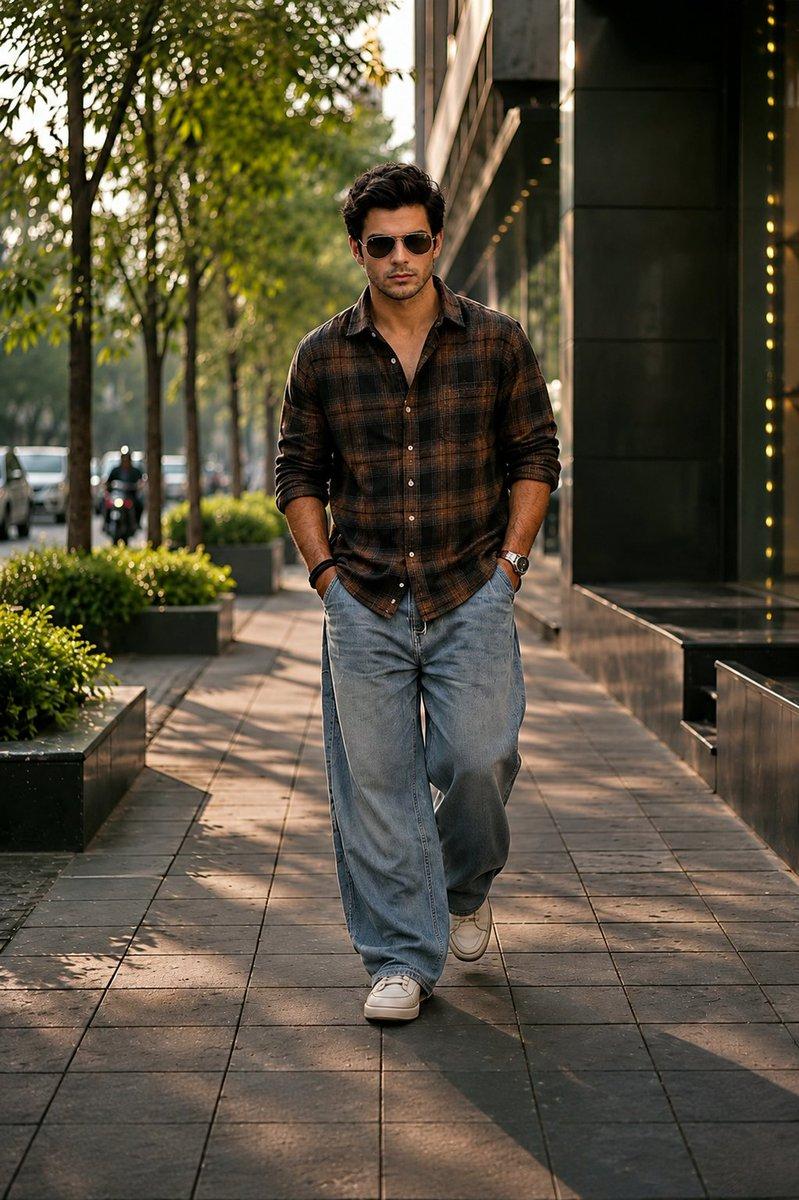
都市男性时尚大片
Enlarge

都市男性时尚大片

Prompt
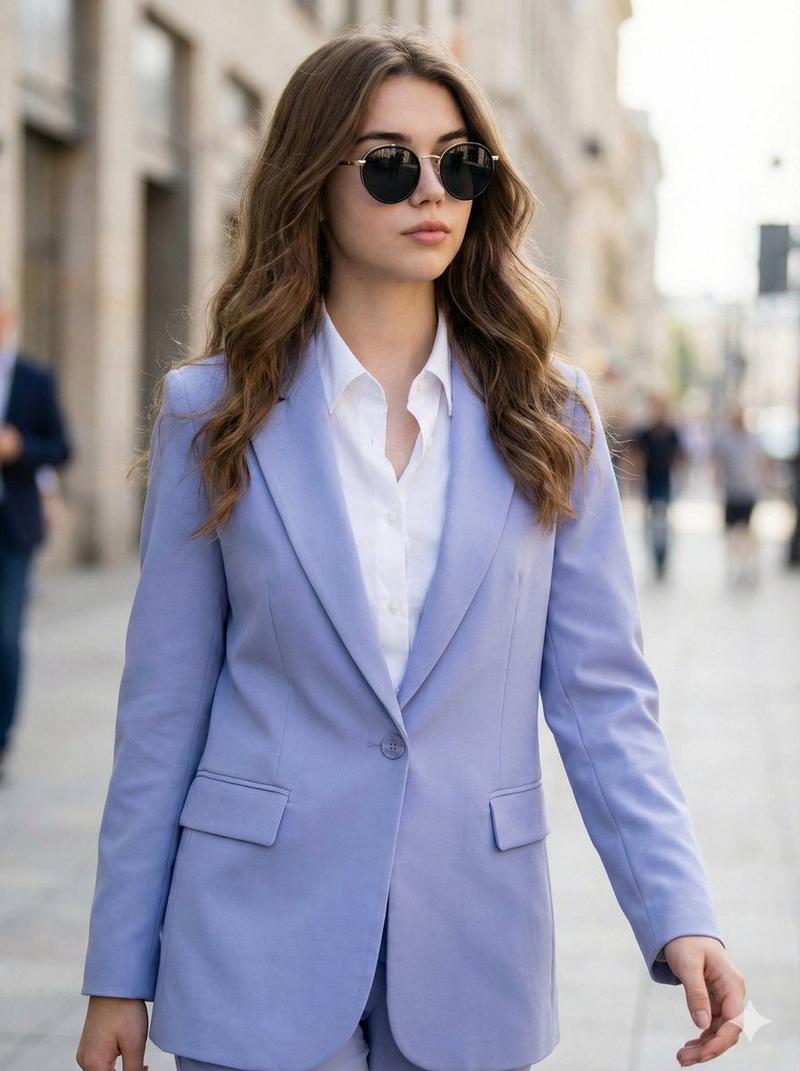
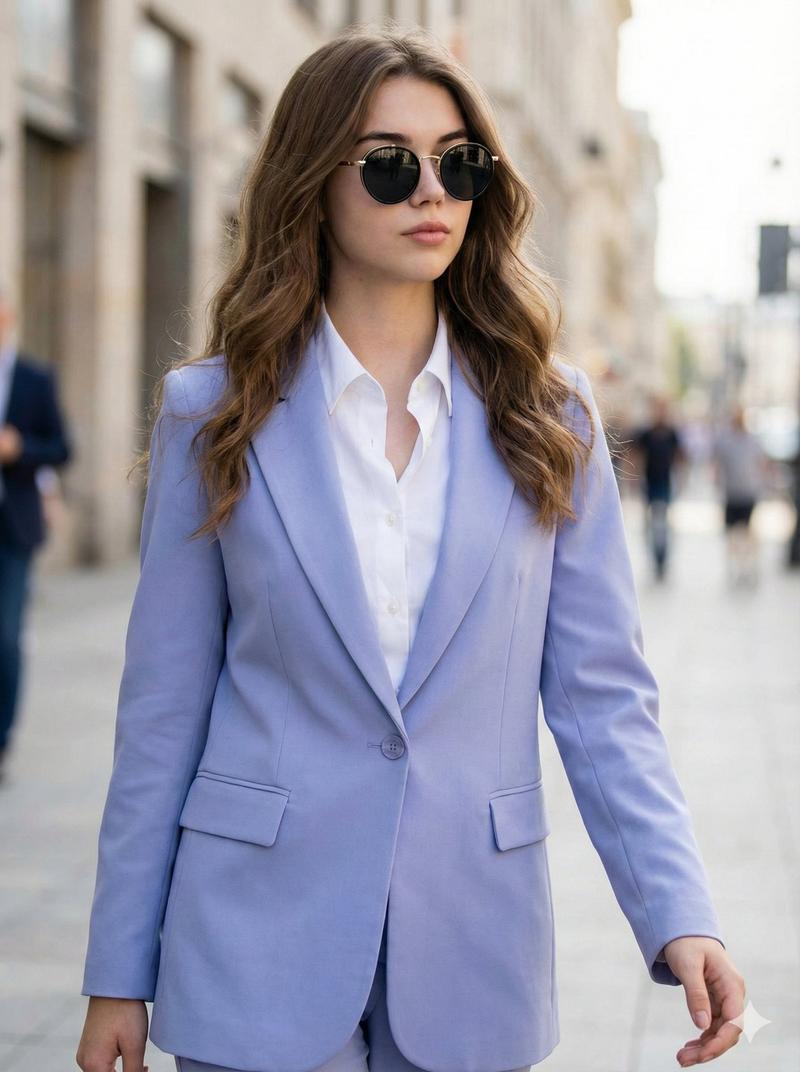
Full-body photo of a {argument name="subject" default="handsome young man"} walking confidently down a city sidewalk, mid-stride, 3/4 view, eye-level perspective; wearing a light beige linen button-up shirt with sleeves casually rolled to the forearms, light blue slim-fit jeans, and clean white sneakers; left hand tucked in pocket, right hand holding black sunglasses, simple wristwatch visible; natural tousled dark brown hair, relaxed neutral expression, slightly open collar; urban background with storefronts, potted plants, parked cars and blurred pedestrians, soft bokeh and leading lines of the sidewalk creating depth; soft natural daylight, slightly overcast, warm cinematic color grading, high detail skin texture and fabric weave, realistic photographic style, shallow depth of field (soft blurred background), subtle motion in the legs, balanced composition, modern casual fashion editorial vibe.
Category
Charts & Infographics
Model
GPT Image 2
Views5
Source ID
22274
Published
May 24, 2026

Guide

About "都市男性时尚大片"

What is this prompt for?

"都市男性时尚大片" AI image prompt for GPT Image 2 (Charts & Infographics). 一张写实风格的摄影提示词,展现一名男子在城市人行道上自信行走,配以自然日光和柔和的焦外成像效果。 Copy it on Picva and recreate the look in…

The full copyable prompt and example visuals above are ready for AI image generation or one-click recreate in Picva.

How to use this prompt

  1. Step 1

    Open the prompt detail

    Review the example visuals, category, and full prompt text for "都市男性时尚大片".

  2. Step 2

    Copy the prompt

    Copy the prompt body from this page, or load it directly in Studio.

  3. Step 3

    Pick a model (GPT Image 2)

    Prefer GPT Image 2. If you switch models, keep subject and composition and tweak style terms.

  4. Step 4

    Generate and export

    Recreate the look in Picva, or export into your workflow for editing and publishing.

FAQ

What is the "都市男性时尚大片" prompt?
It is an AI image-generation prompt for GPT Image 2 in the Charts & Infographics category. This page includes the full prompt text, example visuals, and a one-click recreate path in Picva.
How do I use this prompt to generate an image?
Copy the prompt from this page, or use Generate / Studio. Paste it into a compatible image model, or recreate the look in Picva with optional reference images.
Which model is this prompt for?
This page lists GPT Image 2. Most descriptive prompts also transfer to nearby image models such as GPT Image, Flux, or Midjourney with light style tweaks.
Can I use the result commercially?
You can usually copy the prompt for creation, but commercial use of the final image depends on the model terms, reference-image rights, and the generated content. Follow the source author and platform rules.