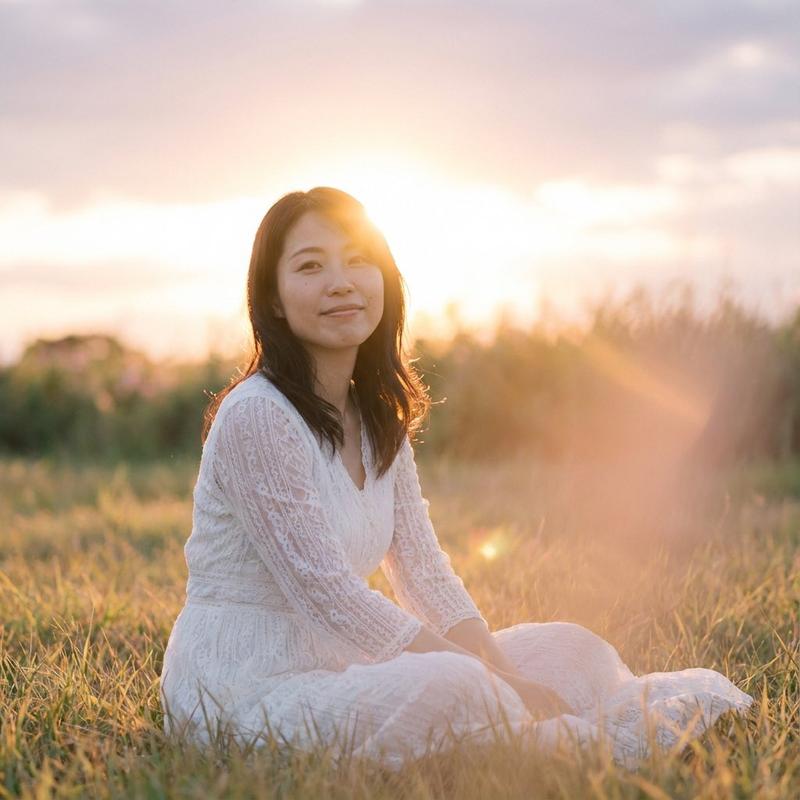
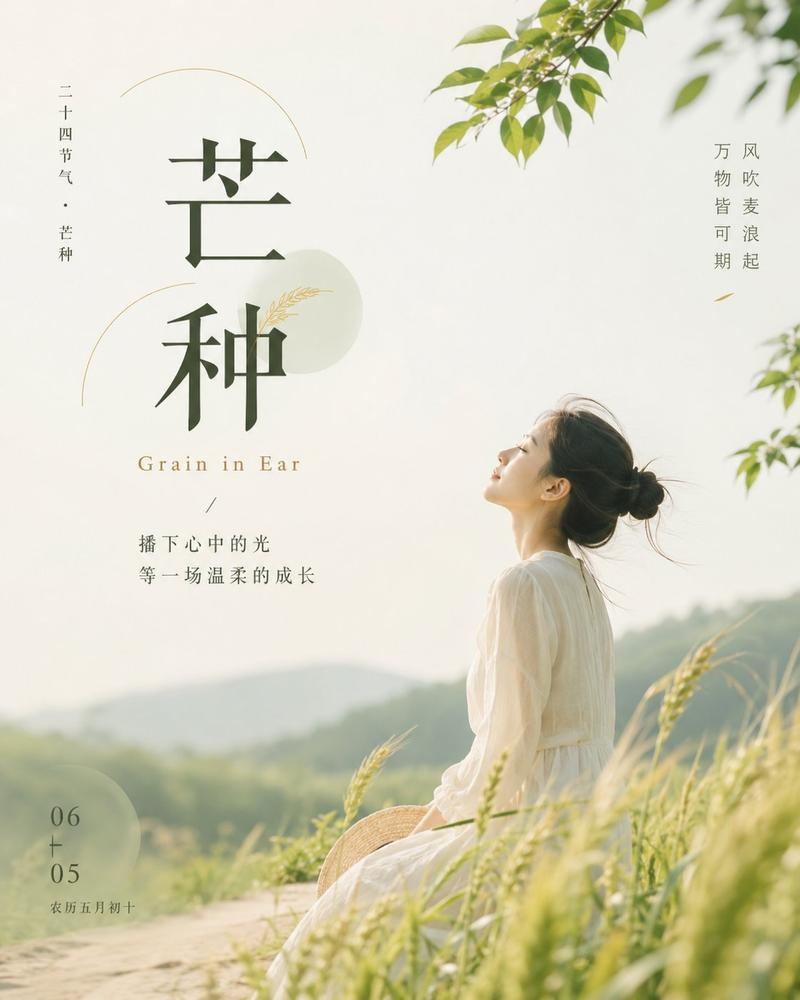
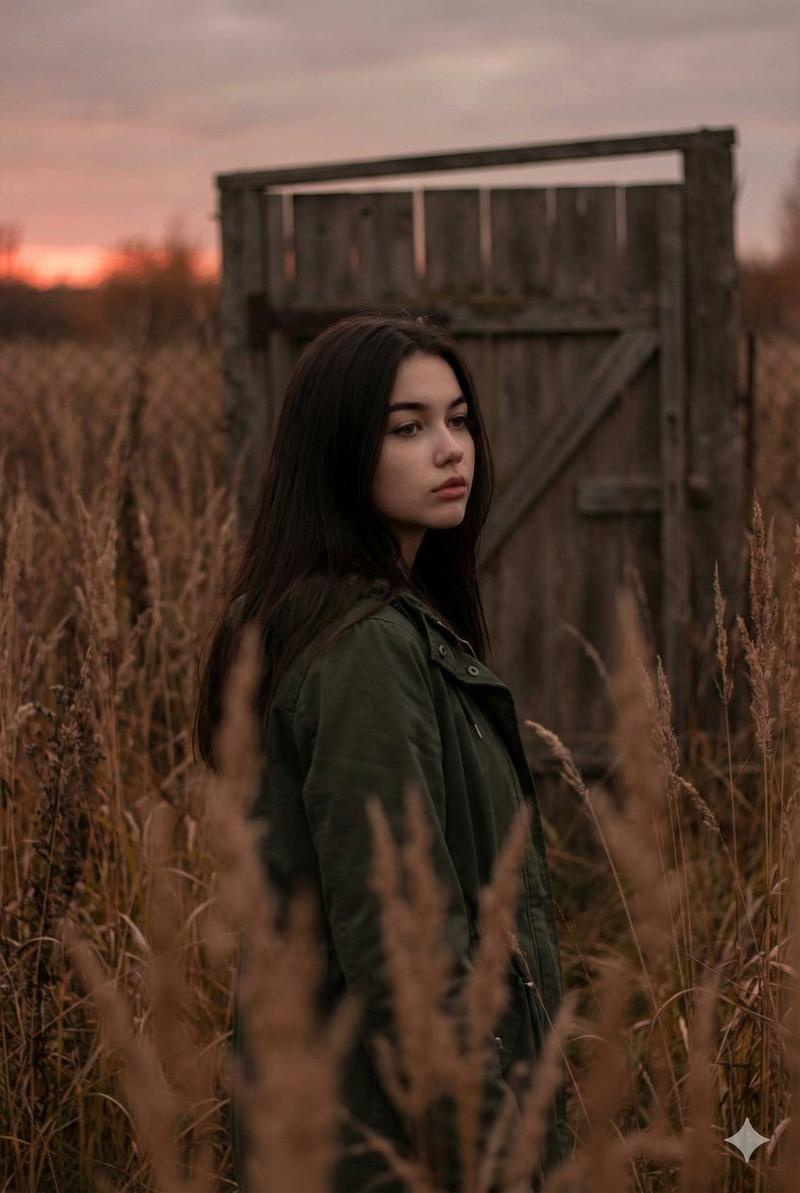
内省圣贤田野肖像
Prompt
Create a 3:4 cinematic, atmospheric editorial portrait using the attached photo as the exact face and identity reference. A solitary {argument name="subject" default="man/woman"} stands alone in the middle of vast, wind-swept {argument name="field color" default="sage green"} grass fields. Tall grass surrounds the subject completely, flowing in strong currents like ocean waves, partially obscuring the body and creating motion,depth, and solitude. The subject wears a simple, loose {argument name="outfit" default="white shirt"} that softly contrasts with the rich green landscape. Dark hair is slightly messy, with natural strands moving in the wind. The head is gently tilted downward, eyes cast toward the ground, conveying a quiet, introspective, melancholic mood. Expression is calm, distant, and emotionally restrained. Compose the frame slightly off-center, from a subtle elevated angle. No visible horizon, the frame is fully immersed in grass texture. Use a muted natural palette of sage green, deep olive, and soft off-white. Shoot vertical 3:4, telephoto perspective, shallow depth of field, cinematic framing. Film photography aesthetic with visible grain, soft edge falloff, atmospheric light, wind-driven motion blur in the grass. Quiet, poetic storytelling; ultra-detailed yet natural, magazine-cover editorial quality. No text, no watermark.- Category
- Charts & Infographics
- Model
- GPT Image 2
- Creator
- Fatema
- Source ID
- 22295
- Published
- May 24, 2026
Views8


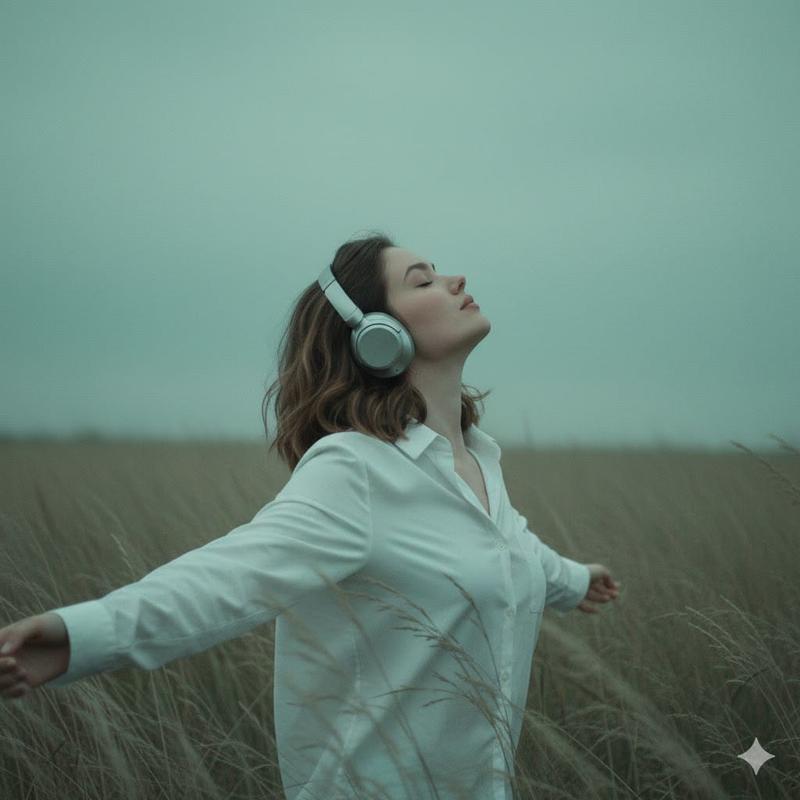
![[Title]: [custom] [Series Name]: [Wind Field Portraits / custom] [Subject]: [e](https://i.pixshop.app/storage/v1/render/image/public/prompt-source-media/promptsref/work-48111/image-1-f474054bb999c133.png?width=800&quality=75&resize=contain)