20

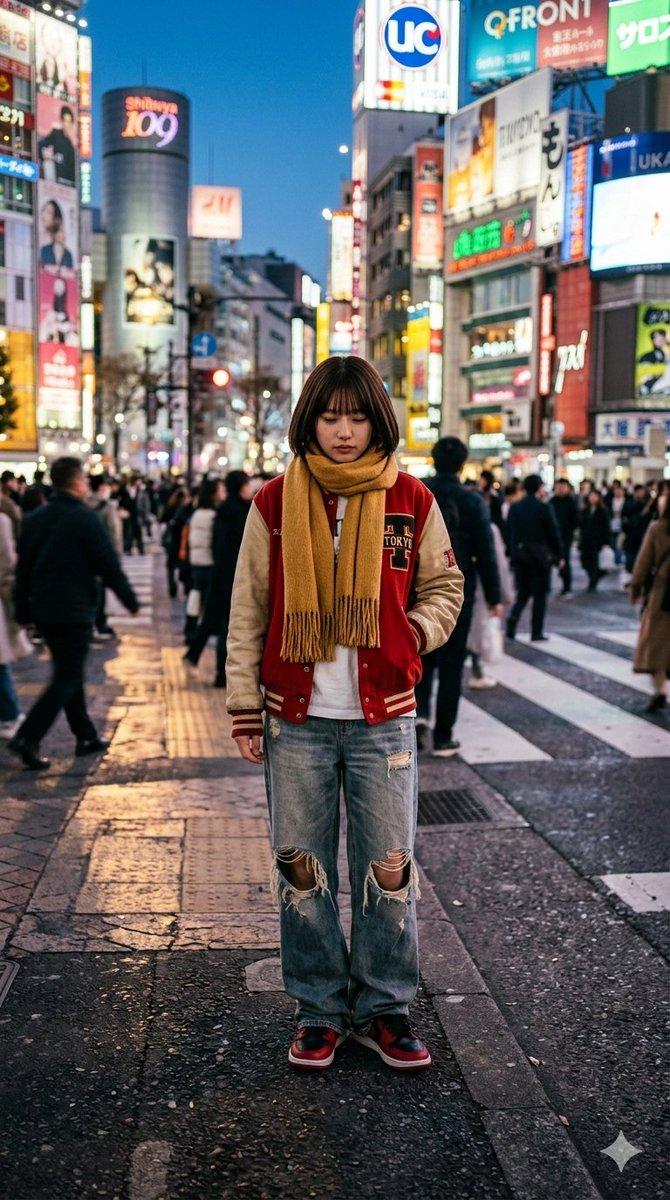
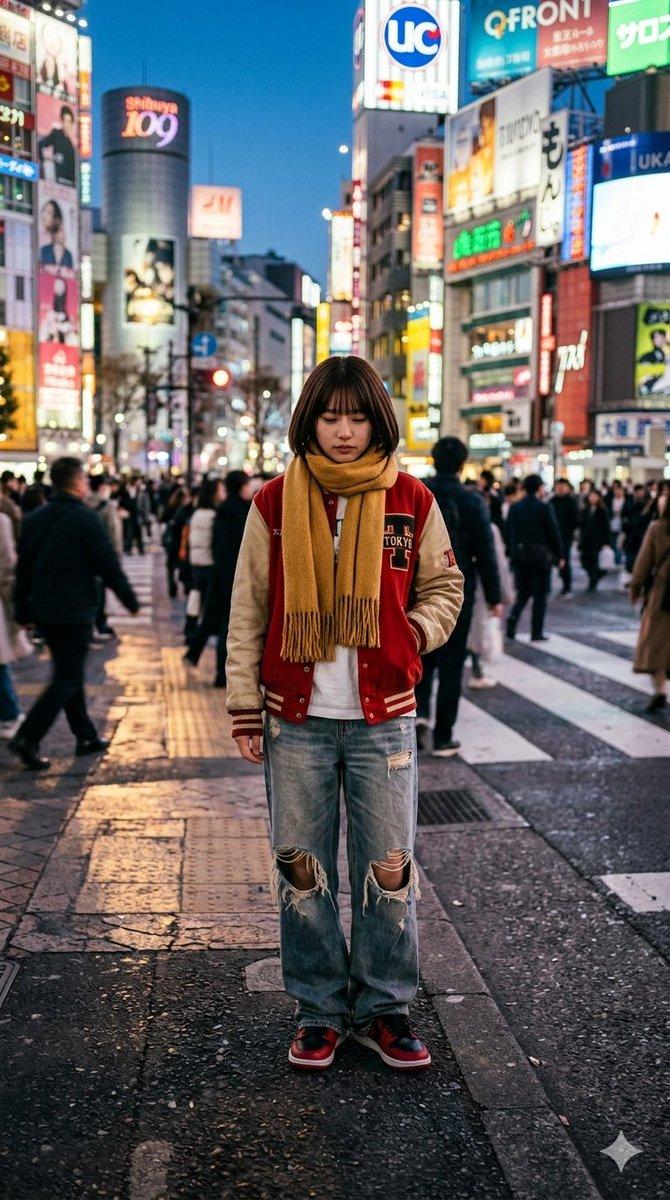
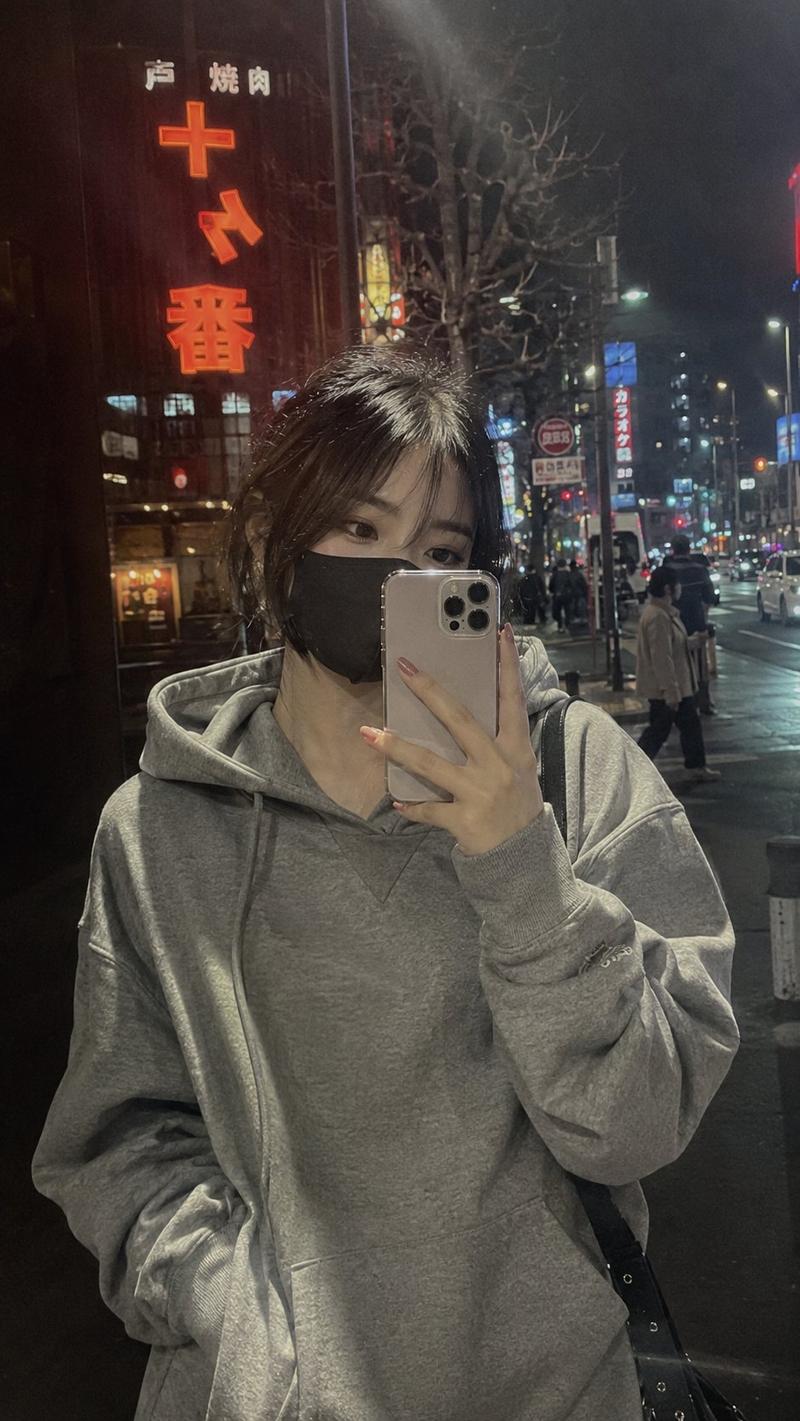
首尔夜间街头 iPhone 摄影
Enlarge

Example images

首尔夜间街头 iPhone 摄影

Prompt
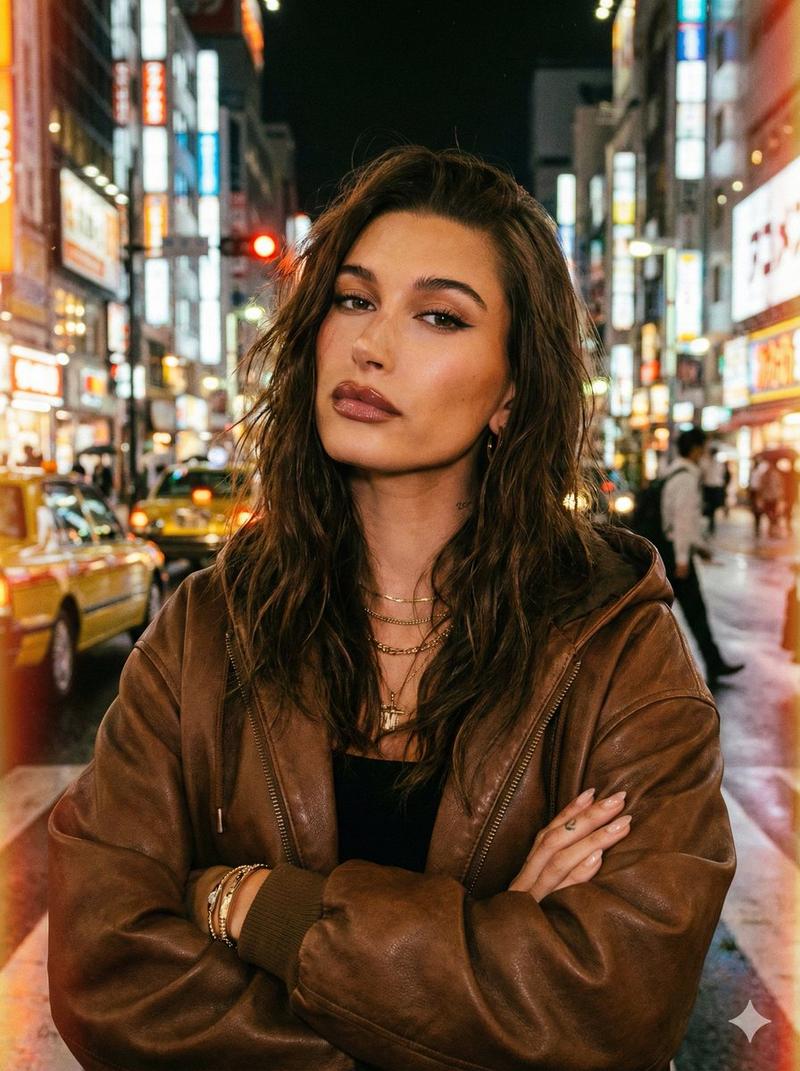
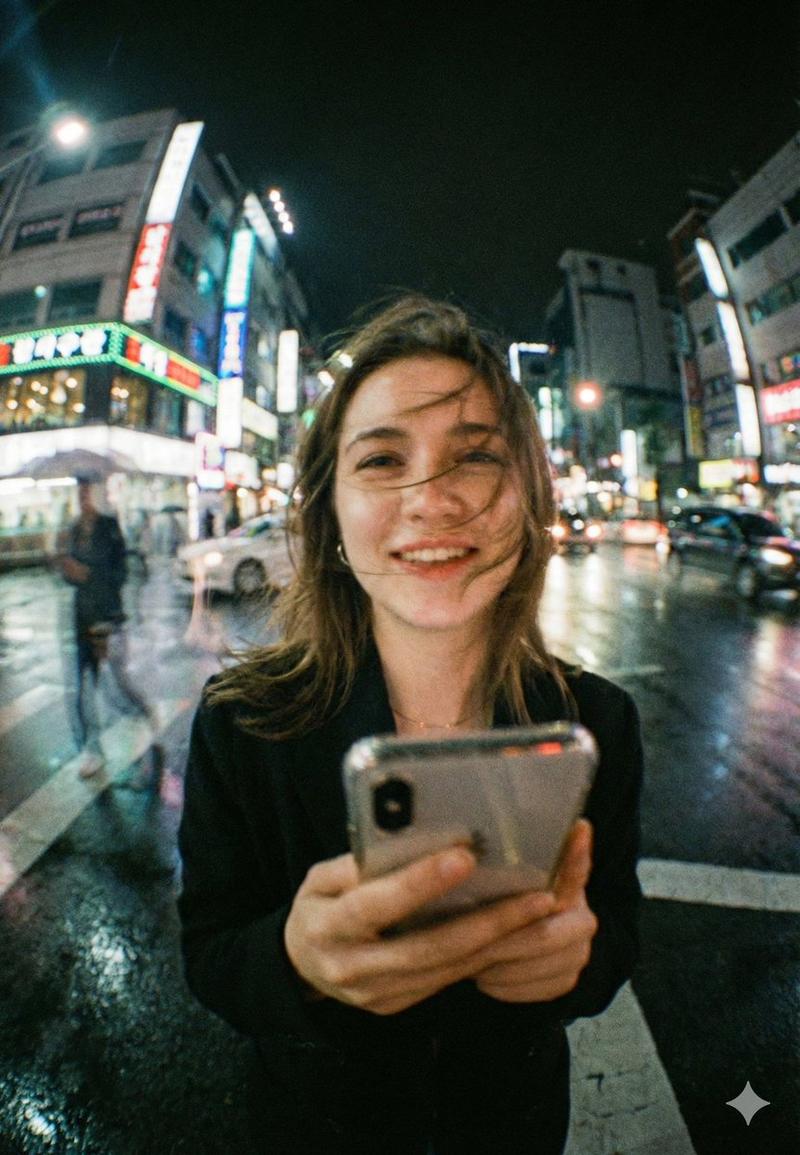
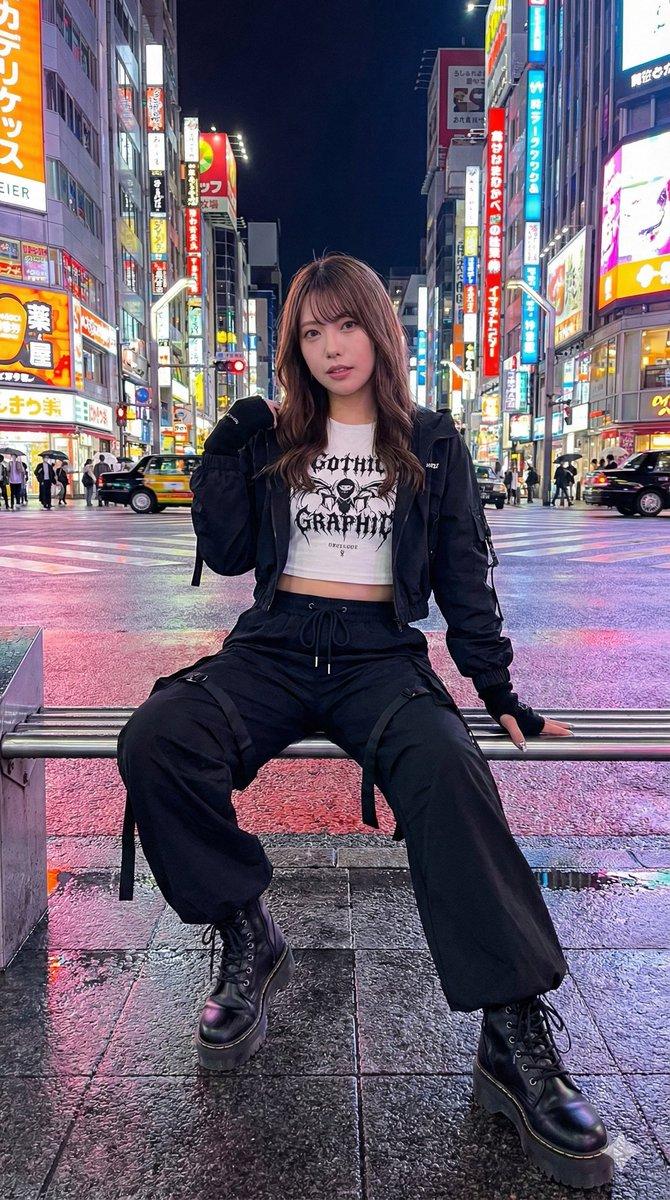
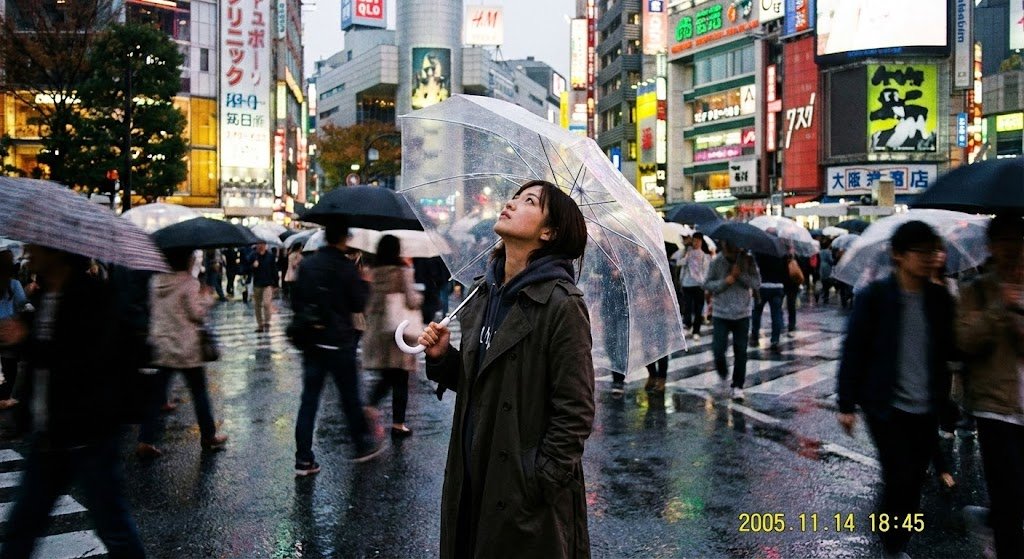
Ultra-realistic candid iPhone street photo of a {argument name="subject" default="beautiful young Korean girl"} captured from a side-angle perspective while crossing a {argument name="location" default="neon-lit Seoul street"} at night, cinematic urban atmosphere, natural walking pose, long flowing black hair moving with the wind, {argument name="outfit" default="oversized beige trench coat"}, casual Korean fashion, looking slightly away from camera, authentic unposed street photography feel, glowing convenience store lights, blurred taxis and pedestrians in background, reflections on wet roads, warm neon signs, shallow depth of field, handheld iPhone 16 Pro aesthetic, realistic motion blur, soft skin texture, moody Korean nightlife vibe, raw snapshot realism, 9:16 vertical composition, highly detailed, aesthetic Instagram photography style.
Category
Charts & Infographics
Model
GPT Image 2
Creator
Saad AI
Views2
Source ID
22308
Published
May 24, 2026

Guide

About "首尔夜间街头 iPhone 摄影"

What is this prompt for?

"首尔夜间街头 iPhone 摄影" AI image prompt for GPT Image 2 (Charts & Infographics). 一张超写实的 iPhone 街头抓拍,展现了一位年轻女性在霓虹闪烁的首尔街道夜晚穿行的场景,呈现出原始的快照美学。 Copy it on Picva and recr…

The full copyable prompt and example visuals above are ready for AI image generation or one-click recreate in Picva.

How to use this prompt

  1. Step 1

    Open the prompt detail

    Review the example visuals, category, and full prompt text for "首尔夜间街头 iPhone 摄影".

  2. Step 2

    Copy the prompt

    Copy the prompt body from this page, or load it directly in Studio.

  3. Step 3

    Pick a model (GPT Image 2)

    Prefer GPT Image 2. If you switch models, keep subject and composition and tweak style terms.

  4. Step 4

    Generate and export

    Recreate the look in Picva, or export into your workflow for editing and publishing.

FAQ

What is the "首尔夜间街头 iPhone 摄影" prompt?
It is an AI image-generation prompt for GPT Image 2 in the Charts & Infographics category. This page includes the full prompt text, example visuals, and a one-click recreate path in Picva.
How do I use this prompt to generate an image?
Copy the prompt from this page, or use Generate / Studio. Paste it into a compatible image model, or recreate the look in Picva with optional reference images.
Which model is this prompt for?
This page lists GPT Image 2. Most descriptive prompts also transfer to nearby image models such as GPT Image, Flux, or Midjourney with light style tweaks.
Can I use the result commercially?
You can usually copy the prompt for creation, but commercial use of the final image depends on the model terms, reference-image rights, and the generated content. Follow the source author and platform rules.