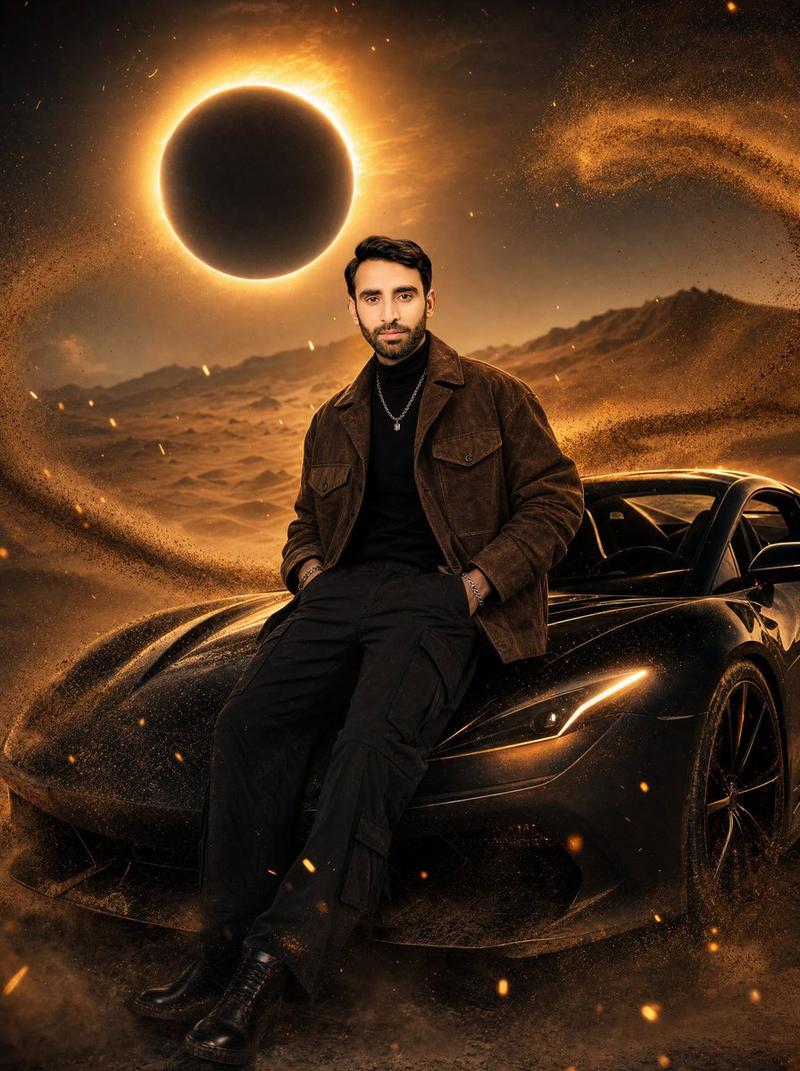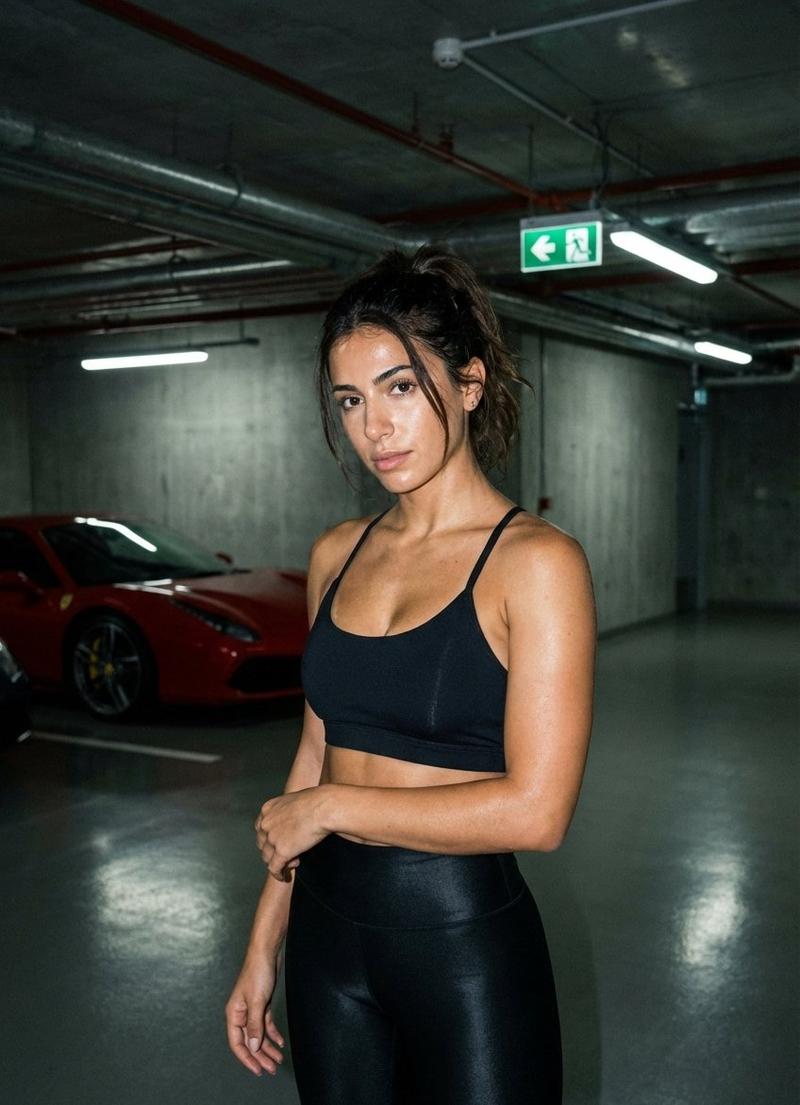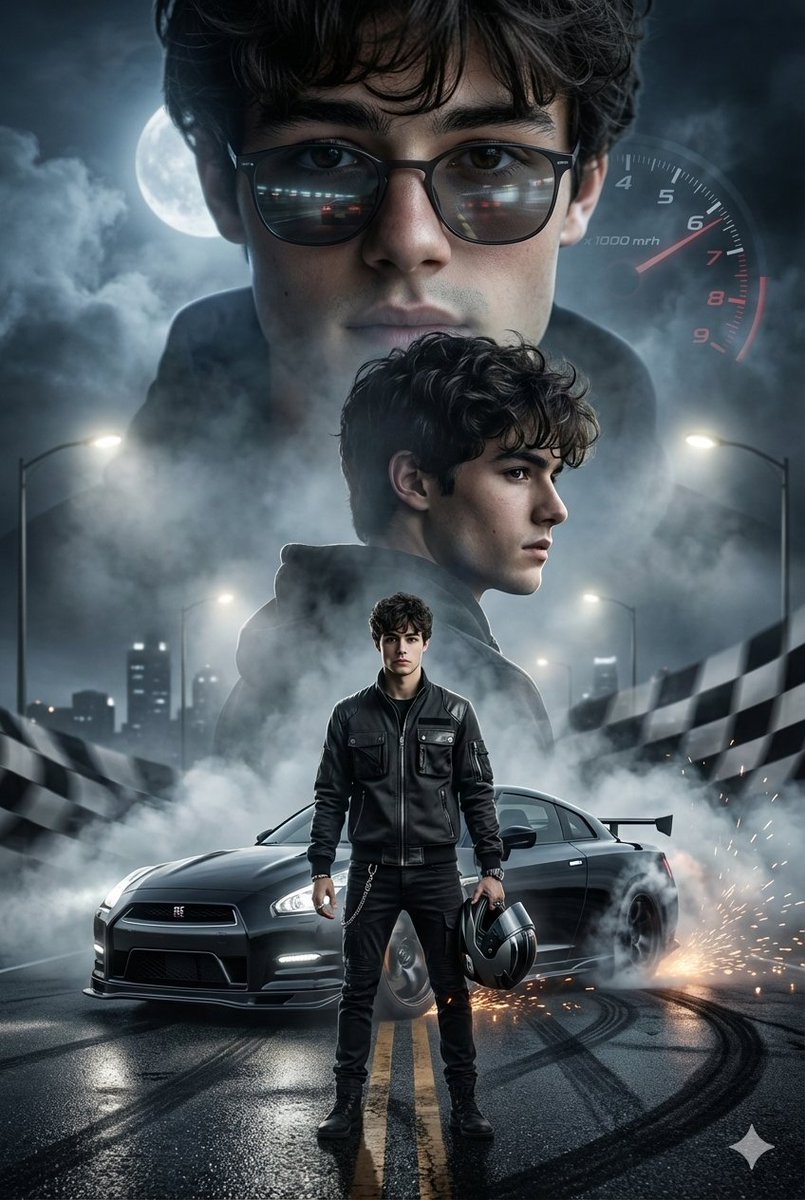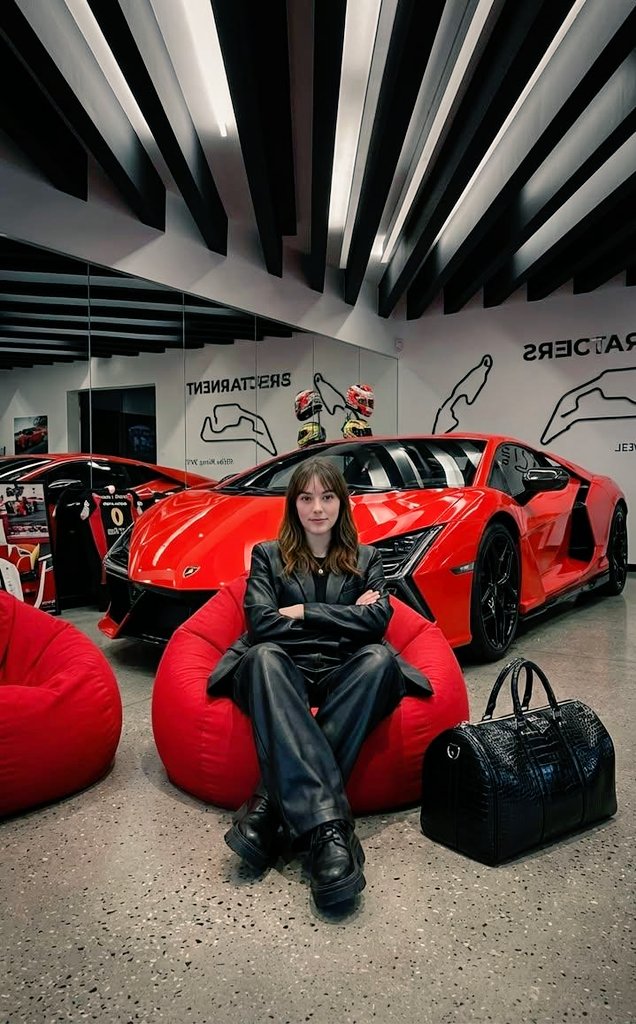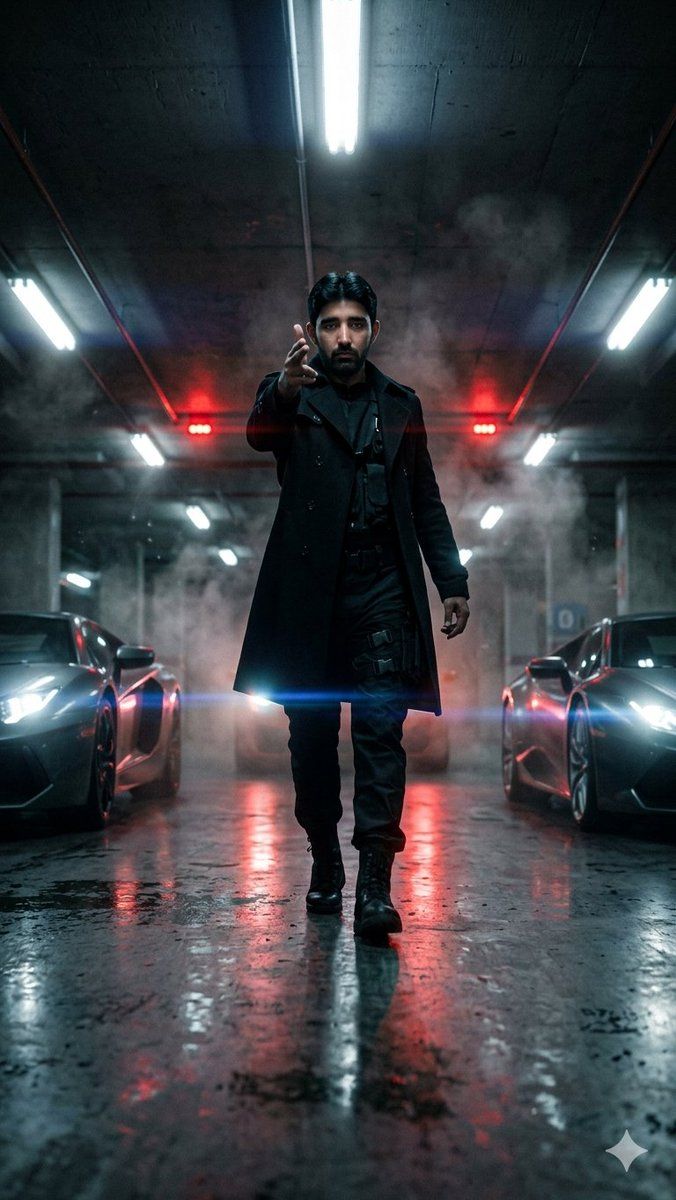
电影感地下车库漫步
Prompt
Create a hyper-cinematic vertical portrait in a dark underground parking garage: {argument name="character description" default="a mysterious adult man with short slick black hair"} walks directly toward the camera from the center of the frame, wearing {argument name="outfit" default="a fitted long black trench coat over an all-black tactical outfit with black combat boots"}. His right hand is raised toward the lens in a commanding gesture while his left arm hangs naturally, body full-length and centered. Use an ultra-low floor-level camera angle with strong one-point perspective, wet reflective concrete floor, gritty industrial ceiling, pipes, concrete pillars, drifting smoke, mist, and dust particles. Place exactly 2 blurred luxury sports cars flanking him symmetrically, one on the left and one on the right, both facing forward with bright white headlights and glossy dark bodywork. Add exactly 3 visible red warning light sources in the background, two small red light clusters behind the character and red glow reflected on the cars and floor. Add multiple cool white fluorescent tube lights overhead and along both sides, including one bright central ceiling tube above the character, creating blue-white highlights. Lighting should be moody teal, black, and red with strong rim light, volumetric haze, wet reflections, lens flare across the lower torso, shallow depth of field, high contrast, realistic skin and fabric texture, cinematic action-thriller atmosphere, 9:16 vertical composition, no text, no logos, no watermark.- Category
- Posters & Typography
- Model
- GPT Image 2
- Creator
- Dilshad Hussain
- Source ID
- 22446
- Published
- May 24, 2026
Views3