14

奢华运动海报设计
Enlarge

Example images

奢华运动海报设计

Prompt
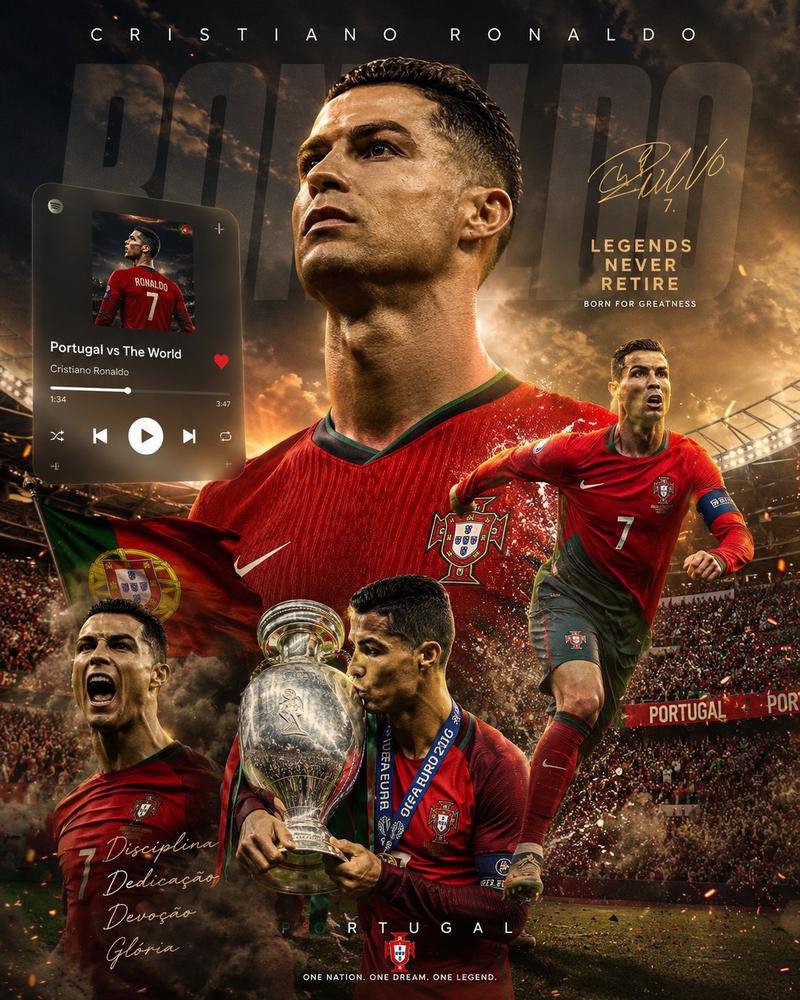
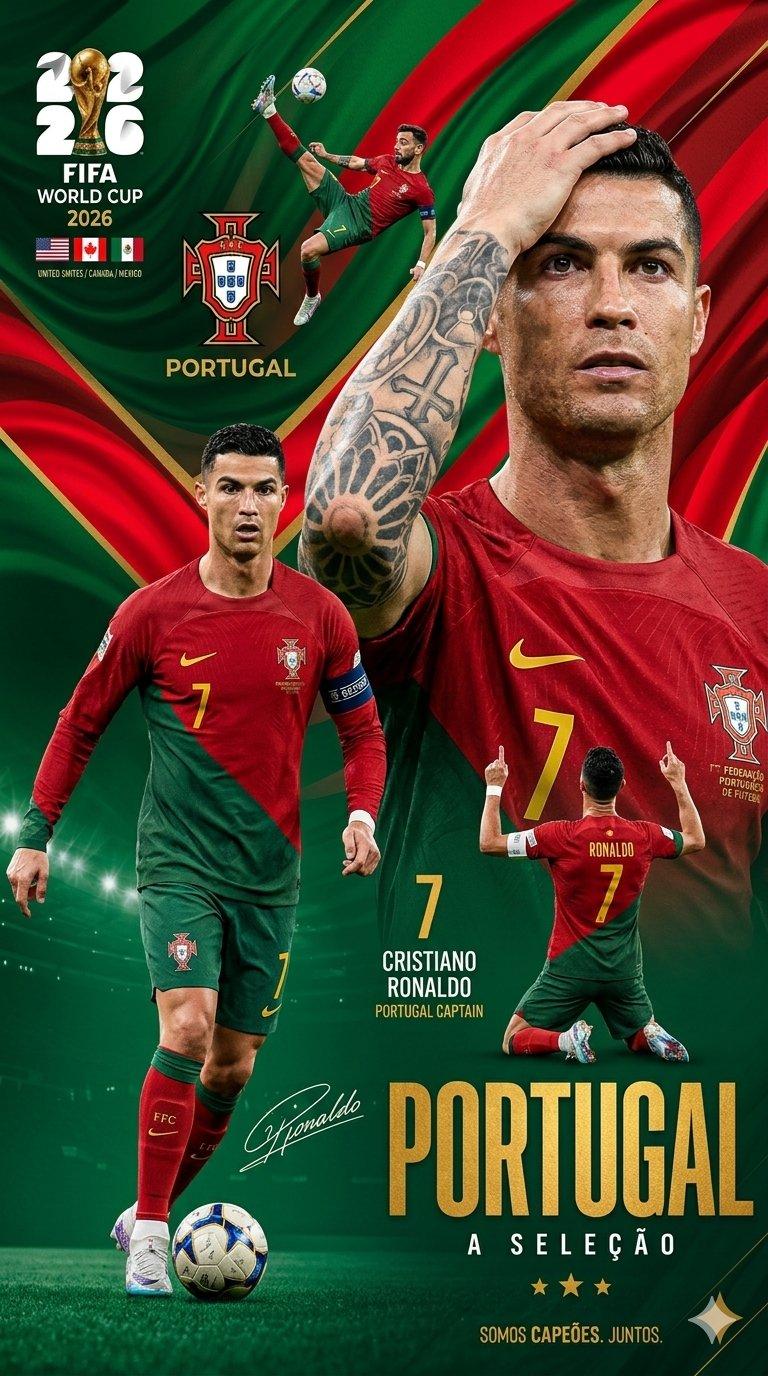
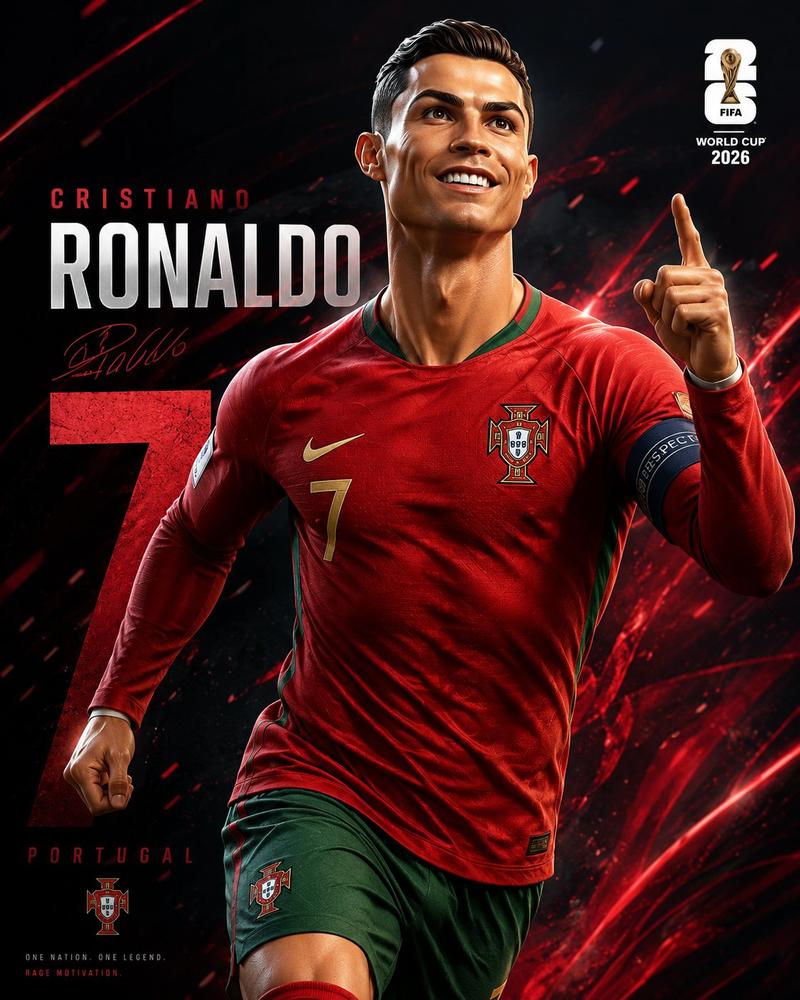
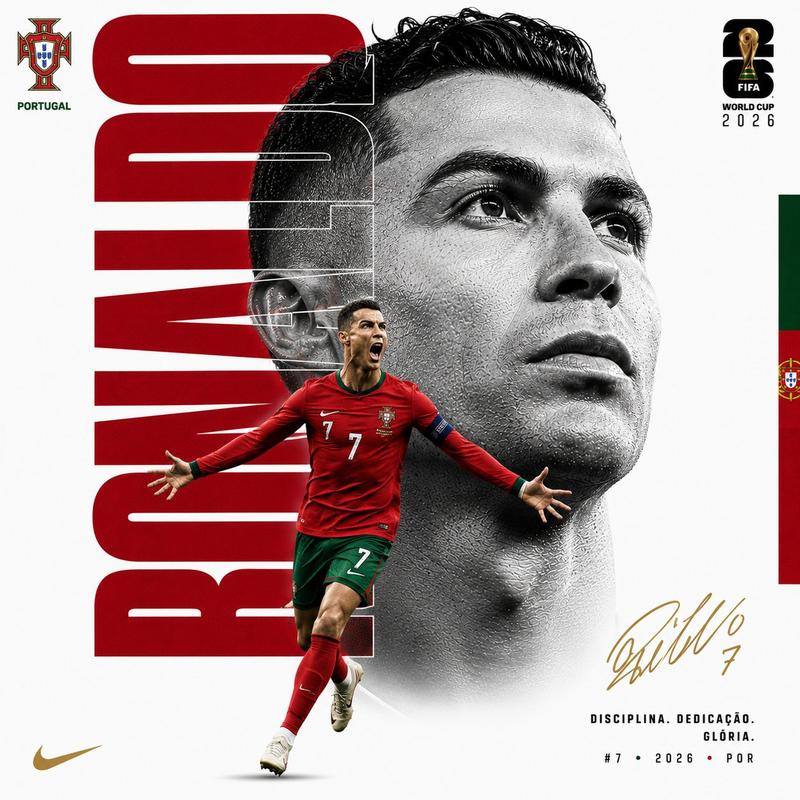
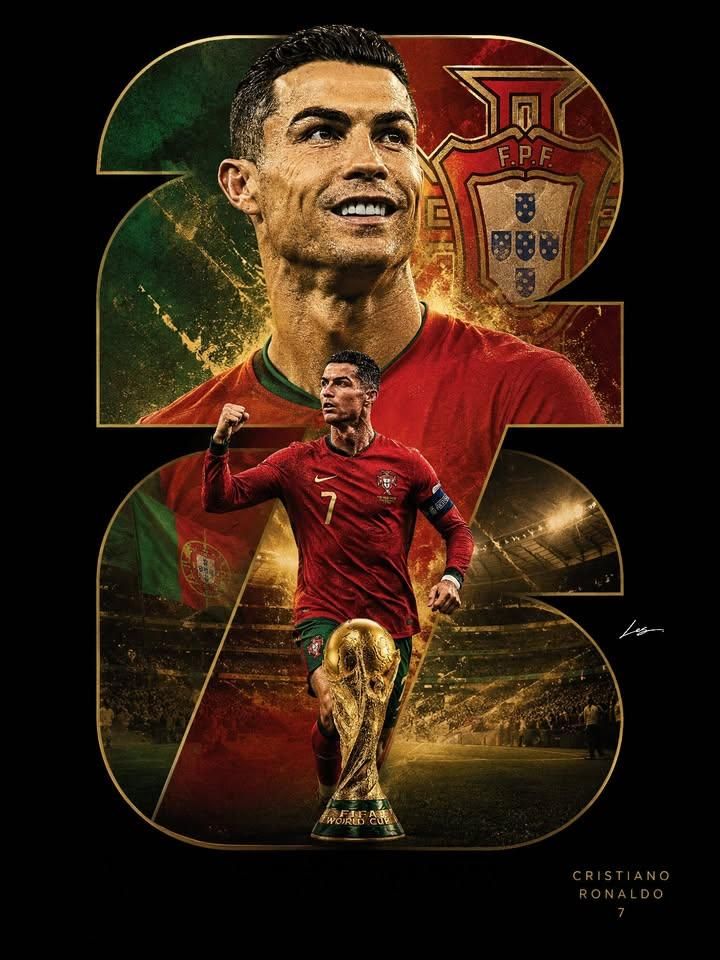
Sports poster design, vertical layout, black background with gold outline and accents.

Composition: Large number '{argument name="number" default="26"}' cut out as a frame filled with layered imagery.
- Top section of the number: Close-up portrait of a male soccer player in a {argument name="jersey color" default="red"} jersey with green trim, smiling confidently, with a stylized national crest and flag colors in the background
- Middle section: Full-body shot of the same player in a red kit with number 7, celebrating with a clenched fist, running on a soccer field
- Bottom section: Stadium scene with golden light, crowd, and a golden FIFA World Cup trophy centered at the bottom

Details: Golden spark and light particle effects, dramatic lighting, cinematic glow, triumphant and celebratory mood. 
Text: Player name and number '7' in elegant sans-serif font at bottom right, stylized signature on the right side.

Style: Modern sports graphic design, photorealistic rendering, high contrast, luxury sports poster aesthetic, 2:3 aspect ratio. Use an original player likeness and fictional crest to avoid copyright issues.
Category
Charts & Infographics
Model
GPT Image 2
Creator
Anissa
Views4
Source ID
22522
Published
May 25, 2026

Guide

About "奢华运动海报设计"

What is this prompt for?

"奢华运动海报设计" AI image prompt for GPT Image 2 (Charts & Infographics). 一款现代运动图形设计提示词,用于制作竖版海报,特色是将足球运动员肖像和体育场场景融入风格化的数字边框中。 Copy it on Picva and recreate the look…

The full copyable prompt and example visuals above are ready for AI image generation or one-click recreate in Picva.

How to use this prompt

  1. Step 1

    Open the prompt detail

    Review the example visuals, category, and full prompt text for "奢华运动海报设计".

  2. Step 2

    Copy the prompt

    Copy the prompt body from this page, or load it directly in Studio.

  3. Step 3

    Pick a model (GPT Image 2)

    Prefer GPT Image 2. If you switch models, keep subject and composition and tweak style terms.

  4. Step 4

    Generate and export

    Recreate the look in Picva, or export into your workflow for editing and publishing.

FAQ

What is the "奢华运动海报设计" prompt?
It is an AI image-generation prompt for GPT Image 2 in the Charts & Infographics category. This page includes the full prompt text, example visuals, and a one-click recreate path in Picva.
How do I use this prompt to generate an image?
Copy the prompt from this page, or use Generate / Studio. Paste it into a compatible image model, or recreate the look in Picva with optional reference images.
Which model is this prompt for?
This page lists GPT Image 2. Most descriptive prompts also transfer to nearby image models such as GPT Image, Flux, or Midjourney with light style tweaks.
Can I use the result commercially?
You can usually copy the prompt for creation, but commercial use of the final image depends on the model terms, reference-image rights, and the generated content. Follow the source author and platform rules.