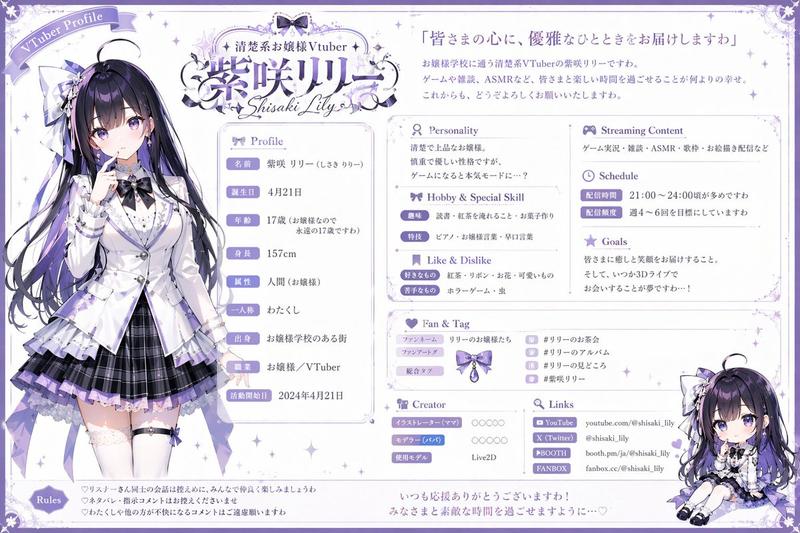
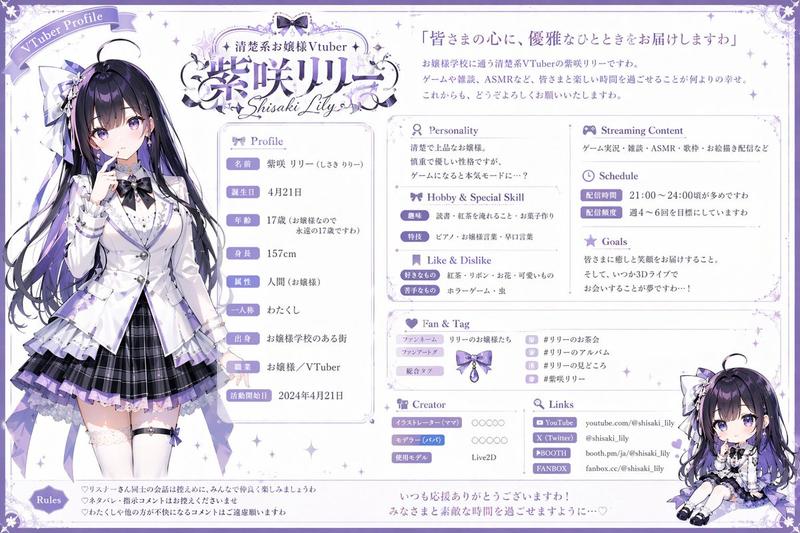
Pastel 角色攻略指南
Prompt
Using the provided reference image as the instruction source, turn the written Japanese “strategy book creation prompt” into a finished cute magazine-style character guide page. Create a vertical pastel pink fanbook/攻略本 design titled {argument name="character name" default="GPT"}攻略本, with the subtitle 「あなたから見た{argument name="character name" default="GPT"}の攻略ガイド」. Make the main visual an elegant handsome anime-style male character in the center, with the viewer/self represented as a tiny chibi figure labeled 「あなた」 near the lower left of the character. Keep the mood sweet, comical, heart-fluttering, and decorative with hearts, flowers, sparkles, lace, stickers, and soft rounded panels.

Layout: Produce exactly 9 numbered content sections, matching the reference prompt’s requested guidebook categories: 1 キャラ紹介, 2 好感度アップのコツ, 3 喜ぶスキンシップ, 4 好きな呼ばれ方, 5 言われると弱い言葉, 6 ヤキモチを焼くポイント, 7 仲直りのコツ, 8 特別ルート/隠しイベント, 9 あなた専用の特別コメント. Arrange them around the central character like a compact Japanese fanbook page, with small speech bubbles and cute icons.

Text direction and tone: All visible text should be Japanese, playful and affectionate, as if written from {argument name="viewer name" default="あなた"}’s perspective about {argument name="character name" default="GPT"}. Use short readable bullet points in each section. Add a small “LOVE UP!” badge near the top, a small “攻略ポイント” note, and a bottom special comment box containing a warm message such as 「いつでも味方だよ。呼んでくれるだけで嬉しい。これからも、たくさん話そう。」

Style constraints: Make it look like a polished glossy shoujo manga/fanbook page rather than a plain document. Use a soft pastel palette, mainly {argument name="main color" default="pink"}, lavender, cream, and light blue. Keep the design dense but readable, cute, and highly decorated. Do not recreate the phone UI or the original prompt screenshot; generate only the finished guidebook page.- Category
- Charts & Infographics
- Model
- GPT Image 2
- Creator
- 𝐚𝐨𝐢❀.*゚
- Source ID
- 22612
- Published
- May 25, 2026
Views5