可爱 Q 版贴纸包生成器
Prompt
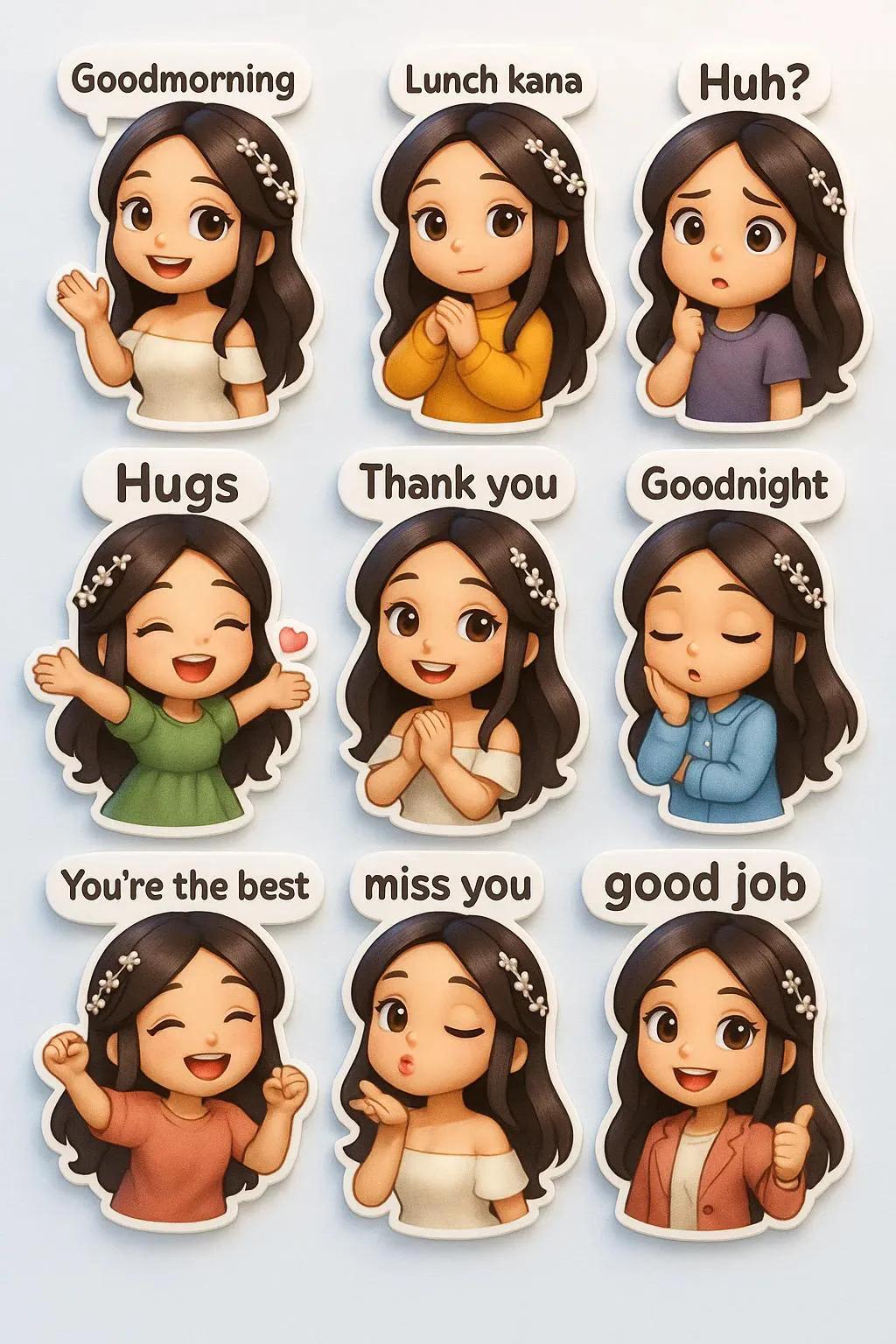
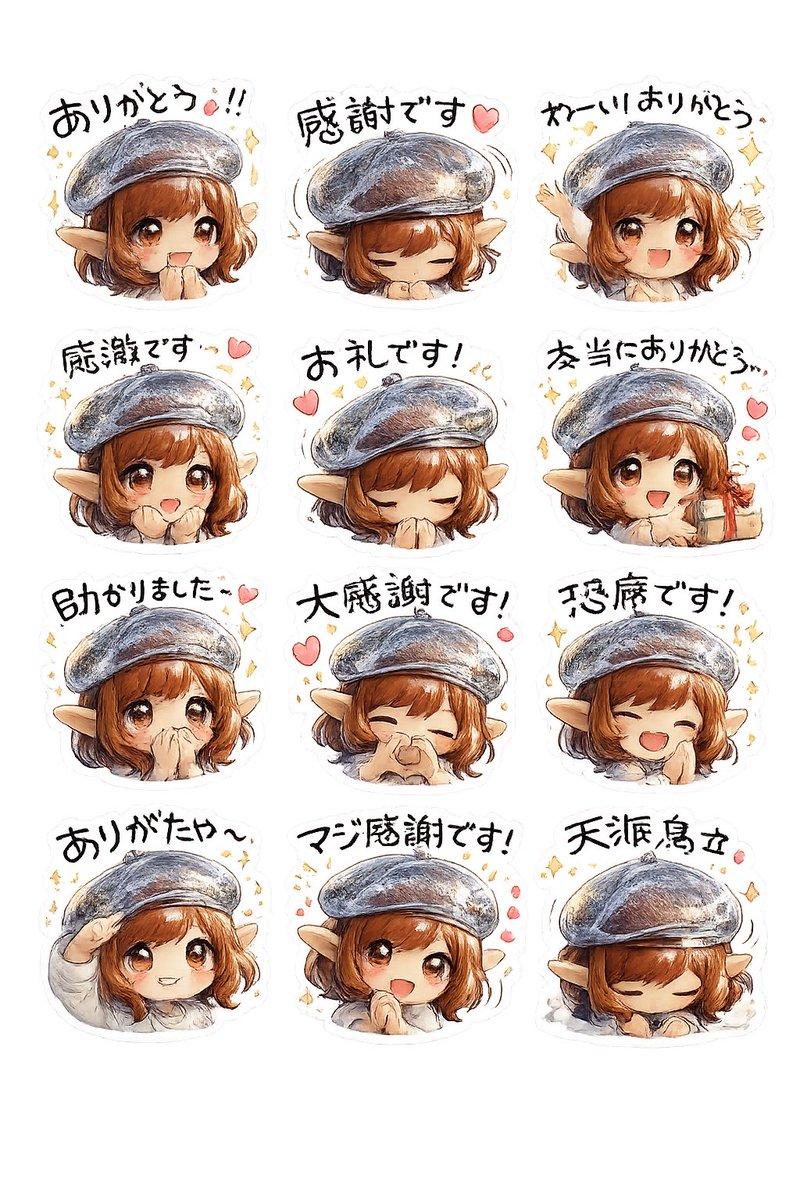
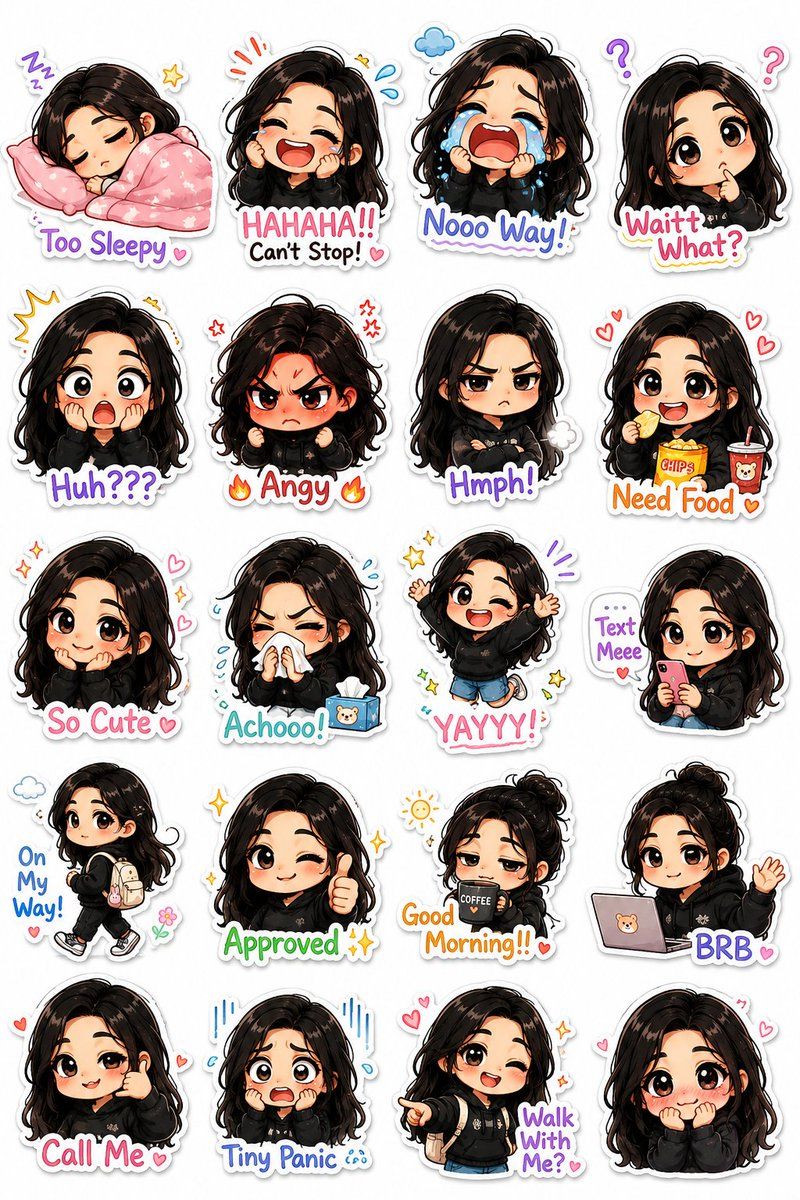
Turn my photograph into a premium kawaii-style illustrated chibi sticker pack with a unique hand-drawn cartoon aesthetic instead of generic emoji-style stickers. Preserve my real facial identity, hairstyle, skin tone, and recognizable features while transforming me into an adorable mini chibi character with an {argument name="character style" default="oversized head, tiny body proportions, soft blush, expressive eyes, and playful exaggerated emotions"}. Design the sticker pack in a polished mobile-messaging-app style with: clean pure white background, thick smooth white outline around every sticker, subtle soft shadows for depth, highly expressive poses and body language, colorful {argument name="color accents" default="pastel accents"} and tiny decorative doodles like stars, hearts, sparkles, motion lines, clouds, sweat drops, and mini props, crisp high-detail digital illustration quality, vertical composition containing multiple stickers. Create a wide variety of expressive moods and actions, including: sleepy with blanket and pillow, laughing uncontrollably, dramatic crying, confused head tilt, shocked expression, tiny angry rage mode, grumpy crossed arms, eating snacks happily, shy cute smile, sneezing with tissues, excited jumping pose, texting on phone, walking casually with backpack, approval thumbs-up pose, tired morning coffee vibe. Add playful handwritten sticker captions integrated naturally into each sticker, such as: {argument name="sticker captions" default="“Good Morning!!” “Waittt What?” “Text Meee” “Too Sleepy” “Nooo Way!” “Approved ✨” “BRB” “Achooo!” “On My Way!” “Huh???” “So Cute” “Angy” “Need Food” “Call Me” “Tiny Panic” “Walk With Me?”"} Style inspiration: modern kawaii sticker packs, Korean messaging stickers, premium VTuber emotes, LINE stickers, Discord emoji packs, expressive pastel anime mascots, cozy internet aesthetic. Ultra-clean composition, highly consistent character design across all stickers, charming and meme-worthy expressions, studio-quality illustration, vibrant but soft color palette.- Category
- Charts & Infographics
- Model
- GPT Image 2
- Creator
- Johnn
- Source ID
- 22690
- Published
- May 26, 2026
Views17