18

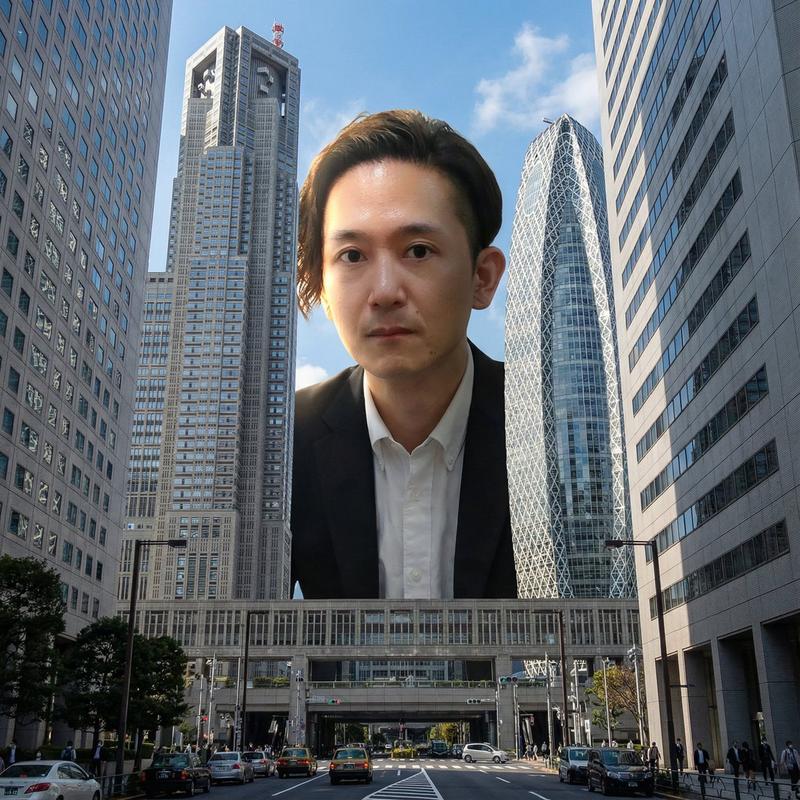
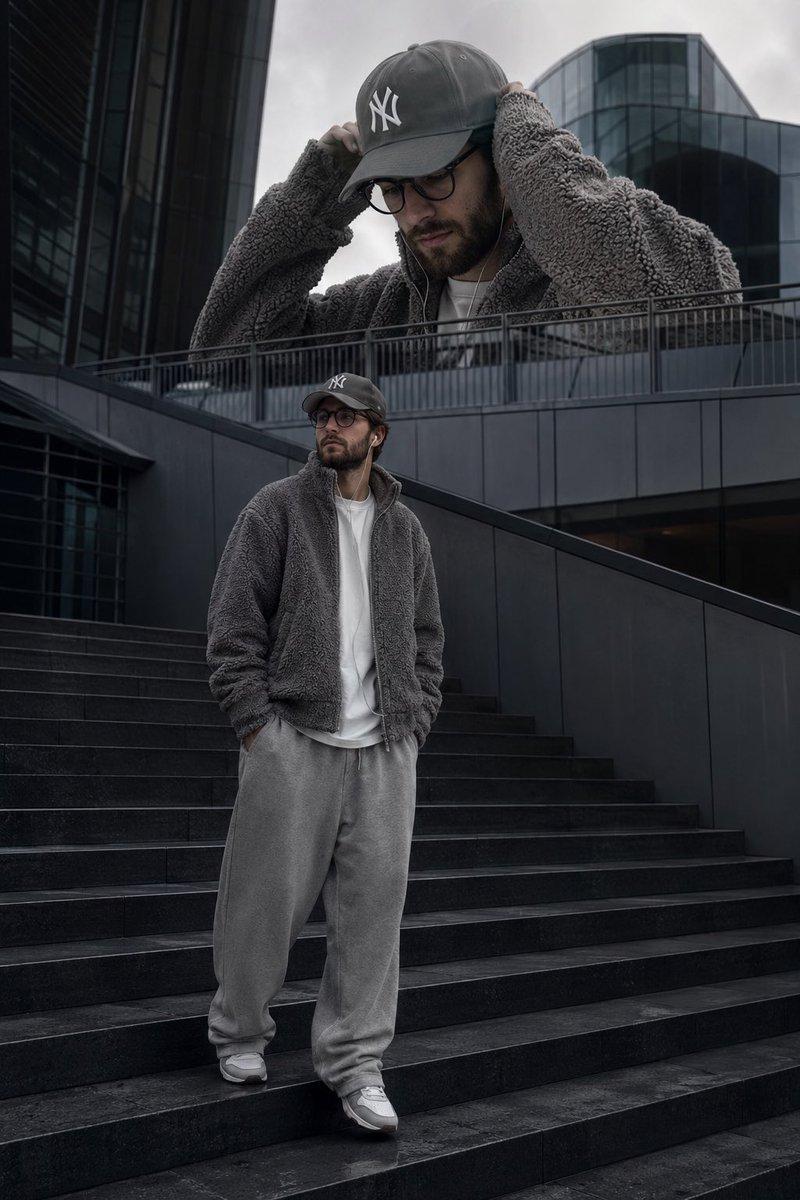
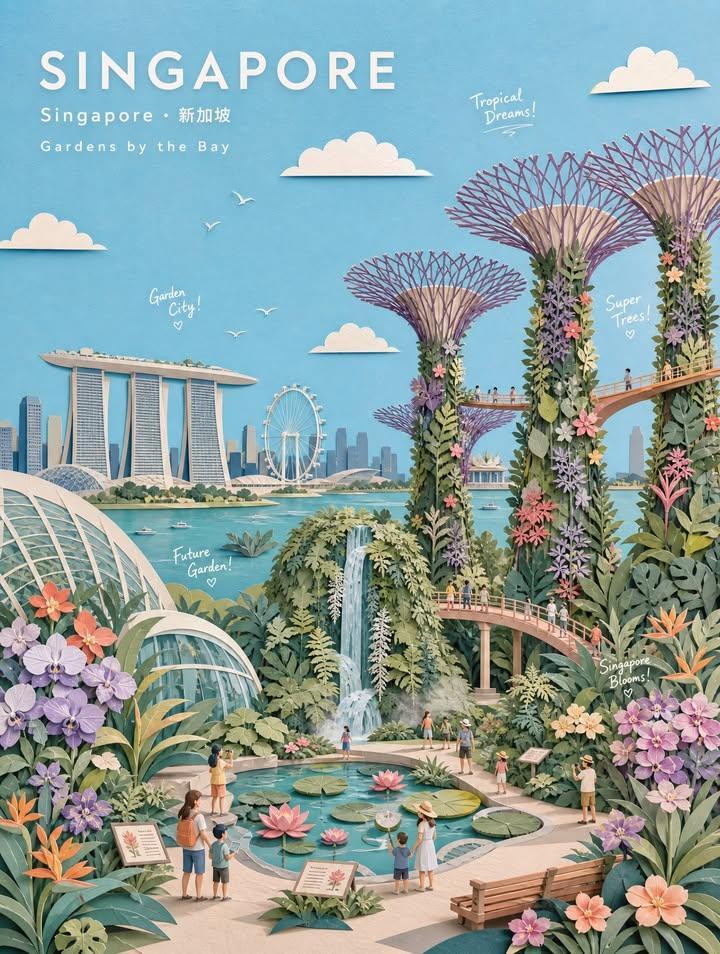
玩具钥匙扣与现实生活对比
Enlarge

Example images

玩具钥匙扣与现实生活对比

Prompt
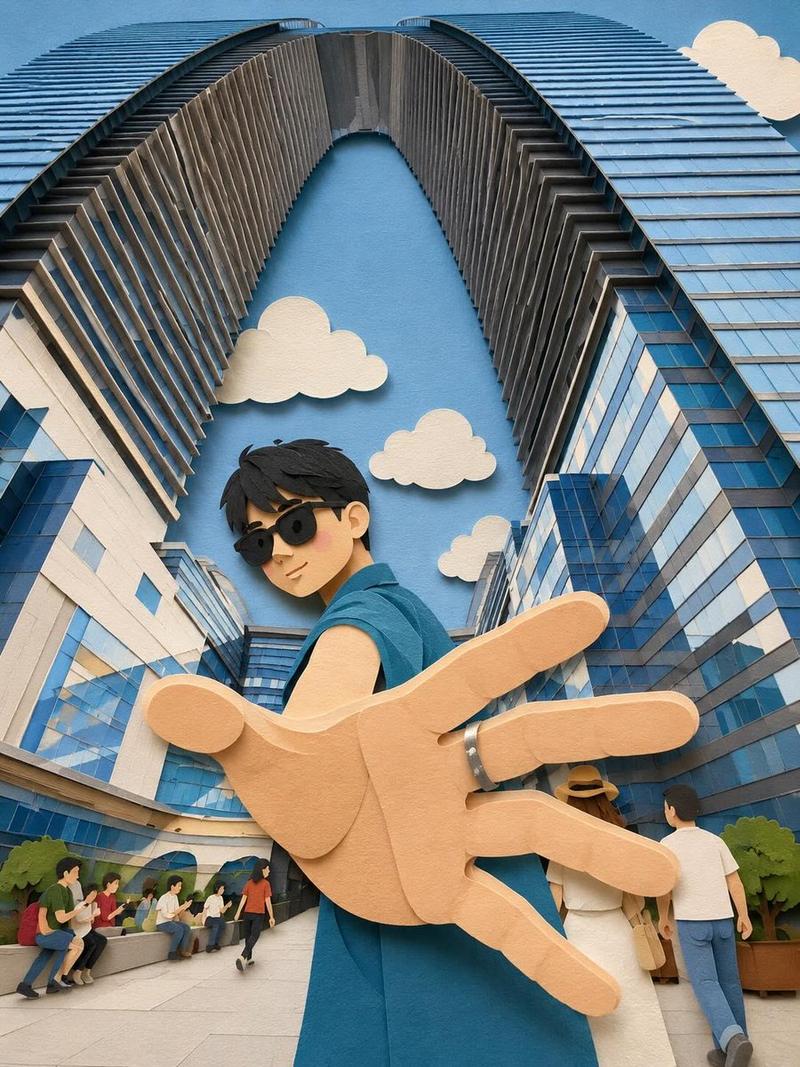
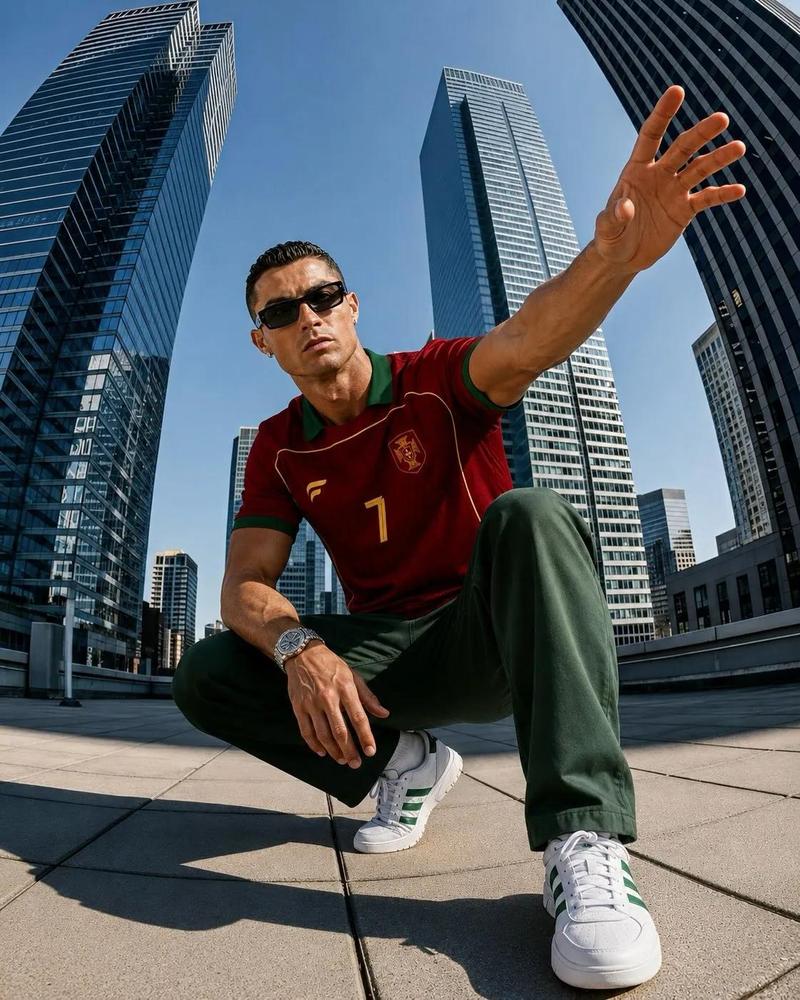
Create a split-screen composition showing a realistic collectible keychain figure and its real-life inspiration. Top half: a cute chibi-style 3D miniature keychain character with {argument name="character look" default="oversized head, black messy hair, black sunglasses, blue sleeveless shirt, black pants, and soft plush-texture details"}. The character is standing with one hand reaching toward the camera in a dynamic perspective pose. Attach a metallic keyring chain above the figure. Place the toy on a circular miniature city platform with {argument name="miniature environment" default="tiny people, trees, and modern futuristic skyscrapers forming a giant arch structure"} behind him. Clean pastel blue studio background, soft lighting, highly detailed toy photography, premium collectible aesthetic, shallow depth of field. Bottom half: realistic cinematic wide-angle photo of the {argument name="subject" default="same young man in the exact same pose and outfit"}, standing between giant modern glass skyscrapers with arch-shaped architecture. Extreme perspective with the hand close to the lens, dramatic low-angle composition, natural daylight, urban luxury atmosphere, ultra realistic photography, vibrant reflections on glass buildings, depth and realism. Style contrast between adorable stylized toy render and real-life cinematic photography. Ultra detailed, high quality, 9:16 vertical composition.
Category
Charts & Infographics
Model
GPT Image 2
Creator
K
Views2
Source ID
22691
Published
May 26, 2026

Guide

About "玩具钥匙扣与现实生活对比"

What is this prompt for?

"玩具钥匙扣与现实生活对比" AI image prompt for GPT Image 2 (Charts & Infographics). 一个创意分屏提示词,用于对比 3D Q 版钥匙扣人偶与其现实生活中的人物原型在城市背景下的形象。 Copy it on Picva and recreate the look…

The full copyable prompt and example visuals above are ready for AI image generation or one-click recreate in Picva.

How to use this prompt

  1. Step 1

    Open the prompt detail

    Review the example visuals, category, and full prompt text for "玩具钥匙扣与现实生活对比".

  2. Step 2

    Copy the prompt

    Copy the prompt body from this page, or load it directly in Studio.

  3. Step 3

    Pick a model (GPT Image 2)

    Prefer GPT Image 2. If you switch models, keep subject and composition and tweak style terms.

  4. Step 4

    Generate and export

    Recreate the look in Picva, or export into your workflow for editing and publishing.

FAQ

What is the "玩具钥匙扣与现实生活对比" prompt?
It is an AI image-generation prompt for GPT Image 2 in the Charts & Infographics category. This page includes the full prompt text, example visuals, and a one-click recreate path in Picva.
How do I use this prompt to generate an image?
Copy the prompt from this page, or use Generate / Studio. Paste it into a compatible image model, or recreate the look in Picva with optional reference images.
Which model is this prompt for?
This page lists GPT Image 2. Most descriptive prompts also transfer to nearby image models such as GPT Image, Flux, or Midjourney with light style tweaks.
Can I use the result commercially?
You can usually copy the prompt for creation, but commercial use of the final image depends on the model terms, reference-image rights, and the generated content. Follow the source author and platform rules.