19

高端科技产品摄影
Enlarge

高端科技产品摄影

Prompt
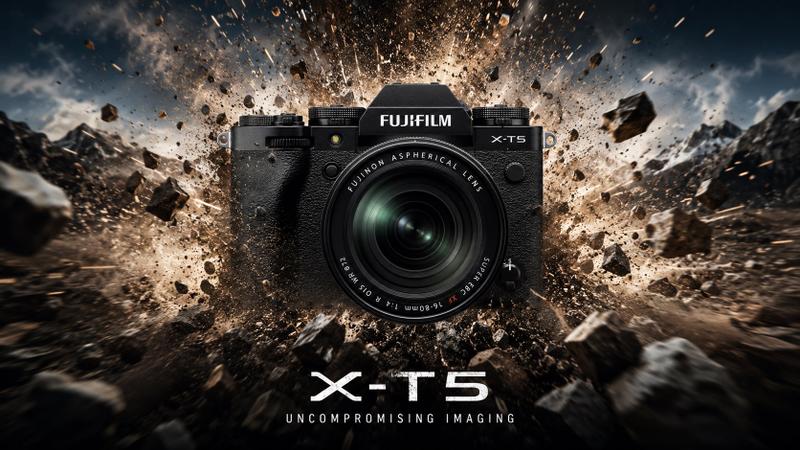
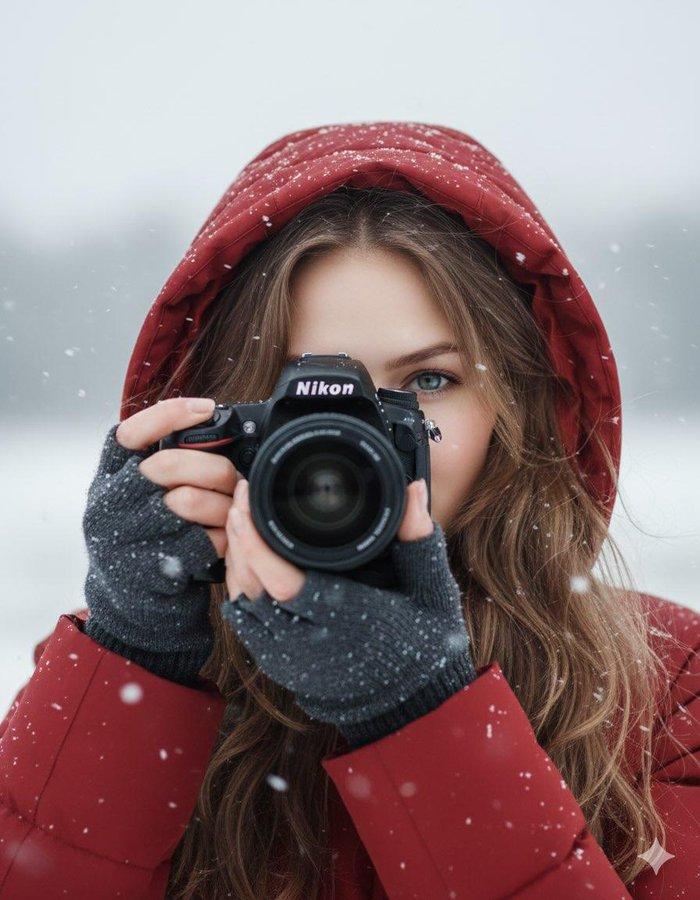
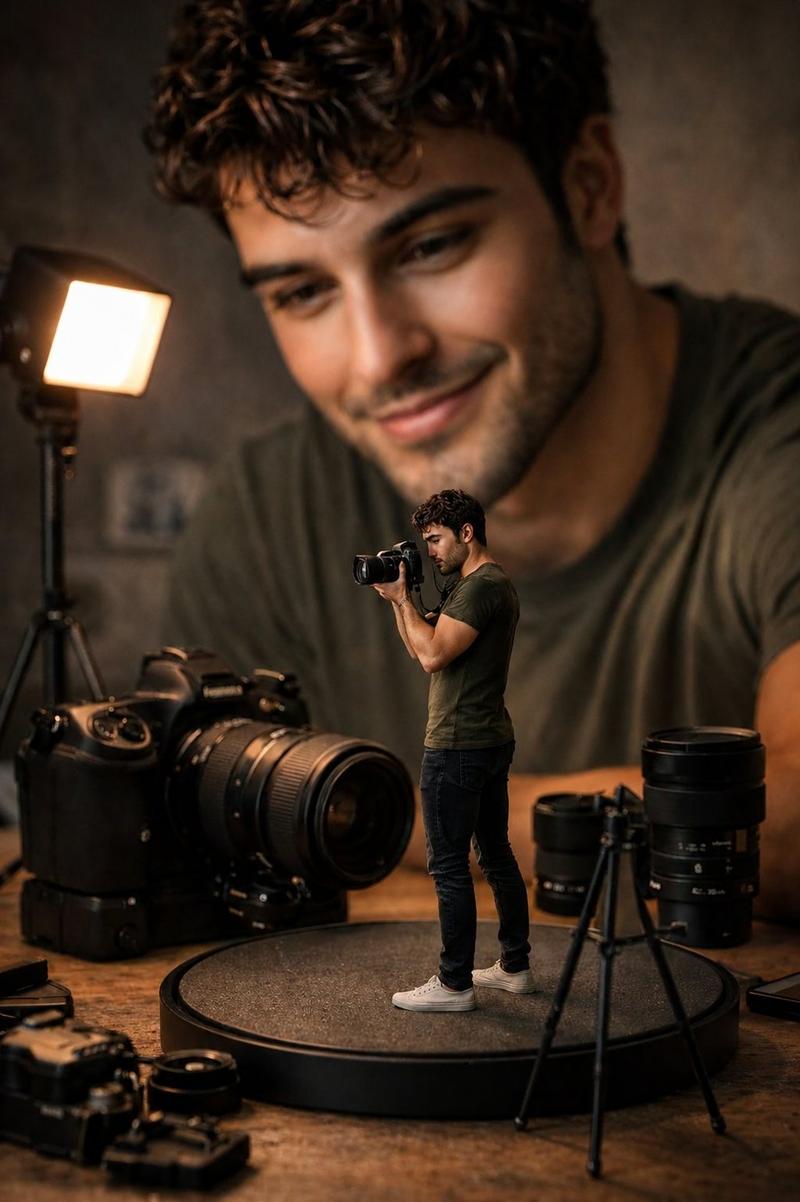
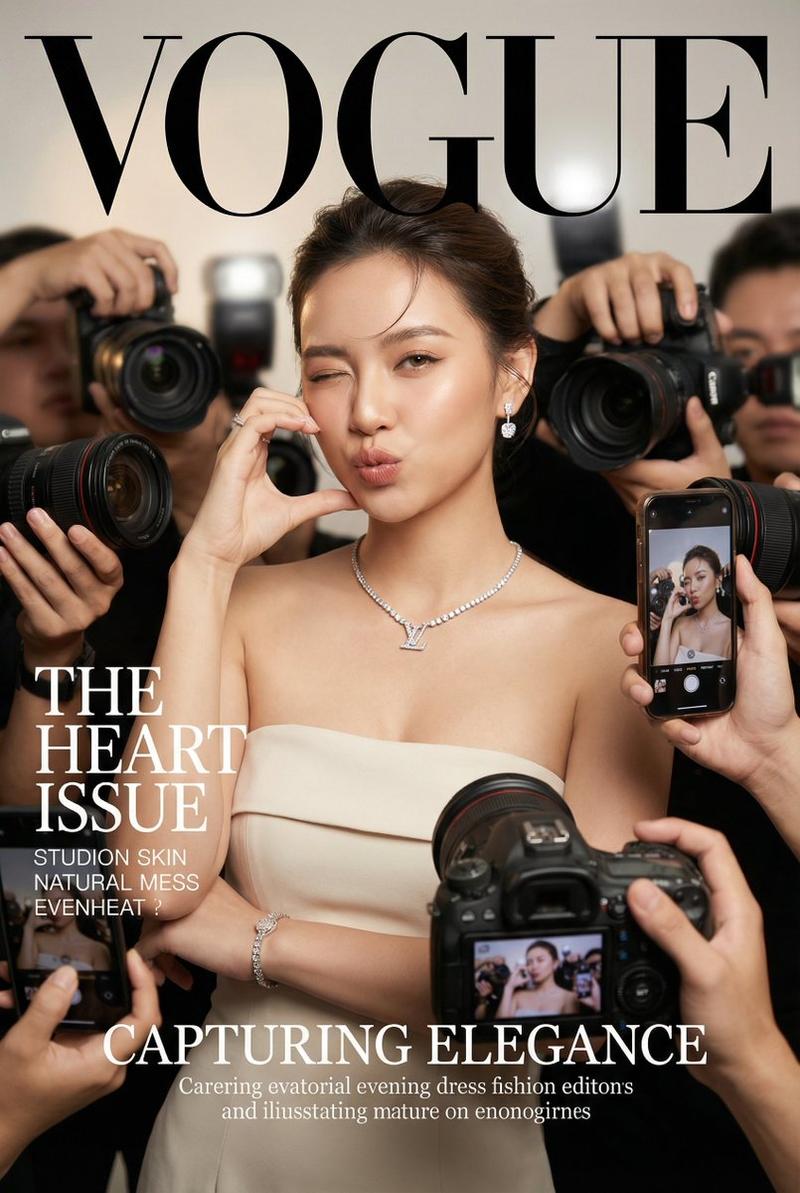
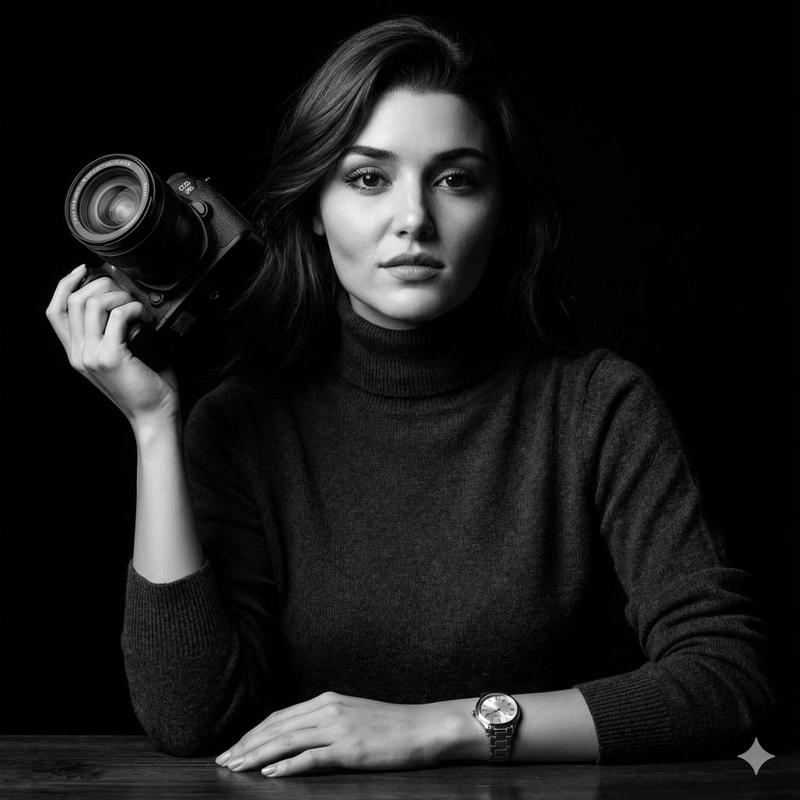
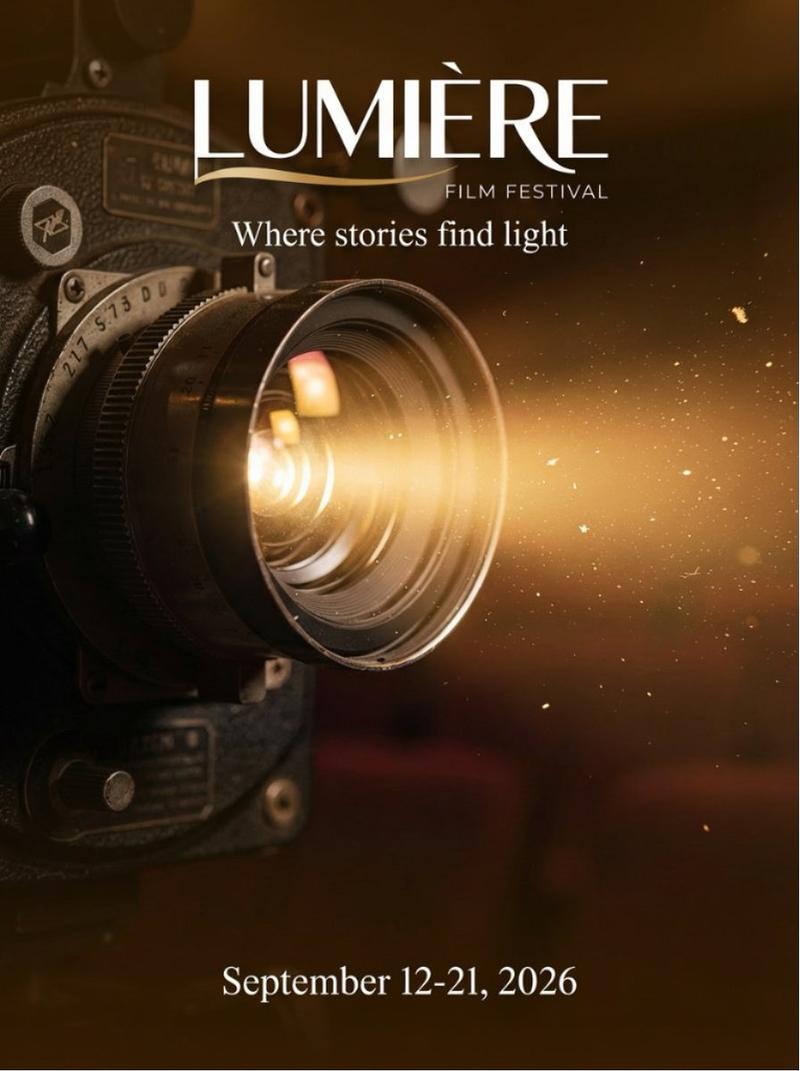
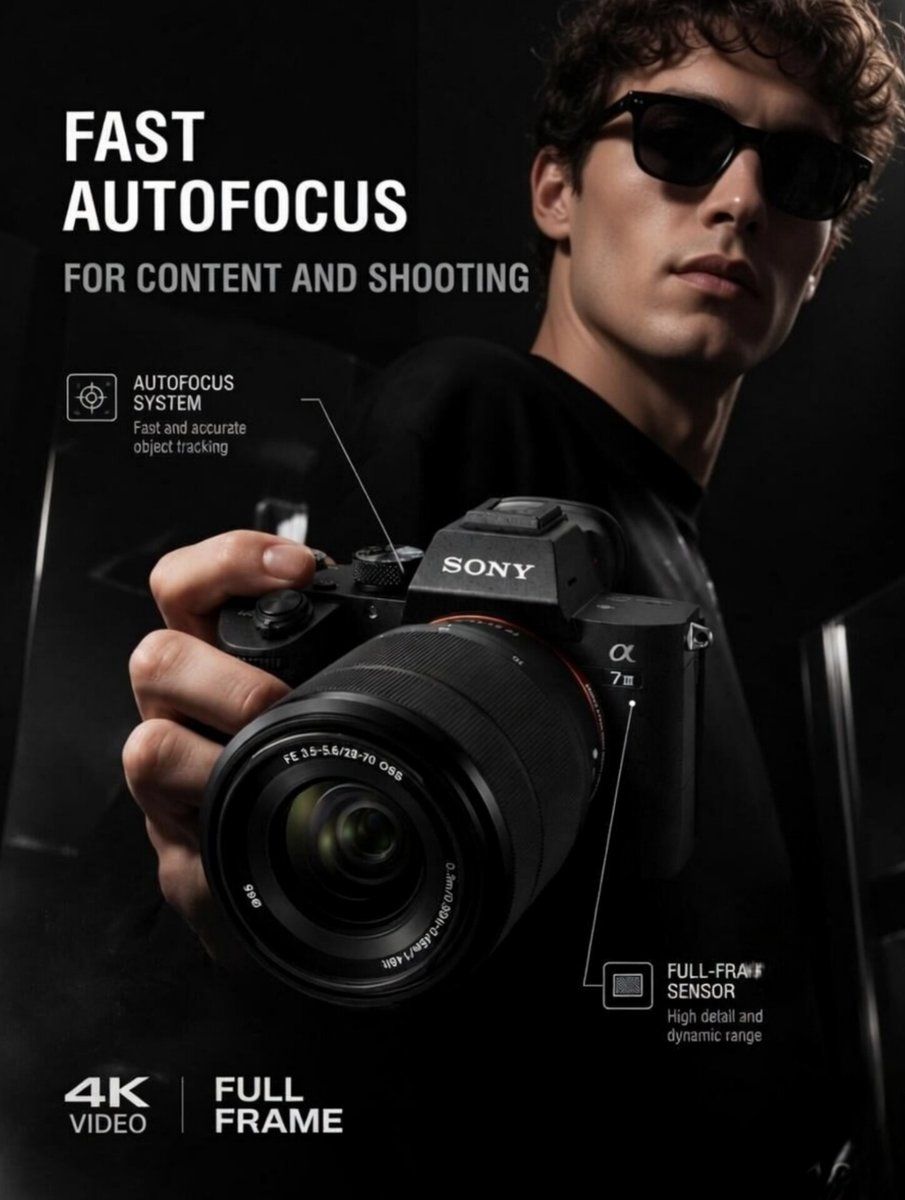
Commercial ad photography, high-end electronics product launch. A close-up, dramatic low-angle shot of a {argument name="product" default="premium mirrorless camera with a large professional lens"}, held forward toward the viewer by a sharp-featured {argument name="model" default="male model wearing stylish dark sunglasses and a black t-shirt"}. The camera is the central focus, crisp and highly detailed, showing textured matte black finish, dials, and white branding text on the body. A strong, {argument name="lighting" default="moody key light"} illuminates the side of the model's face and highlights the sleek contours of the camera body and lens, creating deep, dramatic shadows and an intense, premium atmosphere. Pure black background with subtle, glossy dark geometric reflections. Cinematic color grading, high contrast, commercial studio lighting, captured on an 85mm lens, ultra-realistic texture details, 8k resolution.
Category
Charts & Infographics
Model
GPT Image 2
Creator
Blitzer
Views2
Source ID
22704
Published
May 26, 2026

Guide

About "高端科技产品摄影"

What is this prompt for?

"高端科技产品摄影" AI image prompt for GPT Image 2 (Charts & Infographics). 一款用于电子产品发布的专业商业摄影提示词,采用戏剧性布光,以高端无反相机作为主体。 Copy it on Picva and recreate the look in one cli…

The full copyable prompt and example visuals above are ready for AI image generation or one-click recreate in Picva.

How to use this prompt

  1. Step 1

    Open the prompt detail

    Review the example visuals, category, and full prompt text for "高端科技产品摄影".

  2. Step 2

    Copy the prompt

    Copy the prompt body from this page, or load it directly in Studio.

  3. Step 3

    Pick a model (GPT Image 2)

    Prefer GPT Image 2. If you switch models, keep subject and composition and tweak style terms.

  4. Step 4

    Generate and export

    Recreate the look in Picva, or export into your workflow for editing and publishing.

FAQ

What is the "高端科技产品摄影" prompt?
It is an AI image-generation prompt for GPT Image 2 in the Charts & Infographics category. This page includes the full prompt text, example visuals, and a one-click recreate path in Picva.
How do I use this prompt to generate an image?
Copy the prompt from this page, or use Generate / Studio. Paste it into a compatible image model, or recreate the look in Picva with optional reference images.
Which model is this prompt for?
This page lists GPT Image 2. Most descriptive prompts also transfer to nearby image models such as GPT Image, Flux, or Midjourney with light style tweaks.
Can I use the result commercially?
You can usually copy the prompt for creation, but commercial use of the final image depends on the model terms, reference-image rights, and the generated content. Follow the source author and platform rules.