东方戏曲美人角色重塑
Prompt
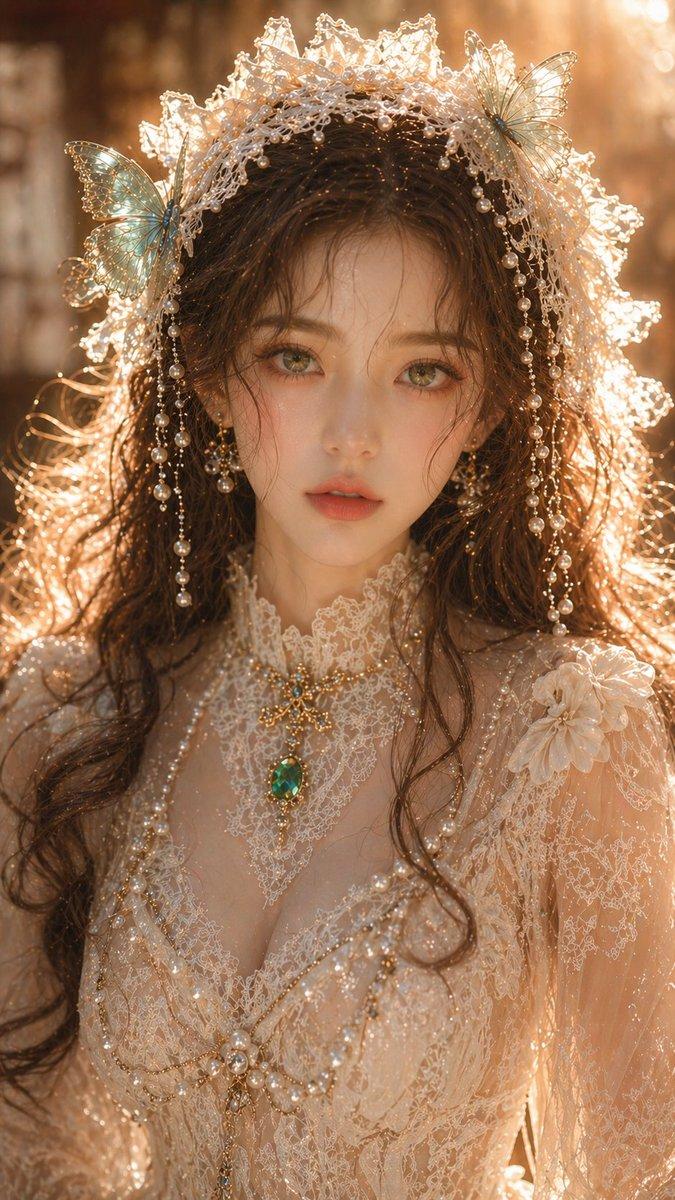
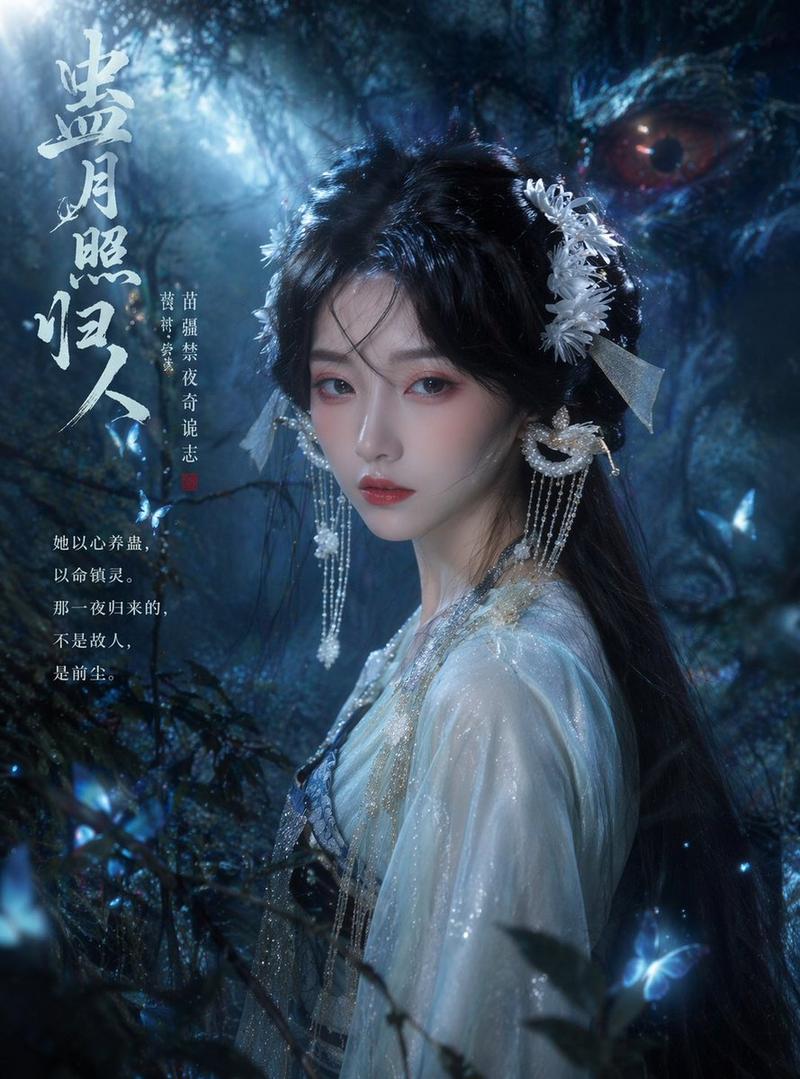
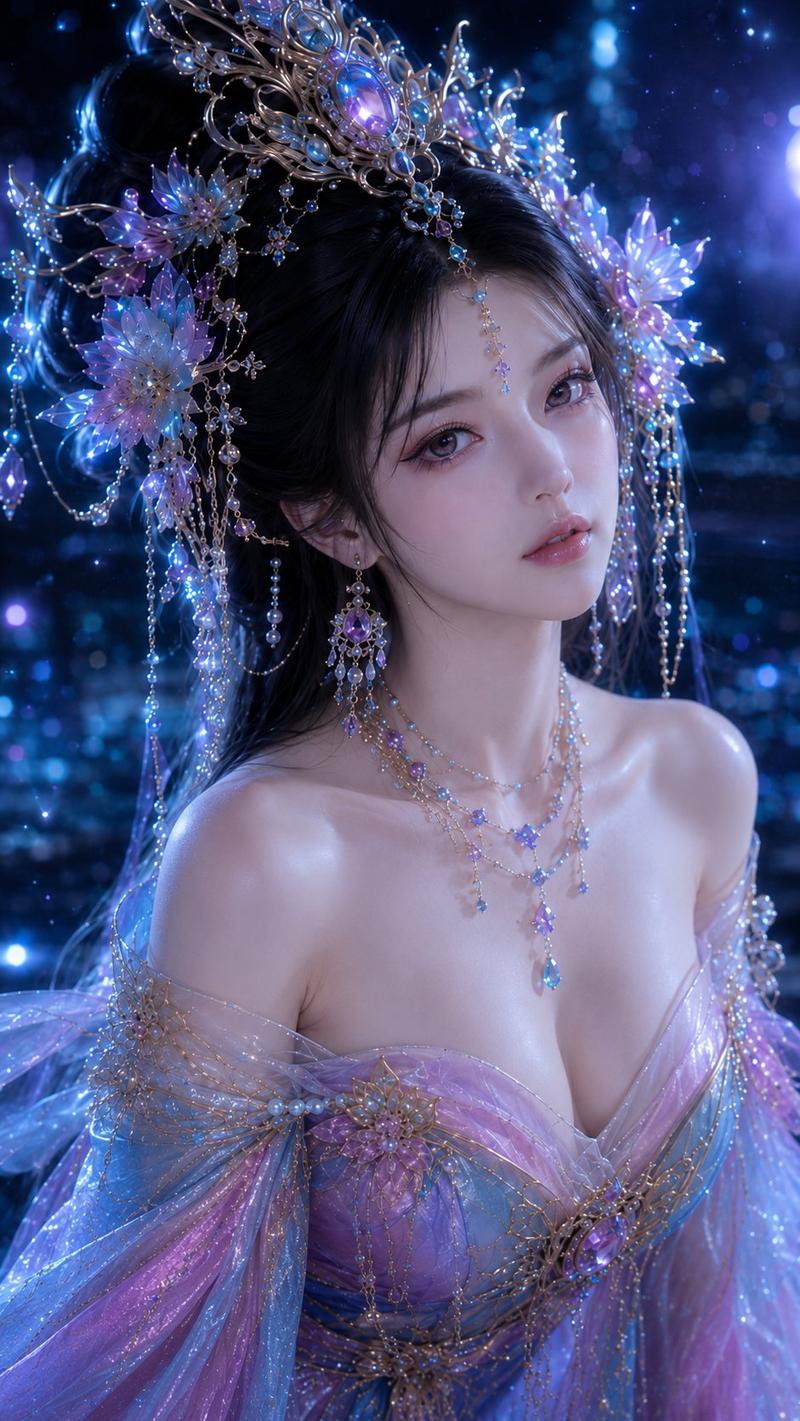
把{argument name="角色" default="米哈游角色、西游记角色与历史人物"},重塑成冷艳神秘的东方戏曲美人。红粉橘戏曲眼妆、冷白瓷肌、蓝紫冷光、华丽珠玉头饰,每一张都把角色标志元素“戏曲化、珠宝化、国风化”。眼神里都藏着一只猫。- Category
- Brand & Logos
- Model
- GPT Image 2
- Creator
- 唐华斑竹🦅
- Source ID
- 22713
- Published
- May 26, 2026
Views8
16

把{argument name="角色" default="米哈游角色、西游记角色与历史人物"},重塑成冷艳神秘的东方戏曲美人。红粉橘戏曲眼妆、冷白瓷肌、蓝紫冷光、华丽珠玉头饰,每一张都把角色标志元素“戏曲化、珠宝化、国风化”。眼神里都藏着一只猫。Guide
"东方戏曲美人角色重塑" AI image prompt for GPT Image 2 (Brand & Logos). 将游戏和神话中的经典角色转化为清冷神秘的东方戏曲美人,配以华丽的珠宝和瓷感肌肤。 Copy it on Picva and recreate the look in one click.
The full copyable prompt and example visuals above are ready for AI image generation or one-click recreate in Picva.
Step 1
Review the example visuals, category, and full prompt text for "东方戏曲美人角色重塑".
Step 2
Copy the prompt body from this page, or load it directly in Studio.
Step 3
Prefer GPT Image 2. If you switch models, keep subject and composition and tweak style terms.
Step 4
Recreate the look in Picva, or export into your workflow for editing and publishing.