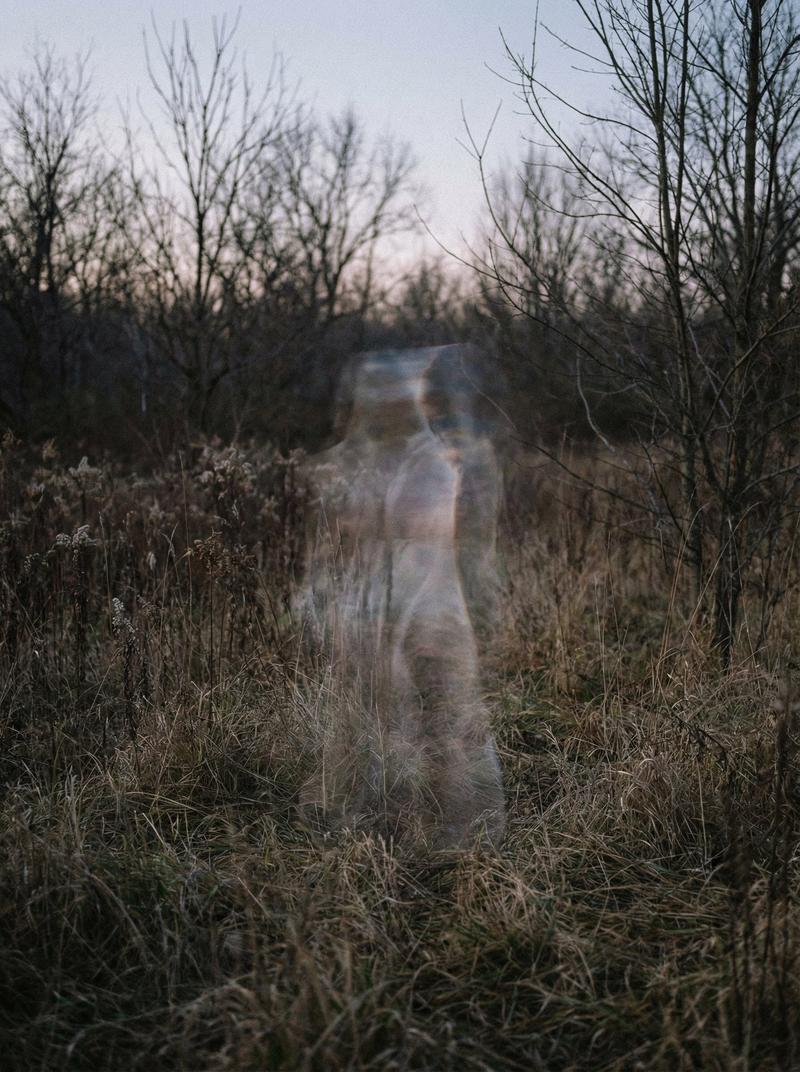
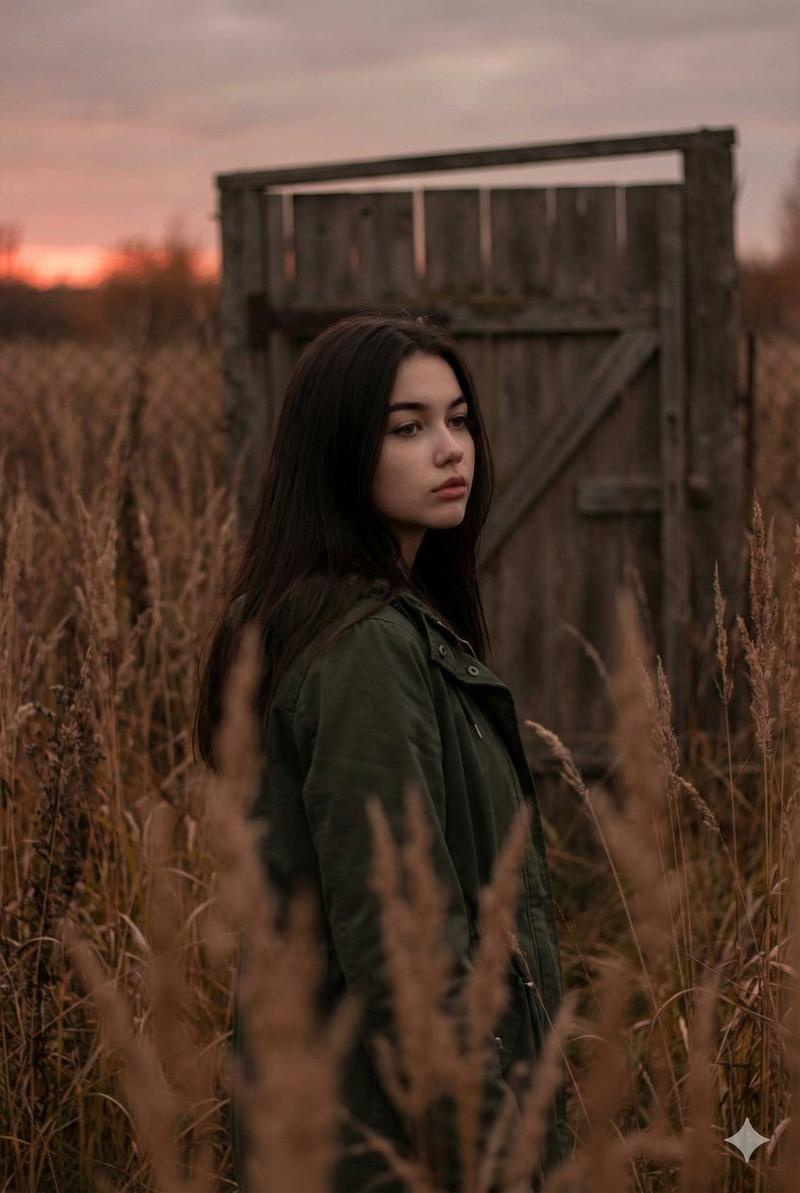
雾中山巅的凌风女子
Prompt
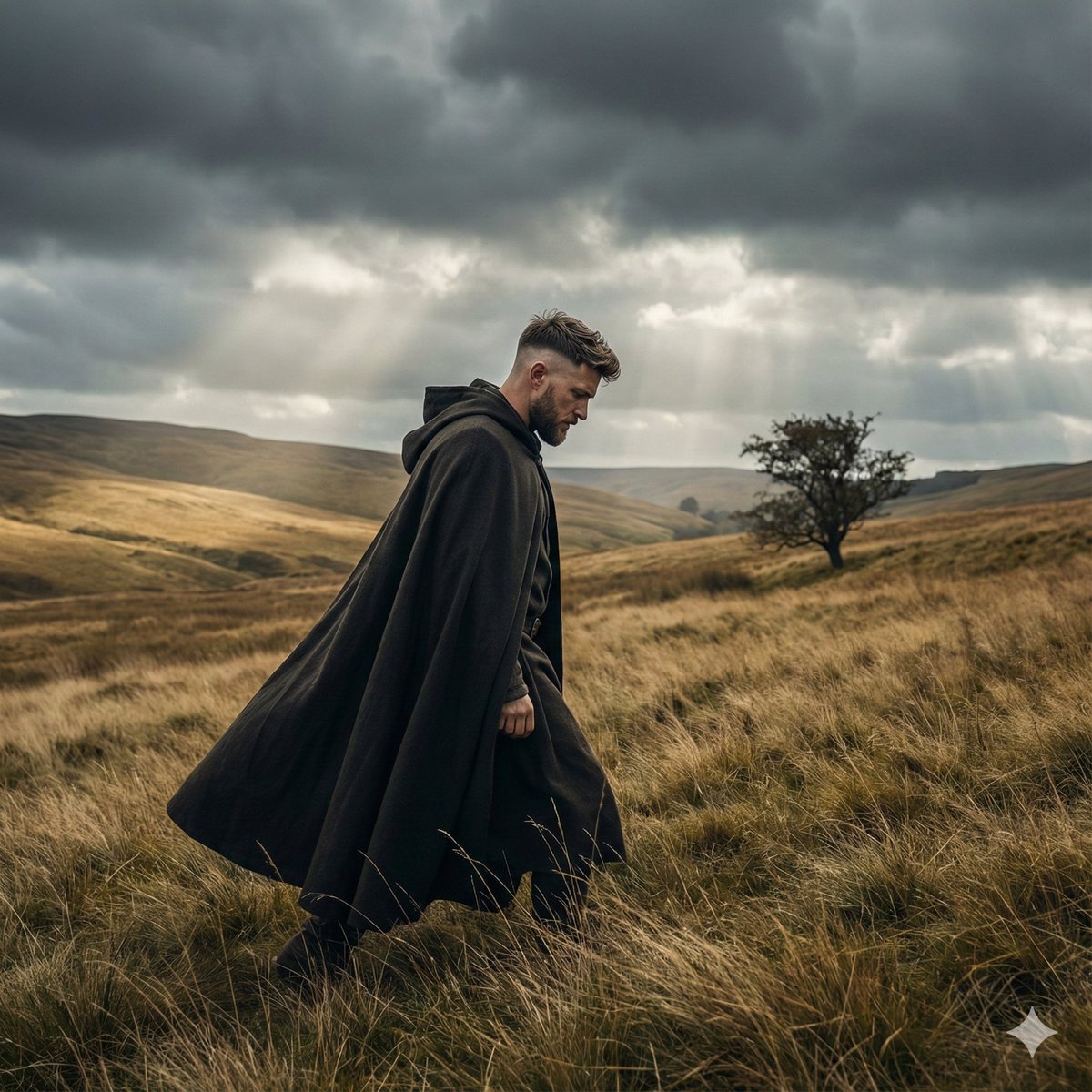
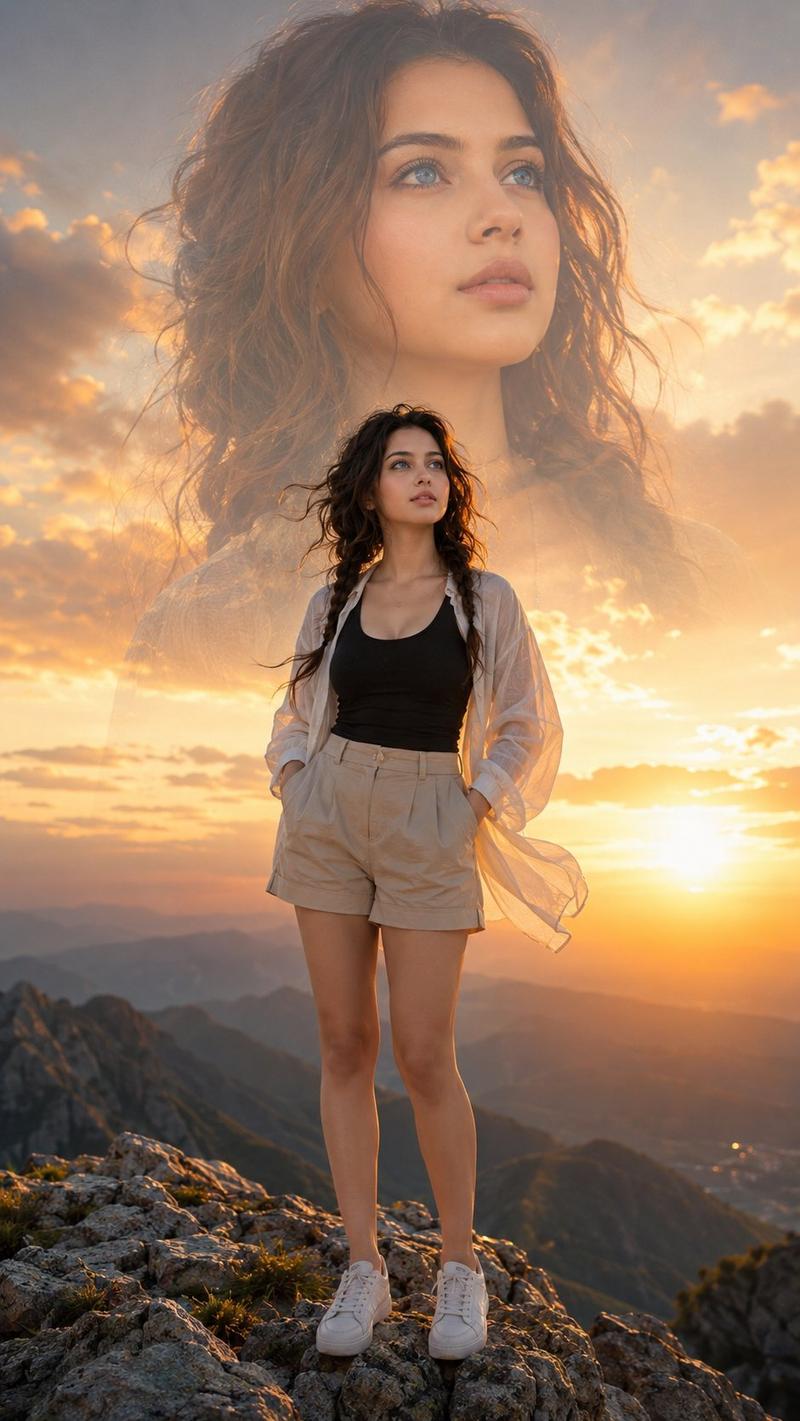
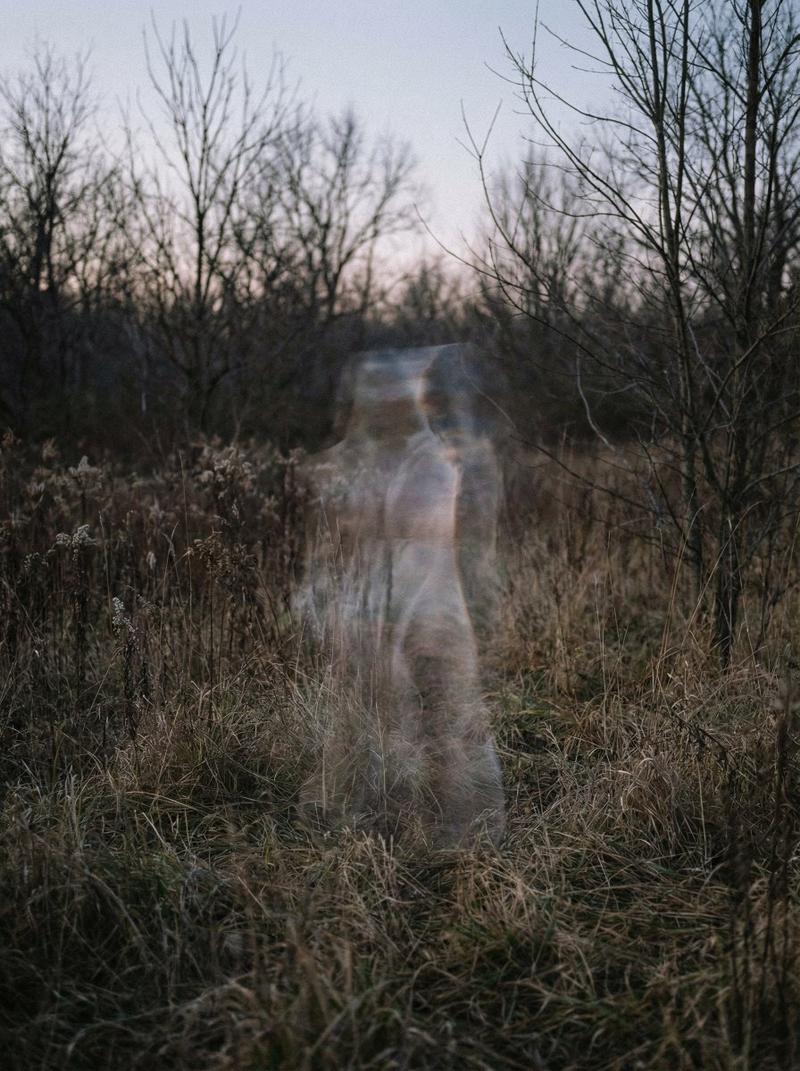
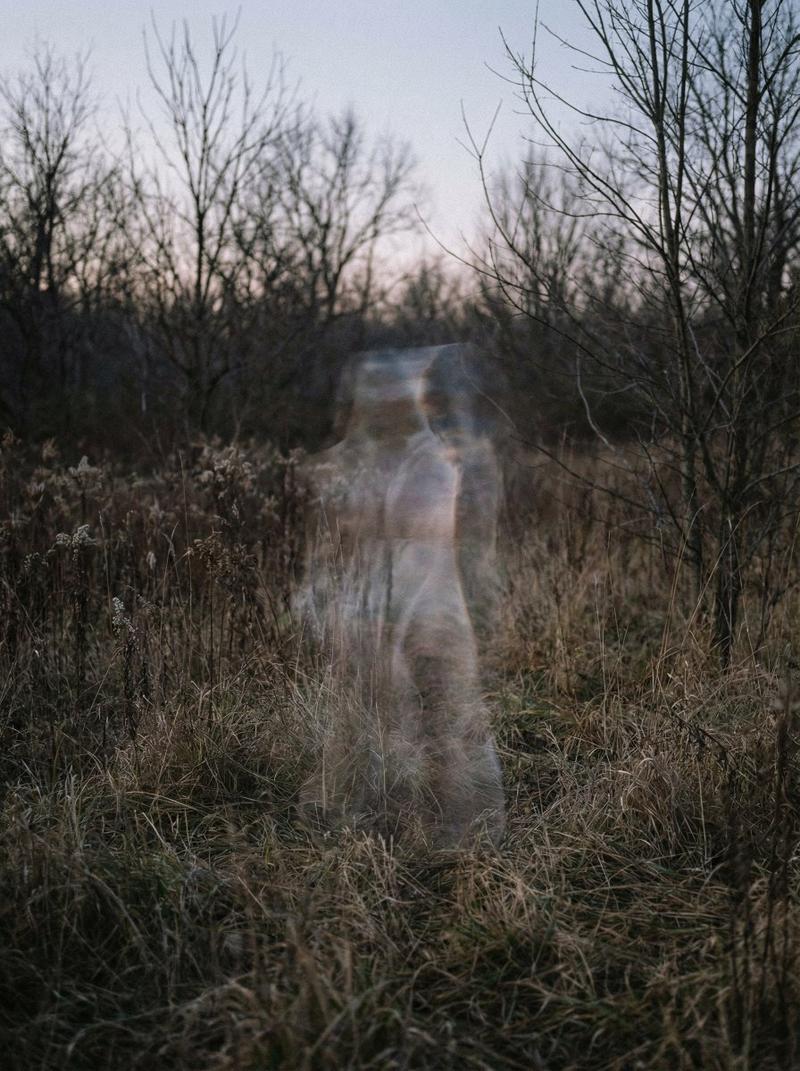
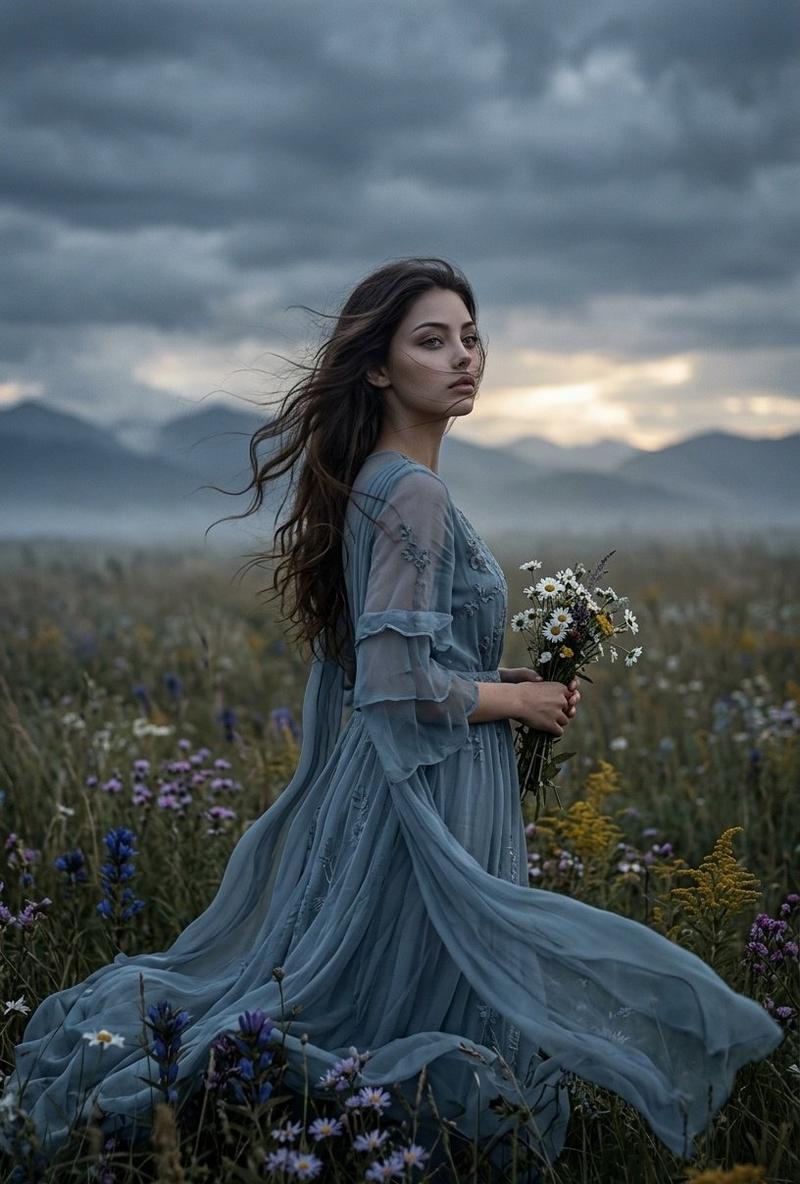
Create a cinematic wide still for a moody music video called {argument name="music video title" default="Flown"}: a lone {argument name="subject" default="young woman"} in a flowing {argument name="dress color" default="dark navy blue"} chiffon dress stands and twists as if dancing or being pulled by the wind on a high mountain meadow at dawn. She is seen from behind and slightly to the side, centered a little left of frame, long dark hair blowing across her face, one arm drooping downward and the other reaching outward toward the horizon, her posture graceful but haunted. The foreground is covered in pale frosted grass and wild stems, glowing icy blue; the midground drops into many layered, misty mountain ridges fading into deep teal and blue. On the far right stands exactly one tall dark wooden utility pole with two horizontal crossbars, small insulators, and faint power lines disappearing off the upper right edge. The sky is heavy with dark blue storm clouds, but a thin warm strip of peach-orange sunrise light glows along the horizon. Use a wide 16:9 composition, realistic photography, soft atmospheric haze, strong depth, low natural light, cool blue color grade with subtle warm horizon contrast, wind-swept motion in the dress, melancholic dreamlike tone, no text, no buildings, no extra people, no watermark.- Category
- Charts & Infographics
- Model
- GPT Image 2
- Creator
- PZF
- Source ID
- 22747
- Published
- May 26, 2026
Views5


![[Title]: [custom] [Series Name]: [Wind Field Portraits / custom] [Subject]: [e](https://i.pixshop.app/storage/v1/render/image/public/prompt-source-media/promptsref/work-48111/image-1-f474054bb999c133.png?width=800&quality=75&resize=contain)