17

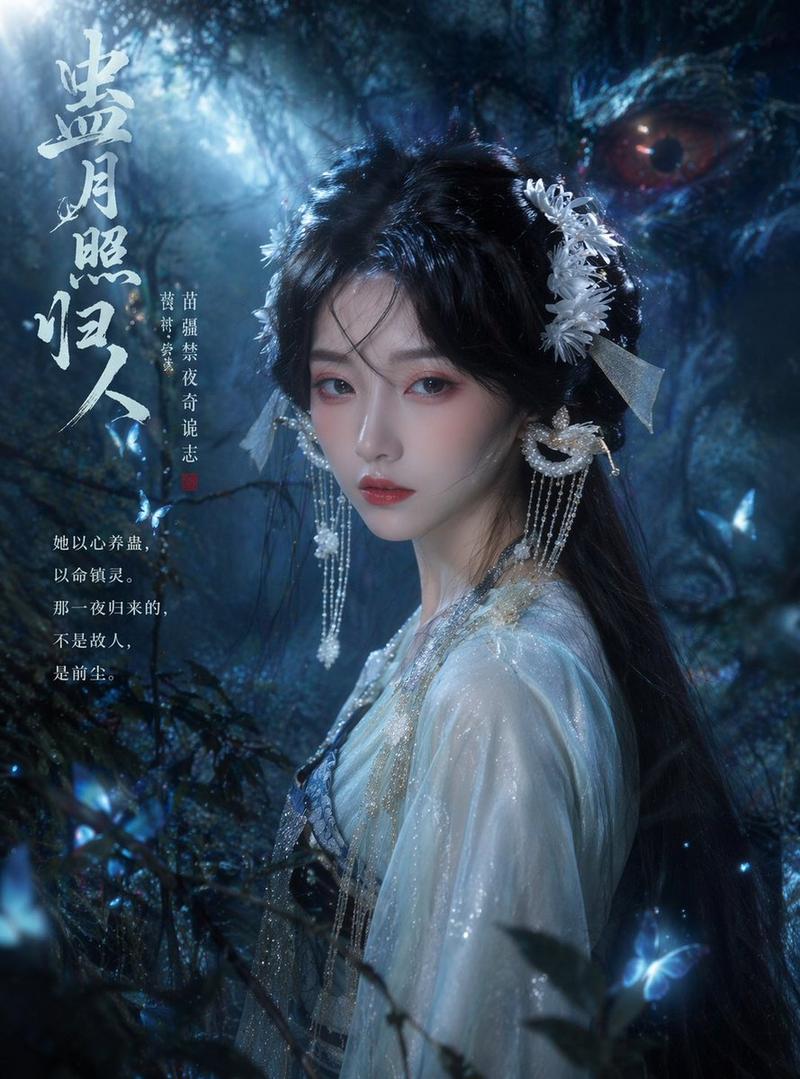
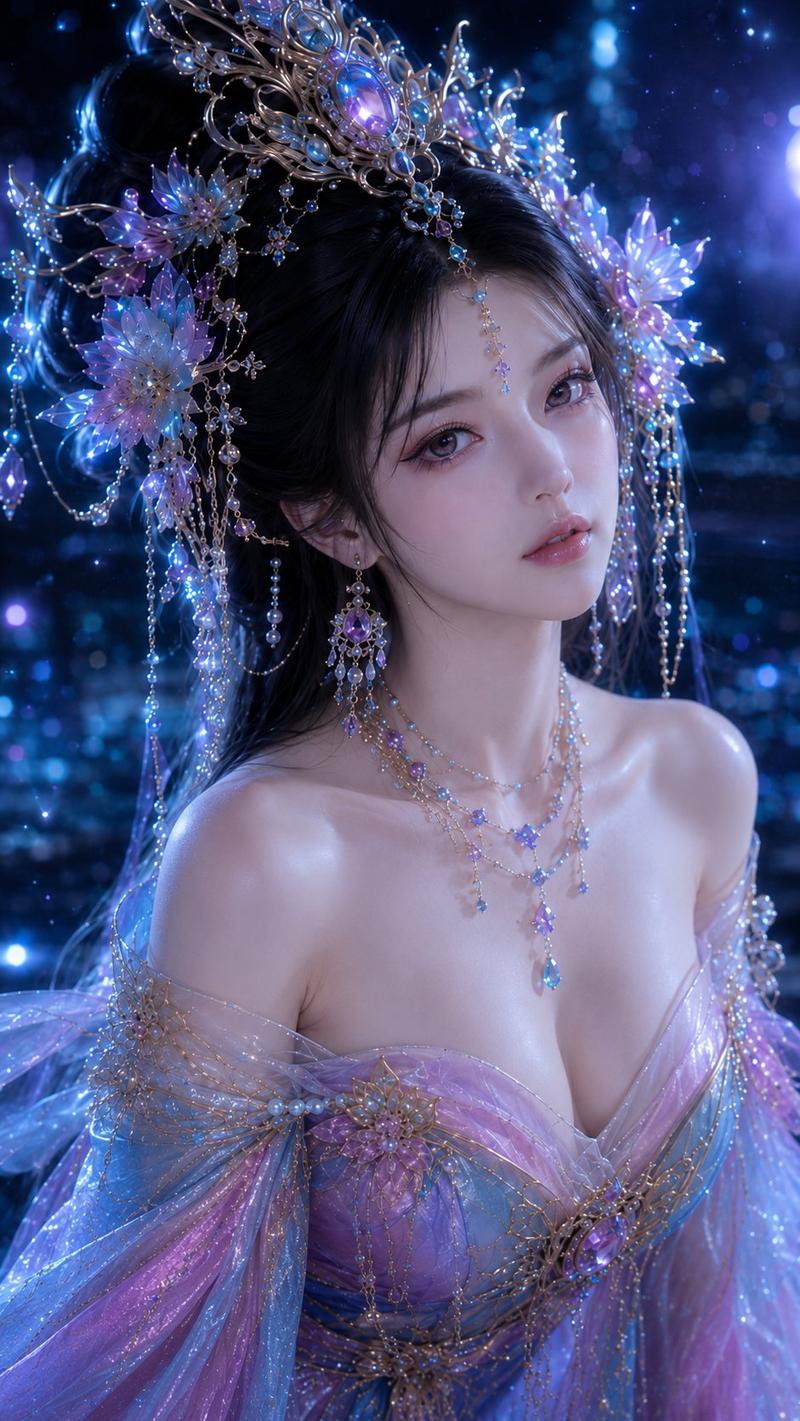
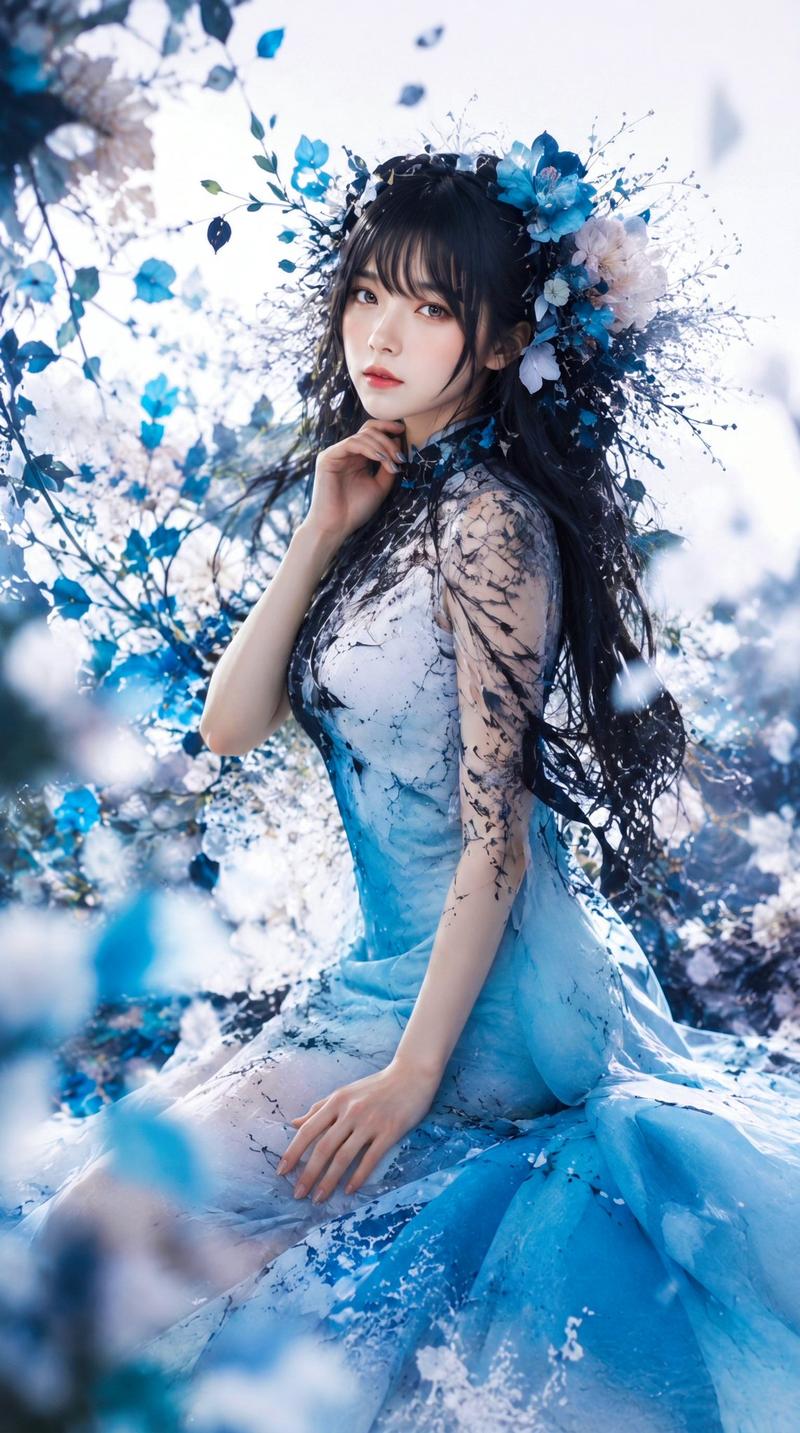
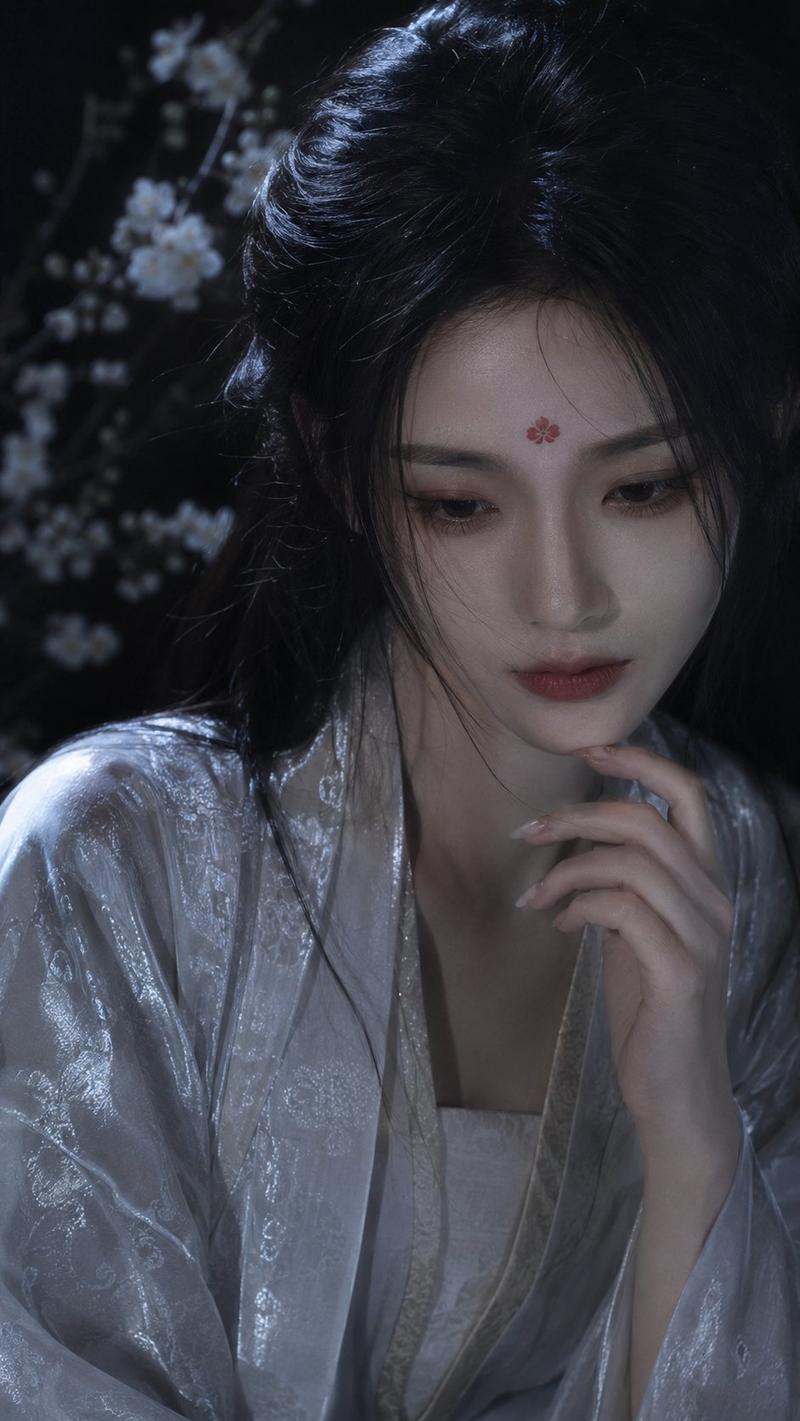
暗黑奇幻东方神话肖像
Enlarge

暗黑奇幻东方神话肖像

Prompt
Use my uploaded portrait only for my facial identity and hairstyle. Create a realistic fantasy portrait in an elegant {argument name="style" default="dark oriental style"}: side-profile composition, long flowing black hair, an {argument name="accessory" default="intricate jeweled gold headdress with blue gemstones"}, delicate floral face art, {argument name="element" default="luminous butterfly"} near the face, translucent shimmering robe, floral decorations on the shoulder and chest, and soft glowing blossoms around me. Black background, dreamy blue-pink lighting, ethereal atmosphere, ornate vintage frame border, cinematic fine-art photography. Keep my face recognizable and realistic, with natural skin texture and a real human look, not anime or plastic. No watermark, no logo, no text

Negative Prompt:
watermark, logo, text, anime, cartoon, plastic skin, doll-like face, over-smoothed skin, fake eyes, distorted face, bad anatomy, low quality, blurry details, oversaturated colors, extra accessories, messy composition
Category
Charts & Infographics
Model
GPT Image 2
Creator
Shinning
Views5
Source ID
22837
Published
May 27, 2026

Guide

About "暗黑奇幻东方神话肖像"

What is this prompt for?

"暗黑奇幻东方神话肖像" AI image prompt for GPT Image 2 (Charts & Infographics). 一幅空灵的东方风格暗黑奇幻肖像,通过参考图在神话美学中保持面部特征。 Copy it on Picva and recreate the look in one click.

The full copyable prompt and example visuals above are ready for AI image generation or one-click recreate in Picva.

How to use this prompt

  1. Step 1

    Open the prompt detail

    Review the example visuals, category, and full prompt text for "暗黑奇幻东方神话肖像".

  2. Step 2

    Copy the prompt

    Copy the prompt body from this page, or load it directly in Studio.

  3. Step 3

    Pick a model (GPT Image 2)

    Prefer GPT Image 2. If you switch models, keep subject and composition and tweak style terms.

  4. Step 4

    Generate and export

    Recreate the look in Picva, or export into your workflow for editing and publishing.

FAQ

What is the "暗黑奇幻东方神话肖像" prompt?
It is an AI image-generation prompt for GPT Image 2 in the Charts & Infographics category. This page includes the full prompt text, example visuals, and a one-click recreate path in Picva.
How do I use this prompt to generate an image?
Copy the prompt from this page, or use Generate / Studio. Paste it into a compatible image model, or recreate the look in Picva with optional reference images.
Which model is this prompt for?
This page lists GPT Image 2. Most descriptive prompts also transfer to nearby image models such as GPT Image, Flux, or Midjourney with light style tweaks.
Can I use the result commercially?
You can usually copy the prompt for creation, but commercial use of the final image depends on the model terms, reference-image rights, and the generated content. Follow the source author and platform rules.