19

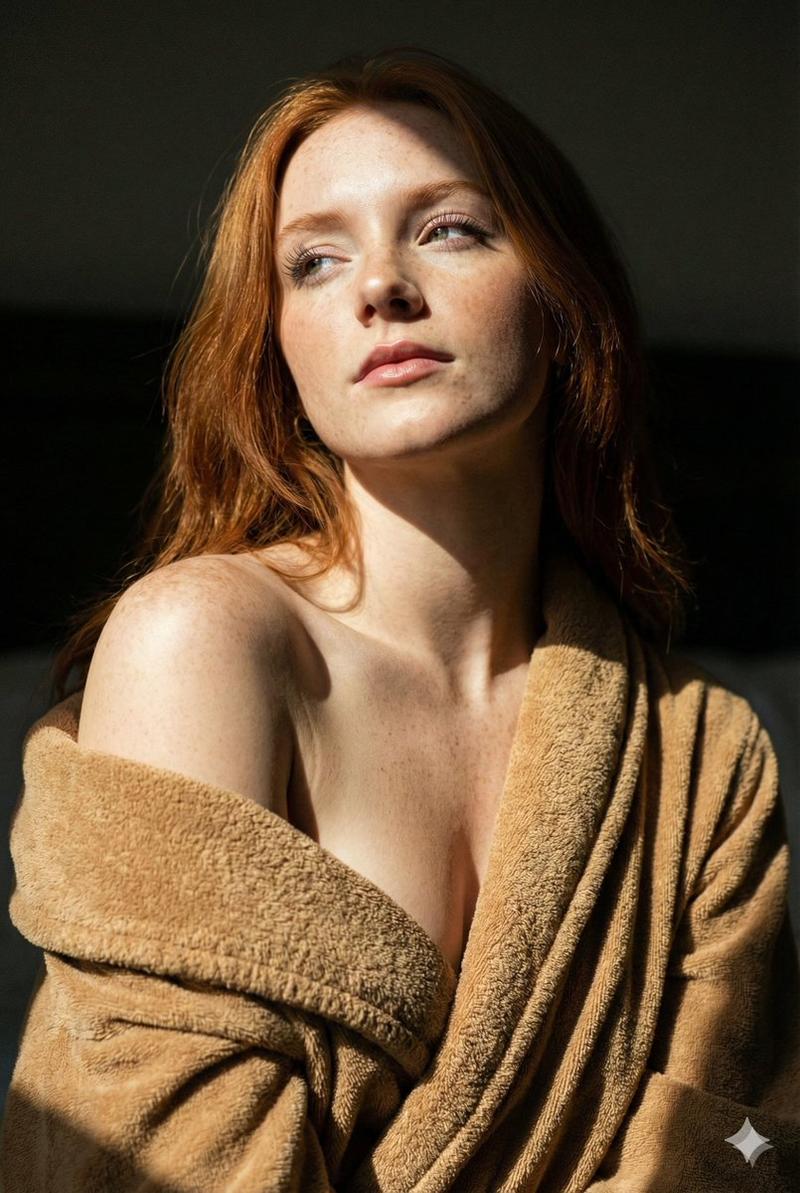
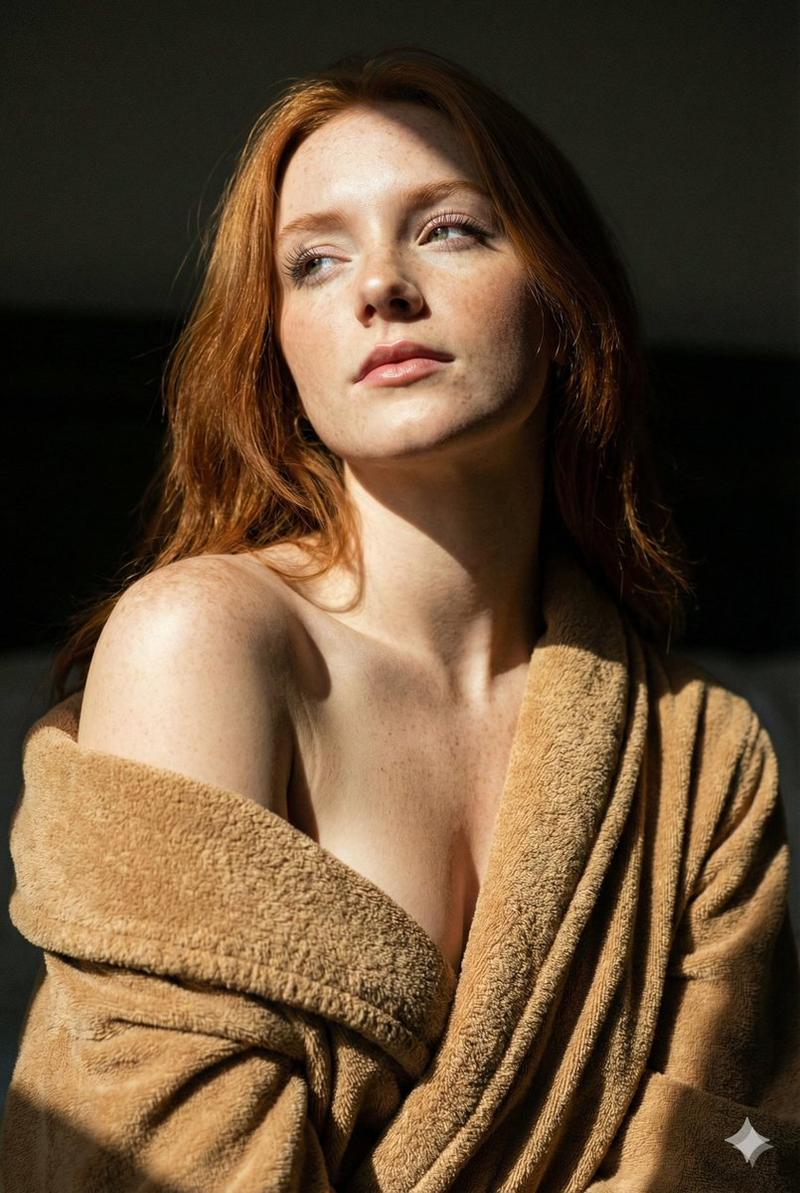
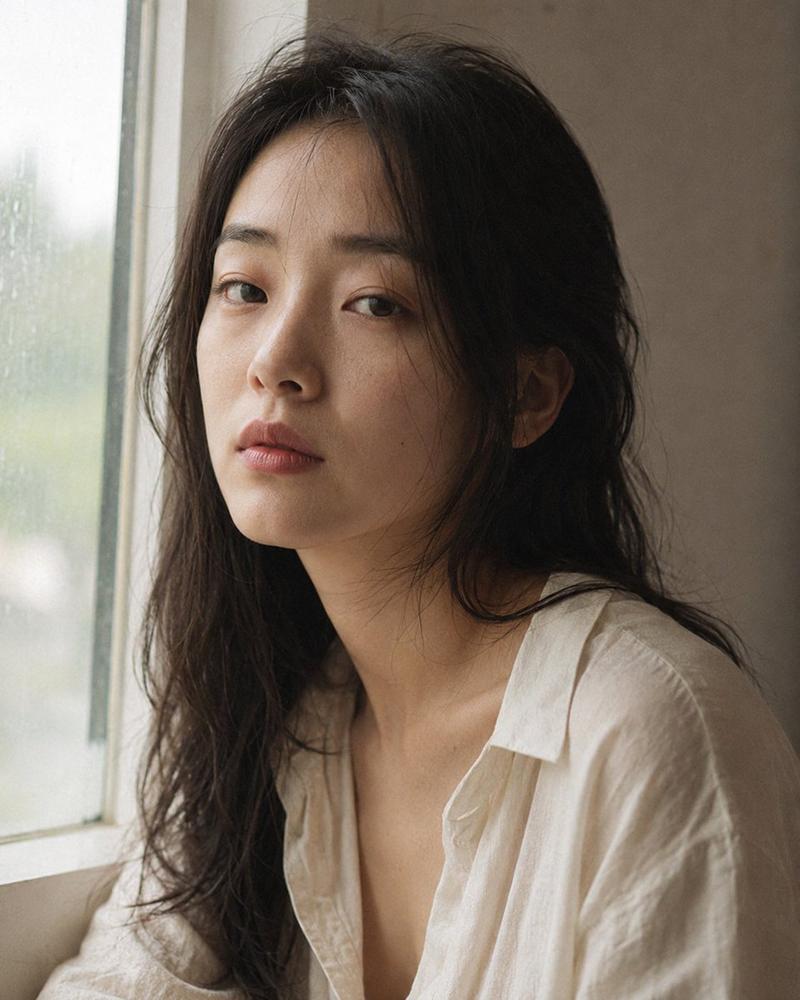
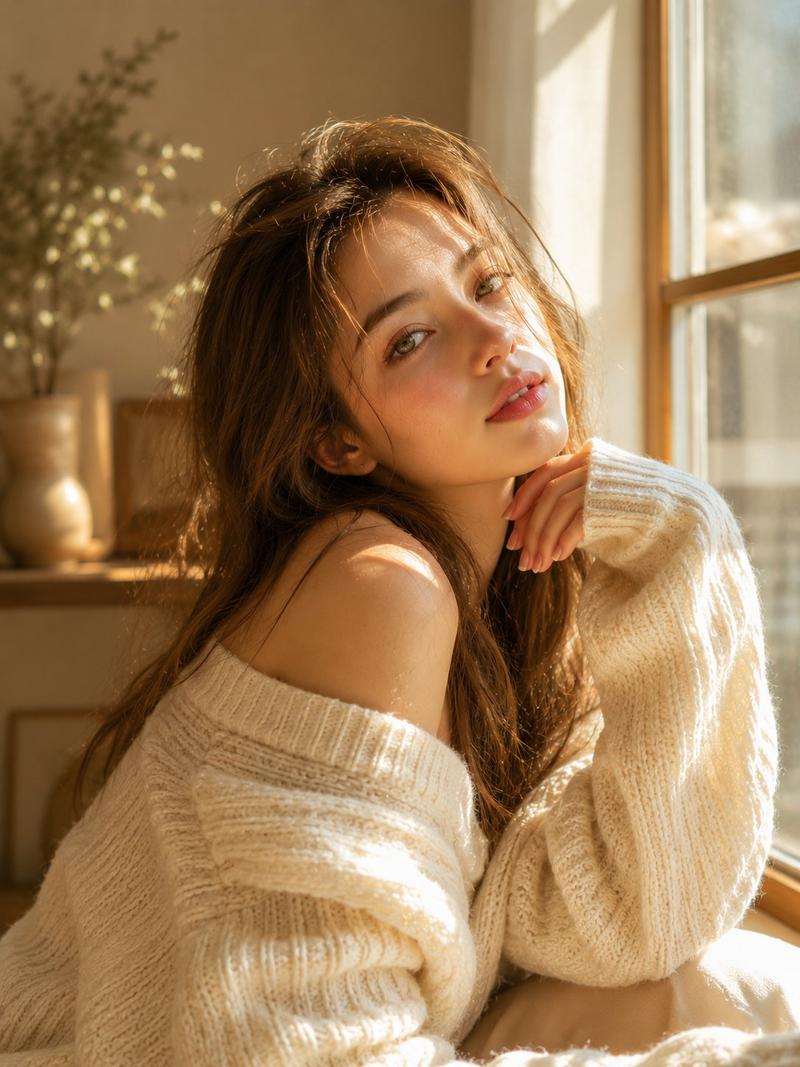
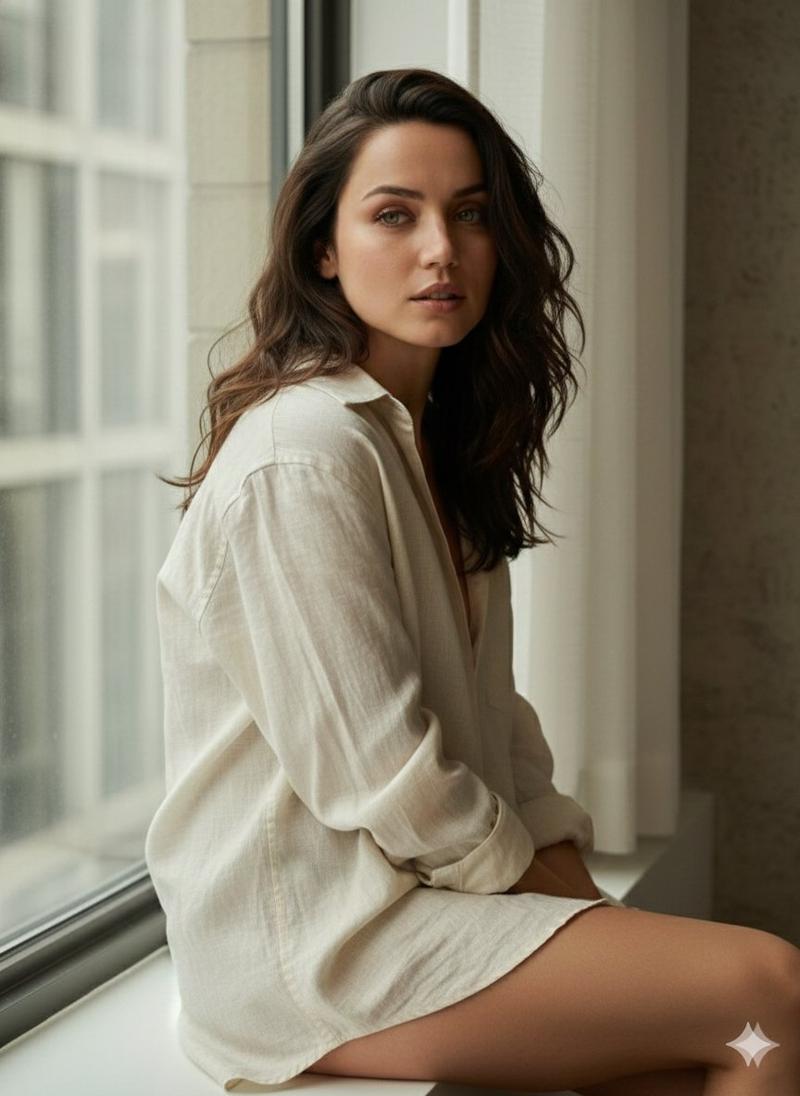
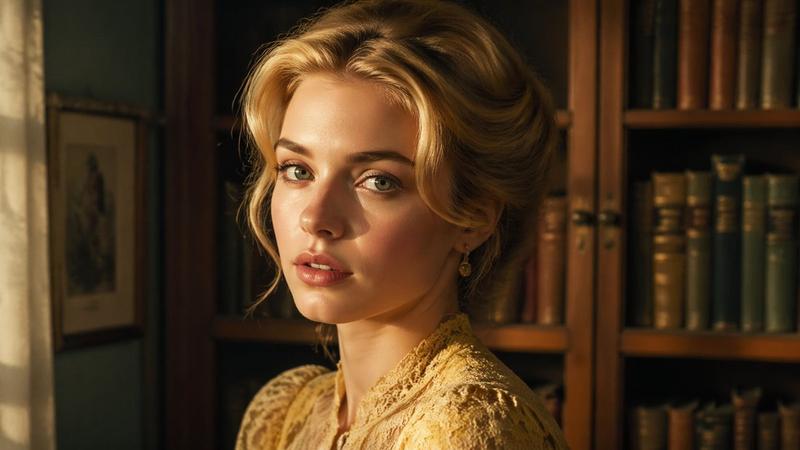
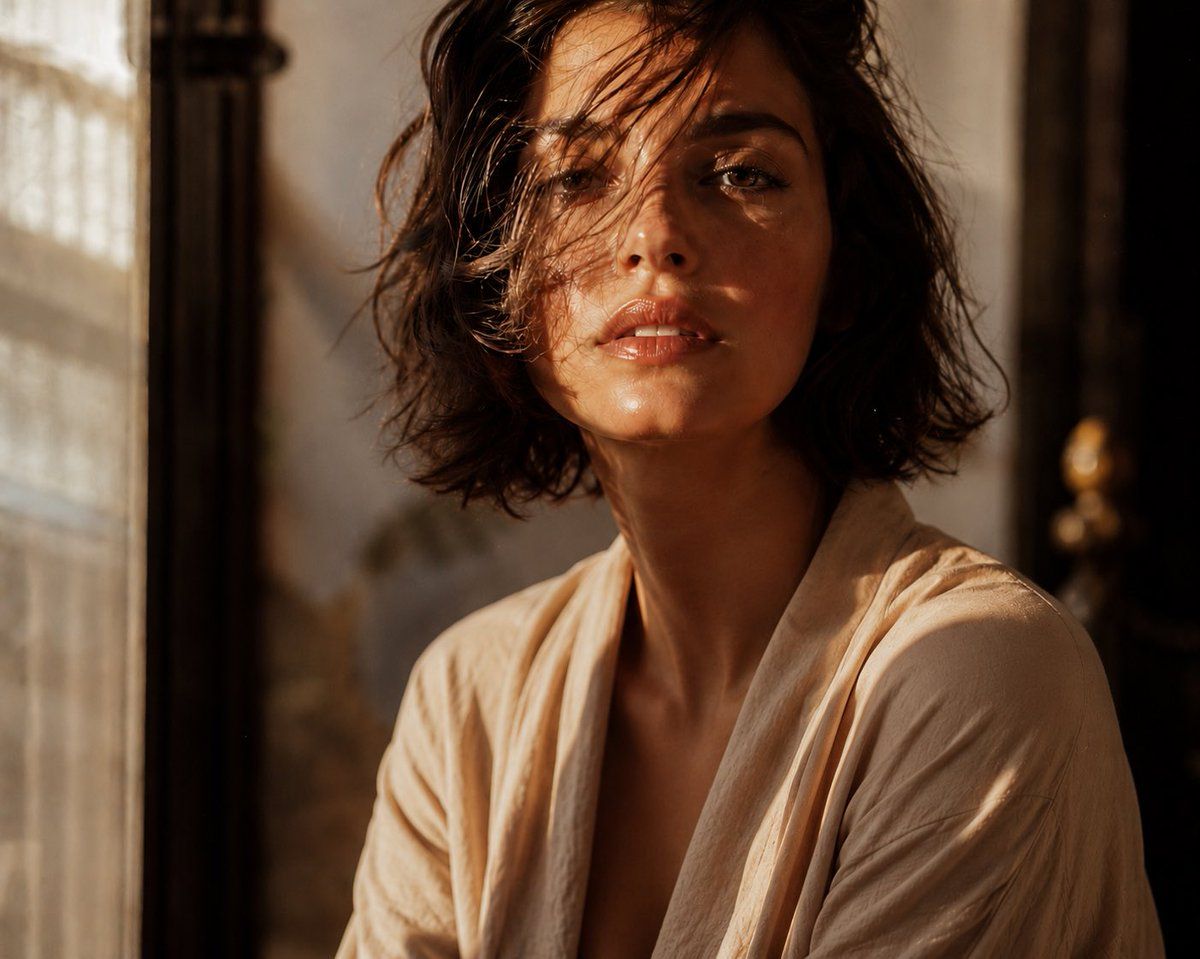
编辑风格肖像特写
Enlarge

编辑风格肖像特写

Prompt
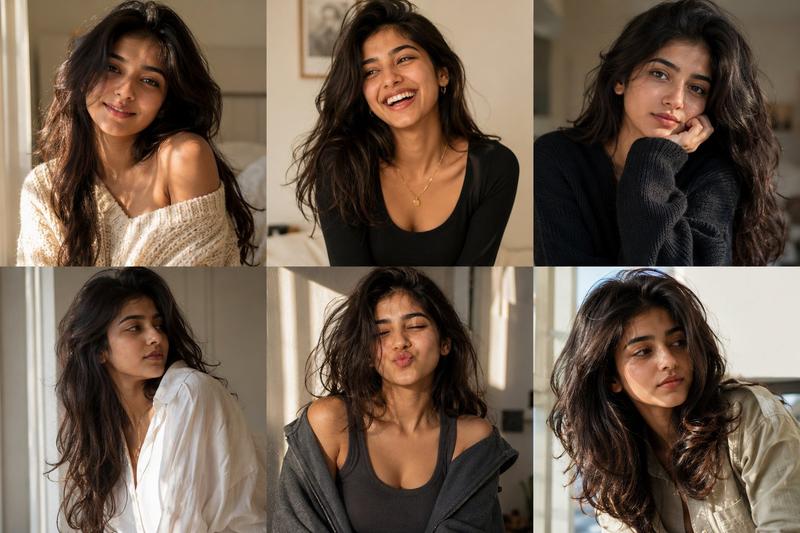
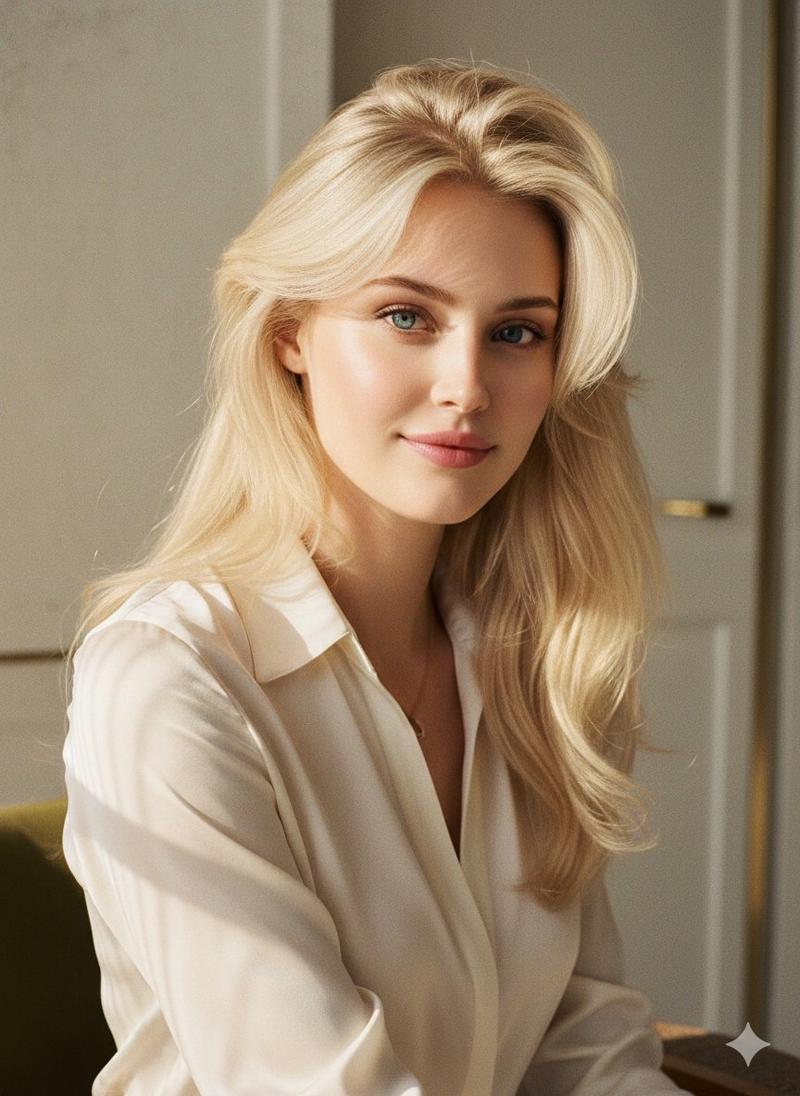
Cinematic editorial close-up of an {argument name="subject" default="elegant young woman with a tousled chin-length brunette bob"}, a few soft waves falling over one eye, radiant natural makeup, luminous glossy lips, and expressive emotional gaze. {argument name="lighting" default="Warm late-afternoon sunlight streams through a nearby window"}, creating cinematic shadow patterns and golden highlights across her face. Moody indoor setting with rich {argument name="color tone" default="amber and honey-toned color grading"}, intimate luxury fashion-magazine atmosphere, shallow depth of field, creamy background bokeh, and subtle film grain. Captured with an 85mm portrait lens at f/1.4 for dreamy focus falloff and ultra-realistic skin texture. Soft window light streaks, cozy cinematic mood, high-contrast lighting, refined editorial styling, photorealistic 8K detail, timeless Kodak Portra-inspired film aesthetic.
Category
Posters & Typography
Model
GPT Image 2
Creator
Jack
Views6
Source ID
22864
Published
May 27, 2026

Guide

About "编辑风格肖像特写"

What is this prompt for?

"编辑风格肖像特写" AI image prompt for GPT Image 2 (Posters & Typography). 一张电影质感的编辑风格特写,主角是一位妆容自然、双唇水润的女性,画面呈现温暖的午后窗边光影。 Copy it on Picva and recreate the look in one…

The full copyable prompt and example visuals above are ready for AI image generation or one-click recreate in Picva.

How to use this prompt

  1. Step 1

    Open the prompt detail

    Review the example visuals, category, and full prompt text for "编辑风格肖像特写".

  2. Step 2

    Copy the prompt

    Copy the prompt body from this page, or load it directly in Studio.

  3. Step 3

    Pick a model (GPT Image 2)

    Prefer GPT Image 2. If you switch models, keep subject and composition and tweak style terms.

  4. Step 4

    Generate and export

    Recreate the look in Picva, or export into your workflow for editing and publishing.

FAQ

What is the "编辑风格肖像特写" prompt?
It is an AI image-generation prompt for GPT Image 2 in the Posters & Typography category. This page includes the full prompt text, example visuals, and a one-click recreate path in Picva.
How do I use this prompt to generate an image?
Copy the prompt from this page, or use Generate / Studio. Paste it into a compatible image model, or recreate the look in Picva with optional reference images.
Which model is this prompt for?
This page lists GPT Image 2. Most descriptive prompts also transfer to nearby image models such as GPT Image, Flux, or Midjourney with light style tweaks.
Can I use the result commercially?
You can usually copy the prompt for creation, but commercial use of the final image depends on the model terms, reference-image rights, and the generated content. Follow the source author and platform rules.