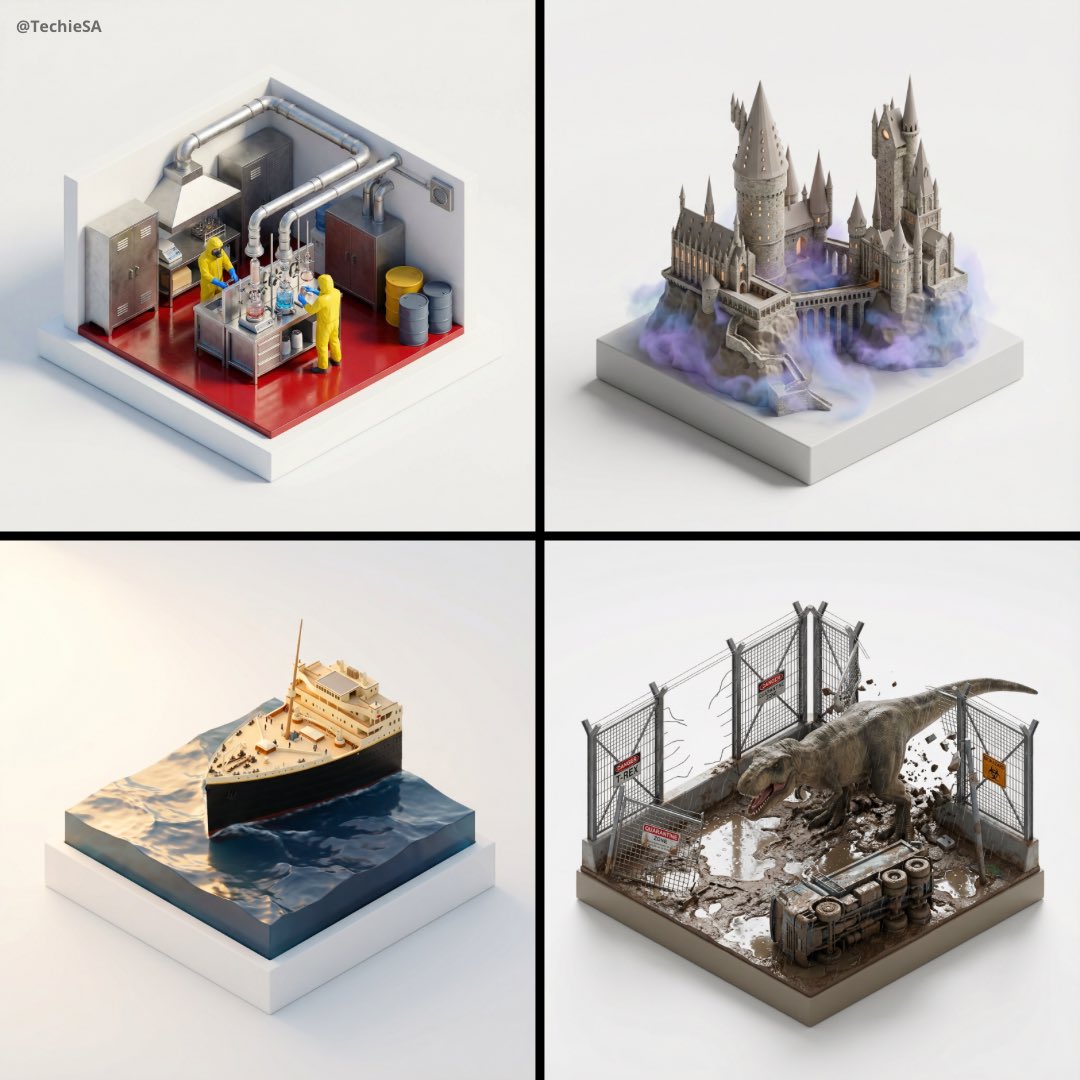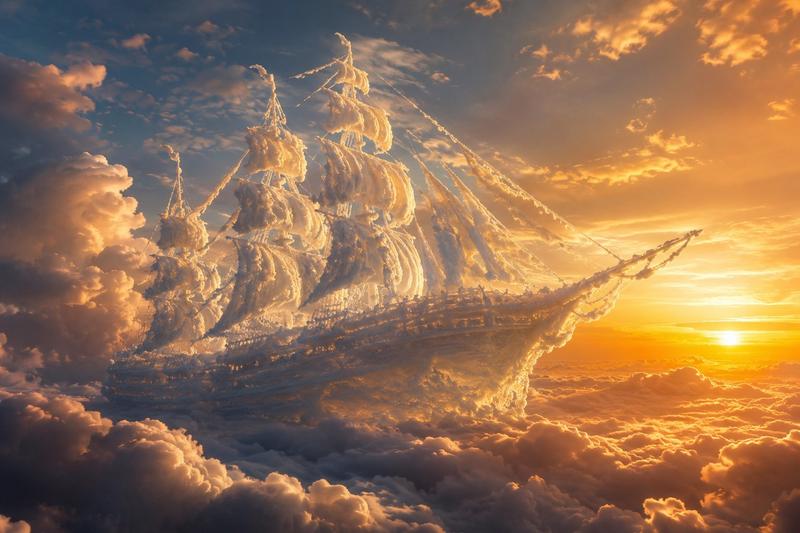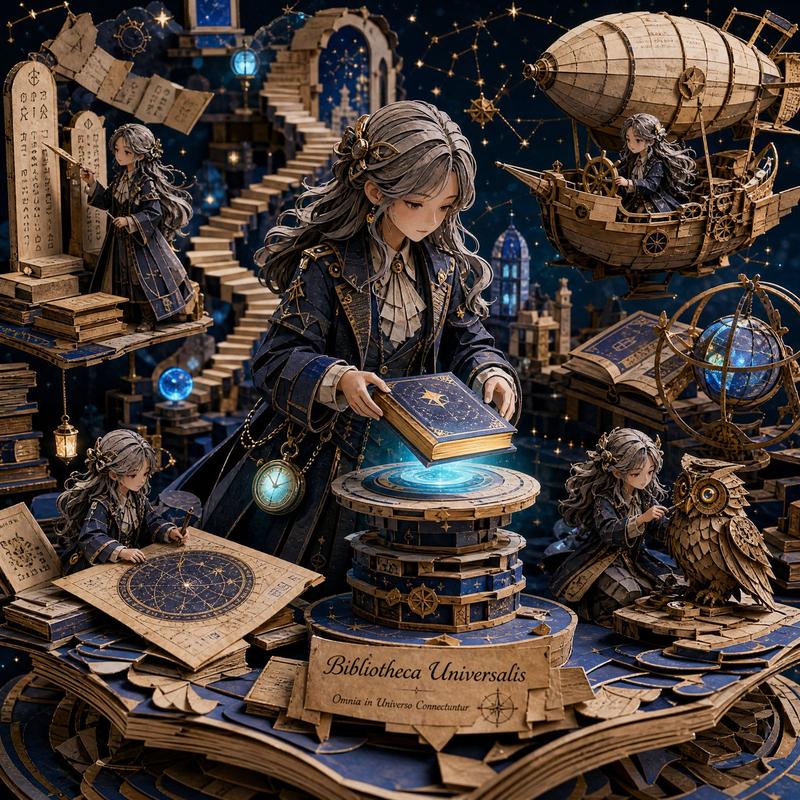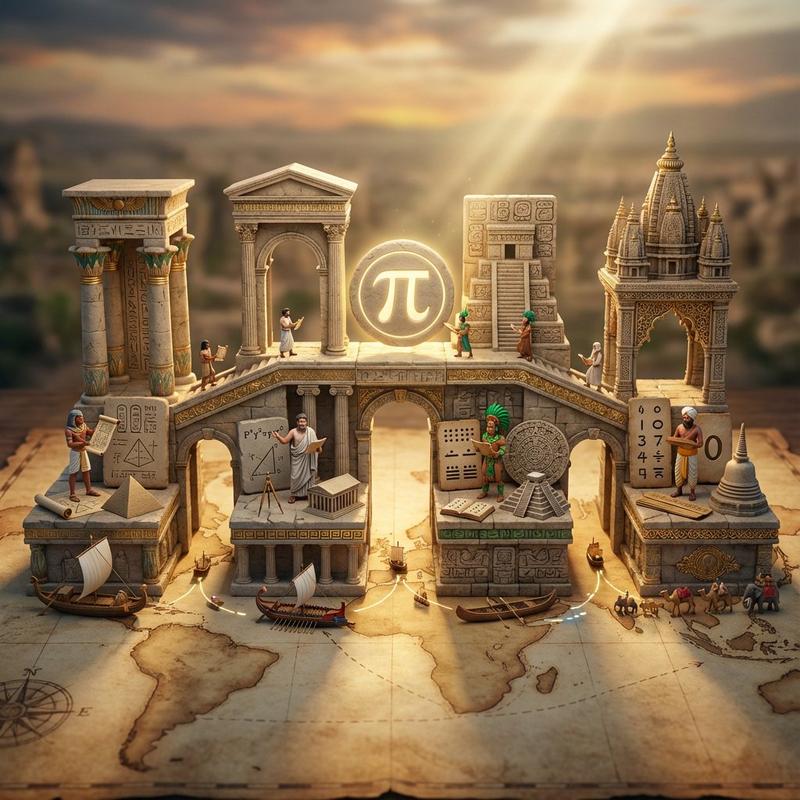
20

物质转换物理提示词
Enlarge

物质转换物理提示词

Prompt
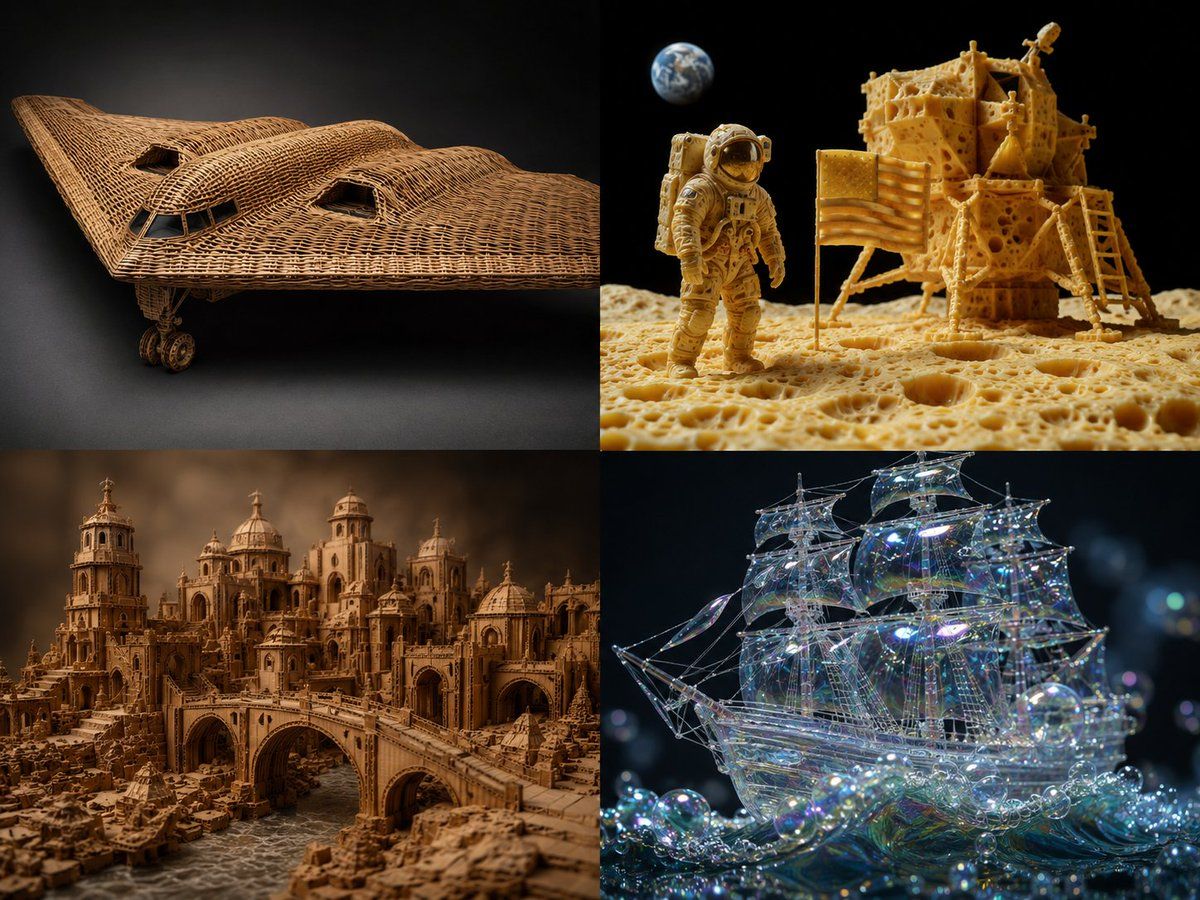
2x2 grid, {argument name="source object" default="b2 plane, moon landing scene"}, 2 other complex scenes with 4 fun materials -> translation_solve(source_object → target_material): source = [object] target_mat = [material] mapping_rules: - source.primary_function → target_mat.equivalent_function_in_new_material - source.surface_detail → target_mat.characteristic_texture * 2.0 - source.joinery_method → infer(connection_type from target_mat.physics) - source.weight_distribution → target_mat.density_logic * 1.5 - source.color_scheme → infer(natural_palette from target_mat.typical_hues) render( subject = source reconstructed_in target_mat, realism = "material properties must be physically plausible" * 1.8, detail = "zoomed macro view showing material authenticity" * 1.6, context = "isolated on complementary background" * 1.2 ) + studio_product_photography - (photoshop_texture_overlay / 5) - (impossible_material_behavior / 4) example: "{argument name="example source" default="sports car"} → {argument name="example material" default="woven rattan"}"
Category
Charts & Infographics
Model
GPT Image 2
Creator
Gadgetify
Views2
Source ID
22892
Published
May 27, 2026

Guide

About "物质转换物理提示词"

What is this prompt for?

"物质转换物理提示词" AI image prompt for GPT Image 2 (Charts & Infographics). 这是一个用于 GPT Image 2 的技术性物质转换提示词,通过映射规则在保持物理合理性的前提下,将物体以新材质进行逼真重构。 Copy it on Picva and recr…

The full copyable prompt and example visuals above are ready for AI image generation or one-click recreate in Picva.

How to use this prompt

  1. Step 1

    Open the prompt detail

    Review the example visuals, category, and full prompt text for "物质转换物理提示词".

  2. Step 2

    Copy the prompt

    Copy the prompt body from this page, or load it directly in Studio.

  3. Step 3

    Pick a model (GPT Image 2)

    Prefer GPT Image 2. If you switch models, keep subject and composition and tweak style terms.

  4. Step 4

    Generate and export

    Recreate the look in Picva, or export into your workflow for editing and publishing.

FAQ

What is the "物质转换物理提示词" prompt?
It is an AI image-generation prompt for GPT Image 2 in the Charts & Infographics category. This page includes the full prompt text, example visuals, and a one-click recreate path in Picva.
How do I use this prompt to generate an image?
Copy the prompt from this page, or use Generate / Studio. Paste it into a compatible image model, or recreate the look in Picva with optional reference images.
Which model is this prompt for?
This page lists GPT Image 2. Most descriptive prompts also transfer to nearby image models such as GPT Image, Flux, or Midjourney with light style tweaks.
Can I use the result commercially?
You can usually copy the prompt for creation, but commercial use of the final image depends on the model terms, reference-image rights, and the generated content. Follow the source author and platform rules.