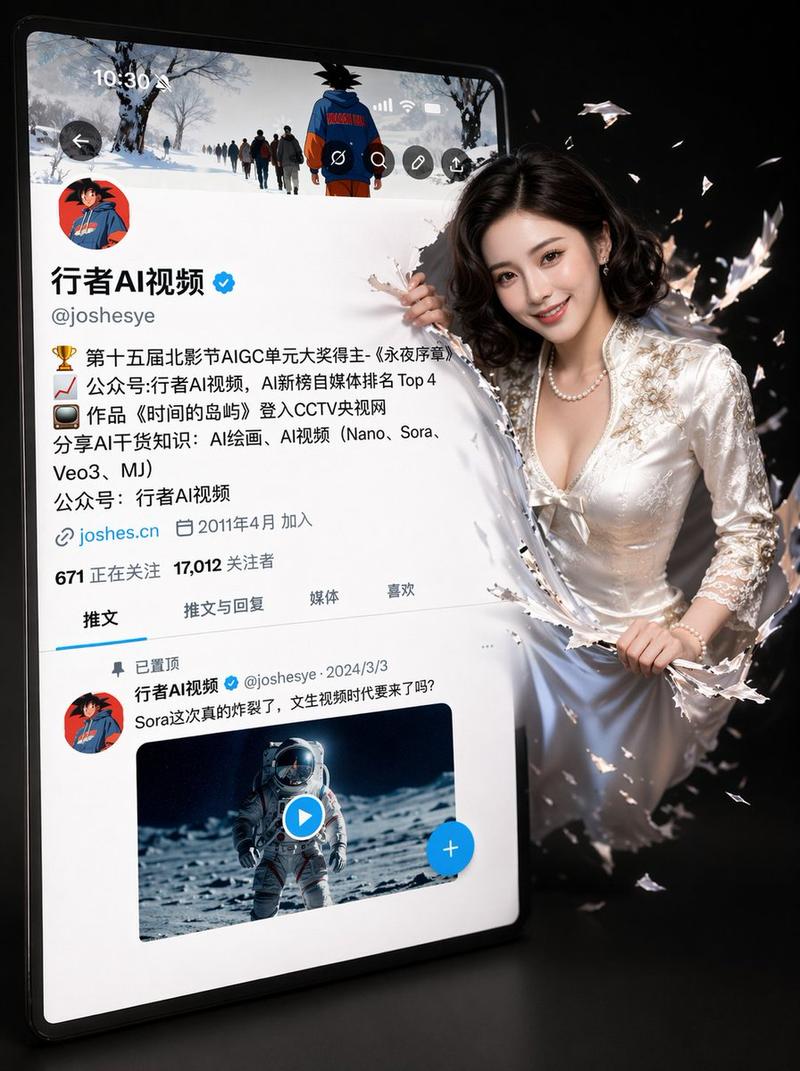
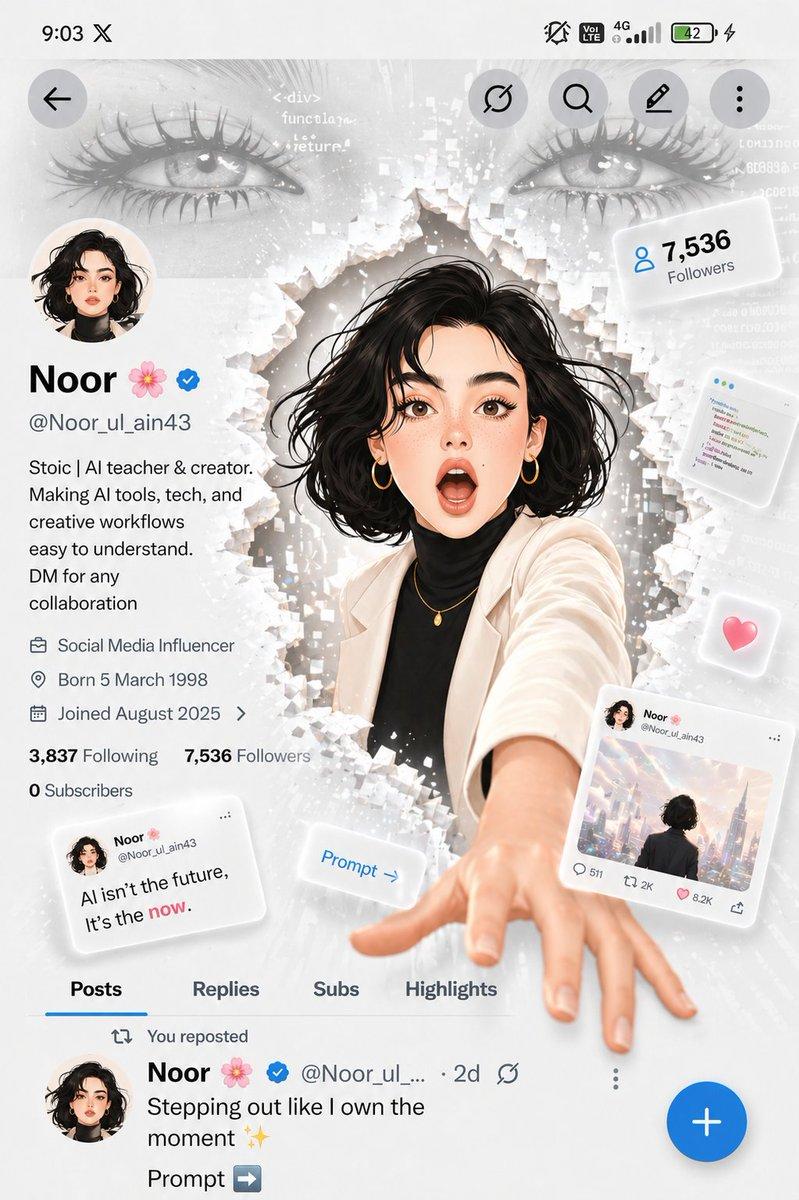
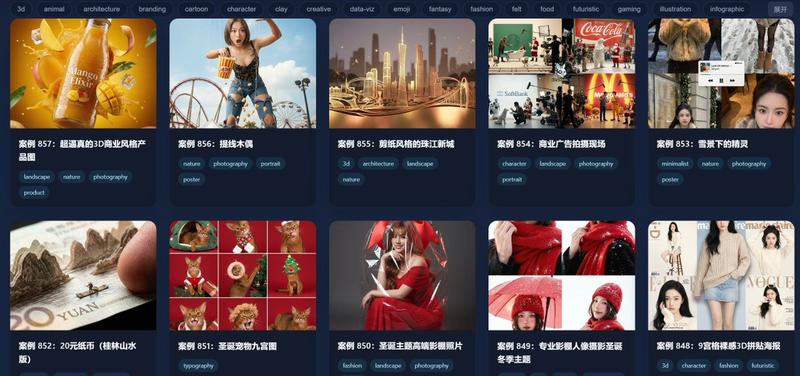
四卡片 AI 灵感画廊
Prompt
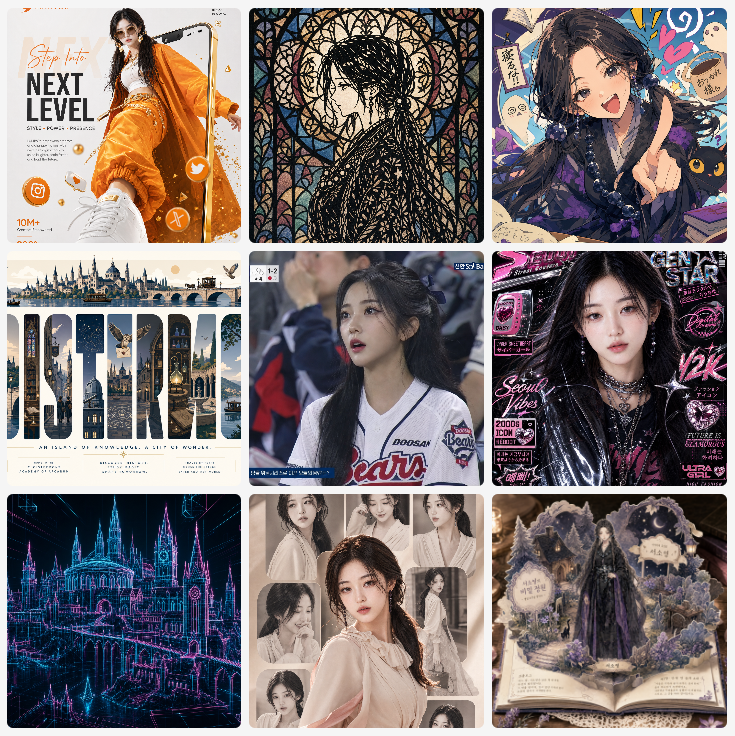
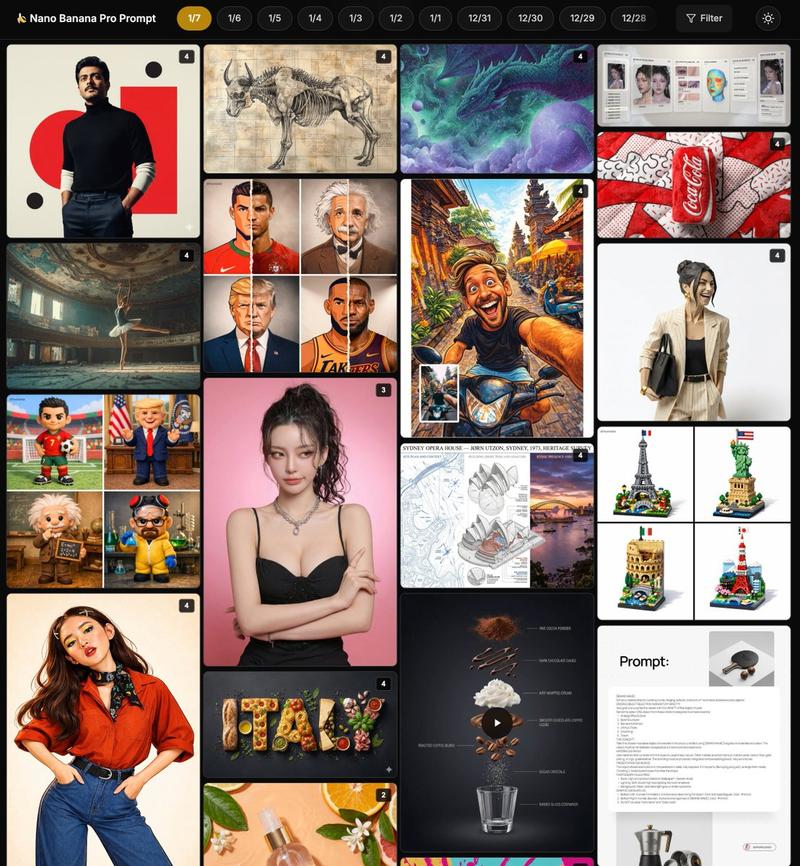
Goal: Create a clean mobile-style inspiration gallery screen showing four rounded image cards in a 2-column grid, like a GPT Image 2 prompt inspiration website. The overall feeling should be glossy, creative, trend-focused, and suitable for showcasing different AI image prompt examples.

Canvas: Vertical smartphone screenshot aspect ratio, white background, soft margins, rounded card corners, no visible browser chrome. At the very top, include a very subtle pale beige pill-shaped header area with tiny centered uppercase text reading “LIVE · LOVE · LICENSE” or similarly faint decorative navigation text.

Layout: Use exactly 4 visible cards arranged in a 2-by-2 grid with narrow white gutters and large rounded corners. The bottom edge may crop slightly as if the page continues below. Each card should have a different visual style and subject.

Card count and descriptions:
1. Top-left card: A cyberpunk Japanese street-poster fashion portrait of {argument name="main character" default="a young woman with long dark hair"}. She poses in front of a dense Tokyo grunge poster wall filled with large red Japanese brush lettering, warning labels, barcode graphics, graffiti tags, black-red-turquoise accents, and sticker-like typography. Outfit: oversized pale satin bomber jacket worn off one shoulder, black graphic tank top, denim jeans, metal chain belt, necklace, bracelets, one hand lifted to her head. Include readable English fragments such as “TOKYO,” “DANGER,” and “WORLDWIDE,” plus vertical Japanese-style text strips.
2. Top-right card: A magical hologram scene in warm peach-pink light. Two hands hold a glossy black social-media profile card or smartphone card labeled {argument name="profile name" default="Aigirl"}. From the card rises a full-body translucent holographic woman in a flowing pale blue off-shoulder gown, standing in a column of sparkling light. Add small profile thumbnails, UI icons, follower-like numbers, faint city imagery, drifting petals, bokeh, and cinematic lens glow.
3. Bottom-left card: A loose fashion illustration/sketch portrait of {argument name="sketch subject" default="a young woman with messy dark shoulder-length hair"} on a white paper background. Style: expressive black pencil lines, watercolor blushes, pink-purple highlights, imperfect ink splatters, hearts, stars, handwritten motivational doodles. Outfit: black lace camisole with a pale pink cardigan slipping from the shoulders. Include small handwritten English phrases such as “You got this,” “LOVE,” “Keep shining,” and “for you.”
4. Bottom-right card: A stylized 3D caricature football figure on a solid vivid red studio background. The player has an oversized head and short body, standing arms crossed in a confident pose. Outfit: {argument name="team kit color" default="bright yellow football kit with blue trim"}, matching yellow socks, white cleats, black captain armband, jersey number 7 visible, polished toy-figurine rendering with realistic fabric and shoes.

Visual style: High-resolution polished AI gallery aesthetic, sharp image cards, soft rounded corners, realistic lighting in some cards and illustration style in others. Make the cards look like curated prompt examples from an inspiration website rather than a single unified scene.

Constraints: Use exactly four main image cards. Keep the grid clean and evenly spaced. Do not add extra cards, watermarks, captions outside the cards, or heavy interface controls. Faces may be softly obscured or simplified, but the pose, clothing, card composition, and style differences must remain clear.- Category
- Charts & Infographics
- Model
- GPT Image 2
- Creator
- serein
- Source ID
- 23074
- Published
- May 28, 2026
Views3