14

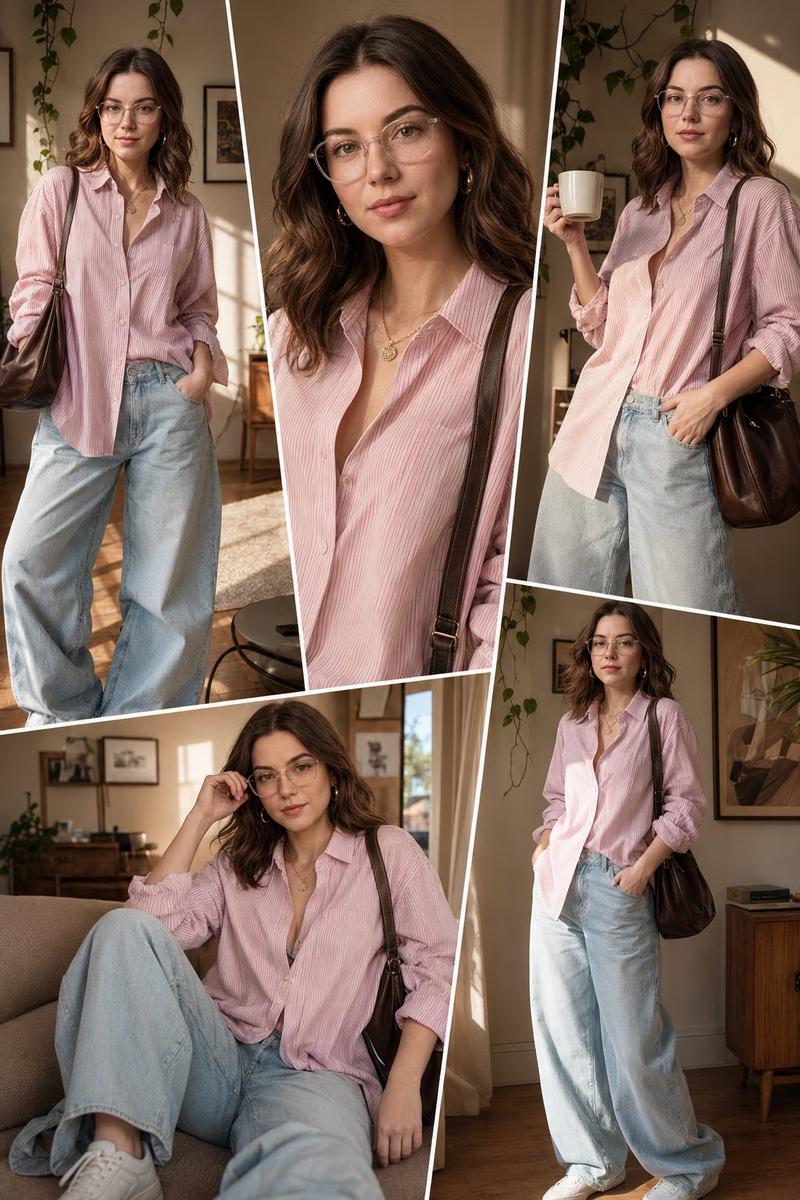
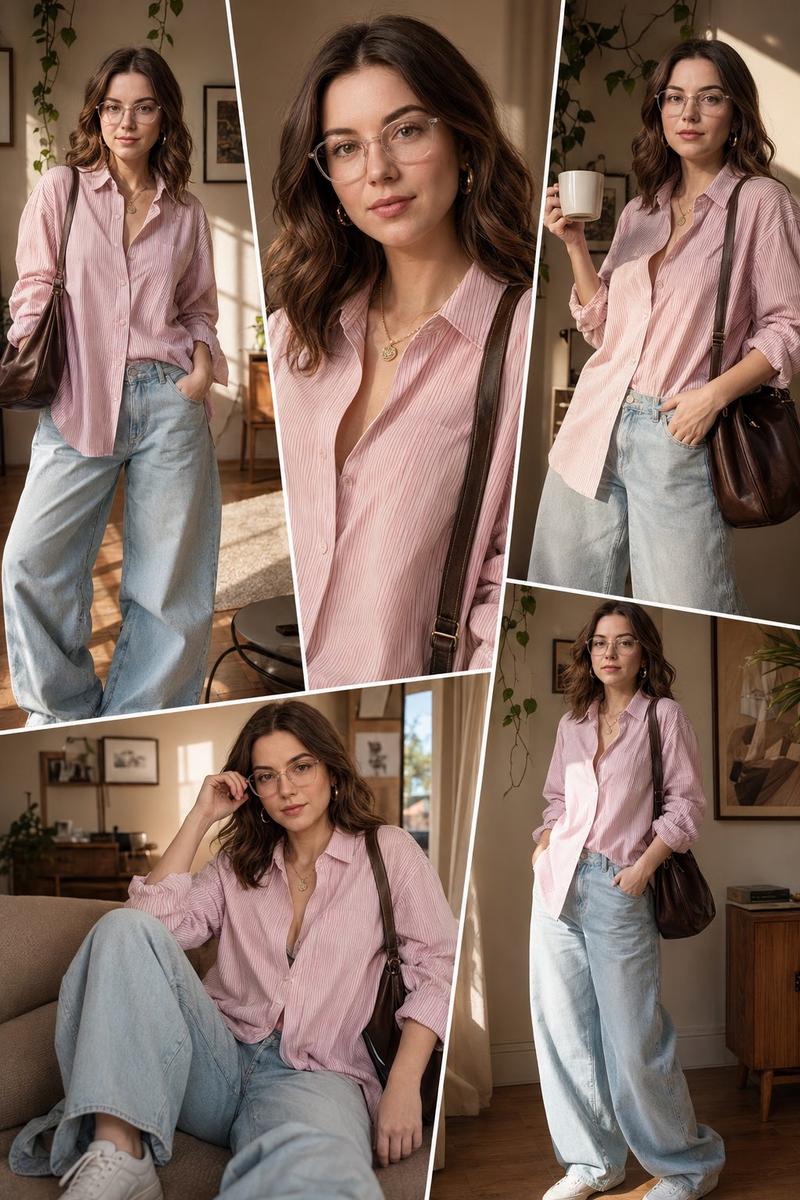
阳光室内时尚拼贴画
Enlarge

阳光室内时尚拼贴画

Prompt
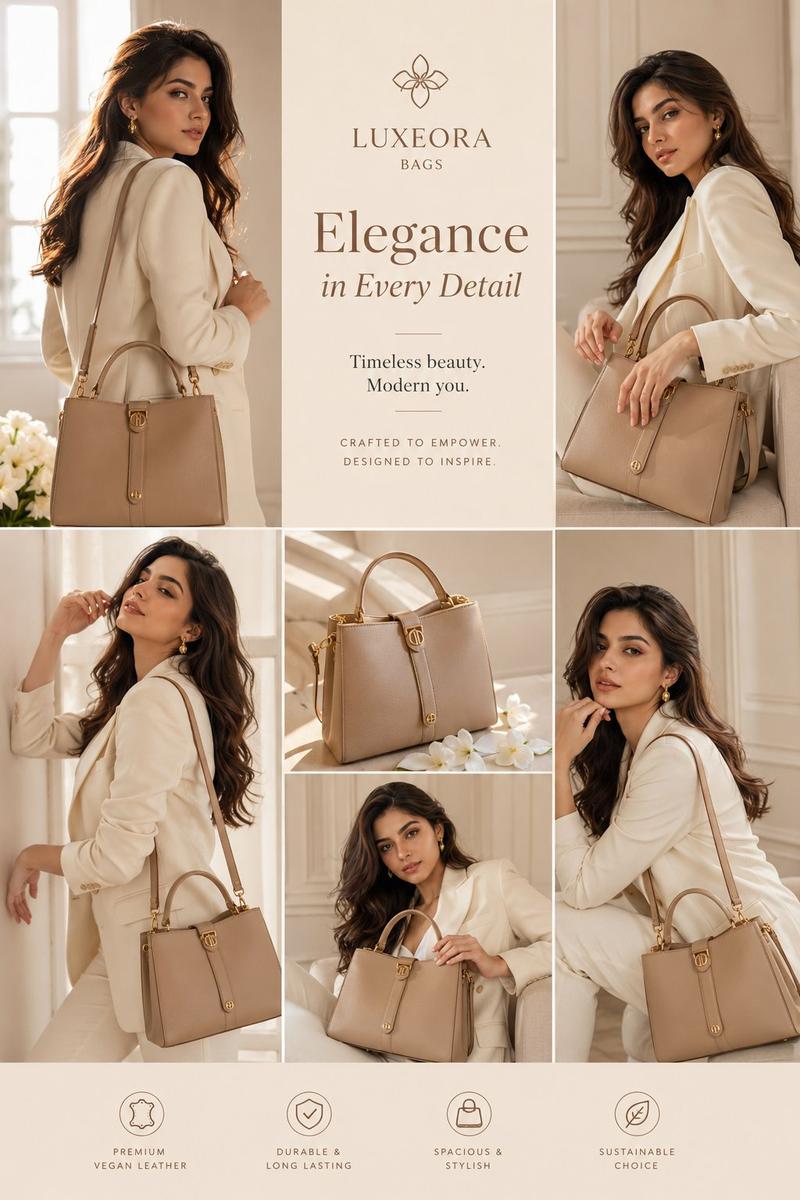
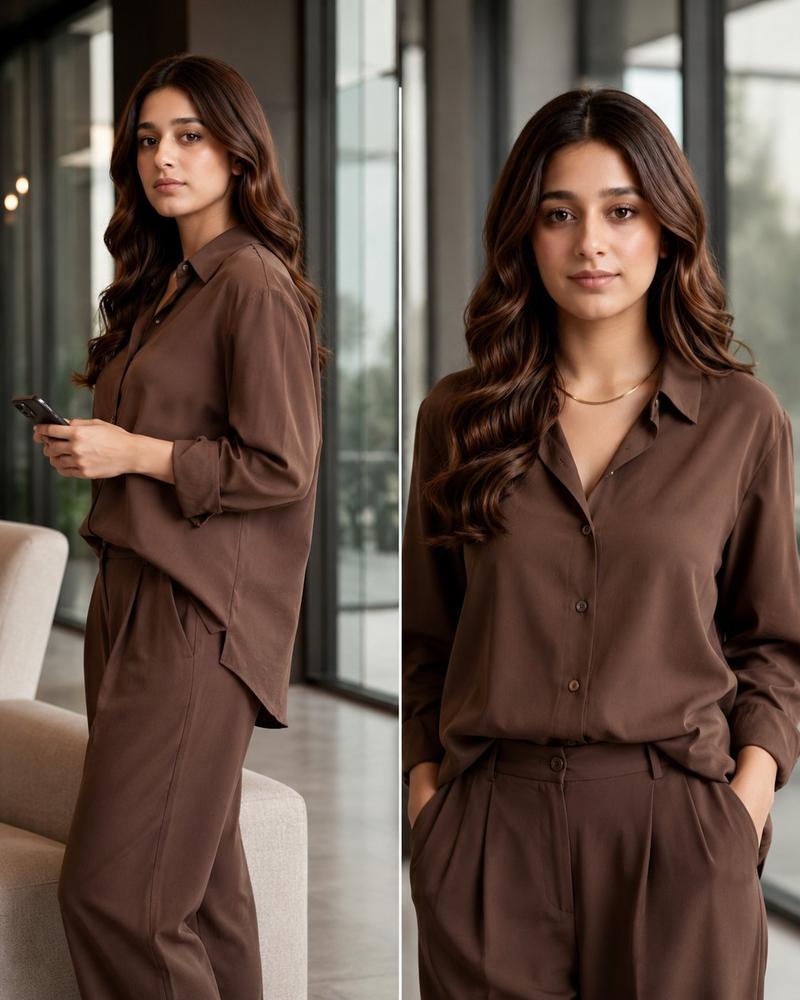
Ultra realistic fashion collage of a {argument name="subject" default="woman"} in 5 different poses inside a {argument name="setting" default="warm sunlit aesthetic apartment"}, soft golden hour lighting casting natural window shadows on beige walls, long wavy brown hair, glowing skin, minimal makeup, elegant gold earrings and necklace, oversized pink and white striped button-up shirt, loose light-wash wide-leg baggy jeans, white sneakers, dark brown shoulder bag.

Magazine-style collage layout with diagonal white borders separating each pose, full body and close-up portrait shots mixed together, cozy modern interior with hanging green vines and framed wall art in background. Soft cinematic lighting, dreamy Korean fashion editorial vibe, natural skin texture, highly detailed fabric folds, relaxed confident expressions, Pinterest aesthetic, Instagram fashion lookbook style, ultra detailed, realistic photography, shallow depth of field, 8k quality.
Category
Charts & Infographics
Model
GPT Image 2
Views0
Source ID
23188
Published
May 29, 2026

Guide

About "阳光室内时尚拼贴画"

What is this prompt for?

"阳光室内时尚拼贴画" AI image prompt for GPT Image 2 (Charts & Infographics). 一份详细的布局提示词,用于在充满美感的阳光公寓背景下,创作杂志风格的时尚摄影拼贴画。 Copy it on Picva and recreate the look in one c…

The full copyable prompt and example visuals above are ready for AI image generation or one-click recreate in Picva.

How to use this prompt

  1. Step 1

    Open the prompt detail

    Review the example visuals, category, and full prompt text for "阳光室内时尚拼贴画".

  2. Step 2

    Copy the prompt

    Copy the prompt body from this page, or load it directly in Studio.

  3. Step 3

    Pick a model (GPT Image 2)

    Prefer GPT Image 2. If you switch models, keep subject and composition and tweak style terms.

  4. Step 4

    Generate and export

    Recreate the look in Picva, or export into your workflow for editing and publishing.

FAQ

What is the "阳光室内时尚拼贴画" prompt?
It is an AI image-generation prompt for GPT Image 2 in the Charts & Infographics category. This page includes the full prompt text, example visuals, and a one-click recreate path in Picva.
How do I use this prompt to generate an image?
Copy the prompt from this page, or use Generate / Studio. Paste it into a compatible image model, or recreate the look in Picva with optional reference images.
Which model is this prompt for?
This page lists GPT Image 2. Most descriptive prompts also transfer to nearby image models such as GPT Image, Flux, or Midjourney with light style tweaks.
Can I use the result commercially?
You can usually copy the prompt for creation, but commercial use of the final image depends on the model terms, reference-image rights, and the generated content. Follow the source author and platform rules.