18

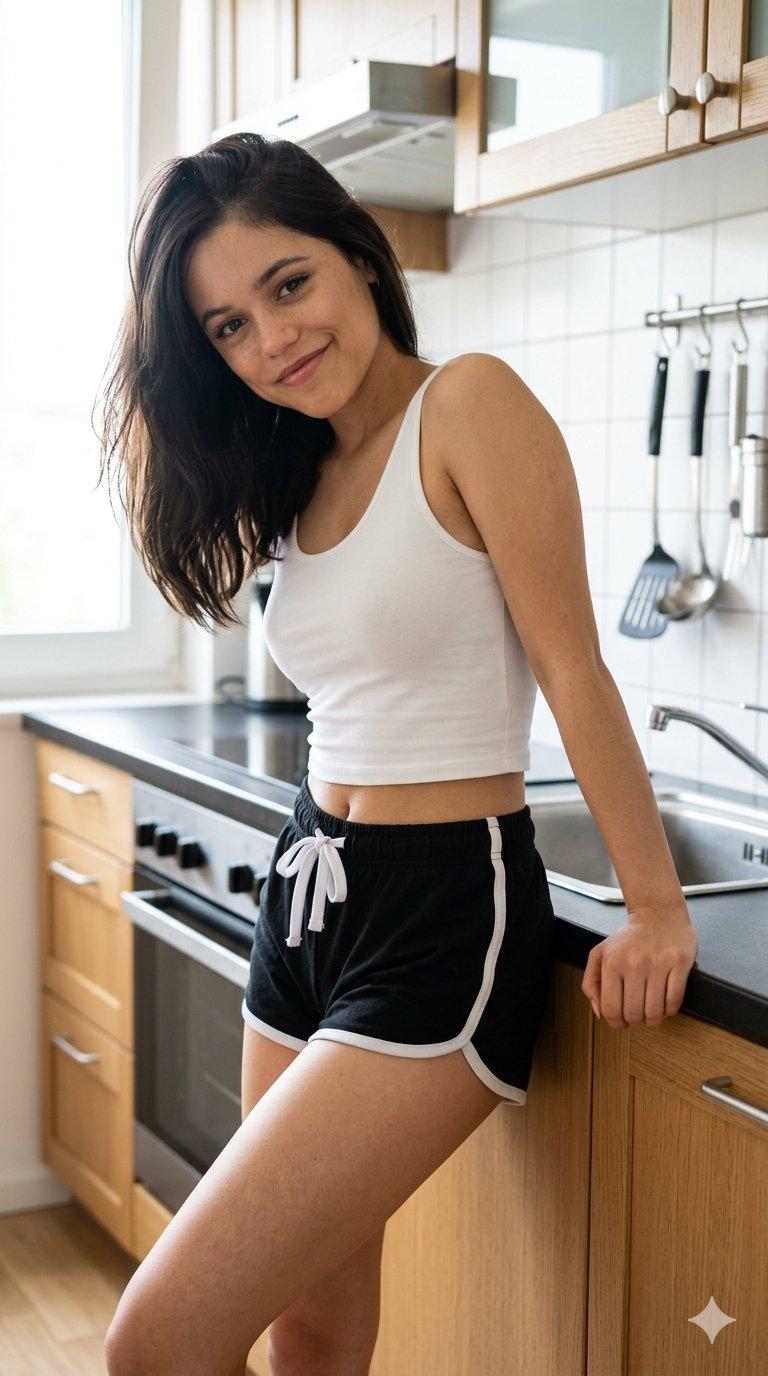
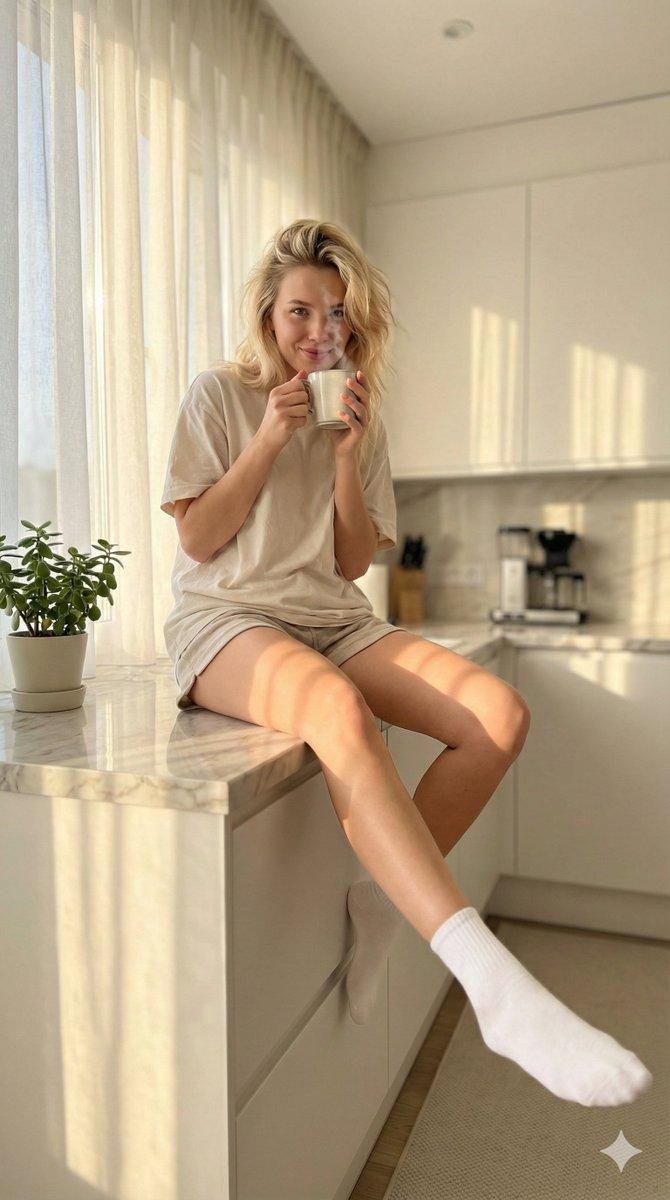
厨房烘焙抓拍照片
Enlarge

Example images

厨房烘焙抓拍照片

Prompt
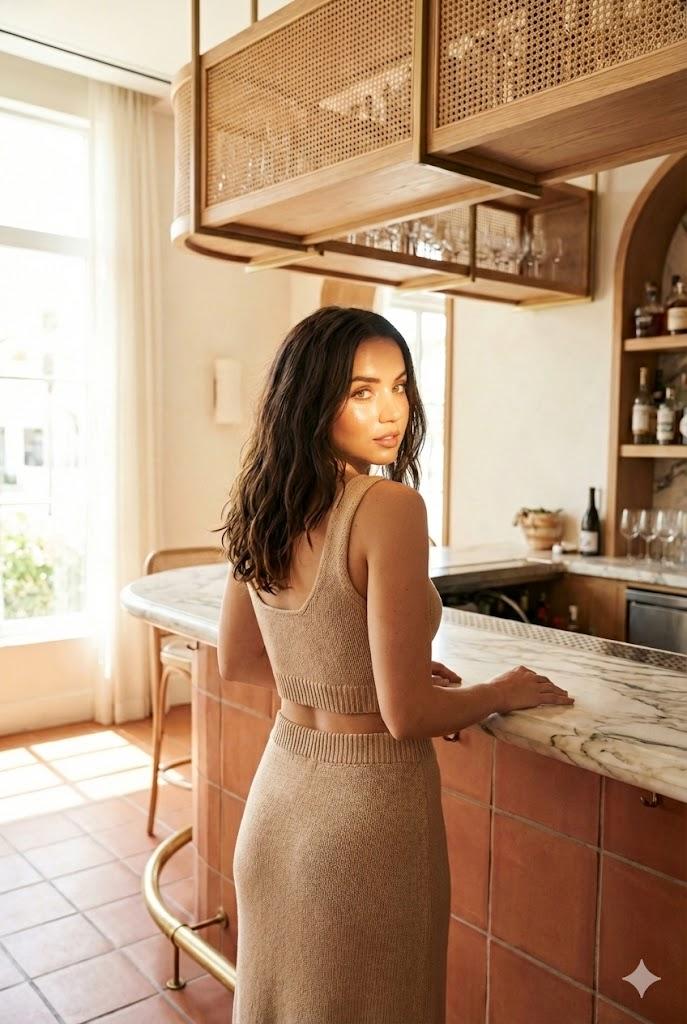
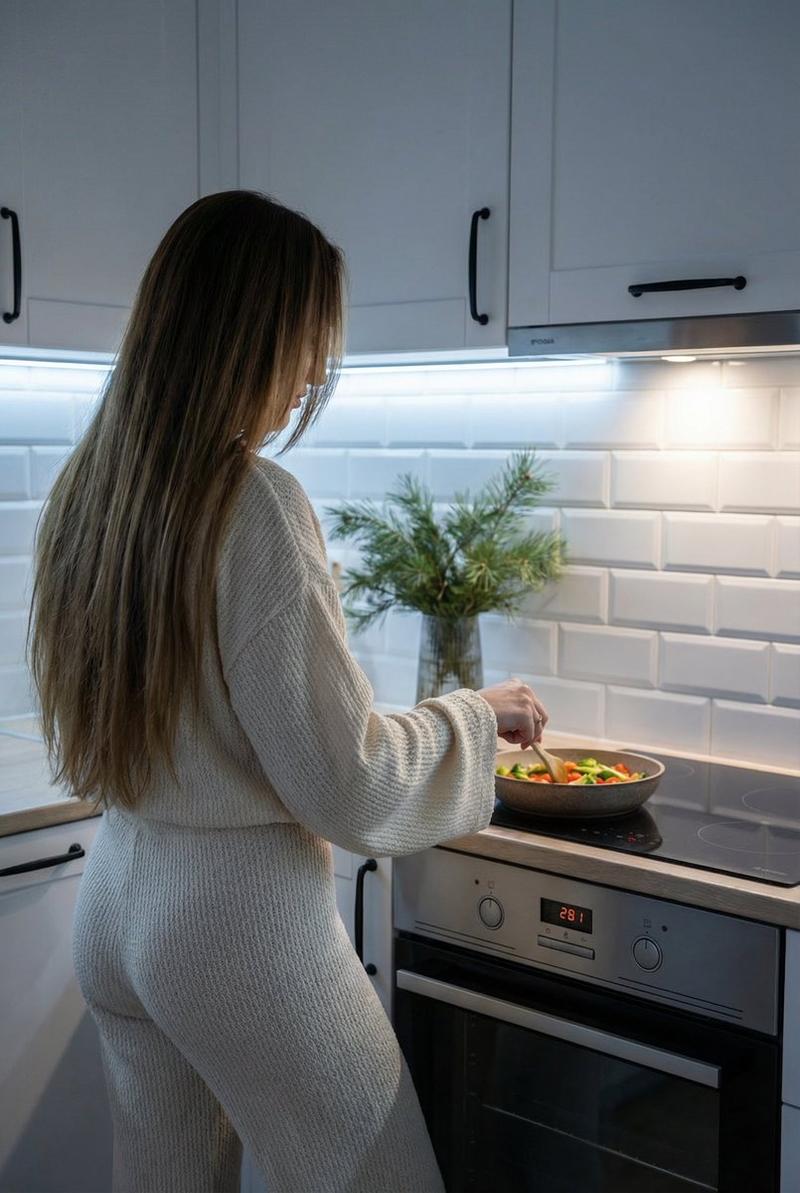
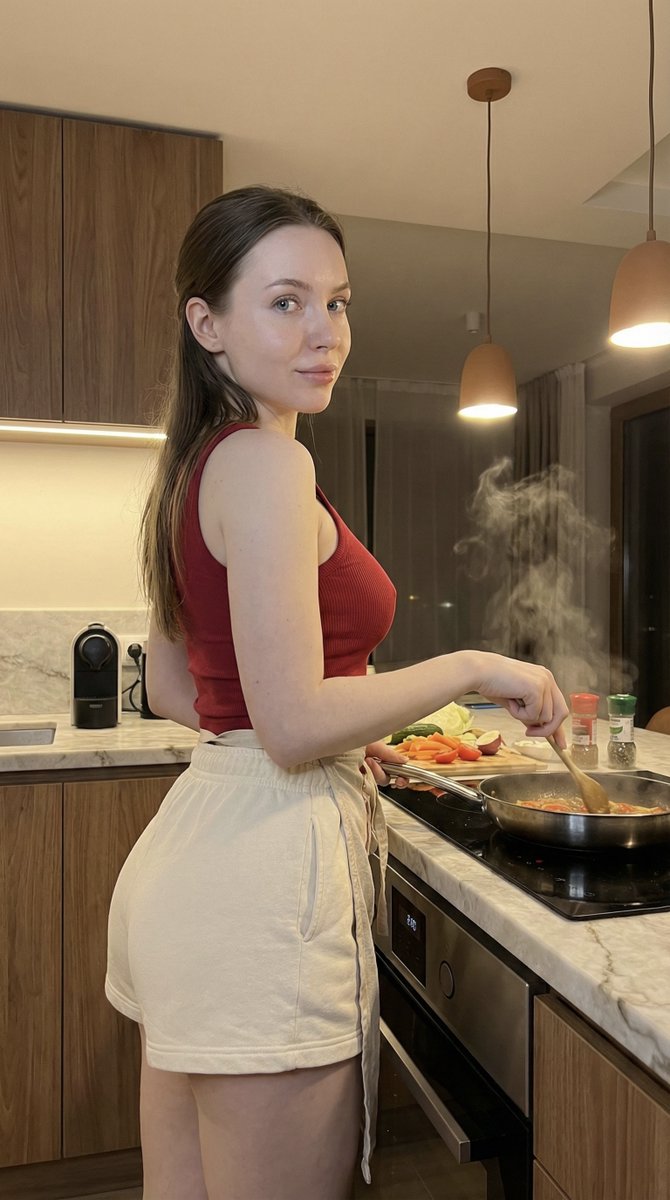
Create a realistic candid smartphone-style photo of an adult woman cooking in a compact modern apartment kitchen, viewed from behind at waist-to-head height. She has {argument name="hair color" default="dark brown"} hair tied in a messy high bun and her face is intentionally obscured by a soft rectangular blur for privacy. She wears a fitted {argument name="top color" default="white"} short-sleeve ribbed crop T-shirt and loose high-waisted {argument name="pants color" default="white"} wide-leg lounge pants with subtle vertical texture. She stands at a white countertop beside a stainless sink, one hand near a metal mixing bowl filled with flour or dough ingredients. On the counter include exactly 4 visible main items: a metal mixing bowl, a white flour bag with Korean-style packaging, a black smartphone lying flat, and a clear measuring cup. The kitchen has white cabinets, a white tile backsplash, a range hood, and two black wall-mounted spice shelves holding many small jars and bottles. On the left side show a large frosted-glass window with a dark frame and a white trash bin below it. Use warm indoor lighting, natural shadows, light wood flooring, casual lived-in atmosphere, vertical 4:5 composition, photorealistic detail, no glamour lighting, no watermark, no added text.
Category
Posters & Typography
Model
GPT Image 2
Creator
L Erik
Views1
Source ID
23234
Published
May 29, 2026

Guide

About "厨房烘焙抓拍照片"

What is this prompt for?

"厨房烘焙抓拍照片" AI image prompt for GPT Image 2 (Posters & Typography). 一张写实的竖版生活方式照片,展示了一位成年女性在小型现代厨房中准备食物的场景,适用于生成自然的家居生活画面。 Copy it on Picva and recreate the loo…

The full copyable prompt and example visuals above are ready for AI image generation or one-click recreate in Picva.

How to use this prompt

  1. Step 1

    Open the prompt detail

    Review the example visuals, category, and full prompt text for "厨房烘焙抓拍照片".

  2. Step 2

    Copy the prompt

    Copy the prompt body from this page, or load it directly in Studio.

  3. Step 3

    Pick a model (GPT Image 2)

    Prefer GPT Image 2. If you switch models, keep subject and composition and tweak style terms.

  4. Step 4

    Generate and export

    Recreate the look in Picva, or export into your workflow for editing and publishing.

FAQ

What is the "厨房烘焙抓拍照片" prompt?
It is an AI image-generation prompt for GPT Image 2 in the Posters & Typography category. This page includes the full prompt text, example visuals, and a one-click recreate path in Picva.
How do I use this prompt to generate an image?
Copy the prompt from this page, or use Generate / Studio. Paste it into a compatible image model, or recreate the look in Picva with optional reference images.
Which model is this prompt for?
This page lists GPT Image 2. Most descriptive prompts also transfer to nearby image models such as GPT Image, Flux, or Midjourney with light style tweaks.
Can I use the result commercially?
You can usually copy the prompt for creation, but commercial use of the final image depends on the model terms, reference-image rights, and the generated content. Follow the source author and platform rules.