18

带隐私遮挡的舒适窗边肖像
Enlarge

Example images

带隐私遮挡的舒适窗边肖像

Prompt
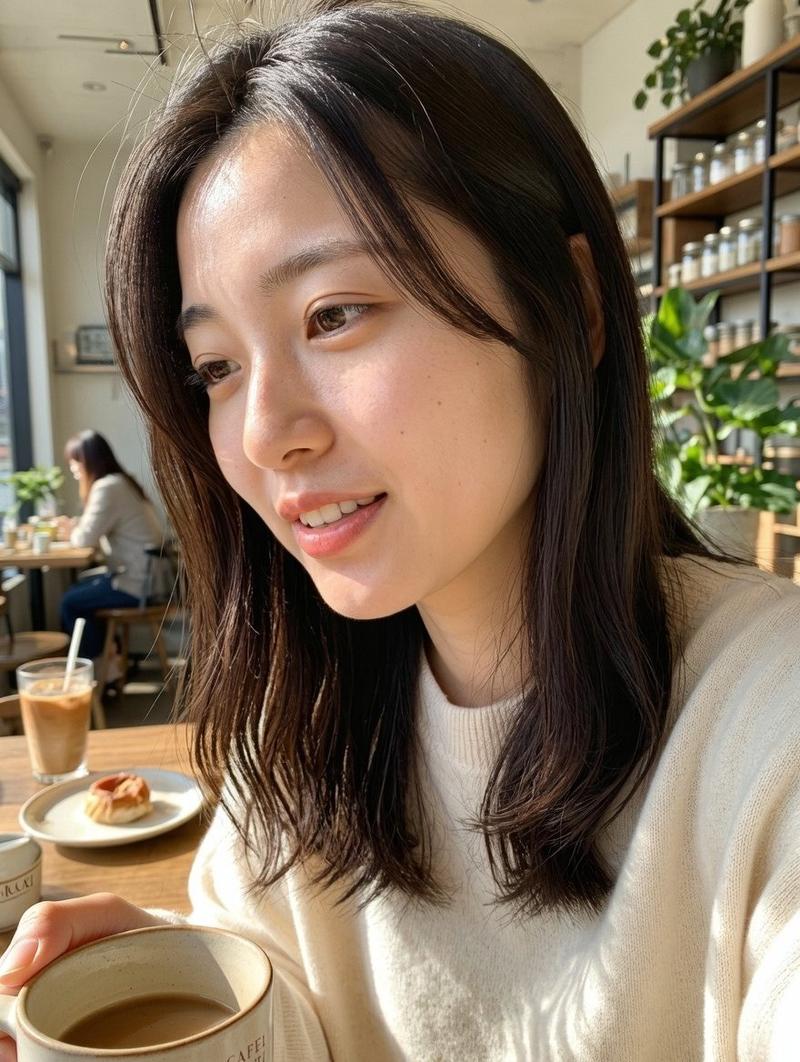
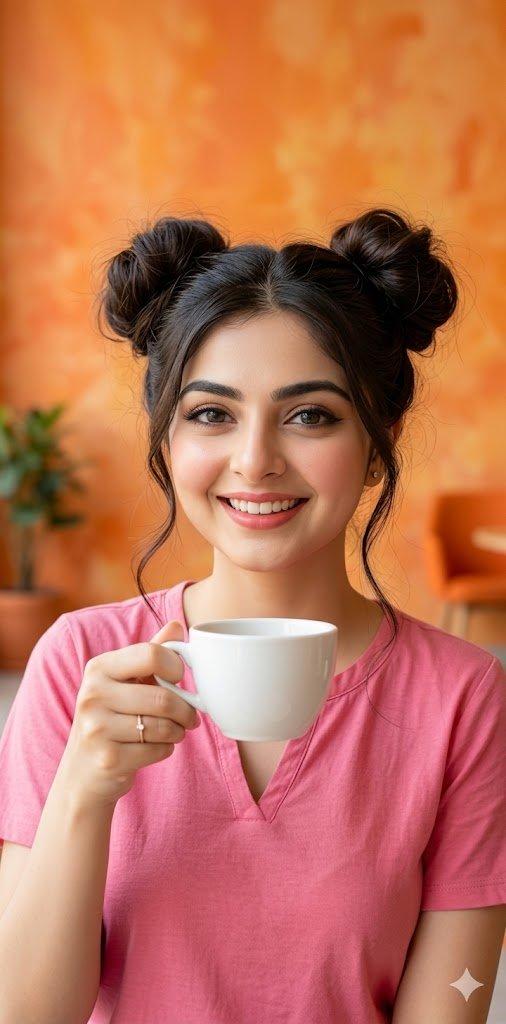
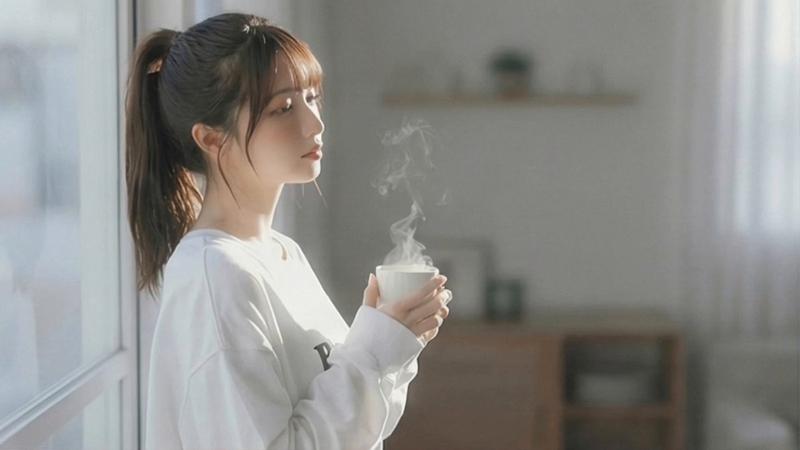
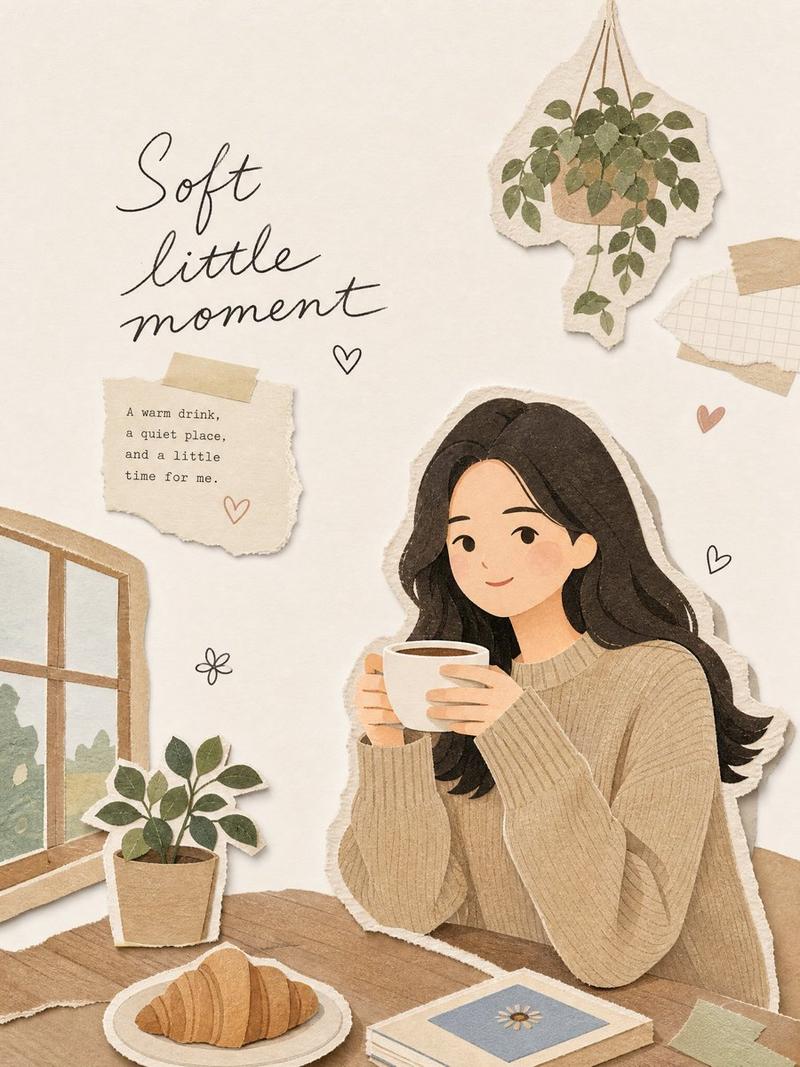
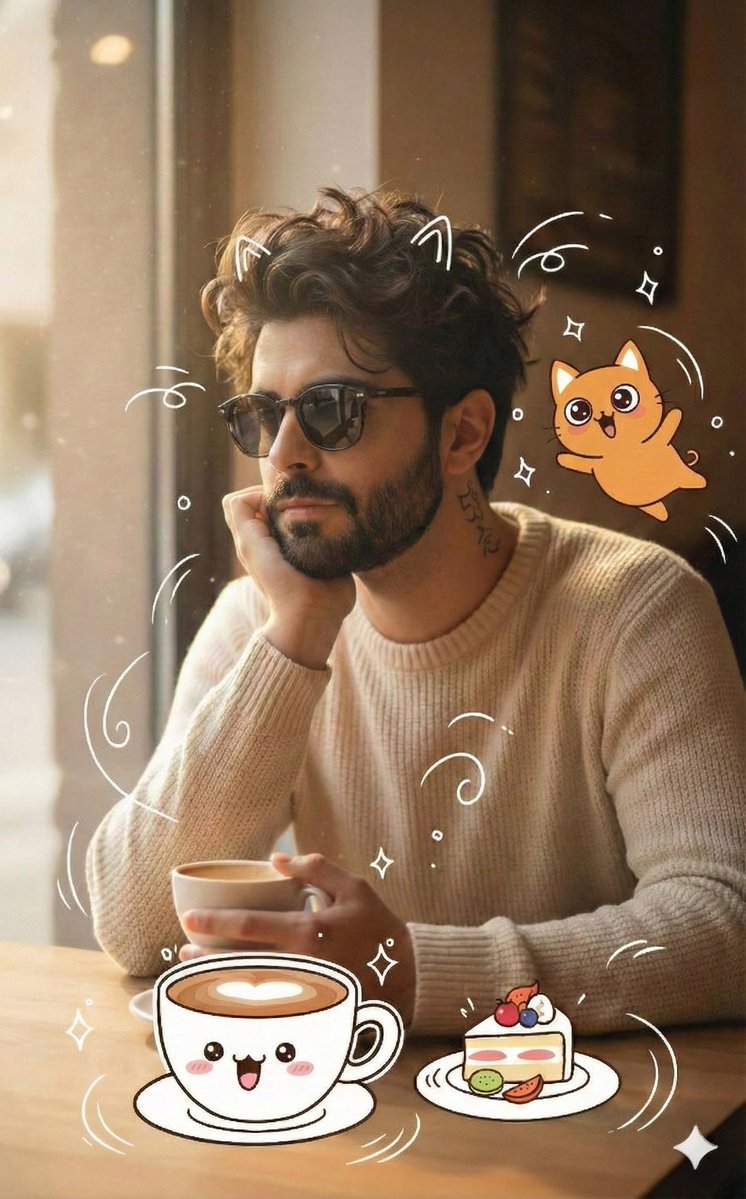
Create a realistic, softly lit indoor lifestyle portrait of {argument name="subject" default="a young woman"} sitting at a wooden table beside a large window on the left, holding a small beige ceramic mug near her mouth with one hand. She has {argument name="hair color and style" default="dark brown hair tied back in a loose low ponytail with wispy strands"} and wears {argument name="outfit" default="a light gray T-shirt under an oversized cream knit cardigan with long sleeves"}. Add black eyeglasses partially visible at the left side of the face. The face must be fully covered by one centered opaque square privacy block in a muted warm taupe color, extending from the forehead to below the mouth, with sharp edges and no facial features visible. The setting is a cozy home interior with warm morning sunlight streaming through the window, soft shadows on the cardigan and mug, blurred greenery outside, a small plant near the windowsill, neutral beige walls, and a wooden chair back on the right edge. Use shallow depth of field, natural window light, realistic photography, vertical 4:5 composition, calm intimate mood, no text, no watermark, no extra people.
Category
Charts & Infographics
Model
GPT Image 2
Creator
Soran
Views2
Source ID
23236
Published
May 29, 2026

Guide

About "带隐私遮挡的舒适窗边肖像"

What is this prompt for?

"带隐私遮挡的舒适窗边肖像" AI image prompt for GPT Image 2 (Charts & Infographics). 一个写实的生活方式肖像提示词,用于创作温馨的室内咖啡场景,其中人物面部被一个方形隐私遮挡块刻意遮盖。 Copy it on Picva and recreate the lo…

The full copyable prompt and example visuals above are ready for AI image generation or one-click recreate in Picva.

How to use this prompt

  1. Step 1

    Open the prompt detail

    Review the example visuals, category, and full prompt text for "带隐私遮挡的舒适窗边肖像".

  2. Step 2

    Copy the prompt

    Copy the prompt body from this page, or load it directly in Studio.

  3. Step 3

    Pick a model (GPT Image 2)

    Prefer GPT Image 2. If you switch models, keep subject and composition and tweak style terms.

  4. Step 4

    Generate and export

    Recreate the look in Picva, or export into your workflow for editing and publishing.

FAQ

What is the "带隐私遮挡的舒适窗边肖像" prompt?
It is an AI image-generation prompt for GPT Image 2 in the Charts & Infographics category. This page includes the full prompt text, example visuals, and a one-click recreate path in Picva.
How do I use this prompt to generate an image?
Copy the prompt from this page, or use Generate / Studio. Paste it into a compatible image model, or recreate the look in Picva with optional reference images.
Which model is this prompt for?
This page lists GPT Image 2. Most descriptive prompts also transfer to nearby image models such as GPT Image, Flux, or Midjourney with light style tweaks.
Can I use the result commercially?
You can usually copy the prompt for creation, but commercial use of the final image depends on the model terms, reference-image rights, and the generated content. Follow the source author and platform rules.